1. Introduction
Thank you for choosing the AWLKIM Digital Instant Read Meat Thermometer. This device is designed to provide quick and accurate temperature readings for various cooking applications, ensuring your food is cooked to perfection and safe for consumption. Please read this manual thoroughly before use to ensure proper operation and maintenance.

Image 1.1: AWLKIM Digital Meat Thermometer and accompanying instruction guide.
2. Safety Information
- Probe Tip: The probe tip is sharp. Handle with care to prevent injury.
- High Temperatures: Do not leave the thermometer in an oven or closed grill while cooking. The plastic handle is not designed for continuous high heat exposure.
- Cleaning: The thermometer is IP67 waterproof for rinsing, but do not immerse the entire unit in water or other liquids for extended periods.
- Children: Keep out of reach of children.
- Battery: Ensure correct battery polarity during installation. Dispose of used batteries responsibly.
3. Package Contents
- 1 x AWLKIM Digital Instant Read Meat Thermometer (Model TBX-GGT)
- 1 x 9V Battery (included, may be pre-installed or separate)
- 1 x User Manual
4. Product Features
- Fast & Accurate Readings: Provides temperature readings in 1-2 seconds.
- Wide Temperature Range: Measures from -50°C to 300°C (-58°F to 572°F).
- IP67 Waterproof: Designed for easy cleaning under running water.
- Backlit LCD Display: Ensures clear readability in various lighting conditions.
- Foldable Probe: 180° foldable stainless steel probe for safety and convenient storage.
- Magnetic Back: Allows for easy attachment to metallic surfaces like refrigerators or grills.
- Temperature Hold Function: Locks the current temperature reading on the display.
- °C/°F Switchable: Easily switch between Celsius and Fahrenheit units.

Image 4.1: The thermometer displaying a fast and accurate temperature reading.

Image 4.2: The thermometer being rinsed under running water, demonstrating its IP67 waterproof rating.
5. Component Identification
- Foldable Stainless Steel Probe: Used for inserting into food to measure temperature.
- LCD Display: Shows temperature readings and other indicators.
- °C/°F Button: Toggles between Celsius and Fahrenheit.
- Backlight Button: Activates/deactivates the display backlight.
- HOLD/MAX/MIN Button: Locks the current reading, or displays maximum/minimum recorded temperatures.
- Battery Compartment: Located on the back of the unit.
- Magnetic Back: For convenient storage on metal surfaces.

Image 5.1: Overview of the thermometer's components, including the 180° foldable probe and dimensions.
6. Setup
6.1 Battery Installation
The thermometer requires one 9V battery. The battery may be pre-installed or included separately.
- Locate the battery compartment cover on the back of the thermometer.
- Use a coin or a flat tool to twist the cover counter-clockwise to unlock and remove it.
- Insert the 9V battery, ensuring the correct polarity (+/-).
- Replace the battery compartment cover and twist clockwise to lock it securely.

Image 6.1: Opening the battery compartment with a coin.

Image 6.2: The battery compartment with the cover removed.
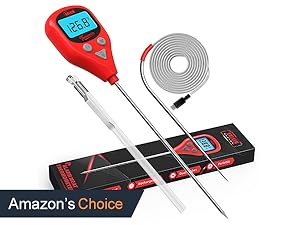
Image 6.3: Inserting the 9V battery into the compartment.
7. Operating Instructions
7.1 Power On/Off
To power on the thermometer, simply unfold the probe. The display will illuminate. To power off, fold the probe back into the unit. The thermometer will also automatically shut off after 10 minutes of inactivity to conserve battery life.
7.2 Temperature Measurement
- Unfold the probe to power on the thermometer.
- Insert the stainless steel probe into the thickest part of the food, avoiding bone or gristle.
- Wait for 1-2 seconds for the temperature reading to stabilize on the LCD display.
- Remove the probe from the food once the reading is obtained.
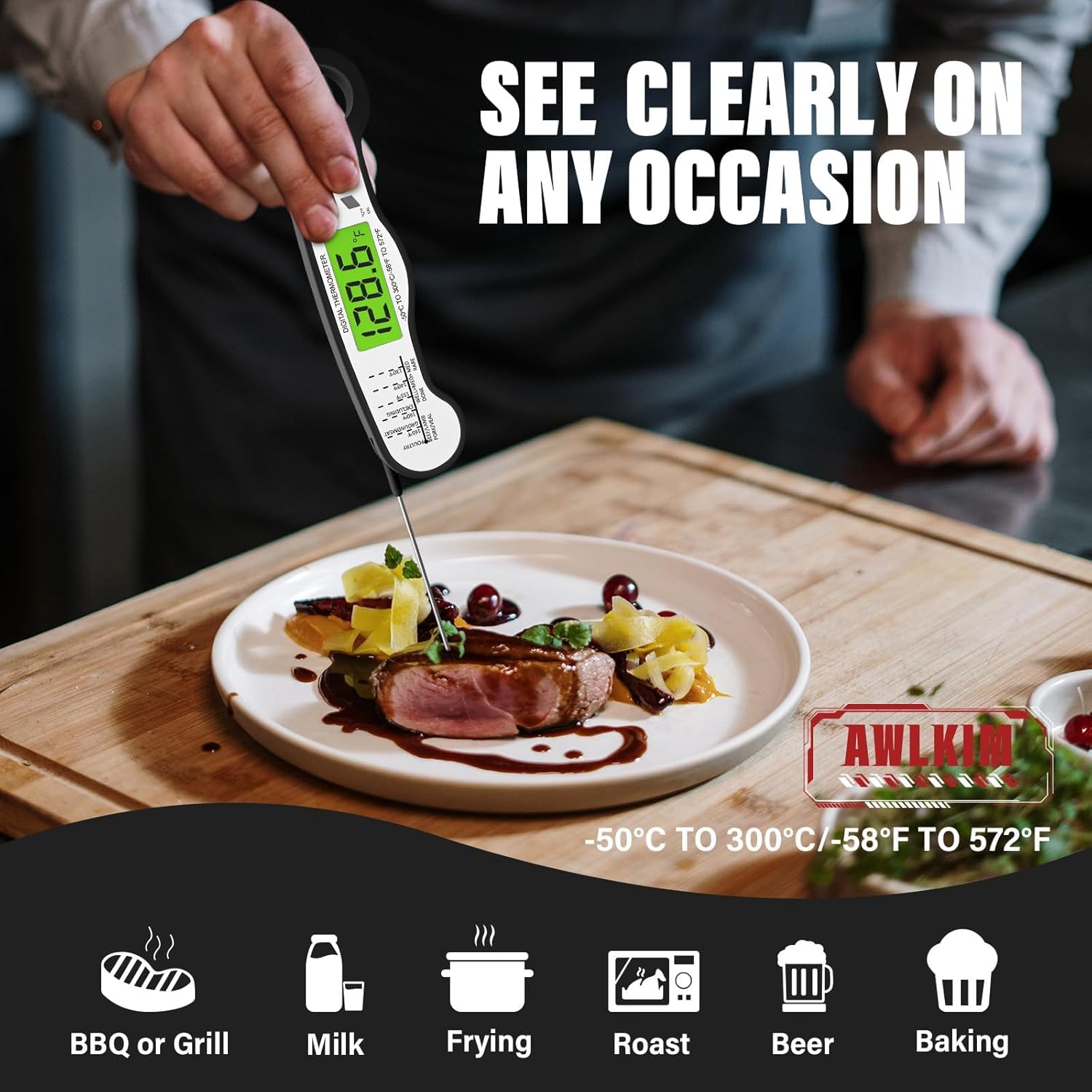
Image 7.1: Using the thermometer to measure the temperature of food.

Image 7.2: The thermometer being used for different cooking applications, including soup, grilling, pan-frying, and roasting.
7.3 Unit Switching (°C/°F)
Press the '°C/°F' button located on the front of the thermometer to switch between Celsius and Fahrenheit temperature units.
7.4 Backlight
Press the backlight button (often indicated by a light bulb icon) to turn the LCD backlight on or off. This feature is useful for reading temperatures in low-light conditions.
7.5 Hold Function
Press the 'HOLD' button to freeze the current temperature reading on the display. Press it again to release the hold and resume live temperature measurement.

Image 7.3: The thermometer display with the 'HOLD' function active, freezing the temperature reading.
7.6 Temperature Guide
For reference, a general temperature guide for various meats is often printed on the thermometer itself or provided in the packaging. Always refer to official food safety guidelines for minimum safe cooking temperatures.
| Meat Type | Rare | Medium Rare | Medium | Well Done |
|---|---|---|---|---|
| Beef/Lamb (Steaks, Roasts) | 125-130 | 130-135 | 135-140 | 155+ |
| Pork | N/A | N/A | 145 | 160+ |
| Poultry (Chicken, Turkey) | N/A | N/A | N/A | 165 |
| Ground Meat | N/A | N/A | N/A | 160 |
Note: These are general guidelines. Always consult USDA or local food safety recommendations for precise safe cooking temperatures.
8. Maintenance
8.1 Cleaning
After each use, clean the stainless steel probe with a damp cloth or rinse it under running water. You can use mild soap if necessary. Wipe the body of the thermometer with a damp cloth. Do not use abrasive cleaners or immerse the entire unit in water.
8.2 Storage
Fold the probe back into the unit for safe storage. The magnetic back allows you to attach it to a refrigerator or other metal surface, keeping it easily accessible.

Image 8.1: The thermometer conveniently stored on a refrigerator using its magnetic feature.
9. Troubleshooting
- No Display/Power On:
- Ensure the probe is fully unfolded.
- Check if the battery is correctly installed with proper polarity.
- Replace the battery if it is depleted. - Inaccurate Readings:
- Ensure the probe is inserted into the thickest part of the food, avoiding bone or fat.
- Allow sufficient time (1-2 seconds) for the reading to stabilize.
- If consistently inaccurate, the thermometer may require calibration (refer to manufacturer support if calibration instructions are not provided). - Display Error Message:
- If an 'LLL' or 'HHH' message appears, the temperature is outside the measurable range.
- If other error codes appear, try replacing the battery or contacting customer support.
10. Specifications
- Model: TBX-GGT
- Temperature Range: -50°C to 300°C (-58°F to 572°F)
- Measurement Speed: 1-2 seconds
- Accuracy: ±1°C (±2°F)
- Waterproof Rating: IP67
- Power Source: 1 x 9V Battery
- Auto-Off: 10 minutes of inactivity
- Probe Material: Food-grade Stainless Steel
- Body Material: ABS Plastic
- Dimensions (Folded): Approximately 6.46 x 1.77 x 0.79 inches
- Weight: Approximately 2.4 ounces
11. Warranty and Support
AWLKIM products are designed for quality and reliability. For warranty information, technical support, or any questions regarding your AWLKIM Digital Instant Read Meat Thermometer, please refer to the contact information provided with your purchase or visit the official AWLKIM website. Please retain your proof of purchase for warranty claims.