
1. Safety Information
WARNING: Risk of Electric Shock
- Before installing this ceiling fan, disconnect the power supply by turning off the circuit breaker.
- All electrical connections must be in accordance with local and National Electric Code (N.E.C.) standards and ANSI/NFPA 70.
- Consult a qualified electrician if you are unfamiliar with proper electrical wiring connections.
- Do not alter, re-locate, or remove wiring when nothing goes wrong with the product.
- Double-check all connections and screws to be sure they are tight and correct.
- Verify whether the supply voltage is correct (120V) by comparing it with the product information.
- To avoid fire, shock, and serious personal injury, please read all instructions carefully.
- Make sure the installation site allows a minimum of 7.5 feet from the blades to the floor.
- Use a conventional on/off switch. Do not use gear switches or dimmer switches.
2. Package Contents (Accessories List)
Please check the contents of your package against the list below to ensure all parts are present before beginning installation.
- Ceiling Fan Motor Assembly
- 3 Wood Blades
- Downrod (White)
- Canopy
- Canopy Cover
- Decorative Cover
- Hanger Bracket
- Remote Control (2 included for 2-pack)
- Mounting Hardware (screws, wire nuts, etc.)
- Instruction Manual

Image: All components of the addlon 52-inch White Wood Blade Ceiling Fan.
3. Setup (Installation)
Follow these steps carefully for proper installation. It is recommended to watch the installation video for visual guidance.
- Separate Mounting Bracket: Separate the mounting bracket from the canopy.
- Secure Hanger Bracket: According to your ceiling type, choose the appropriate screws to secure the provided addlon hanger bracket to the ceiling junction box.
- Prepare Downrod: String the decorative cover, canopy cover, and canopy onto the downrod.
- Remove Motor Protection Plates: Carefully remove the 3 motor protection plates from the fan motor assembly.
- Attach Downrod to Motor: Thread the electrical cord through the downrod. Then, plug the pin into the motor, insert the fixing back, and tighten the screws to secure the downrod to the motor.
- Hang Motor Assembly: Hang the downrod and motor assembly to the ceiling bracket. Ensure the downrod ball engages the ridge on the hanger bracket for secure placement.
- Insert Receiver: Insert the receiver into the bracket for wiring.
- Wire Connections: Connect the wires as follows:
- Green Wire: Connect to the Ground wire.
- White Wire: Connect to the Neutral wire.
- Black Wire: Connect to the Live wire.
- Secure Canopy: Slide up the canopy and tighten the screws, then push the canopy cover upward until it sits flush.
- Install Blades: Install each blade with 2 screws. Don't forget that spacers are required on all screws for proper alignment and stability.
- Final Tightening: Install all 3 blades and tighten all 6 screws to ensure the stability of the fan.
Video: Detailed installation guide for the addlon 52-inch Wood Ceiling Fan (No Light).

Image: Illustration of the easy installation process, highlighting reduced time and electrician fees.
4. Operating Instructions
Your addlon ceiling fan comes with a remote control for convenient operation of all functions.
- Power On/Off: Press the power button on the remote to turn the fan on or off.
- Fan Speed: Adjust the fan speed with 6 levels using the dedicated speed buttons (1-6) on the remote.
- Reversible DC Motor: Use the reverse button on the remote to change the direction of the fan blades. This feature helps circulate air to keep you cool in summer (forward mode) and warm in winter (reverse mode).
- Timer Function: Set the fan to automatically turn off after 1, 2, 4, or 8 hours using the timer buttons on the remote.
- Memory Function: The fan has a memory function that will recall the last used speed setting when turned back on.

Image: The remote control allows for easy adjustment of fan speed, direction, and timer settings.
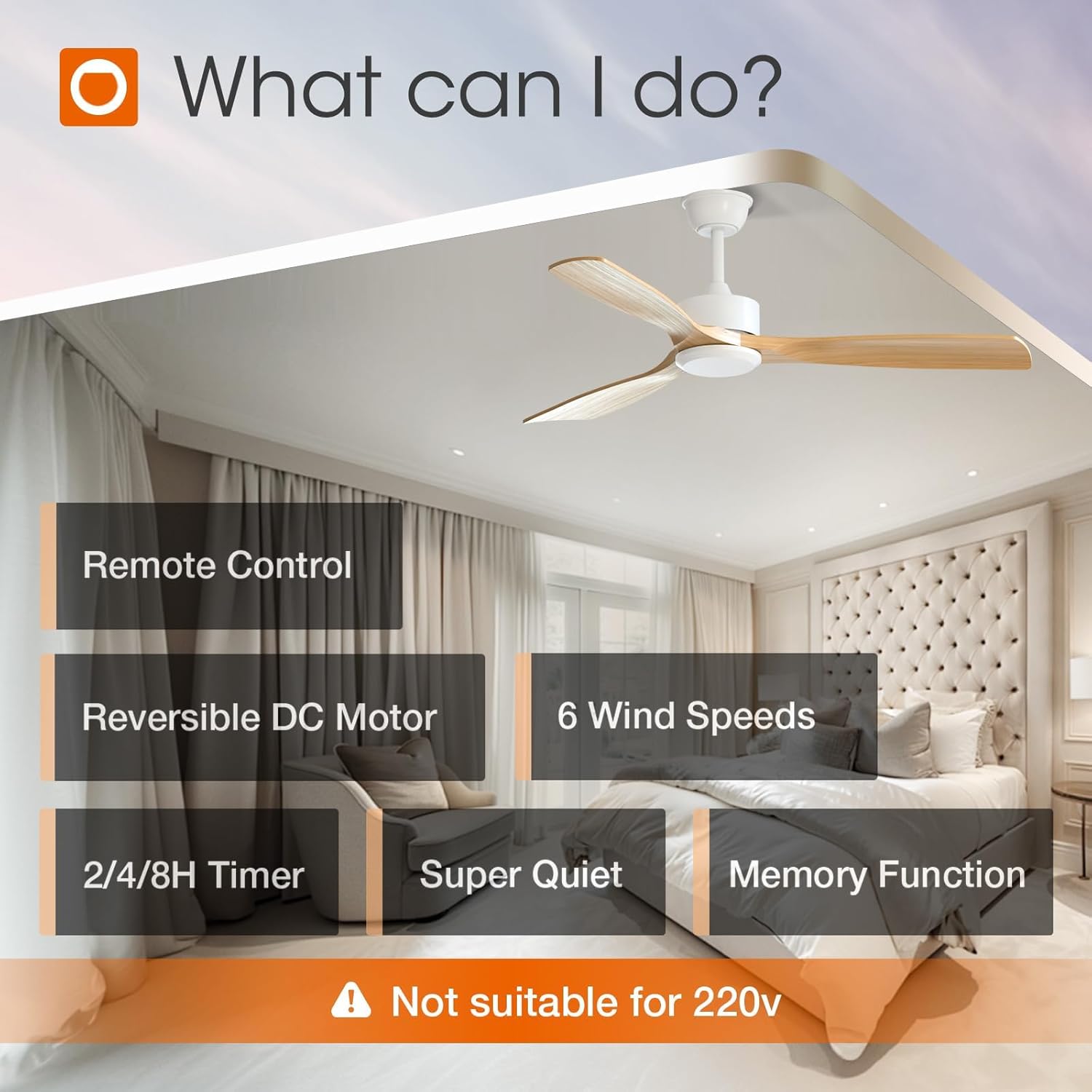
Image: Visual representation of the 6 selectable wind speeds: low comfortable, medium natural, and high cooling wind.

Image: Diagram illustrating the reversible DC motor function for optimal air circulation in both summer and winter.
5. Maintenance
Regular maintenance ensures optimal performance and longevity of your ceiling fan.
- Cleaning: To clean the fan, wipe with a soft, damp cloth. Do not use abrasive cleaners or solvents. Ensure the power is off before cleaning.
- Blade Inspection: Periodically check the fan blades for any dust buildup or damage. Clean the blades gently to maintain balance and airflow.
- Tighten Screws: Over time, screws may loosen. Periodically check and tighten all screws on the motor housing and blade attachments to prevent wobbling and noise.
- Motor Lubrication: The DC motor is permanently lubricated and does not require additional oiling.
6. Troubleshooting
If you encounter any issues with your addlon ceiling fan, refer to the following common troubleshooting steps:
- Fan Does Not Start:
- Check if the power is turned on at the circuit breaker and wall switch.
- Ensure all wire connections are secure and correct as per installation instructions.
- Verify that the remote control batteries are not depleted and are inserted correctly.
- Fan Wobbly:
- Check that all blade screws are tightened securely.
- Ensure the mounting bracket is firmly attached to the ceiling junction box.
- Verify that the downrod ball is properly seated in the hanger bracket.
- Noisy Operation:
- Confirm all screws are tight. Loose parts can cause vibration and noise.
- Check for any obstructions in the fan's path.
- Ensure the fan is installed on a flat, stable surface.
- Remote Control Not Working:
- Replace the batteries in the remote control.
- Ensure there are no obstructions between the remote and the fan receiver.
- If controlling multiple fans, ensure each remote is paired correctly or that you are using the correct remote for the intended fan.
If the problem persists after trying these steps, please contact addlon customer support.
7. Specifications
| Brand | addlon |
| Model Number | KDM52WOO3B03R0-D |
| Color | White-Downrod Mount |
| Electric Fan Design | Ceiling Fan |
| Power Source | AC |
| Product Dimensions | 52"D x 52"W x 15.75"H |
| Room Type | Bedroom, Dining Room, Home Office, Living Room, Patio |
| Special Feature | 6 speed, Quiet Operation, Remote Controlled, Reversible |
| Mounting Type | Ceiling Mount (Downrod) |
| Controller Type | Remote Control |
| Number of Speeds | 6 |
| Noise Level | 35 Decibels |
| Wattage | 50 watts |
| Number of Blades | 3 |
| Air Flow Capacity | 3288 Cubic Centimeters Per Minute |
| Voltage | 120 Volts |
| Indoor Outdoor Usage | Indoor, Outdoor |
| Material | Wood |
| Specification Met | ETL |

Image: Detailed dimensions of the addlon 52-inch ceiling fan and recommended room sizes.
8. Warranty and Support
addlon is committed to providing high-quality products and excellent customer service.
- Motor Warranty: We offer up to 120 months (10 years) warranty on the motor.
- Fan Warranty: A 2-year warranty is provided on the rest of the fan components.
- Customer Support: We offer 24-hour customer support. Please feel free to contact us with any questions you may have during installation or use, and we will be happy to assist you.

Image: After-sales information detailing warranty periods for the fan and motor.