
Introduction
This manual provides comprehensive instructions for the installation, operation, and maintenance of your Hikity 4+64G Android 15 Car Radio. This unit is specifically designed for Nissan Qashqai J10 models manufactured between 2006 and 2013. It features a 9-inch Incell touchscreen, Wireless CarPlay, Android Auto, Bluetooth, GPS Navigation, WiFi, and USB connectivity, powered by a quad-core processor. Please read this manual thoroughly before installation and use to ensure proper function and safety.
Setup and Installation
Package Contents
Before beginning installation, verify that all components are present in the package:
- Android Car Radio
- AHD Rear Camera
- GPS Antenna
- External Microphone
- USB Cable
- Connection Cable
- Remote Control
- Screws
- Support Bracket


Compatibility and Pre-installation Check
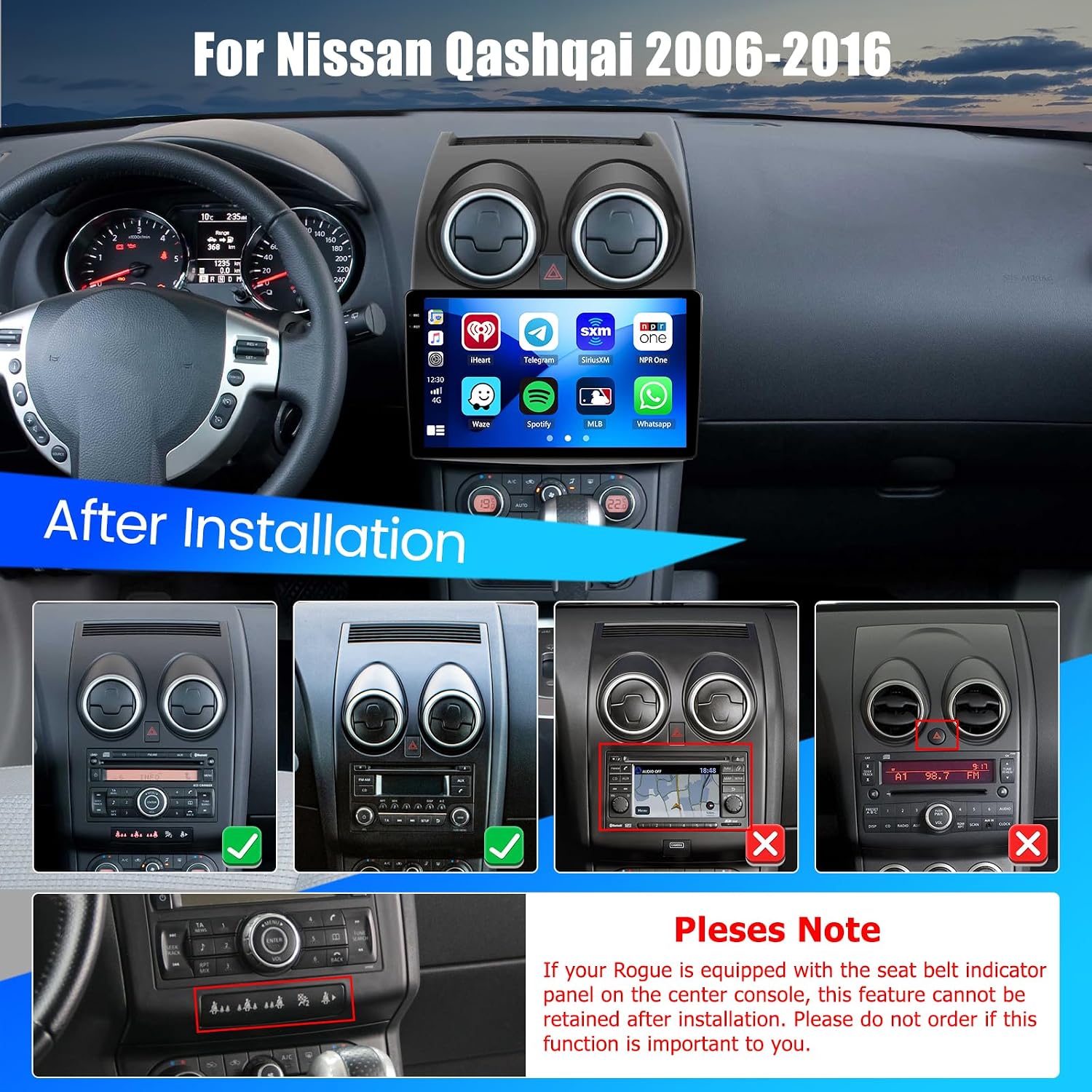
This car radio is designed for Nissan Qashqai J10 models (2006-2013). Ensure your vehicle's dashboard matches the compatible configurations shown below.

Wiring Diagram
Refer to the following diagrams for correct wiring connections. Incorrect wiring can damage the unit or vehicle electronics.


Steering Wheel Control Setup
To configure the steering wheel controls:
- Connect the steering wheel control cables of this unit to the corresponding cables in your car.
- Access the "Settings" menu (slide the icon down to the left) and select "Learn Steering".
- Before programming, press the "Reset" button to clear any previous memory.
- Long press the steering wheel function icon on the radio screen. Simultaneously, press the relevant button on your car's steering wheel. Repeat for all desired functions.
- After successfully programming, the controls will be active.

Operating Instructions
Basic Operation and Interface
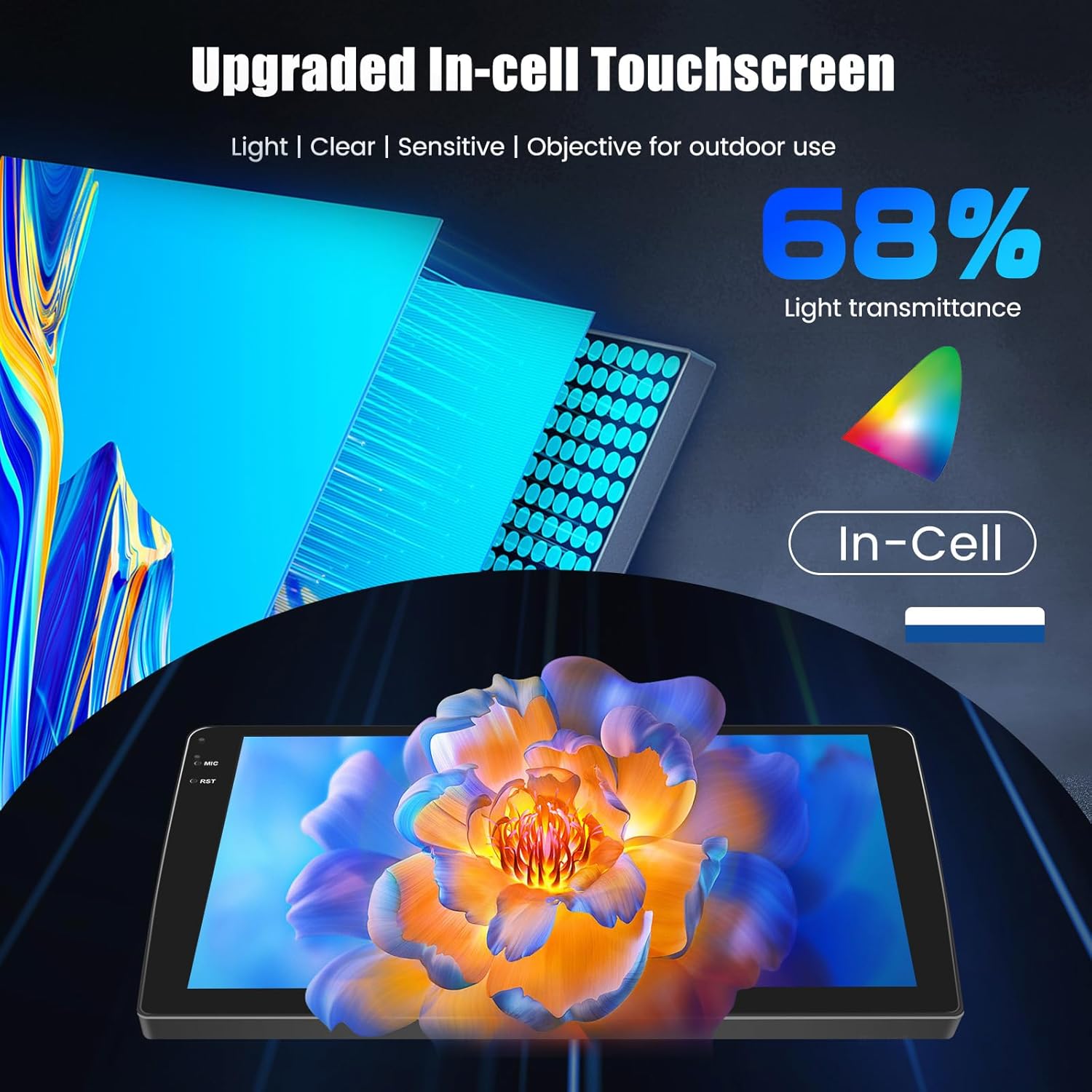
The unit features a 9-inch Incell touchscreen for intuitive control. The Incell display offers faster touch response and reduced glare for improved visibility.

Wireless CarPlay and Android Auto
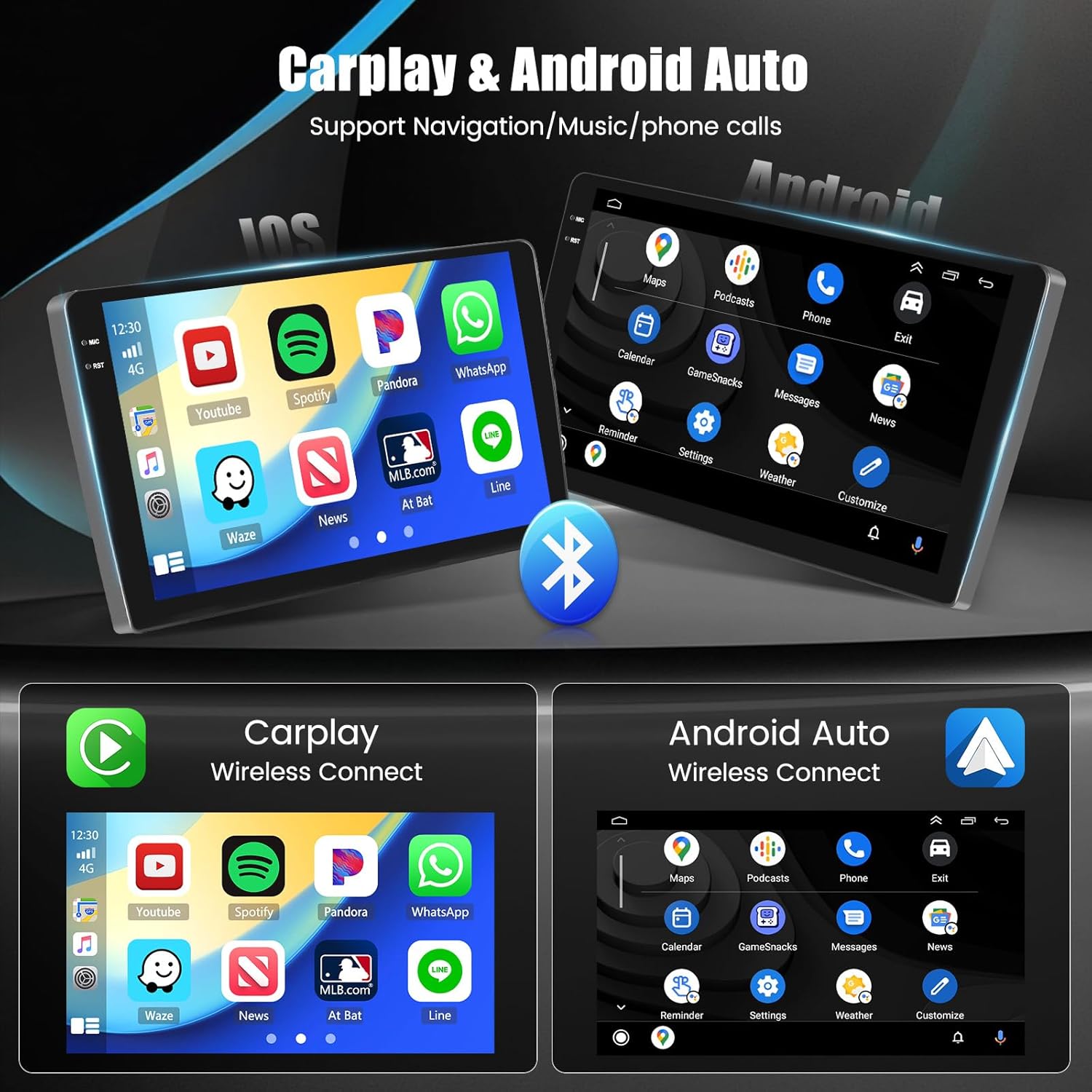
Connect your smartphone wirelessly for seamless access to navigation, music, and hands-free calls.
- Turn on Bluetooth on your phone and the car radio.
- Find your phone's Bluetooth name on the car radio and pair.
- Find and touch the CarPlay/Android Auto icon to enter the interface.
- Wait for the automatic connection. The interface will confirm a successful connection.

Bluetooth Connectivity
The unit supports Bluetooth 5.0 for fast pairing, stable music streaming, and crystal-clear hands-free calls.

GPS Navigation and WiFi
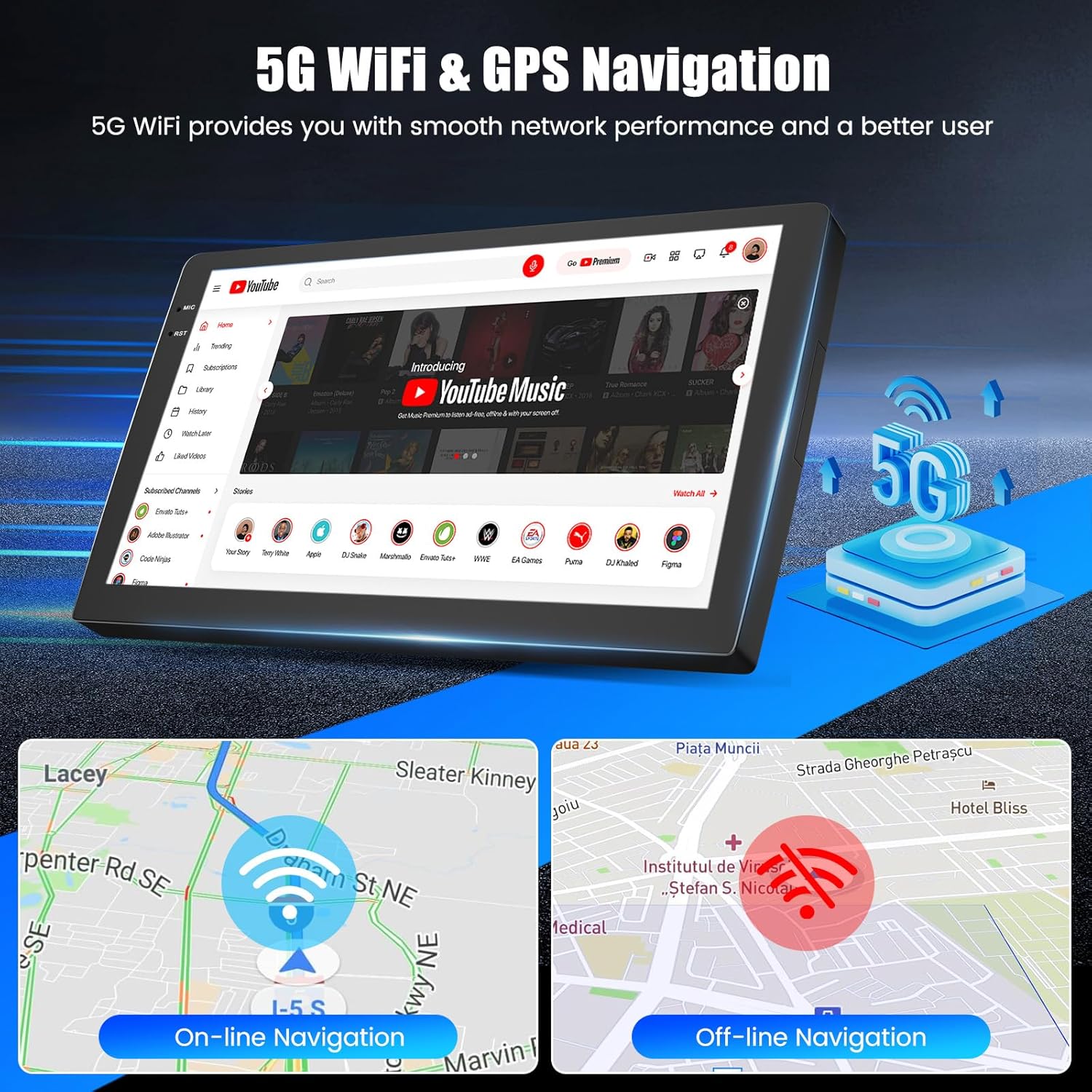
The car radio supports both online and offline GPS navigation. Connect to WiFi or your phone's hotspot to access online maps, real-time traffic information, and download applications.
FM/RDS Radio
Tune into FM radio stations with RDS (Radio Data System) for station information. Connecting an optional DAB (Digital Audio Broadcasting) module can provide enhanced sound quality and a wider range of digital radio channels.

Multitasking Features
The unit supports various multitasking options for enhanced user experience:
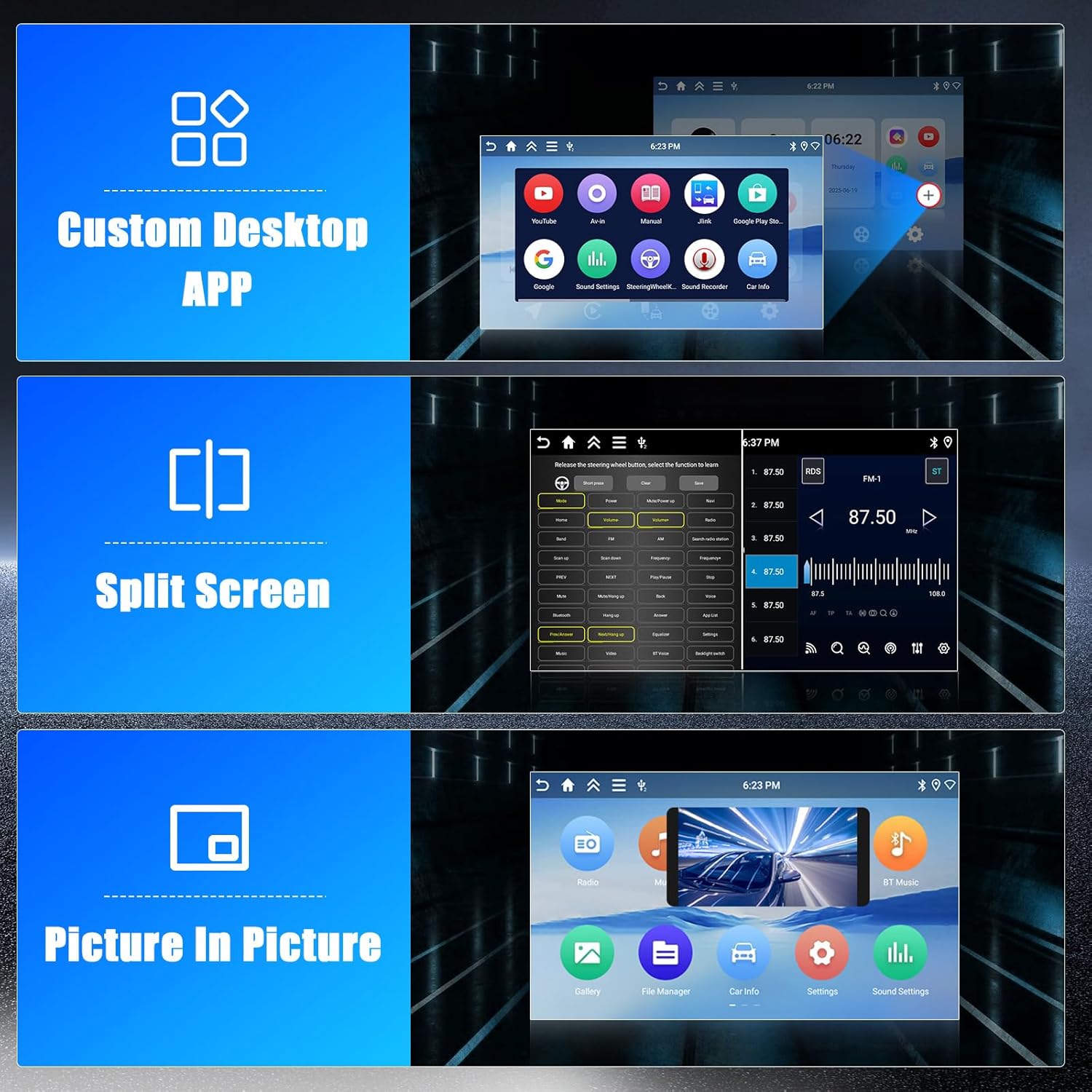
- Custom Desktop APP: Personalize your home screen with frequently used applications.
- Split Screen: Use two applications simultaneously, such as navigation and music playback.
- Picture-in-Picture: Display a video or other content in a small window while using another application.

Rear View Camera Support
The included AHD rear camera provides a clear view of the area behind your vehicle when reversing, enhancing safety.

Maintenance
Cleaning the Screen
To clean the touchscreen, use a soft, lint-free cloth. For stubborn smudges, slightly dampen the cloth with water or a screen-safe cleaning solution. Avoid harsh chemicals, abrasive materials, or excessive moisture, as these can damage the screen.
General Care
- Keep the unit free from dust and debris.
- Ensure proper ventilation around the unit to prevent overheating.
- Avoid exposing the unit to extreme temperatures or direct sunlight for prolonged periods.
Troubleshooting
| Problem | Possible Cause | Solution |
|---|---|---|
| Unit does not power on. | Incorrect wiring, blown fuse, power supply issue. | Check power connections according to the wiring diagram. Verify vehicle fuses. Ensure the car battery is charged. |
| No sound. | Volume too low, incorrect audio output settings, speaker wiring issues. | Increase volume. Check audio settings. Verify speaker connections. |
| Poor call quality (interlocutor cannot hear). | Microphone issue, Bluetooth interference, software glitch. | Ensure the external microphone is properly connected and positioned. Try re-pairing Bluetooth. Restart the unit. If issues persist, contact support. |
| GPS signal lost or inaccurate. | GPS antenna not properly installed, environmental interference. | Ensure the GPS antenna is securely connected and has a clear view of the sky. Avoid parking in areas with heavy overhead obstructions. |
| Touchscreen unresponsive. | Temporary software issue, screen calibration needed. | Restart the unit. If available, perform a screen calibration from the settings menu. |
Specifications
| Feature | Detail |
|---|---|
| Brand | Hikity |
| Model Number | Hikity-A7174A4291H6MI2EU26 |
| Compatible Car Model | Nissan Qashqai J10 (2006-2013) |
| Operating System | Android 15 |
| RAM + ROM | 4GB RAM + 64GB ROM |
| CPU | Quad-core Cortex-A35, 1.5 GHz |
| GPU | Mali G31 (supports 1080P video decoding) |
| Screen Size | 9 inches |
| Screen Type | Incell Touchscreen (Zero Air Gap) |
| Connectivity | Bluetooth 5.0, Wi-Fi (5G), USB |
| Special Features | Wireless CarPlay, Android Auto, GPS Navigation, FM/RDS Tuner, Split Screen, Picture-in-Picture |
| Audio Output Mode | Stereo |
| Surround Sound Channel Configuration | 4 channels |
| Output Power | 45 Watts (Rated), 180 Watts (Max) |
| Video Encoding Support | MKV/RMVB/AVI/MP4/MDV etc. |
| Supported Formats | AVI, WAV, WMA |
| Control Method | Touch |
| Product Dimensions (D x W x H) | 27P x 23.5L x 8.5H cm |
| Item Weight | 1.89 Kilograms |
| Country of Origin | China |

Warranty Information
The product comes with a 12-month warranty. Hikity also provides lifetime online assistance and aims to respond to inquiries within 24 hours.
Customer Support
For any questions, technical assistance, or warranty claims, please contact Hikity Electronic directly.
- Online Assistance: Lifetime online support is available.
- Response Time: Inquiries are typically responded to within 24 hours.
You can also visit the Hikity Electronic storefront on Amazon for more information or to ask a question.
