
1. Introduction
This manual provides essential information for setting up, operating, and maintaining your Samsung 77-Inch Class OLED S84F Series Smart TV. The television features self-illuminating pixels for enhanced contrast and color, powered by an advanced AI processor for 4K upscaling. It includes Samsung Vision AI experiences and multi-dimensional audio capabilities.

Image: Front view of the Samsung 77-Inch Class OLED S84F Series Smart TV.
2. What's in the Box
Verify that all the following items are included with your television:
- Power Cable
- User Manual
- Remote Control
- Stand
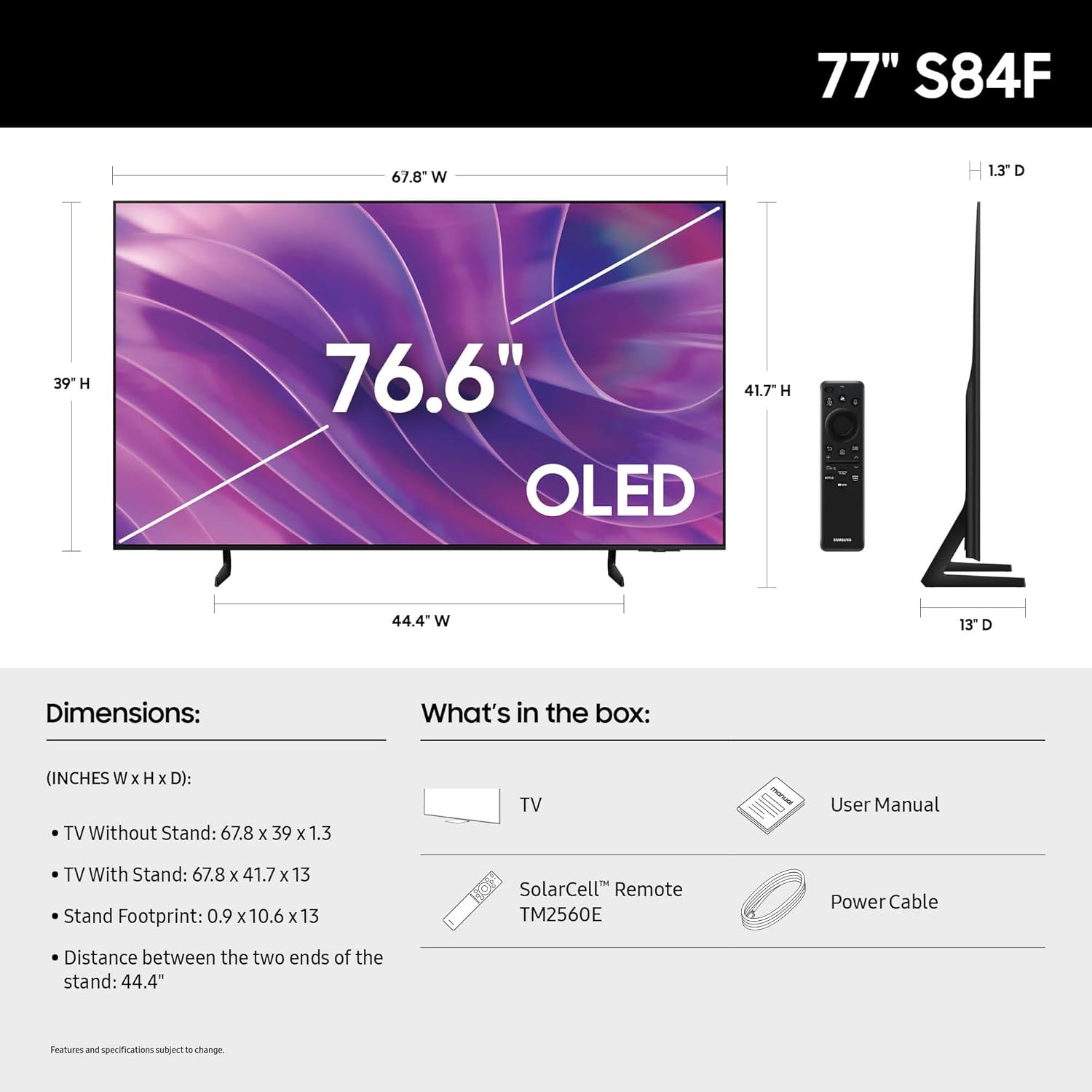
Image: Diagram illustrating the TV's dimensions and the contents of the box, including the TV, user manual, remote, and stand.
3. Setup
3.1 Physical Installation
The TV can be placed on its included stand or mounted on a wall (wall mount sold separately). Ensure the TV is placed on a stable, level surface or securely mounted according to the wall mount manufacturer's instructions. Allow adequate ventilation around the TV.
3.2 Connecting External Devices
Connect your external devices such as Blu-ray players, game consoles, or sound systems to the TV's input ports. Refer to the diagram below for port locations and types.

Image: Detailed view of the TV's rear connectivity ports, including USB-A, HDMI (4K@120Hz, eARC), Audio Out (Optical), Ethernet, and Cable/ANT.
- USB-A: Standard rectangular port for power or media playback.
- HDMI 4 (4K@120Hz for Gaming): Transmits high-definition video and audio from external devices.
- HDMI 3 (eARC): Enhanced Audio Return Channel for high-quality sound and advanced formats.
- HDMI 1, 2 (4K@120Hz for Gaming): Transmits high-definition video and audio from external devices.
- Audio Out (Optical): Delivers high-quality digital audio to soundbars or receivers.
- Ethernet: Wired internet connection for streaming, updates, and smart features.
- EX-Link: Samsung service port for external control and diagnostics.
- Cable/ANT: Connector for over-the-air antenna or cable TV signals.
3.3 Initial Power On and Smart Setup
After connecting all necessary cables, plug the TV into a power outlet. Follow the on-screen instructions to complete the initial setup, including network connection (Wi-Fi or Ethernet) and Samsung Account login for smart services. An internet connection is required for full smart TV functionality and automatic OS updates.
4. Operating Instructions
4.1 Picture Settings
The Samsung S84F Series OLED TV utilizes self-illuminating pixels to provide optimized brightness and improved contrast, resulting in deep blacks and vibrant colors.
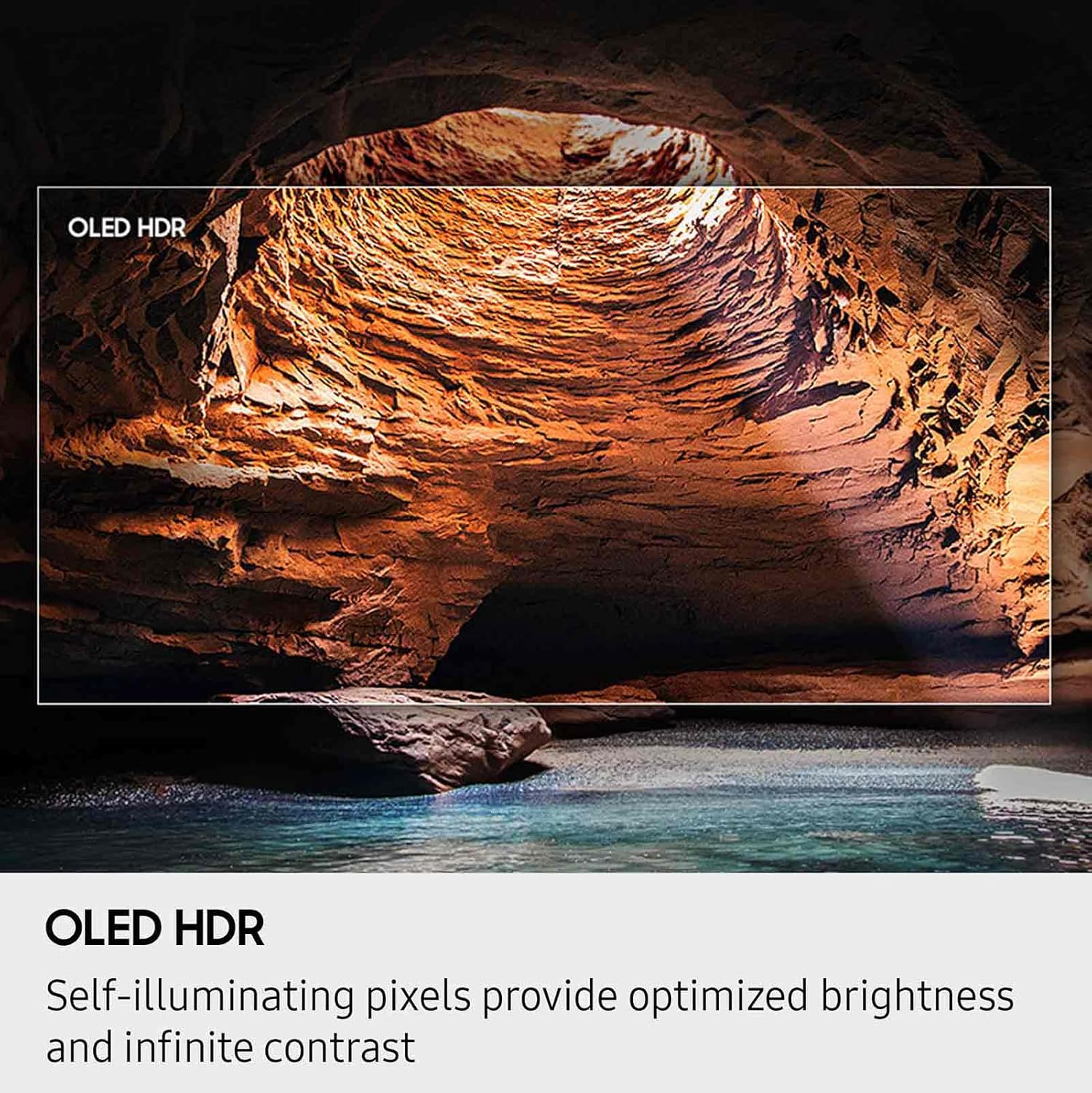
Image: A scene displayed with OLED HDR, highlighting optimized brightness and infinite contrast.
- OLED HDR: Self-illuminating pixels provide optimized brightness and improved contrast, revealing details in both bright and dark scenes.
- 4K AI Upscaling: The NQ4 AI Gen2 Processor enhances content to near 4K resolution, improving clarity and detail for various sources.
- Pantone Validated Color: The display offers expert-validated colors and accurate skin tones for a realistic picture.
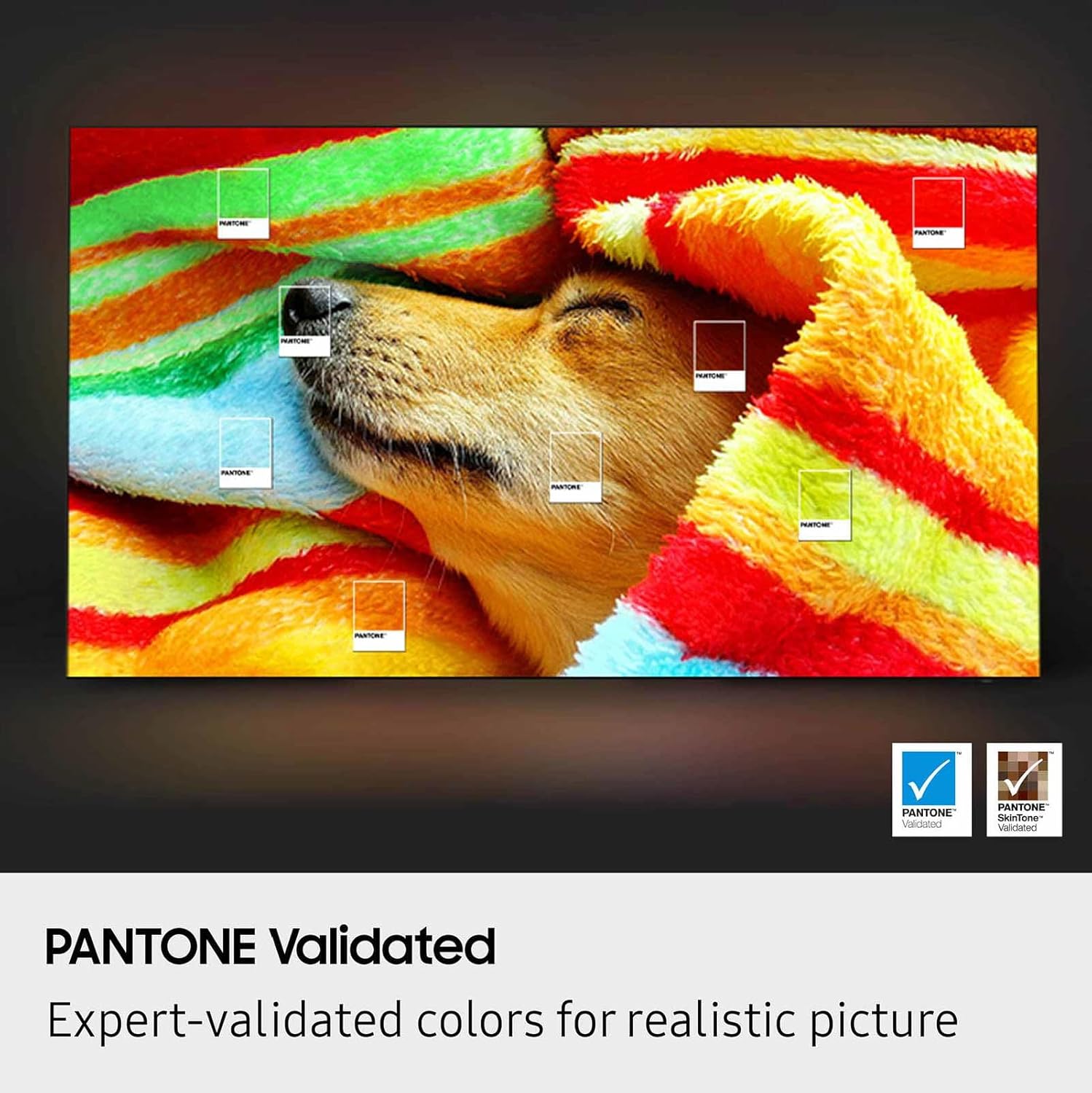
Image: A visual demonstrating Pantone Validated colors, ensuring realistic and accurate color reproduction.
4.2 Sound Settings
The TV offers multi-dimensional audio experiences with advanced sound technologies.
- Dolby Atmos: Provides virtual 3D surround sound that moves with the action on-screen.
- Object Tracking Sound Lite: Sound follows objects on the screen, enhancing immersion.
- Active Voice Amplifier Pro: AI-powered voice enhancement identifies and amplifies voices above background sounds.
- Adaptive Sound Pro: AI analyzes and optimizes audio based on your room's acoustics and content type.
4.3 Smart Features and Connectivity
The Samsung S84F Series operates on an intuitive smart TV platform, offering access to various streaming apps and content.
- Tizen OS: The operating system provides a user-friendly interface for navigating apps and settings.
- Samsung TV Plus: Access over 2,700 free channels and 400+ premium channels without a subscription.
- AI Features: Includes functionalities like 'Click to Search' for content information and 'Live Translate' for subtitles in your preferred language.
- Motion Xcelerator 120Hz: Ensures smooth visuals for gaming and sports content, reducing blur.
5. Maintenance
5.1 Cleaning the Screen
Gently wipe the screen with a soft, lint-free cloth. For stubborn marks, lightly dampen the cloth with water or a screen-cleaning solution specifically designed for electronics. Avoid using harsh chemicals, abrasive materials, or excessive moisture.
5.2 General Care
Keep the TV free from dust by regularly wiping the frame and stand. Ensure ventilation openings are not blocked. Avoid placing heavy objects on the TV or exposing it to direct sunlight or extreme temperatures.
6. Troubleshooting
If you encounter issues with your TV, try the following basic troubleshooting steps:
- No Power: Check if the power cable is securely connected to both the TV and the wall outlet. Test the outlet with another device.
- No Picture/Sound: Verify that the correct input source is selected. Check all cable connections to external devices.
- Poor Picture Quality: Adjust picture settings (brightness, contrast, sharpness). Ensure the source content is high quality.
- Remote Control Not Working: Replace the batteries in the remote. Ensure there are no obstructions between the remote and the TV.
- Network Connection Issues: Restart your router and modem. Reconnect the TV to your Wi-Fi network or check the Ethernet cable.
For more detailed troubleshooting, refer to the comprehensive e-manual accessible through your TV's settings menu or visit the Samsung support website.
7. Specifications
| Feature | Detail |
|---|---|
| Brand Name | Samsung |
| Model Number | QN77S84FAEXZA |
| Screen Size | 77 Inches |
| Display Technology | OLED |
| Resolution | 4K |
| Refresh Rate | 120 Hz |
| Product Dimensions (D x W x H) | 13"D x 67.8"W x 41.7"H |
| Item Weight | 63.5 Pounds |
| Color Name | Graphite Black |
| Aspect Ratio | 16:9 |
| Connectivity Technology | Bluetooth, Ethernet, HDMI, USB, Wi-Fi |
| Special Features | Closed Captioning, Flat |
8. Warranty and Support
Your Samsung TV comes with a limited warranty. For specific warranty terms and conditions, please refer to the warranty card included in your product packaging or visit the official Samsung support website. For technical assistance, product registration, or to find service centers, please visit Samsung Support.


