
1. Product Overview
The SXBCyan 2MP WiFi HD Security Camera is designed for both indoor and outdoor surveillance, offering robust features for comprehensive home monitoring. With its IP65 waterproof rating, it operates reliably in various weather conditions and temperatures ranging from -20°C to 45°C. This camera provides 2MP HD resolution, color night vision, motion detection with spotlight activation, two-way audio, and flexible storage options via cloud or SD card.
Key features include:
- 2MP HD Resolution: Captures clear and detailed video footage.
- 2.4G WiFi Connectivity: Ensures stable wireless connection for remote monitoring.
- Color Night Vision: Equipped with a motion-sensitive spotlight for vivid night recordings.
- Motion and Sound Detection: Sends real-time alerts to your smartphone via the YI Lot App.
- Two-Way Audio: Allows for clear communication through the camera's built-in speaker and microphone.
- Flexible Storage: Supports cloud storage (subscription required) and local storage via SD card (up to 128GB, not included).
- Remote Access & Multi-User Viewing: Monitor your property from anywhere and share access with family members.
- IP65 Waterproof Design: Suitable for outdoor use in various weather conditions.

Image 1.1: The SXBCyan 2MP WiFi HD Security Camera, demonstrating its compact design and remote viewing capability via a smartphone app.
2. What's in the Box
Please check the contents of your package carefully. If any items are missing or damaged, contact customer support.
- 1 x 2MP Wireless Security Camera
- 1 x 5V1A Power Adapter
- 1 x 0.8m Type-C Power Cable
- 1 x 2+2 Screw Pack (for mounting)
- 1 x Base (for camera mounting)
- 1 x 3M Tape (for alternative mounting)
- 1 x User Manual (this document)
3. Specifications
| Feature | Description |
|---|---|
| Resolution | 2MP HD |
| Connectivity | 2.4G WiFi (5GHz not supported) |
| Night Vision | Full-color night vision with motion-sensitive spotlight |
| Storage Options | Cloud storage (paid subscription required) or SD card (up to 128GB, not included) |
| Operating Temperature | -20°C to 45°C (IP65 waterproof) |
| App Compatibility | YI Lot App (remote access via smartphone) |
| Key Functions | Motion/sound detection, real-time alerts, two-way audio, 3.6x zoom, multi-user viewing |
| Power Supply | 5V1A adapter (included) |
| Model Number | SXBCyan-1011 |
| Item Weight | 136 Grams |
| Package Dimensions | 2.54 x 2.54 x 2.54 cm |
4. Setup Guide
4.1. Preparing for Installation
- Ensure you have a 2.4G WiFi network available. This camera does not support 5GHz WiFi.
- Choose a suitable location for the camera, considering power access and WiFi signal strength.
- If using local storage, acquire a compatible SD card (up to 128GB).
4.2. Installing an SD Card (Optional)
If you plan to use local storage, insert an SD card into the camera's designated slot. Ensure the camera is powered off before inserting or removing the SD card.

Image 4.1: The camera supports both cloud storage (subscription required) and local SD card storage (SD card not included).
4.3. Powering On the Camera
- Connect the Type-C power cable to the camera.
- Plug the 5V1A power adapter into a power outlet.
- The camera will power on and initiate its startup sequence.
4.4. App Download and Account Registration
- Download the "YI Lot" app from your smartphone's app store (Google Play Store for Android or Apple App Store for iOS).
- Open the YI Lot app and follow the on-screen instructions to register a new account or log in if you already have one.
4.5. Connecting the Camera to WiFi
- In the YI Lot app, tap the "+" icon to add a new device.
- Select your camera model from the list.
- Follow the app's instructions to connect the camera to your 2.4G WiFi network. This usually involves scanning a QR code displayed on your phone with the camera, or entering your WiFi password.
- Once connected, the camera's indicator light will change, and the app will confirm successful pairing.

Image 4.2: The camera connects to your 2.4GHz WiFi network for remote access via the YI Lot App.
5. Operating Instructions
5.1. Live View and Remote Monitoring
Once the camera is connected, open the YI Lot app to access the live video feed from your camera anytime, anywhere. You can view multiple cameras if you have more than one device connected.
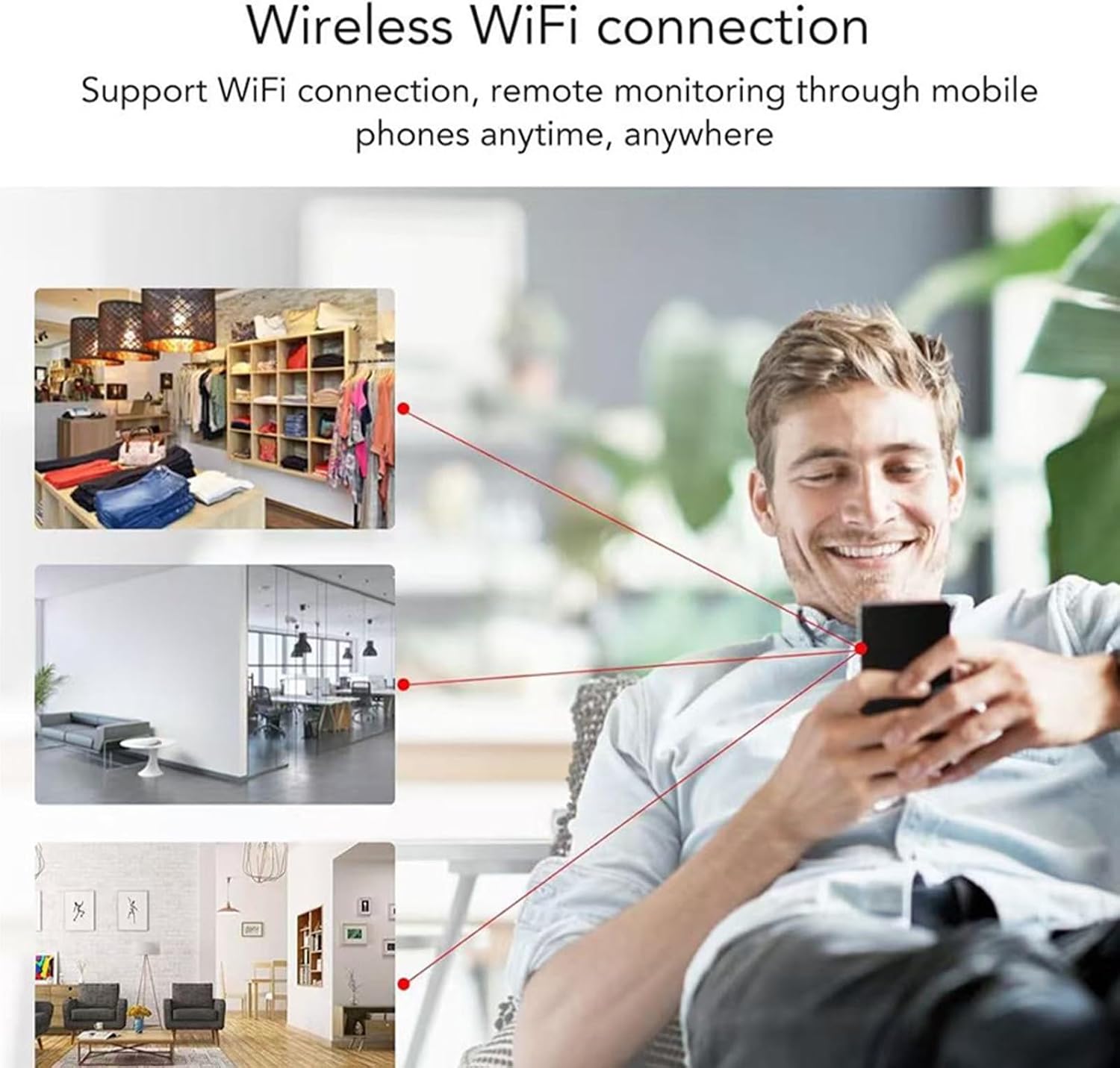
Image 5.1: Remote monitoring is possible from anywhere with a wireless WiFi connection, allowing you to check on your home, office, or shop.
5.2. Motion and Sound Detection
The camera is equipped with intelligent motion and sound detection. When activity is detected, the camera will automatically record and send an instant notification to your smartphone.
- Adjusting Sensitivity: You can adjust the detection sensitivity settings within the YI Lot app to minimize false alarms.
- Alerts: Ensure app notifications are enabled on your smartphone to receive real-time alerts.

Image 5.2: The motion-activated spotlight illuminates the area to capture clear images at night when motion is detected.
5.3. Two-Way Audio
Use the two-way audio feature to communicate with people or pets near the camera. Tap the microphone icon in the live view interface of the YI Lot app to speak, and listen through the camera's speaker.

Image 5.3: The two-way audio function allows for clear communication, such as speaking to a delivery person or family members.

Image 5.4: A revamped speaker and microphone provide enhanced clarity for two-way communication.
5.4. Video Playback and Storage
Recorded footage can be accessed and played back through the YI Lot app. You can choose between cloud storage (requires a paid subscription) or local storage on an SD card.
- Cloud Storage: Review recorded events stored securely in the cloud. Refer to the YI Lot app for subscription details.
- SD Card Storage: Access recordings directly from the SD card inserted in the camera. The app will provide an interface to browse and download footage.
5.5. Night Vision
The camera automatically switches to night vision mode in low-light conditions. With its full-color night vision and motion-sensitive spotlight, it captures clear and vibrant images even in complete darkness.
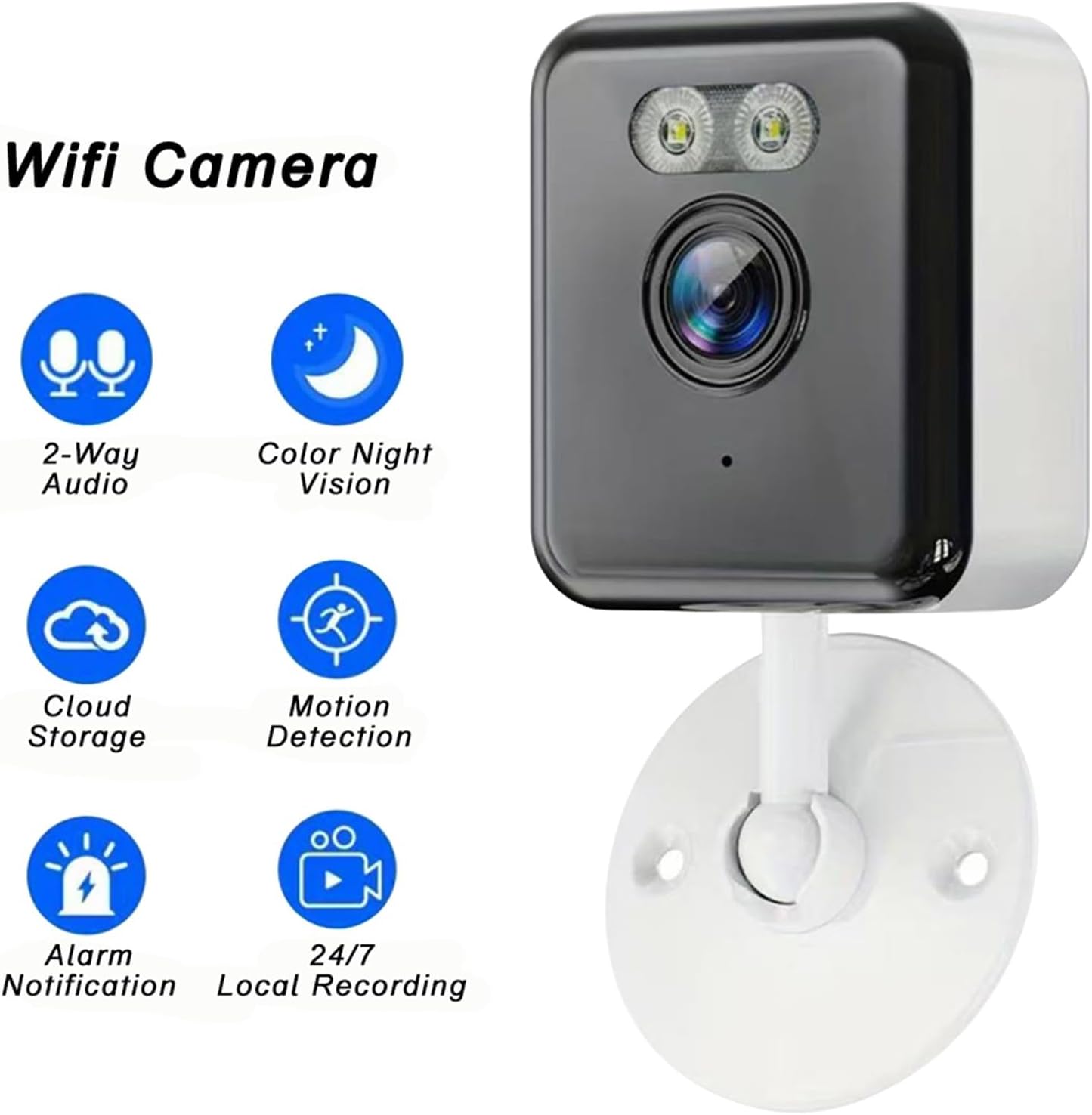
Image 5.5: Overview of key features including Color Night Vision and Motion Detection.

Image 5.6: The camera provides high-definition 1080P video, ensuring clear and detailed images.
6. Maintenance
6.1. Cleaning the Camera
To ensure optimal performance, periodically clean the camera lens and housing. Use a soft, dry cloth to wipe away dust and dirt. For stubborn marks, a slightly damp cloth can be used, but avoid harsh chemicals or abrasive materials.
6.2. Firmware Updates
Regularly check the YI Lot app for available firmware updates. Keeping your camera's firmware up-to-date ensures you have the latest features, security enhancements, and bug fixes. Follow the in-app instructions for updating the firmware.
6.3. SD Card Management
If using an SD card for storage, it is recommended to format the card periodically through the YI Lot app to maintain optimal recording performance and prevent data corruption. Back up any important footage before formatting.
7. Troubleshooting
7.1. Camera Not Connecting to WiFi
- Ensure your WiFi network is 2.4GHz. The camera does not support 5GHz networks.
- Check that the WiFi signal strength at the camera's location is adequate. Move the camera closer to the router if necessary.
- Verify that you have entered the correct WiFi password in the YI Lot app.
- Restart your router and the camera, then attempt the connection process again.
7.2. No Recording or Playback
- SD Card: If using an SD card, ensure it is properly inserted and formatted. Check if the card is full; if so, back up data and format it.
- Cloud Storage: Verify your cloud storage subscription is active and not expired.
- Check the recording settings in the YI Lot app to ensure continuous recording or motion-triggered recording is enabled.
7.3. Two-Way Audio Issues
- Ensure the microphone and speaker permissions are granted for the YI Lot app on your smartphone.
- Check the volume settings on your smartphone and within the app.
- Ensure there are no obstructions blocking the camera's microphone or speaker.
7.4. Frequent Disconnections
- Poor WiFi signal strength is a common cause. Try moving the camera closer to your router or using a WiFi extender.
- Ensure your router firmware is up-to-date.
- Check for network congestion or interference from other devices.
8. Warranty and Support
For warranty information, please refer to the terms and conditions provided at the time of purchase or contact your retailer. If you encounter any issues not covered in this manual or require further assistance, please contact SXBCyan customer support through the YI Lot app or the official SXBCyan website.
Please have your model number (SXBCyan-1011) and purchase details ready when contacting support.