
1. Introduction
Thank you for choosing the VEHOP S300 OWS Open Ear Wireless Earbuds. These earbuds are designed to provide a comfortable listening experience without blocking your ear canal, featuring advanced Bluetooth 5.4 connectivity, clear call quality with ENC microphone, and intuitive touch controls. This manual provides detailed instructions for setup, operation, and maintenance to ensure optimal performance and longevity of your device.
2. Package Contents
Please check the package for the following items:
- VEHOP S300 OWS Open Ear Wireless Earbuds (Left and Right)
- Charging Case with Digital Display
- USB Type-C Charging Cable
- User Manual
3. Product Overview
The VEHOP S300 earbuds feature an open-ear design for comfort and situational awareness. The charging case includes a digital display to show battery levels for both the case and individual earbuds.

Image: VEHOP S300 OWS Open Ear Wireless Earbuds in their charging case, displaying the battery level on a digital screen.

Image: Close-up of the charging case highlighting the HD digital display, battery life indicators, and the Type-C charging interface.

Image: An individual VEHOP S300 earbud demonstrating its 90-degree rotating ear hook for adjustable fit.
4. Setup
4.1 Initial Charging
Before first use, fully charge the earbuds and the charging case. Connect the provided USB Type-C cable to the charging port on the case and a power source. The digital display will indicate the charging status and battery level.
4.2 Pairing with a Device
- Ensure the earbuds are charged.
- Open the charging case. The earbuds will automatically enter pairing mode.
- On your device (smartphone, tablet, etc.), enable Bluetooth.
- Search for available Bluetooth devices and select "VEHOP S300" from the list.
- Once connected, you will hear a confirmation tone, and the earbuds will be ready for use.
4.3 Wearing the Earbuds
The S300 features a rotating ear hook design for a secure and comfortable fit.
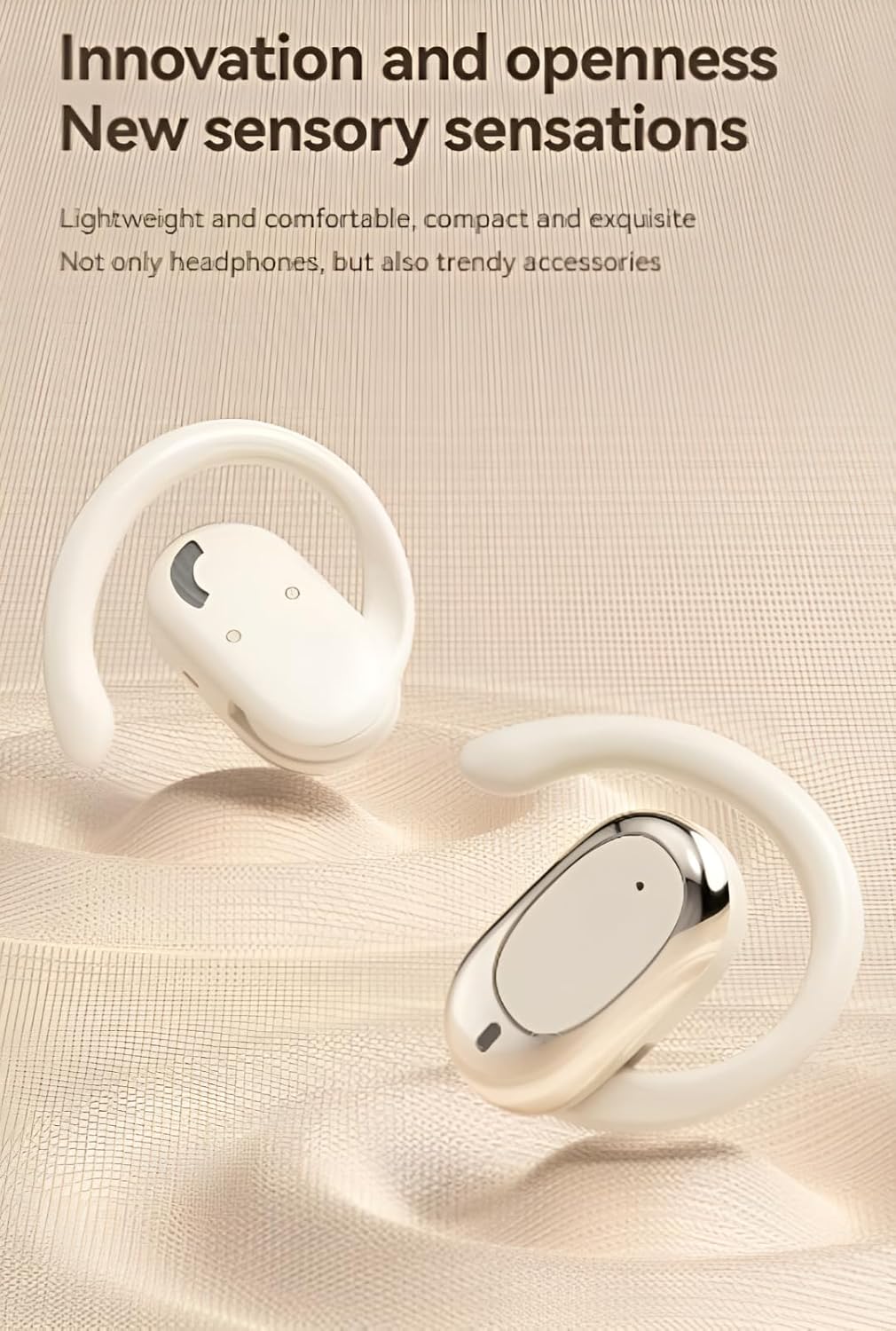
Image: A four-step diagram illustrating the correct method to wear the earbuds: 1. Confirm left/right earbud, 2. Rotate to maximum angle, 3. Rotate backwards along the ear, 4. Wearing completed.
- Identify the left (L) and right (R) earbuds.
- Rotate the ear hook to its maximum open angle.
- Place the earbud over your ear, then rotate the ear hook backwards along your ear until it sits comfortably and securely.
- Adjust for optimal sound and comfort.
5. Operating Instructions
5.1 Touch Controls
The VEHOP S300 earbuds feature intuitive touch controls on each earbud. Refer to the diagram below for specific functions:

Image: A visual guide detailing the touch control functions on the earbuds, including play/pause, volume adjustment, track skipping, call management, and voice assistant activation.
- Play/Pause: Double-click either earbud.
- Previous/Next Song: Long press the left earbud for previous, long press the right earbud for next.
- Volume +/-: Long press (specific duration not detailed, typically a different long press than track skip).
- Answer/Hang up Call: Double-click either earbud.
- Reject Call: Long press either earbud for 2 seconds.
- Activate Voice Assistant: Triple-click either earbud.
5.2 Power On/Off
- Power On: Open the charging case, or long press the touch area on both earbuds for 3 seconds.
- Power Off: Place the earbuds back into the charging case and close the lid, or long press the touch area on both earbuds for 5 seconds.
5.3 Charging the Earbuds and Case
- Earbuds: Place them into the charging case. They will charge automatically. The digital display on the case shows their individual battery levels.
- Charging Case: Connect the Type-C cable to the charging port on the case and a USB power adapter. The display will show the case's battery percentage.
6. Maintenance
- Cleaning: Use a soft, dry, lint-free cloth to clean the earbuds and charging case. Do not use harsh chemicals or abrasive materials.
- Water Resistance: The earbuds have an IPX5 rating, meaning they are resistant to splashes and sweat. Do not submerge them in water or expose them to heavy rain. Ensure they are dry before placing them back in the charging case.
- Storage: Store the earbuds and case in a cool, dry place away from direct sunlight and extreme temperatures.
- Battery Care: To prolong battery life, avoid fully discharging the earbuds and case frequently. Charge them regularly, even if not in use for extended periods.
7. Troubleshooting
| Problem | Possible Cause | Solution |
|---|---|---|
| Earbuds not pairing | Earbuds not in pairing mode; Bluetooth off on device; already connected to another device. | Ensure earbuds are charged and case is open. Turn Bluetooth off/on on your device. Forget previous connections. |
| No sound | Volume too low; earbuds not connected; media paused. | Increase volume on device and earbuds. Reconnect earbuds. Check media playback status. |
| One earbud has no sound | Low battery; earbud not properly connected. | Ensure both earbuds are charged. Place both earbuds back in the case, close, then reopen to reset connection. |
| Charging case not charging | Faulty cable; power source issue. | Try a different Type-C cable and power adapter. Ensure connections are secure. |
| Touch controls unresponsive | Temporary software glitch; dirty sensor. | Clean the touch sensor area. Place earbuds back in case, close, then reopen to reset. |
8. Specifications
| Feature | Detail |
|---|---|
| Model | S300 |
| Ear Placement | Open Ear |
| Connectivity Technology | Wireless (Bluetooth) |
| Bluetooth Version | 5.4 |
| Bluetooth Range | Up to 15 meters (50 feet) |
| Control Type | Touch Control |
| Noise Control | Sound Isolation (ENC Mic for calls) |
| Audio Latency | 45 Milliseconds |
| Water Resistance Level | IPX5 (Sweat and splash resistant) |
| Battery Life (Earbuds) | Approx. 6-8 hours listening time (up to 60 hours with charging case) |
| Charging Port | USB Type-C |
| Material | Acrylonitrile Butadiene Styrene (ABS) |
| Item Weight | 100 g (total) |
| Product Dimensions | 9 x 4 x 2 cm |
9. Warranty and Support
For warranty information and technical support, please contact VEHOP customer service. You can reach us via email at contact.vehop@gmail.com.
Please retain your proof of purchase for any warranty claims.