
1. Safety Instructions
Please read all safety instructions carefully before using the Fistone Foldable Towel Warmer. Failure to follow these instructions may result in electric shock, fire, or serious injury.
- Always ensure the towel warmer is placed on a stable, flat, and heat-resistant surface.
- Do not immerse the unit, cord, or plug in water or other liquids.
- Keep the appliance away from water sources, such as bathtubs, showers, or sinks.
- Unplug the towel warmer from the outlet when not in use and before cleaning.
- Do not operate the appliance with a damaged cord or plug, or after the appliance malfunctions or has been damaged in any manner.
- This appliance is for household use only. Do not use outdoors.
- Do not allow children to operate or play with the towel warmer. Close supervision is necessary when the appliance is used near children.
- The exterior surfaces of the towel warmer may become hot during operation. Exercise caution and avoid direct contact with hot surfaces.
- Do not place flammable materials on or near the towel warmer.
- Ensure proper ventilation around the unit during operation.
- Only use the provided power cord and accessories.
2. Product Overview
Components
- Towel Warmer Unit (Base, Foldable Body, Lid)
- Remote Control
- Power Cord
- Storage Bag
- User Manual
Key Features
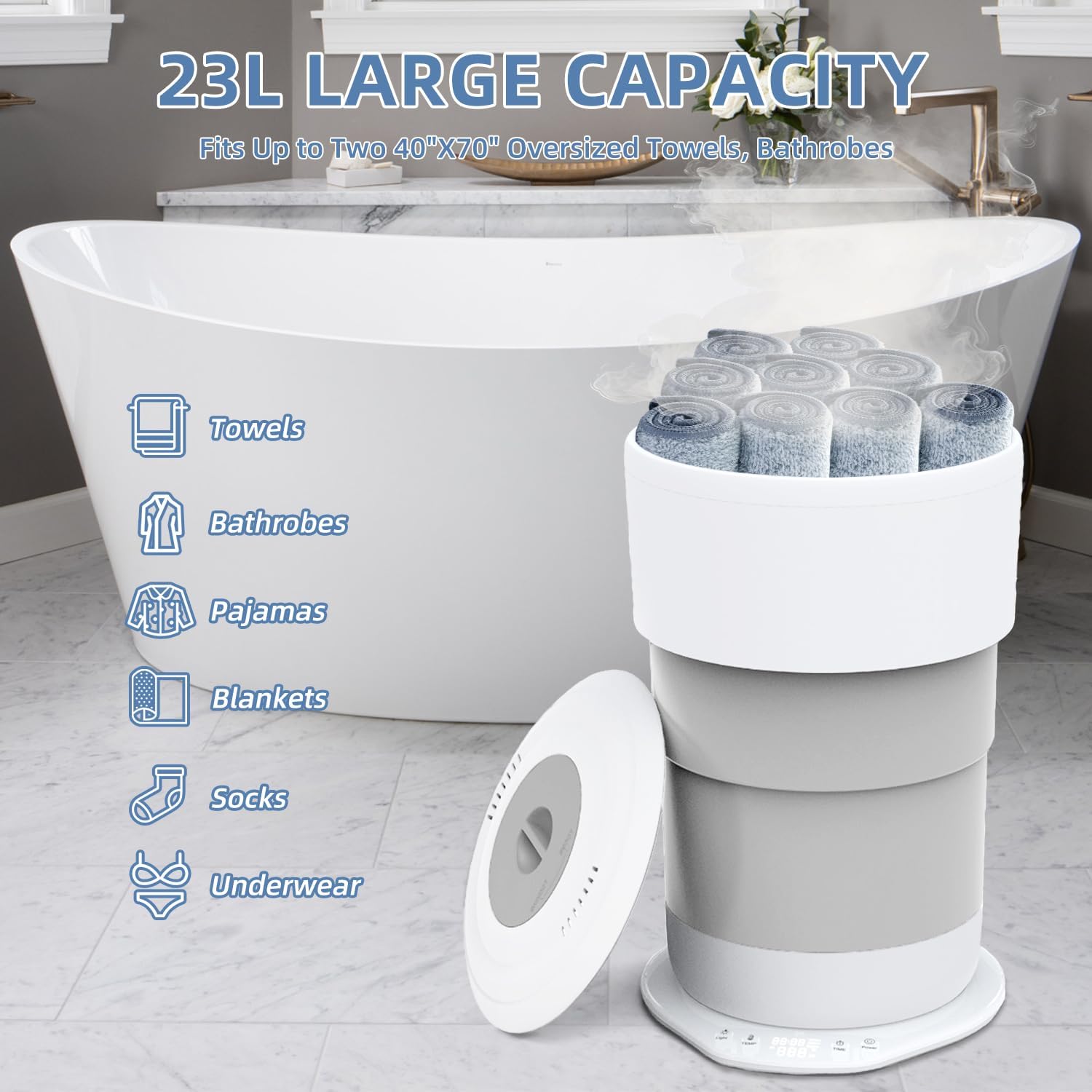
- 23L Large Capacity: Accommodates up to two oversized 40" x 70" bath towels, robes, blankets, or pajamas.
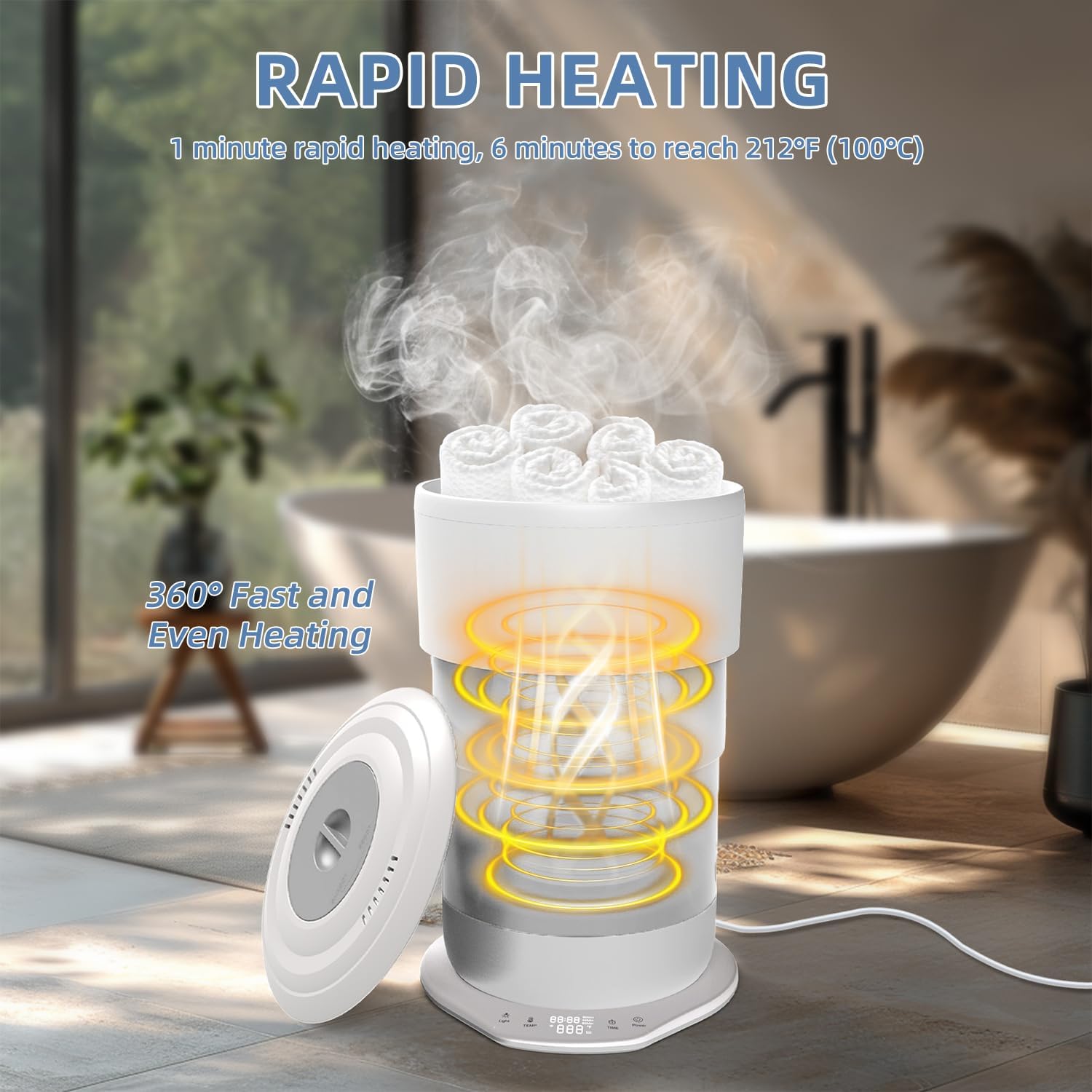
- Three Heating Temperature Options: Select from 176°F (80°C), 194°F (90°C), or 212°F (100°C).
- Adjustable Heating Time: Set heating duration for 30 or 60 minutes.
- Smart Pre-set Timer: Schedule heating from 30 minutes up to 24 hours in advance.
- One-Touch Start: Simple operation for immediate use.
- Auto Shut-Off: Enhances safety by automatically turning off after the set time.
- Foldable Design: Allows for compact storage and portability.
- Remote Control: Convenient operation from a distance.
- Ambient Base Lighting: Provides a soft glow for a relaxing atmosphere.
- LED Display: Easy-to-read interface for settings and status.
- Material: Constructed from durable silicone and plastic.
3. Setup
Follow these steps to set up your Fistone Foldable Towel Warmer:
- Unpack: Carefully remove all components from the packaging.
- Unfold: Place the base unit on a flat, stable surface. Gently pull the top section upwards to extend the foldable body until it is fully expanded. Ensure all sections are securely locked into place.
- Position: Place the towel warmer in your desired location, ensuring it is away from water and has adequate ventilation.
- Connect Power: Plug the power cord into a standard electrical outlet.

4. Operating Instructions
Control Panel and Remote
The towel warmer can be operated using the touch controls on the base unit or the included remote control.


4.1. Power On/Off
- Press the Power button on the control panel or remote to turn the unit on or off. The LED display will illuminate when powered on.
4.2. Setting Temperature
- With the unit powered on, press the Temp button repeatedly to cycle through the three temperature settings: 176°F (80°C), 194°F (90°C), and 212°F (100°C). The selected temperature will be displayed on the LED screen.
4.3. Setting Heating Time
- Press the Time button repeatedly to select a heating duration of either 30 minutes or 60 minutes. The chosen time will appear on the display.
- The unit will automatically shut off once the set heating time has elapsed.
4.4. Using the Pre-set Timer (Delay Start)
- To schedule a delayed start, press and hold the Time button. The display will show a flashing time.
- Continue pressing the Time button to adjust the delay in 30-minute increments, up to a maximum of 24 hours.
- Once the desired delay time is set, the unit will begin heating after the countdown finishes.
4.5. Adding a Fresh Scent (Optional)
The towel warmer includes a compartment for adding scent packets (not included) to infuse your towels with a fresh aroma.
- Locate the scent compartment, typically on the underside of the lid or within the heating basket.
- Place a scent packet into the designated area.
- Close the compartment securely before operating the unit.

5. Maintenance
Regular cleaning and maintenance will ensure the longevity and optimal performance of your towel warmer.
- Cleaning: Always unplug the unit and allow it to cool completely before cleaning. Wipe the exterior surfaces with a soft, damp cloth. Do not use abrasive cleaners or harsh chemicals.
- Interior Cleaning: The interior heating surface can be wiped with a damp cloth. Ensure no water enters the electrical components.
- Storage: When not in use for extended periods, ensure the unit is clean and dry. Fold the unit for compact storage and place it in the provided storage bag. Store in a cool, dry place.
6. Troubleshooting
If you encounter any issues with your towel warmer, refer to the table below for common problems and solutions.
| Problem | Possible Cause | Solution |
|---|---|---|
| Unit does not power on. | Not plugged in; Power outlet malfunction; Unit malfunction. | Ensure power cord is securely plugged into a working outlet. Test the outlet with another appliance. If problem persists, contact customer support. |
| Towels are not warm enough. | Incorrect temperature setting; Insufficient heating time; Overloaded unit. | Increase temperature setting. Extend heating time. Ensure unit is not overloaded; warm fewer items at a time. |
| Unit shuts off unexpectedly. | Timer expired; Overheat protection activated; Loose connection. | Check if the set timer has completed. Allow unit to cool down if it overheated. Check power cord connection. If problem persists, contact customer support. |
| Remote control not working. | Batteries depleted; Obstruction between remote and unit. | Replace remote control batteries. Ensure a clear line of sight between the remote and the towel warmer. |
7. Specifications
| Feature | Specification |
|---|---|
| Model Number | ZC-201 |
| Capacity | 23 Liters |
| Temperature Settings | 176°F (80°C), 194°F (90°C), 212°F (100°C) |
| Heating Time Options | 30 minutes, 60 minutes |
| Pre-set Timer | 30 minutes to 24 hours (in 30-minute increments) |
| Material | Silicone and Plastic |
| Item Weight | 7.19 pounds (3.26 kg) |
| Package Dimensions | 13.07 x 12.76 x 7.76 inches (33.2 x 32.4 x 19.7 cm) |
| Batteries Required | No (for main unit, remote control may require batteries) |
| Manufacturer | Fistone |
8. Warranty and Support
Fistone products are designed for reliability and performance. For warranty information, technical support, or service inquiries, please contact the manufacturer directly or refer to the warranty card included with your product.
Please retain your proof of purchase for any warranty claims.