
1. Product Overview
The PRANITE Robot Dog is an interactive toy designed for children, featuring remote control, programming capabilities, voice control, and touch interaction. It performs various actions including walking, sitting, crawling, dancing, and push-ups.
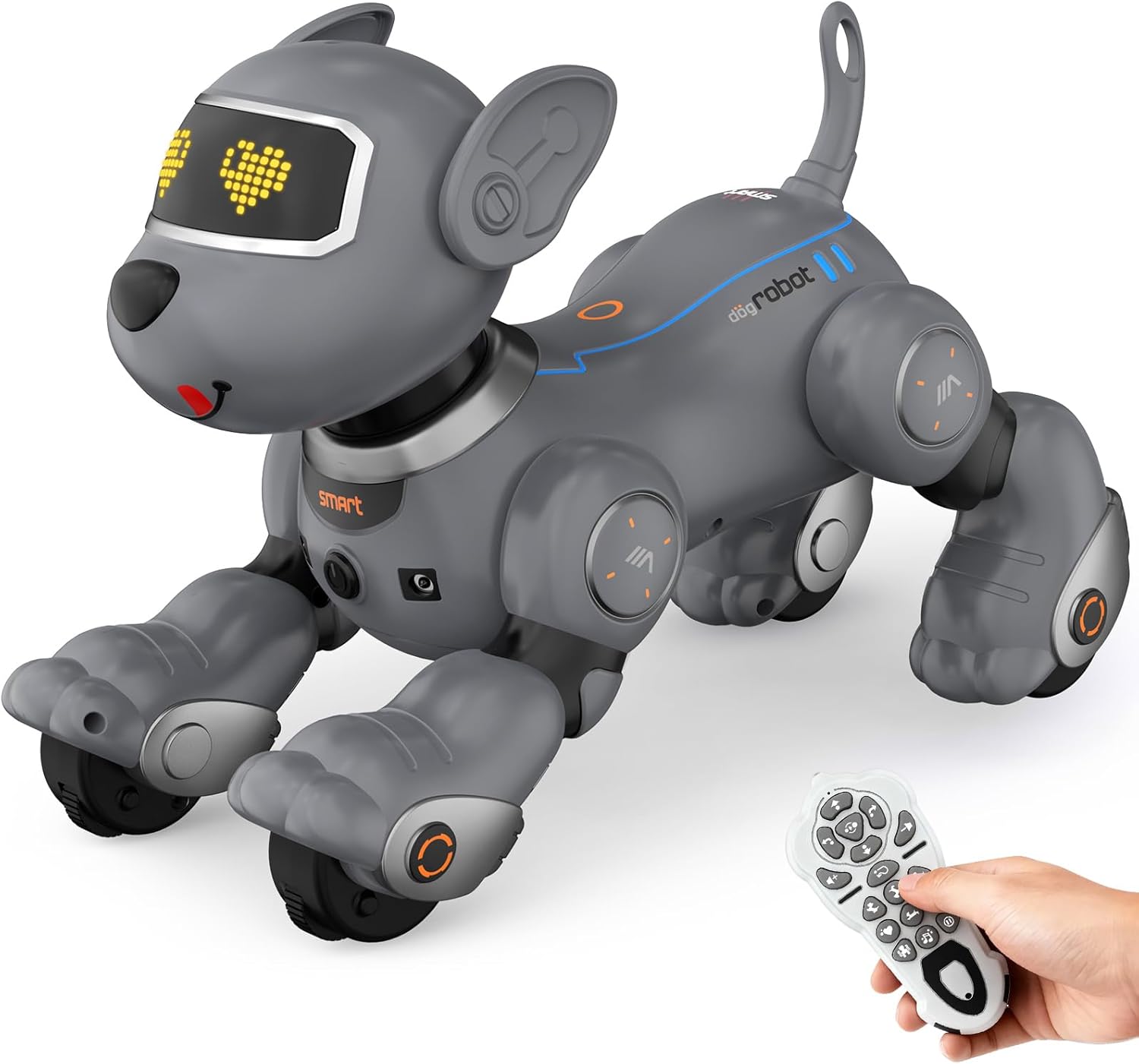
Image 1: PRANITE Robot Dog and its remote control.
2. Package Contents
Ensure all items are present in the package:
- Robot Dog
- Remote Control
- 1 Lithium Ion battery (pre-installed in robot dog)
- USB Charging Cable
- Instruction Manual
3. Setup Instructions
3.1 Battery Installation and Charging
- Robot Dog Battery: The robot dog includes a rechargeable 3.7V 600mAh Lithium Ion battery. To charge, locate the battery compartment, unscrew the cover, remove the battery, and connect it to the provided USB charging cable. Connect the USB cable to a suitable power source (e.g., computer USB port, USB wall adapter). A full charge provides approximately 45 minutes of continuous play.
- Remote Control Batteries: The remote control requires 2 AAA batteries (not included). Open the battery compartment on the back of the remote control, insert the batteries according to the polarity markings, and close the cover.
3.2 Power On/Off and Pairing
- Power On: Turn on the robot dog using the power switch located on its underside. Turn on the remote control.
- Pairing: The robot dog and remote control should automatically pair. If pairing fails, turn both devices off and then on again. The 2.4GHz frequency ensures a stable connection.
4. Operating Instructions
4.1 Remote Control Functions
The 2.4GHz remote control allows for stable, long-distance signal transmission. Refer to the remote control diagram in the included manual for specific button layouts. Key functions include:
- Directional Control: Move the robot dog forward, backward, left, and right.
- Action Buttons: Trigger pre-programmed tricks and movements.
- Volume Control: Adjust the sound output of the robot dog.
4.2 Interactive Modes
- Programming Mode: Press the program button on the remote. Input a sequence of actions (e.g., walk, sit, crawl, dance). Press the program button again to save and execute the sequence. This mode encourages logical thinking and creativity.

Image 2: Visual representation of programming action sequences.
- Follow Mode: Activate the Follow button on the remote or use a voice command like "Come on!" The robot dog will then trail behind, mimicking a real pet.
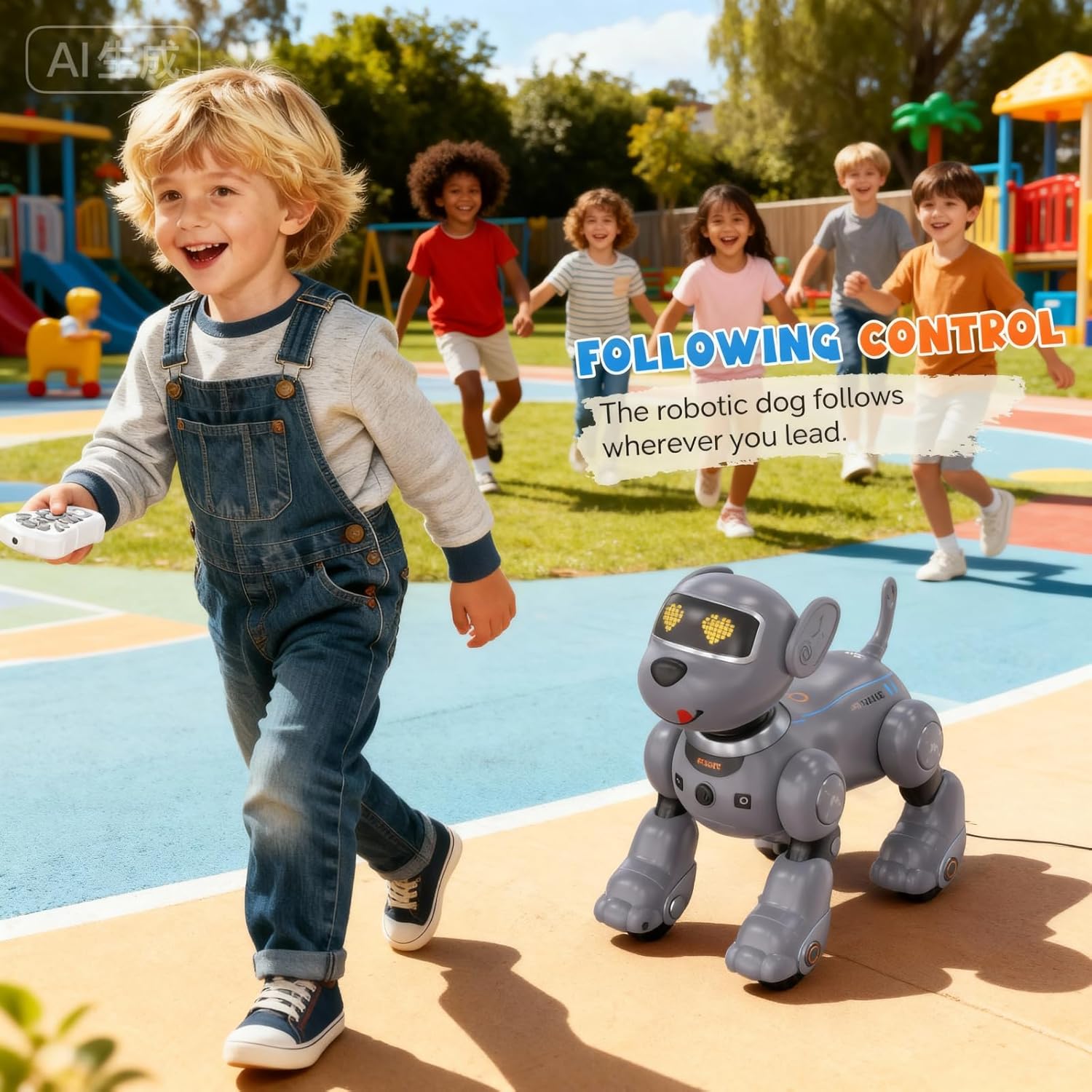
Image 3: The robot dog following a child, demonstrating the follow mode.
- Voice Control: The robot dog responds to specific voice commands. Refer to the manual for a list of recognized commands.
- Touch Interaction: Petting the robot dog's head or back can trigger various reactions and sounds, enhancing the interactive experience.

Image 4: Demonstrating interactive touch functionality with the robot dog.
4.3 Tricks and Reactions
The robot dog can perform a variety of tricks and movements:
- Sit
- Handstand
- Crawl
- Push-ups
- Dance to music
- Various sounds and eye expressions

Image 5: Examples of playful moves the robot dog can perform.

Image 6: The robot dog engaging in singing and dancing activities.
4.4 Official Product Video
Video 1: Demonstrates various remote control functions and interactive features of the PRANITE Robot Dog.
5. Maintenance
- Cleaning: Wipe the robot dog with a dry, soft cloth. Avoid using water or cleaning solutions that could damage electronic components.
- Battery Care: Always ensure the robot dog's battery is fully charged before extended play. If storing the toy for a long period, remove the batteries from both the robot dog and the remote control to prevent leakage.
- Material: The robot dog is constructed from durable, child-safe ABS material.
6. Troubleshooting
- Robot Dog Not Responding:
- Check if the robot dog's battery is charged and correctly installed.
- Ensure the remote control has fresh batteries and is powered on.
- Turn both the robot dog and remote control off and then on again to re-establish the connection.
- Sound Issues:
- Adjust the volume using the remote control.
- If sounds are distorted, check battery levels.
- Movement Issues:
- Ensure the robot dog is on a flat, clear surface. Performance may vary on uneven or soft surfaces like thick carpets.
- Check for any obstructions in the robot dog's movement mechanisms.
7. Specifications
| Feature | Detail |
|---|---|
| Product Dimensions | 9.6 x 5.7 x 9.2 inches |
| Item Weight | 2 pounds |
| Item Model Number | BG1536 |
| Manufacturer Recommended Age | 3 years and up |
| Batteries | 1 Lithium Ion battery (included for robot dog), 2 AAA batteries (not included for remote) |
| Manufacturer | SHANTOU SUBOTECH TOY Co., LTD |
8. Warranty and Support
For any questions, technical assistance, or support regarding your PRANITE Robot Dog, please contact the manufacturer or retailer where the product was purchased. Please retain your proof of purchase for any warranty claims.