
Introduction
Thank you for choosing the Fanvace MP3/MP4 Player. This device combines a portable music and video player with the versatility of the Android 13 operating system, offering a rich multimedia experience. This manual provides essential information for setting up, operating, and maintaining your device.
1. Initial Setup
1.1 Package Contents
Verify that all items are present in the package:
- 1 x Fanvace MP3/MP4 Player
- 1 x 64GB SD Card
- 1 x USB C Cable
- 1 x Wired Earphones
- 1 x Screen Protector
- 1 x Protective Case
- 1 x User Manual

Figure 1: Package Contents
1.2 Charging the Device
Before first use, fully charge the device. Connect the provided USB C cable to the player's charging port and the other end to a USB power adapter (not included) or a computer's USB port. The battery indicator on the screen will show charging status.
1.3 Inserting/Expanding Storage
Your player comes with 80GB of internal storage (16GB ROM + 64GB TF card). To expand storage, locate the microSD card slot on the side of the device. Insert a microSD card (up to 1TB, not included) into the slot until it clicks into place. Ensure the card is inserted correctly to avoid damage.
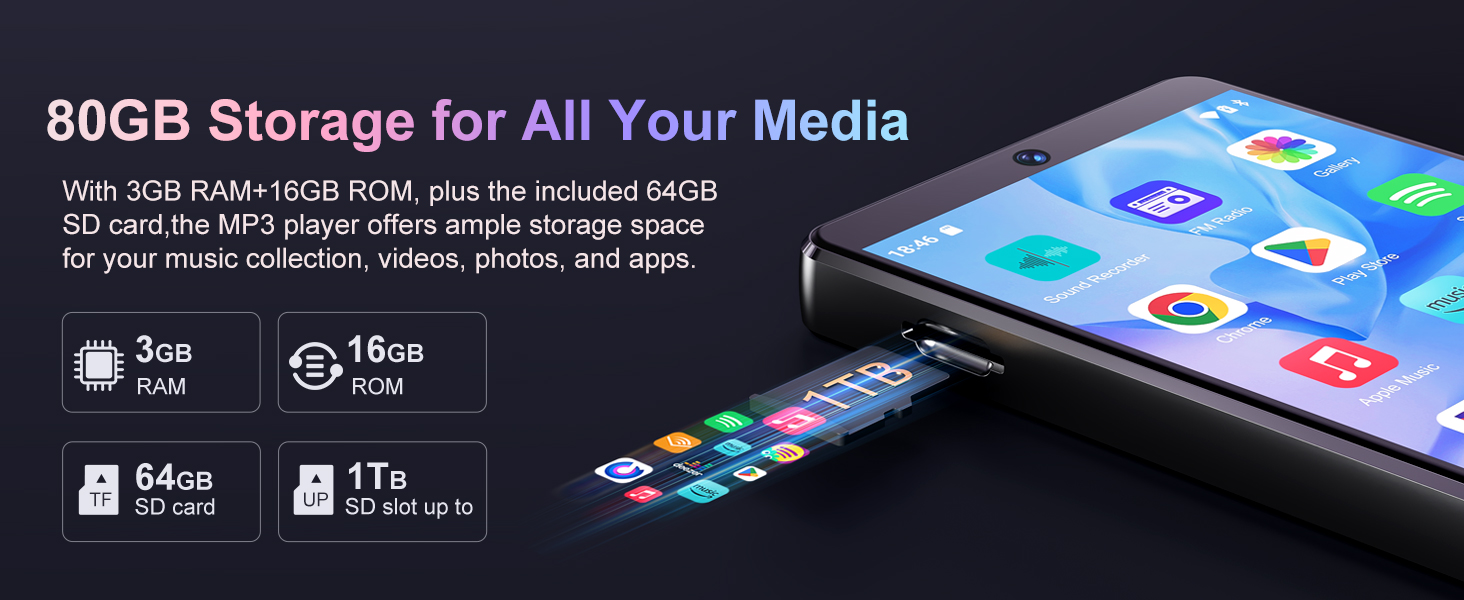
Figure 2: Storage Expansion
1.4 Powering On/Off
- To Power On: Press and hold the Power button on the side of the device until the screen lights up.
- To Power Off: Press and hold the Power button, then select 'Power off' from the options that appear on the screen.
2. Operating Instructions
2.1 Navigating the Android 13 OS
The device runs on Android 13, providing a familiar smartphone-like interface. Use the 4-inch touchscreen to navigate through menus, open applications, and control media playback. Swipe gestures and taps are used for interaction.

Figure 3: Android 13 OS Interface
2.2 Connecting to Wi-Fi
To access online services, streaming apps, and the Play Store, connect your device to a Wi-Fi network:
- Go to Settings > Network & internet > Wi-Fi.
- Toggle Wi-Fi On.
- Select your desired Wi-Fi network from the list.
- Enter the password if prompted, then tap Connect.
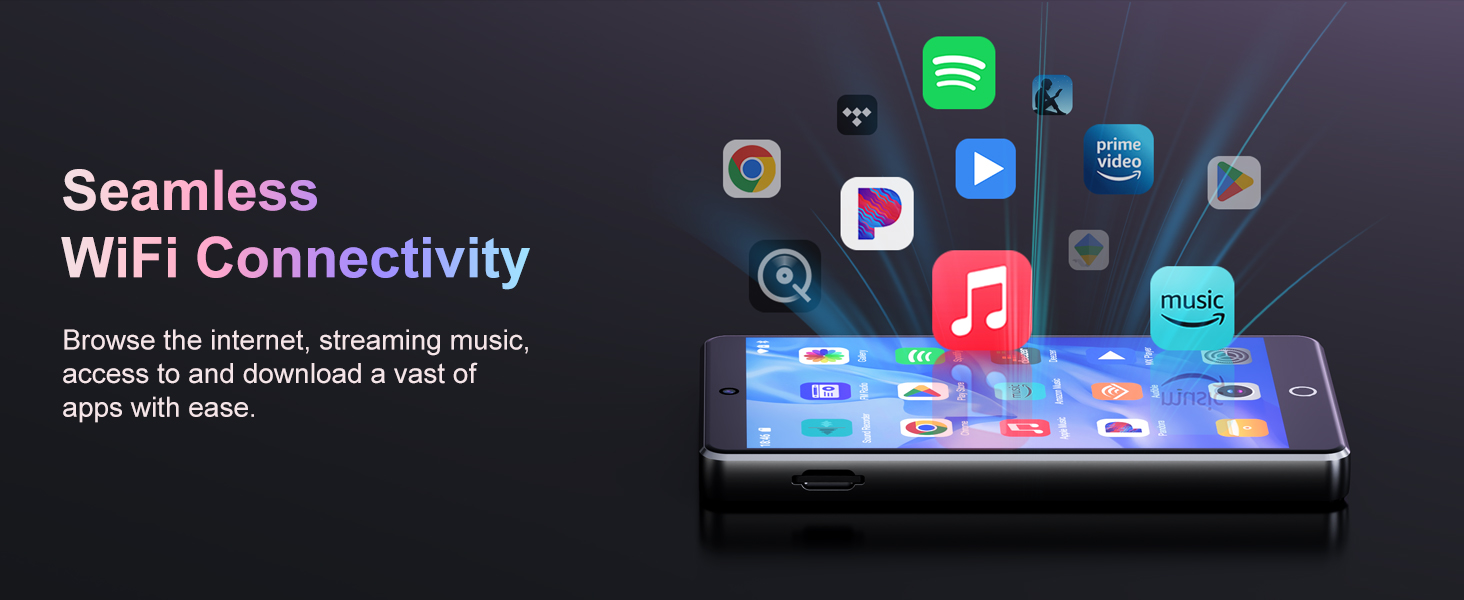
Figure 4: Wi-Fi Connectivity
2.3 Bluetooth Connectivity
The device supports Bluetooth 5.0 for connecting to wireless headphones, speakers, or car audio systems:
- Go to Settings > Connected devices > Bluetooth.
- Toggle Bluetooth On.
- Ensure your Bluetooth accessory is in pairing mode.
- Select the accessory from the list of available devices to pair.
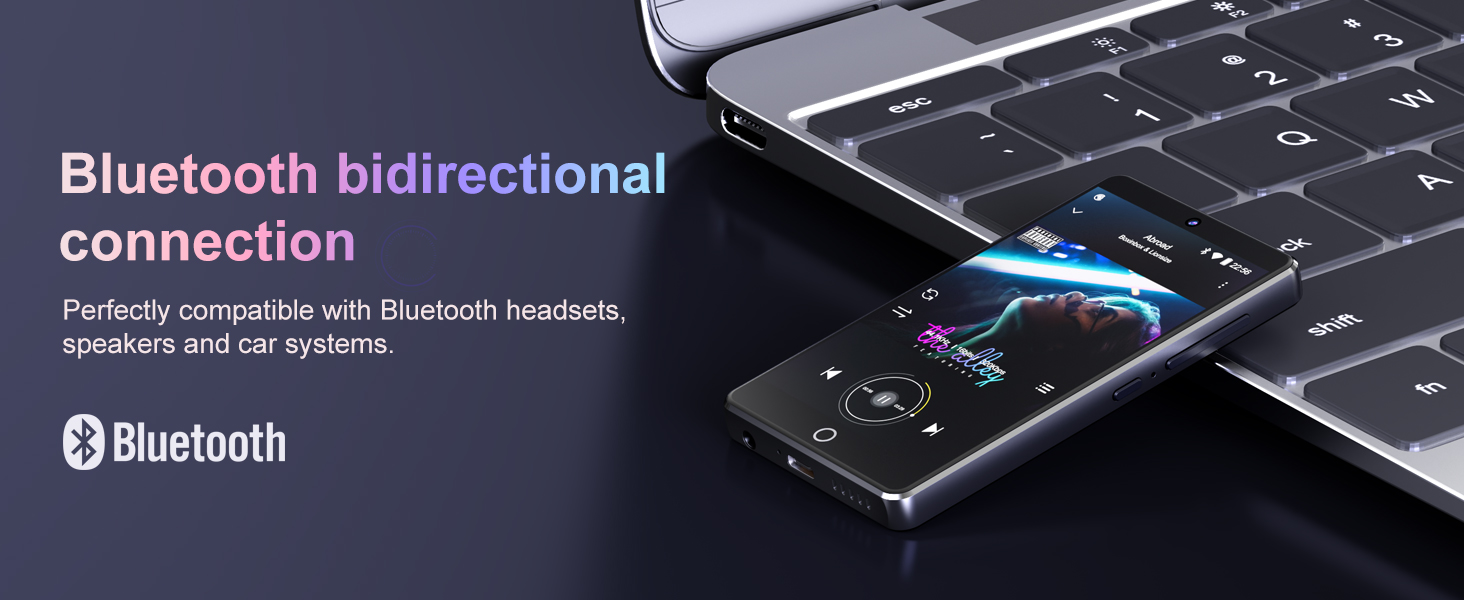
Figure 5: Bluetooth Connection
2.4 Music Playback
The player supports various audio formats including MP3, WAV, FLAC, APE, OGG, M4A, AAC, and WMA. Pre-installed music apps like Spotify, Deezer, and Amazon Music are available. You can also use the default music player for local files.

Figure 6: HiFi Lossless Sound Quality
2.5 Video Playback
Enjoy videos on the 4-inch full-touchscreen. The device supports video formats such as RM, RMVB, FLV, MP4, DAT, MKV, MPG, MOV, and TS without conversion.

Figure 7: Video Playback Experience
2.6 Using the Camera
The player features a 13-megapixel rear camera and a 5-megapixel front camera. Open the Camera application to capture photos and videos.
- Tap the shutter button to take a photo.
- Switch to video mode to record.
- Use the front camera for selfies and video calls.

Figure 8: Camera Features
2.7 App Installation
Access the Google Play Store to download and install a wide variety of applications, enhancing the functionality of your player.
3. Device Maintenance
3.1 Cleaning
Use a soft, lint-free cloth to clean the screen and body of the device. Avoid using harsh chemicals or abrasive materials, which can damage the finish.
3.2 Software Updates
Periodically check for software updates to ensure optimal performance and access to the latest features. Go to Settings > System > System update.
3.3 Battery Care
The device has a built-in 2000mAh lithium battery. To prolong battery life:
- Avoid extreme temperatures.
- Do not let the battery fully discharge frequently.
- Charge the device regularly, but avoid overcharging for extended periods.
4. Troubleshooting Guide
If you encounter issues with your Fanvace MP3/MP4 Player, refer to the following common solutions:
- Device not powering on: Ensure the battery is charged. Connect the device to a charger for at least 30 minutes. If it still doesn't power on, try holding the power button for 10-15 seconds for a forced restart.
- Cannot connect to Wi-Fi: Verify that Wi-Fi is enabled on the device and that you have entered the correct password. Restart your Wi-Fi router and the player.
- Bluetooth device not pairing: Ensure the Bluetooth accessory is in pairing mode and within range. Turn Bluetooth off and on again on the player.
- Storage card not recognized: Reinsert the microSD card. Ensure it is properly seated in the slot. Try formatting the card (this will erase all data) if it's a new card or if issues persist.
- Apps crashing or slow performance: Close background applications. Clear app caches in Settings > Apps > [App Name] > Storage & cache. If issues persist, consider a factory reset (backup your data first).
5. Product Specifications
| Brand | Fanvace |
| Model Name | mp3 player with camera |
| Item Model Number | 36 |
| Operating System | Android 13 |
| Processor | MTK 8-core |
| Display | 4.02 Inches Full-Touchscreen |
| Memory (RAM) | 3GB |
| Internal Storage (ROM) | 16GB |
| Included SD Card | 64GB TF card |
| Expandable Storage | Up to 1TB (Micro SD) |
| Rear Camera | 13 Megapixels |
| Front Camera | 5 Megapixels |
| Connectivity | Bluetooth 5.0, Wi-Fi, USB |
| Battery Capacity | 2000mAh Lithium Battery |
| Audio Formats | MP3, WAV, FLAC, APE, OGG, M4A, AAC, WMA |
| Video Formats | RM, RMVB, FLV, MP4, DAT, MKV, MPG, MOV, TS |
| Item Weight | 11.7 ounces |
| Package Dimensions | 6.73 x 5.75 x 0.87 inches |
6. Warranty and Support
6.1 Warranty Information
Your Fanvace MP3/MP4 Player is covered by a manufacturer's warranty. Please refer to the warranty card included in your package for specific terms and conditions.
6.2 Customer Support
For any questions, technical assistance, or issues not covered in this manual, please contact Fanvace customer service. We aim to provide support within 12 hours.
Contact details can typically be found on the product packaging, the official Fanvace website, or through your purchase platform.


