
1. Introduction
Thank you for choosing VANIR Open-Ear Wireless Earbuds. This manual provides detailed instructions on how to set up, operate, and maintain your earbuds. Please read this manual carefully before use to ensure optimal performance and longevity of your device.
2. Product Overview
2.1 Package Contents
- VANIR Open-Ear Wireless Earbuds (Left and Right)
- Charging Case
- USB-C Charging Cable
- User Manual
2.2 Earbud Components
The VANIR Open-Ear Wireless Earbuds feature a unique clip-on design that rests gently on your ear without entering the ear canal, ensuring comfort and situational awareness.

Image 2.2.1: VANIR Open-Ear Wireless Earbuds and their charging case.

Image 2.2.2: A user wearing the VANIR Open-Ear Earbuds, highlighting the comfortable, non-intrusive design that allows for environmental awareness.
3. Setup
3.1 Charging the Earbuds and Case
- Initial Charge: Before first use, fully charge the earbuds and charging case.
- Charging the Case: Connect the provided USB-C cable to the charging port on the case and to a USB power adapter (not included). The charging indicator lights will show the charging status.
- Charging the Earbuds: Place the earbuds into the charging case. Ensure they are correctly seated; magnetic contacts will hold them in place. The earbuds will begin charging automatically.
A full charge for the case takes approximately 2 hours. The earbuds provide up to 6 hours of playback on a single charge, and the charging case extends total playtime to up to 36 hours.

Image 3.1.1: The VANIR charging case connected via USB-C cable for charging.

Image 3.1.2: Battery life overview, indicating 6 hours on a single charge and up to 36 hours total with the charging case.
3.2 Pairing with Your Device
- Power On: Open the charging case. The earbuds will automatically power on and enter pairing mode.
- Activate Bluetooth: On your smartphone, tablet, or laptop, enable Bluetooth.
- Select Device: Search for available Bluetooth devices and select "VANIR-1" from the list.
- Confirm Connection: Once connected, you will hear an audio prompt, and the earbuds' indicator lights will change.
After the initial pairing, the earbuds will automatically connect to the last paired device when taken out of the case, provided Bluetooth is enabled on the device.
4. Operating Instructions
4.1 Touch Controls
The VANIR earbuds feature intuitive touch controls on each earbud. The specific functions are as follows:
| Action | Function |
|---|---|
| Single Tap (Left/Right) | Play/Pause Music, Answer/End Call |
| Double Tap (Right) | Next Track |
| Double Tap (Left) | Previous Track |
| Triple Tap (Right) | Volume Up |
| Triple Tap (Left) | Volume Down |
| Long Press (2 seconds) | Reject Call, Activate Voice Assistant |

Image 4.1.1: Illustration of the touch control area on the VANIR earbuds.
4.2 Call Management
The earbuds are equipped with ENC Noise Cancelling and dual microphones for clear call quality.
- Answer Call: Single tap either earbud.
- End Call: Single tap either earbud.
- Reject Call: Long press either earbud for 2 seconds.
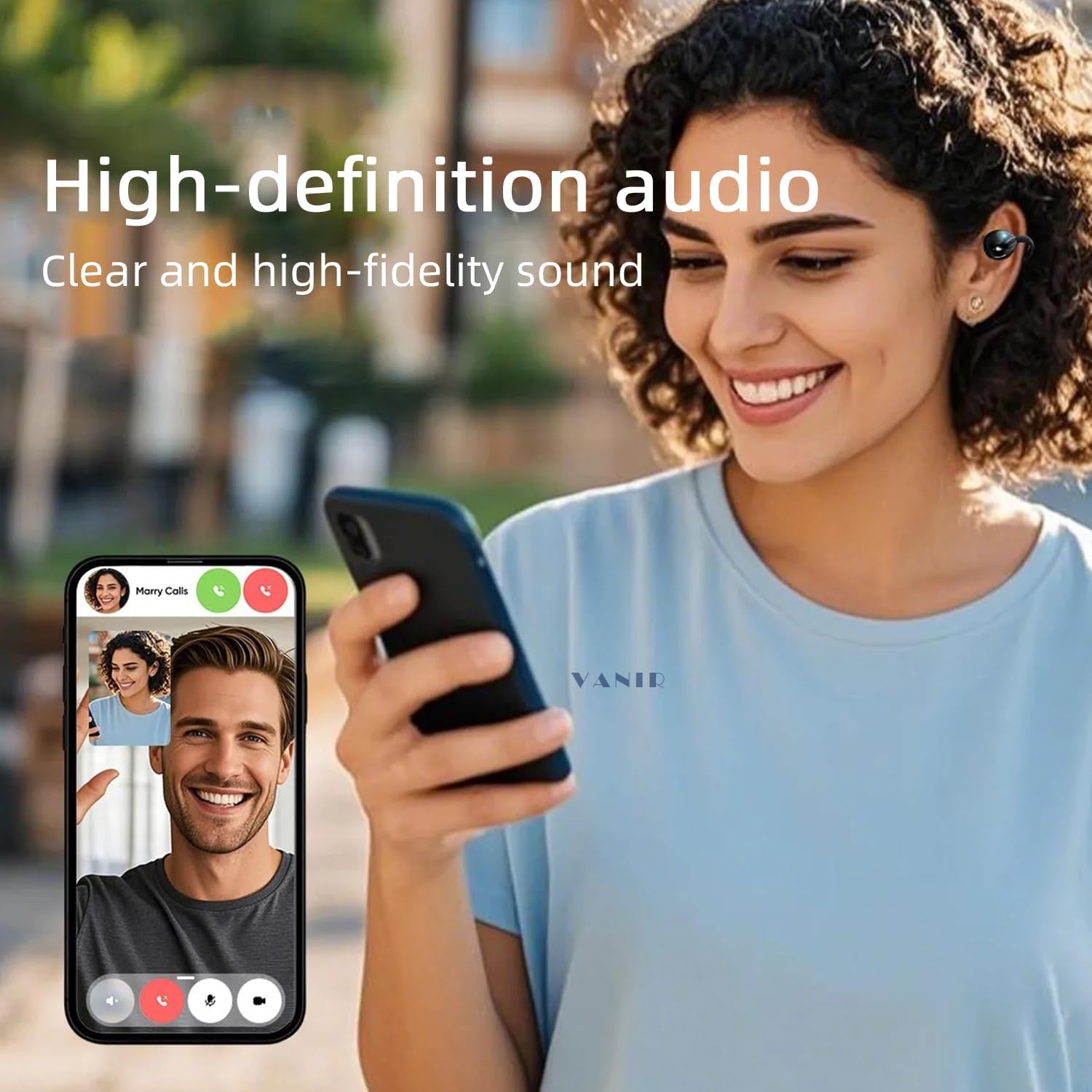
Image 4.2.1: A user engaged in a clear phone conversation with the VANIR earbuds.
4.3 Music Playback
- Play/Pause: Single tap either earbud.
- Next Track: Double tap the right earbud.
- Previous Track: Double tap the left earbud.
- Volume Up: Triple tap the right earbud.
- Volume Down: Triple tap the left earbud.
5. Maintenance
5.1 Cleaning
- Gently wipe the earbuds and charging case with a soft, dry, lint-free cloth.
- Do not use harsh chemicals, cleaning solvents, or strong detergents.
- Avoid getting moisture in any openings.
5.2 Storage
- When not in use, store the earbuds in their charging case to protect them and keep them charged.
- Store in a cool, dry place, away from extreme temperatures and direct sunlight.
5.3 Water Resistance
The earbuds are IPX5 water-resistant, meaning they can withstand sweat and light rain. They are not designed for submersion in water. Ensure the earbuds are dry before placing them back in the charging case to prevent damage.

Image 5.3.1: A user running in light rain, illustrating the IPX5 water resistance of the earbuds.
6. Troubleshooting
- Earbuds not pairing:
- Ensure earbuds are charged.
- Turn off and on Bluetooth on your device.
- Forget "VANIR-1" in your device's Bluetooth settings and try pairing again.
- Place earbuds back in the case, close it, wait 5 seconds, then open to re-enter pairing mode.
- No sound from one earbud:
- Ensure both earbuds are charged.
- Try resetting the earbuds (refer to manufacturer's specific reset instructions if available, otherwise, place in case and re-pair).
- Earbuds not charging:
- Check if the charging cable is securely connected to both the case and the power source.
- Ensure the earbuds are properly seated in the charging case.
- Try a different USB-C cable or power adapter.
- Poor sound quality:
- Ensure the earbuds are clean and free of debris.
- Move closer to your connected device to avoid interference.
- Check your device's audio settings.
7. Specifications
| Feature | Detail |
|---|---|
| Model Name | VANIR-1 |
| Connectivity Technology | Wireless (Bluetooth 5.4) |
| Bluetooth Range | 10 Meters |
| Noise Control | Adaptive Noise Cancellation (ENC) |
| Frequency Response | 20 KHz |
| Sensitivity | 92 dB |
| Impedance | 32 Ohm |
| Battery Life (Earbuds) | Up to 6 Hours (single charge) |
| Total Playtime (with Case) | Up to 36 Hours |
| Charging Time | Approx. 2 Hours (case) |
| Charging Port | USB-C |
| Water Resistance | IPX5 |
| Earbud Weight | 5.3g (each) |
| Control Type | Touch Control |
| Ear Placement | Open Ear |
| Form Factor | Clip-ear |
| Material | Plastic |
8. Safety Information
- Do not disassemble or modify the product.
- Keep away from extreme temperatures, direct sunlight, and open flames.
- Avoid listening at high volumes for extended periods to prevent hearing damage.
- Keep out of reach of children and pets.
- Dispose of the product responsibly according to local regulations.
9. Warranty and Support
VANIR products are designed for reliability and performance. For warranty information or technical support, please refer to the contact details provided with your purchase or visit the official VANIR website. Please retain your proof of purchase for warranty claims.

