
1. Introduction
Welcome to the user manual for your VEKJ A68 Pro AI Translation Earbuds. These earbuds are designed to provide seamless real-time language translation, high-quality audio for music, and clear communication for calls. This manual will guide you through the setup, operation, and maintenance of your device to ensure optimal performance.
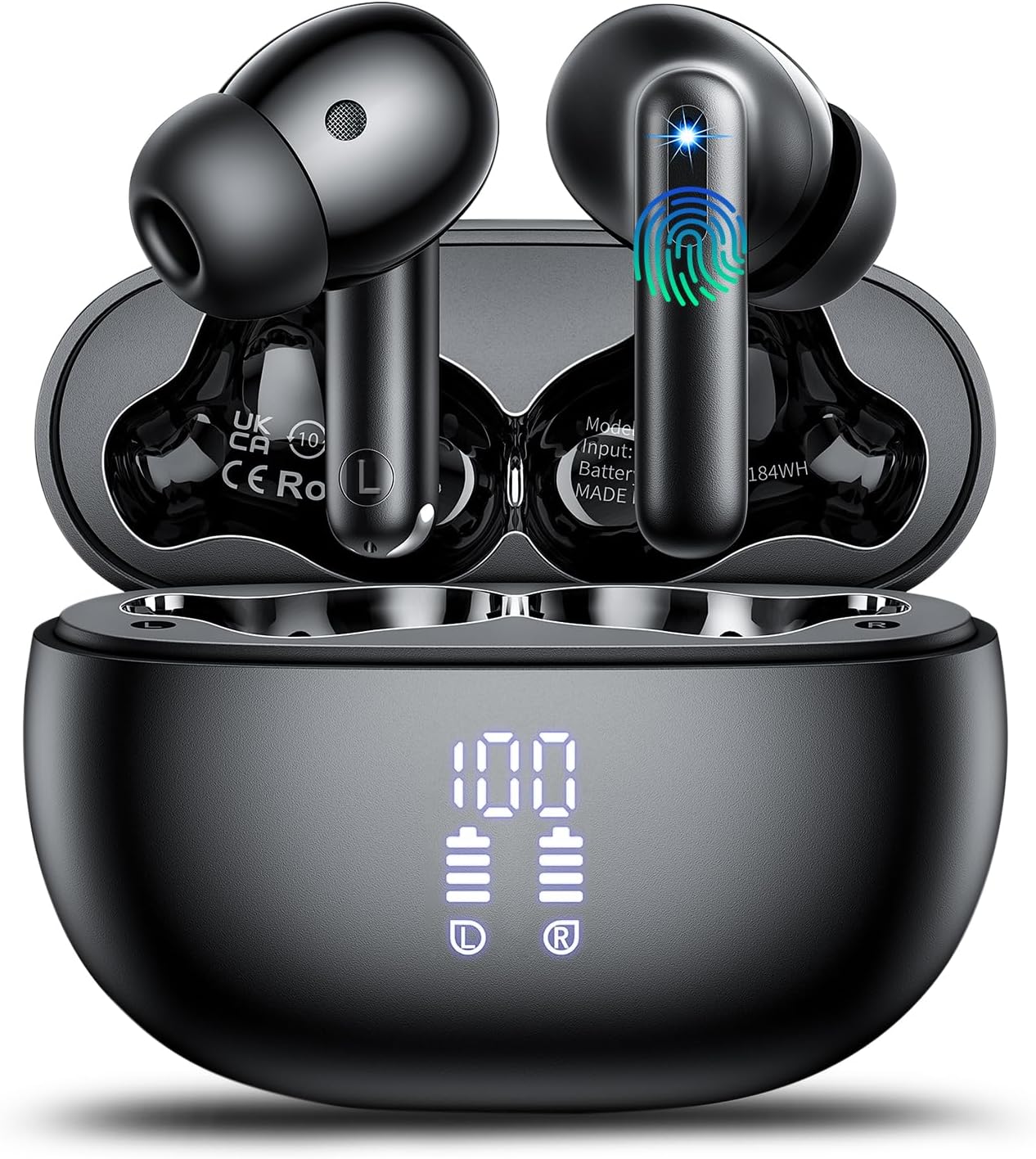
Image 1.1: VEKJ A68 Pro AI Translation Earbuds in their charging case, displaying battery levels.
2. Package Contents
Please verify that all items listed below are included in your package:
- VEKJ A68 Pro Translator Earbuds (2 units)
- Ear tips (3 pairs: S, M, L)
- Instructions for use (this manual)
- Translation manual
- USB-C charging cable
3. Product Overview
The VEKJ A68 Pro earbuds offer a versatile 3-in-1 functionality, combining real-time translation, high-fidelity music playback, and clear phone calls.
- Audio Quality: Equipped with a 13mm Hi-Fi dynamic driver for immersive sound with rich bass and clear treble.
- Noise Cancellation: Features ENC (Environmental Noise Cancellation) technology to filter out up to 90% of background noise during calls.
- Language Support: Supports 164 languages without requiring a subscription.
- Translation Modes: Includes Free Talk, Headset + Phone, Translator Machine, Photo Translation, Audio & Video Call Translation, and AI Chat modes.
- AI Integration: Integrates with OpenAI 4.0 mini API for intelligent conversations in AI Chat Mode.
- Connectivity: Utilizes Bluetooth 5.3 for fast and stable connections.
- Battery Life: Provides 6-8 hours of use on a single charge, extending to 42 hours with the charging case. Features an LED power display.
- Control: Sensitive touch controls for managing music, calls, and translation functions.
- Durability: IPX7 waterproof rating and ergonomic design for extended comfortable wear.

Image 3.1: Overview of VEKJ A68 Pro AI Language Translation Earbuds.

Image 3.2: Detailed view of the 13mm dynamic driver, illustrating the audio technology.

Image 3.3: Diagram showing the dual-mic ENC technology for environmental noise cancellation, reducing noise by 35dB.

Image 3.4: Visual representation of the 164 languages supported for translation.
4. Setup
4.1 Charging the Earbuds and Case
Before first use, fully charge the earbuds and the charging case.
- Place the earbuds into the charging case.
- Connect the USB-C charging cable to the charging port on the case and to a power source.
- The LED display on the charging case will indicate the charging status. A full charge takes approximately 1.5 hours.
The earbuds provide 6-8 hours of playback on a single charge, and the charging case extends the total battery life to 42 hours.

Image 4.1: Battery life details, showing 6-8 hours for earbuds and 42 hours with the charging case.
4.2 Pairing with Your Device
The earbuds use Bluetooth 5.3 for a stable connection.
- Open the charging case. The earbuds will automatically power on and enter pairing mode.
- On your smartphone or tablet, go to Bluetooth settings and search for "A68 Pro".
- Select "A68 Pro" to connect. Once paired, the earbuds will automatically reconnect when the case is opened.

Image 4.2: Visual guide for one-step pairing with a mobile device.
4.3 Installing and Activating the "Ear Dance" App
The "Ear Dance" app is essential for utilizing the translation features.
- Download:
- Scan the QR code provided in the physical instruction manual.
- Alternatively, search for "Ear Dance" in your device's app store (Google Play Store for Android, Apple App Store for iOS).
- You can also visit the direct download link: Ear Dance App Download
- Activation:
- Ensure your earbuds are connected via Bluetooth (refer to section 4.2).
- Launch the "Ear Dance" app. It should automatically detect and connect to your earbuds.
- If prompted, scan or enter the authorization code found in your instruction manual.

Image 4.3: Steps for downloading and activating the "Ear Dance" application.

Image 4.4: The "Ear Dance" app interface, demonstrating connection and available modes.
5. Operating Instructions
5.1 Smart Touch Controls
The earbuds feature sensitive touch controls for various functions.
| Action | Function |
|---|---|
| Double Tap (R/L) | Play/Pause music |
| 3 Clicks (R/L) | Activate Voice Assistant |
| 1 Click R | Volume Up |
| 1 Click L | Volume Down |
| Hold on 2S R | Next Track |
| Hold on 2S L | Previous Track |
| 1 Click (R/L) during call | Answer/Hangup Call |
| Hold on 2S (R/L) during call | Reject Call |

Image 5.1: Visual representation of touch control functions.
5.2 Translation Modes
The "Ear Dance" app provides access to various translation modes:
- Free Talk Mode (164 Languages): The earbuds automatically detect and translate languages in real-time. Ideal for natural conversations without manual input.

Image 5.2: Two individuals using Free Talk Mode for seamless communication.
- Headset + Phone Mode (164 Languages): One person wears the earbuds, while the other uses the phone's microphone and screen for two-way interaction. Useful for quick exchanges like ordering food.

Image 5.3: A person using the Headset + Phone Mode with their smartphone.
- Translator Machine Mode (164 Languages): Functions as a standalone translator via your phone's speaker and screen, without requiring the earbuds to be worn.

Image 5.4: A person using their phone for translation in Translator Machine Mode.
- Photo Translation (20 Languages): Use your phone's camera to capture text from documents or signs, and the app will translate it.
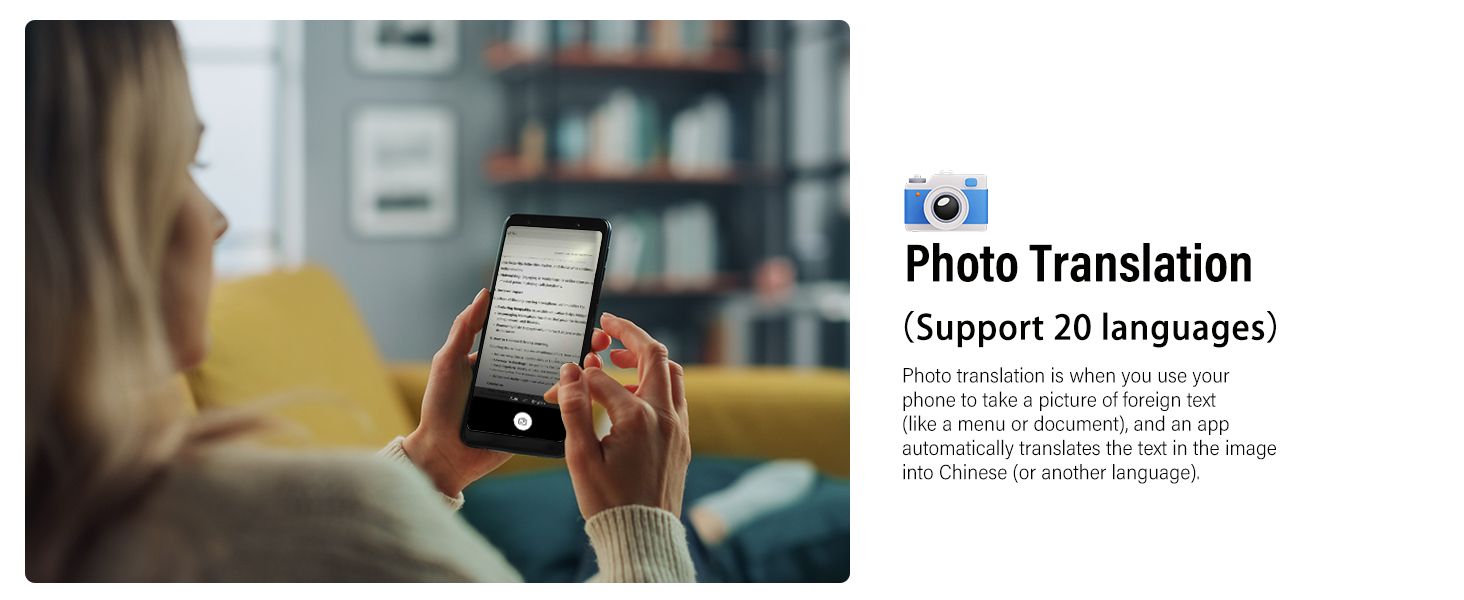
Image 5.5: A user translating text from a document using the Photo Translation feature.
- Audio & Video Call Translation (164 Languages): Provides real-time translation during audio and video calls, displaying subtitles or playing translated audio.

Image 5.6: Example of real-time translation during a video call.
- AI Chat Mode (13 Languages): Engage in intelligent conversations with AI, powered by OpenAI 4.0 mini API, for detailed responses and brainstorming.
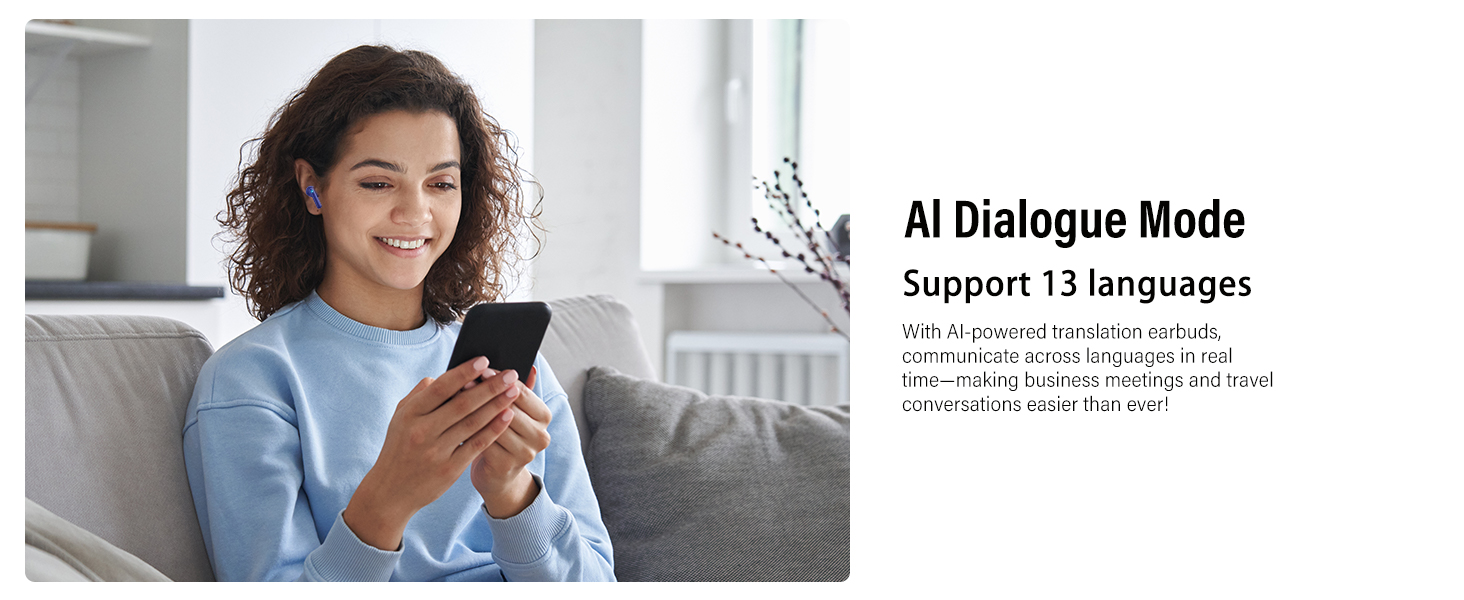
Image 5.7: A user interacting with the AI Chat Mode on their smartphone.
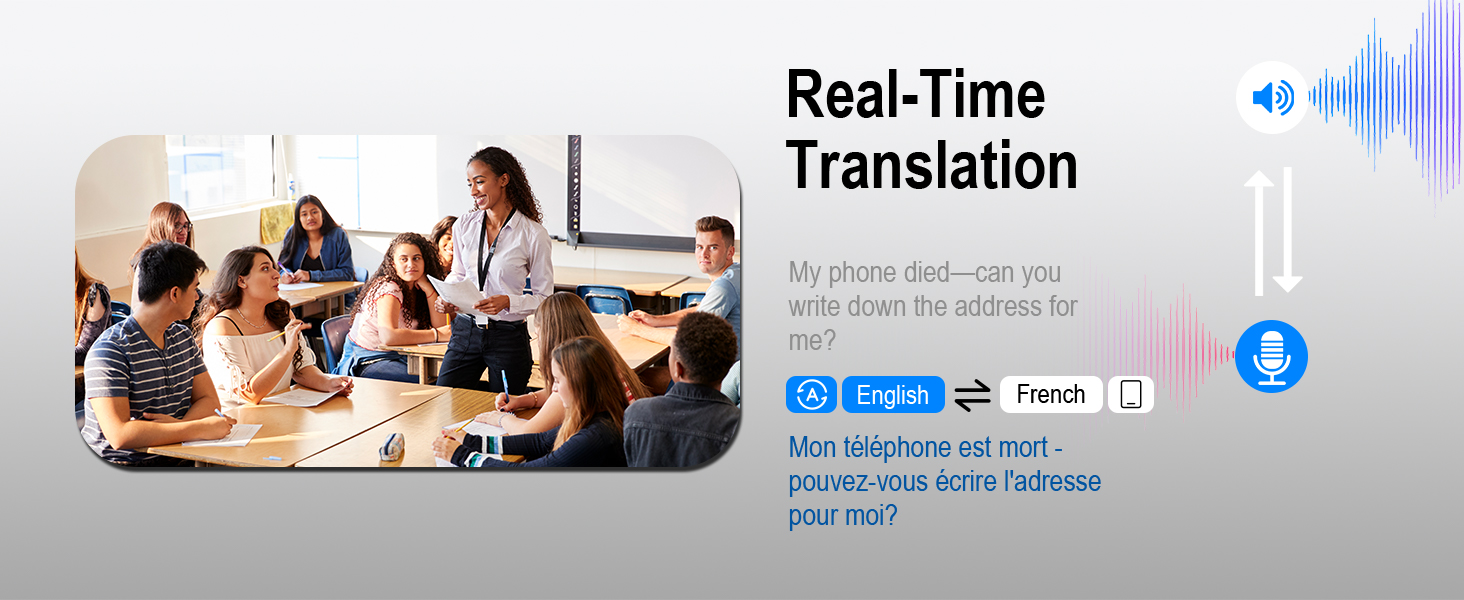
Image 5.8: An example of real-time translation, converting spoken English to French text.
6. Maintenance
Proper maintenance ensures the longevity and optimal performance of your earbuds.
- Cleaning: Regularly clean the earbuds and charging case with a soft, dry, lint-free cloth. Do not use abrasive cleaners or solvents.
- Ear Tips: Remove and clean the ear tips periodically. Ensure they are completely dry before reattaching.
- Storage: Store the earbuds in their charging case when not in use to protect them and keep them charged.
- Water Resistance: The earbuds are IPX7 waterproof, meaning they can withstand immersion in up to 1 meter of water for 30 minutes. However, the charging case is not waterproof. Avoid exposing the charging case to liquids.

Image 6.1: Illustration highlighting the IPX7 waterproof feature of the earbuds.

Image 6.2: Features like ergonomic design, IPX7 waterproofing, and lightweight construction for extended wear.
7. Troubleshooting
If you encounter issues with your VEKJ A68 Pro earbuds, refer to the following common solutions:
| Problem | Solution |
|---|---|
| Earbuds not pairing |
|
| No sound or poor audio quality |
|
| Translation not working or inaccurate |
|
| Earbuds not charging |
|
8. Specifications
| Feature | Detail |
|---|---|
| Brand | VEKJ |
| Model | A68 Pro |
| Headphones Form Factor | In Ear |
| Connectivity | Wireless (Bluetooth 5.3) |
| Charging Time | 2 Hours (Earbuds & Case) |
| Battery Life (Earbuds) | 6-8 Hours |
| Total Battery Life (with Case) | Up to 42 Hours |
| Battery Type | Lithium Polymer (1 AA battery included) |
| Water Resistance | IPX7 (Earbuds only) |
| Item Dimensions (Parcel) | 10.7 x 8.1 x 3.7 cm; 100 g |
9. Warranty and Support
For warranty information and technical support, please refer to the documentation included with your purchase or contact VEKJ customer service through the retailer where the product was purchased.
Please retain your proof of purchase for any warranty claims.


