
1. Introduction
This manual provides essential information for the proper setup, operation, and maintenance of your Samsung UN58U8000F 58-inch Crystal UHD 4K Smart TV. Please read this manual thoroughly before using your television to ensure safe and optimal performance.

Image: The Samsung UN58U8000F 58-inch Crystal UHD 4K Smart TV displayed with its bundled accessories, including HDMI cables and streaming service cards.
2. What's in the Box
Verify that all components are present in the packaging:
- Samsung Crystal UHD U8000F 4K Smart TV (2025)
- IR SIMPLE REMOTE TM2240A Remote Control
- Power Cable
- User Manual (this document)
- Limited Protection Information
- Deco Gear 6FT Universal 4K HDMI 2.0 Cable (2 units)
- Tech Smart USA Premiere Movies Streaming 2020 Digital Download Card
- Deco Gear Television Home Theater Essentials Beginner's Guide

Image: Packaging for Deco Gear 26 Month Protection and two HDMI cables, indicating included accessories.

Image: Digital download cards for various streaming services, part of the product bundle.
3. Setup
3.1 Unpacking and Placement
Carefully remove the TV and all accessories from the packaging. Place the TV on a stable, flat surface or mount it securely to a wall using a compatible VESA mount (sold separately). Ensure adequate ventilation around the TV.
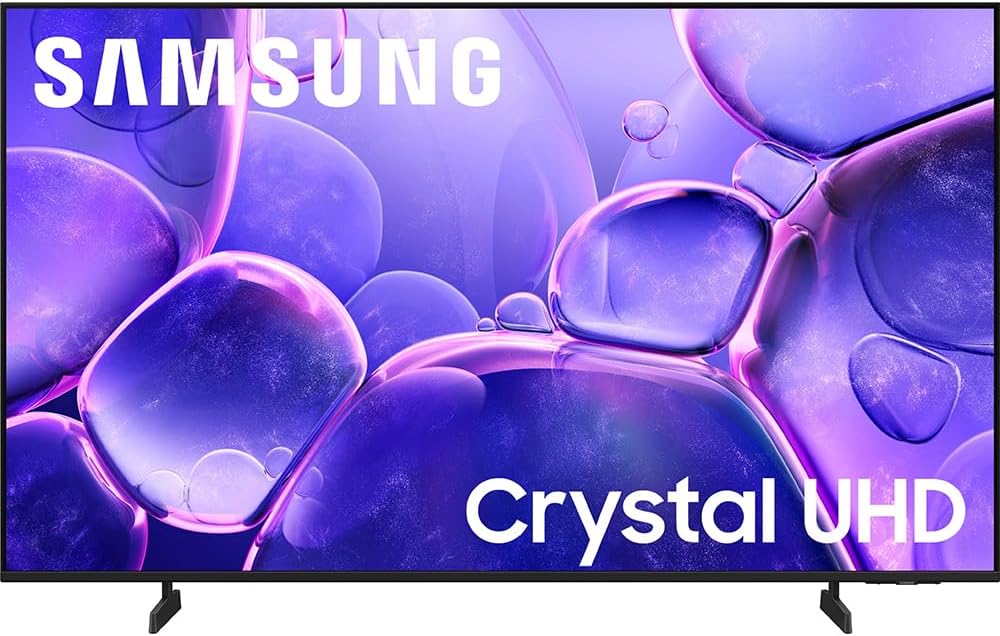
Image: Front view of the Samsung UN58U8000F television, showcasing its display and slim bezels.

Image: Angled view of the Samsung UN58U8000F television, highlighting its design and stand.
3.2 Connecting Peripherals
Connect your external devices such as Blu-ray players, gaming consoles, or sound systems to the TV's HDMI ports. Use the included Deco Gear 4K HDMI cables for optimal picture quality. Connect the power cable to the TV and then to a wall outlet.
3.3 Initial Power-On and Network Setup
Press the power button on the remote control. Follow the on-screen instructions to complete the initial setup, including language selection, network connection (Wi-Fi or Ethernet), and channel scanning. A Samsung Account may be required for network-based smart services and streaming apps.
Image: A Samsung Crystal UHD TV screen displaying information about Samsung Account requirements for smart features.
For detailed guidance on setting up a home theater system, refer to the included Deco Gear Television Home Theater Essentials Beginner's Guide.

Image: The cover of the 'Deco Gear Television Home Theater Essentials Beginner's Guide' book.
4. Operating the TV
4.1 Remote Control (IR SIMPLE REMOTE TM2240A)
Use the provided IR SIMPLE REMOTE TM2240A to navigate the TV's menus, adjust volume, change channels, and access smart features. Point the remote directly at the TV's remote sensor.
4.2 Smart TV Features
Your Samsung Smart TV offers access to a wide range of streaming services and apps. Navigate through the Smart Hub to find your favorite content. The TV also includes Samsung TV Plus, providing access to over 2700 free channels.
4.3 Picture Settings
- Crystal Processor 4K: Enhances picture quality for vibrant, lifelike colors and sharp detail.
- 4K Upscaling: Content with lower resolution is automatically upgraded to near 4K clarity, revealing enhanced details.
- HDR (High Dynamic Range): Provides expanded contrast between the lightest and darkest parts of a scene, enhancing visual detail and depth.
- Color Booster: Optimizes color expression for richer hues and increased brilliance.

Image: A man relaxing on a bed of leaves, illustrating the enhanced detail provided by 4K Upscaling technology.
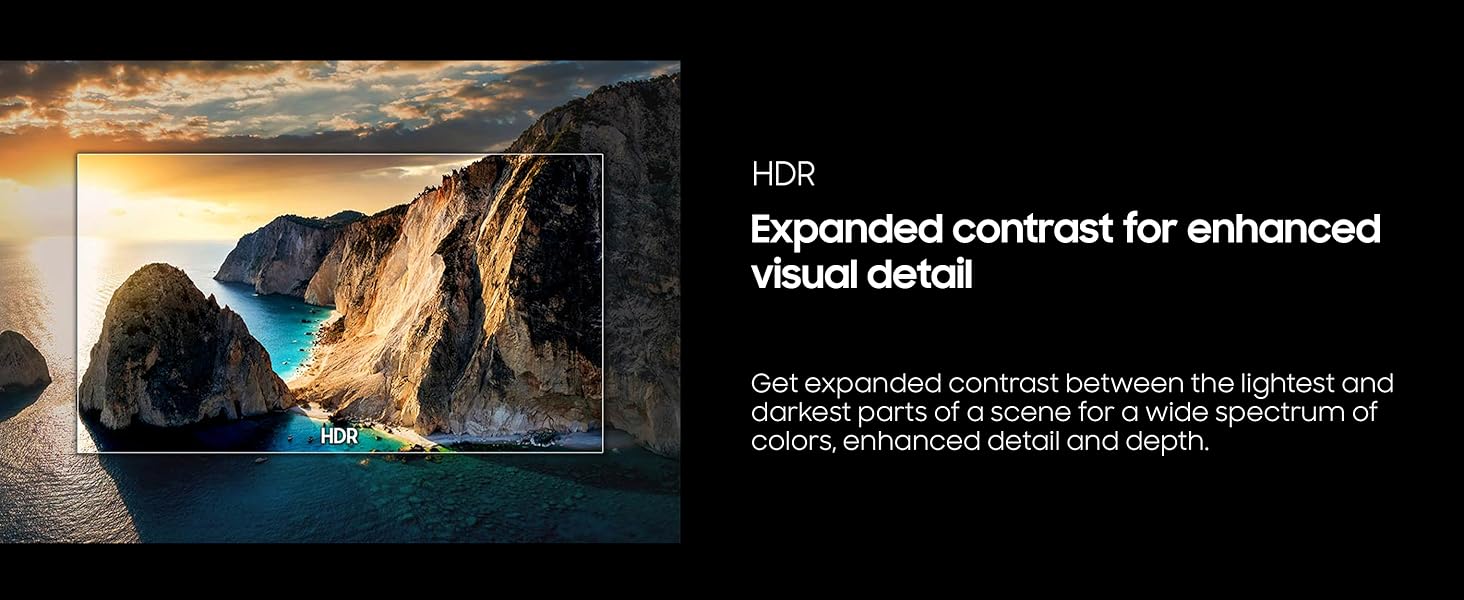
Image: A scenic landscape with a visual representation of HDR, demonstrating expanded contrast and enhanced detail.
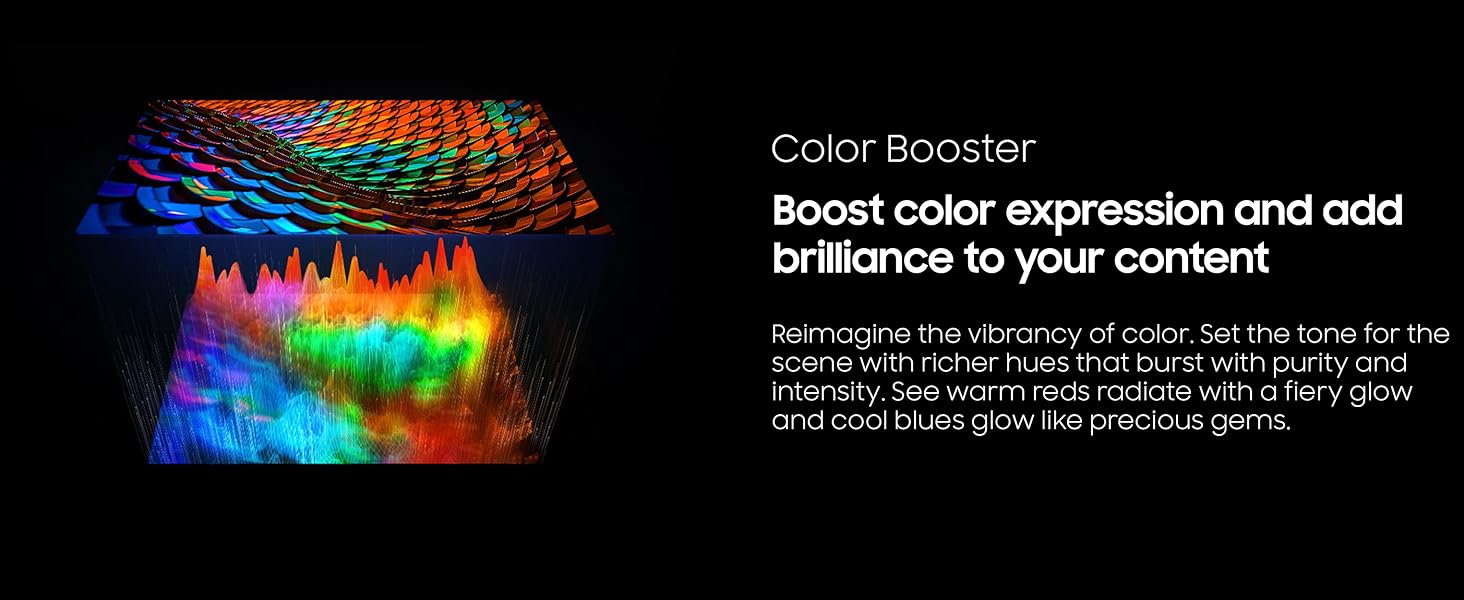
Image: A vibrant color spectrum visualization, illustrating the effect of Color Booster technology on color intensity.
4.4 Sound Settings
- Q-Symphony: When connected to a compatible Samsung soundbar, Q-Symphony allows the TV and soundbar speakers to operate simultaneously, creating a more immersive audio experience.
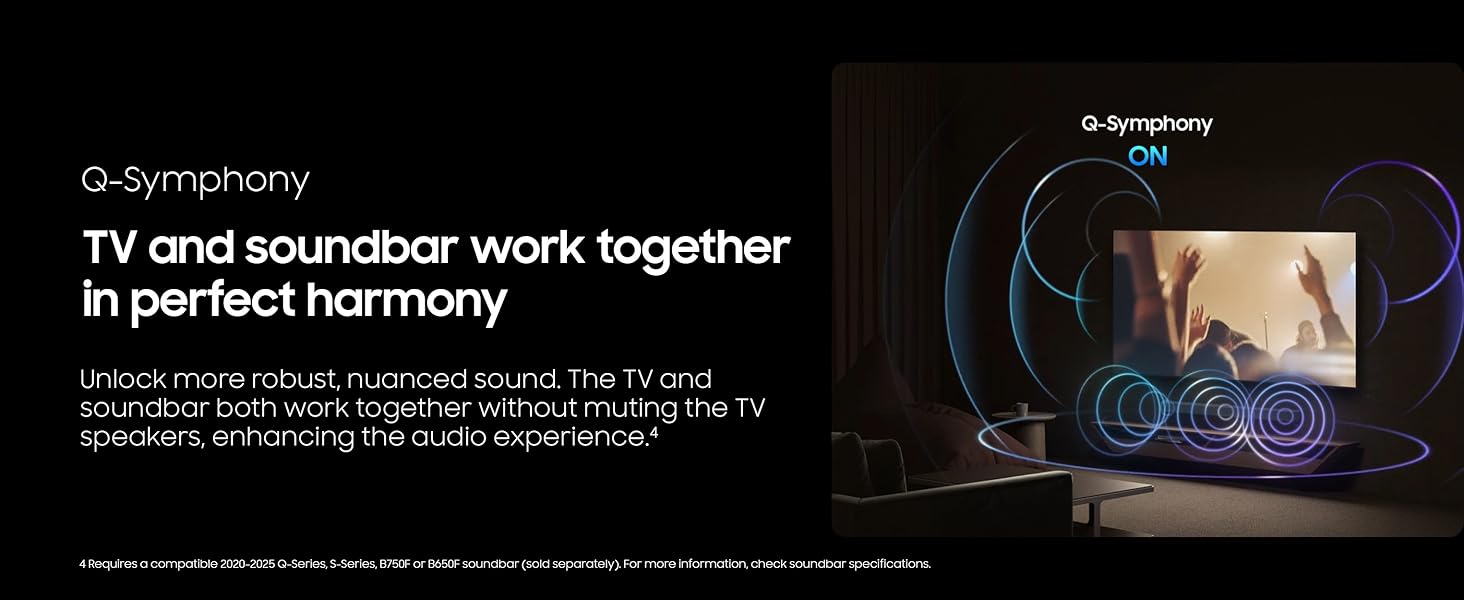
Image: A television and soundbar setup, visually representing the Q-Symphony feature where both devices produce sound in harmony.
4.5 Performance Features
- Motion Xcelerator 60Hz: This technology estimates and predicts motion between frames to improve smoothness, providing clear picture and smooth motion for fast-paced content like video games and sports. It supports up to 4K 60Hz.

Image: A motorcycle race displayed on a TV screen, illustrating the smooth motion provided by Motion Xcelerator 60Hz technology.
4.6 Samsung Knox Security
Your TV is equipped with Samsung Knox Security, which provides triple-layer protection for your personal data. It automatically blocks unauthorized apps and phishing websites and safeguards IoT devices connected to your TV, including sensitive information like PIN codes and passwords. Regular updates ensure continuous protection.
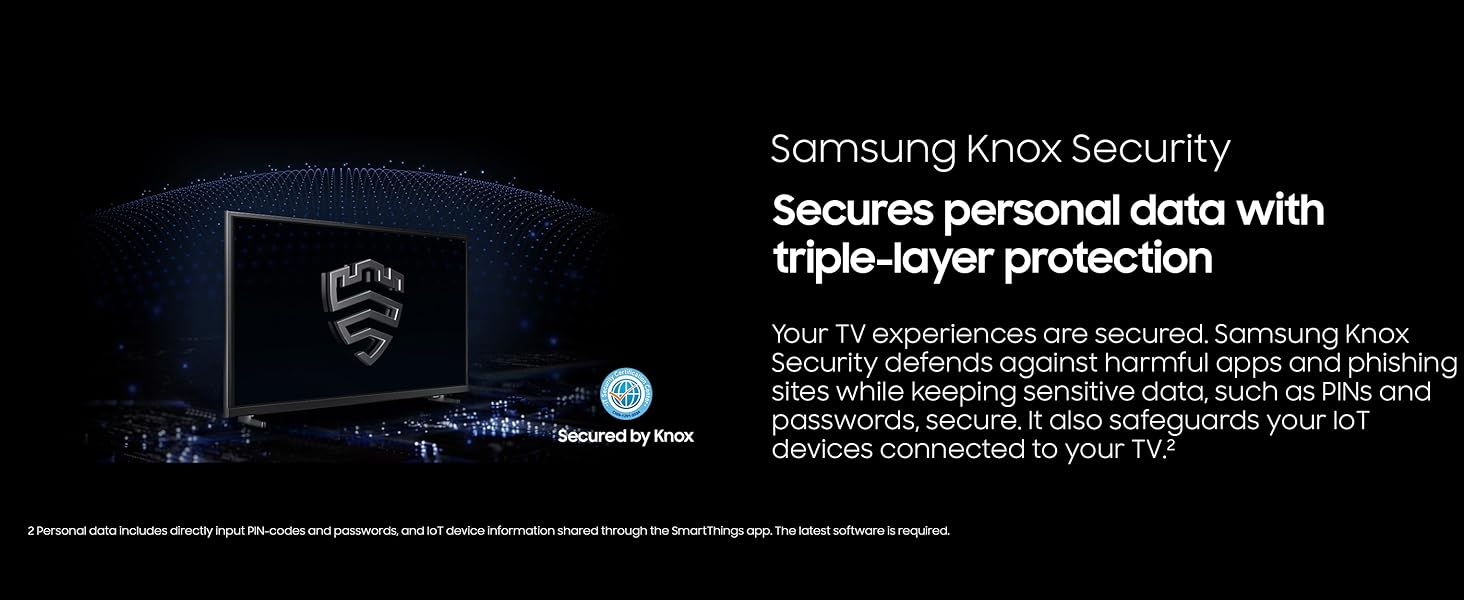
Image: A television screen displaying the Samsung Knox Security shield icon, representing data protection.
5. Maintenance
5.1 Cleaning the TV
To clean the screen, gently wipe it with a soft, dry microfiber cloth. For stubborn marks, lightly dampen the cloth with water or a screen-safe cleaning solution. Avoid using harsh chemicals or abrasive materials. Clean the TV frame and stand with a soft, dry cloth.
5.2 Software Updates
Ensure your TV's software is kept up-to-date to benefit from the latest features, performance improvements, and security enhancements. The TV can be set to update automatically via its network connection. Check the TV's settings menu for software update options.
6. Troubleshooting
If you encounter issues with your TV, refer to the following common solutions:
- No Power: Ensure the power cable is securely connected to both the TV and a working electrical outlet. Try plugging another device into the outlet to confirm it has power.
- No Picture/Sound: Verify that the correct input source is selected. Check all HDMI and audio cables for secure connections. Restart connected devices.
- Remote Control Not Working: Check the batteries in the remote control and replace them if necessary. Ensure there are no obstructions between the remote and the TV's sensor.
- Network Connection Issues: Restart your Wi-Fi router and the TV. Check the TV's network settings to ensure it is connected to the correct network.
- Picture Quality Issues: Adjust picture settings (brightness, contrast, color). Ensure the content source is high quality. For lower-resolution content, 4K Upscaling will enhance clarity.
If problems persist, consult the full user manual available on the Samsung support website or contact Samsung customer support.
7. Specifications
Key technical specifications for the Samsung UN58U8000F 58-inch Crystal UHD 4K Smart TV:
| Feature | Specification |
|---|---|
| Brand | Samsung |
| Model Number | UN58U8000F (E1SAMUN58U8000F) |
| Screen Size | 57.5 Inches (58-inch class) |
| Display Technology | LCD |
| Resolution | 4K UHD (3840 x 2160) |
| Refresh Rate | 60 Hz |
| Aspect Ratio | 16:9 |
| Product Dimensions (D x W x H) | 8.7 x 50.6 x 31.5 inches |
| Item Weight | 27.1 Pounds |
| Connectivity Technology | Bluetooth, Wi-Fi |
| Special Features | Crystal Processor 4K, Endless Free Content, Film Mode, MetalStream Design, Samsung Knox Security |
| On-mode Power Consumption | 125 watts |
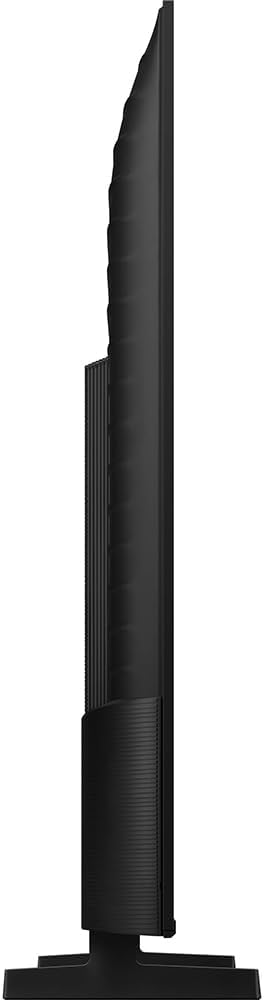
Image: Side profile view of the Samsung UN58U8000F television, showcasing its slim design.
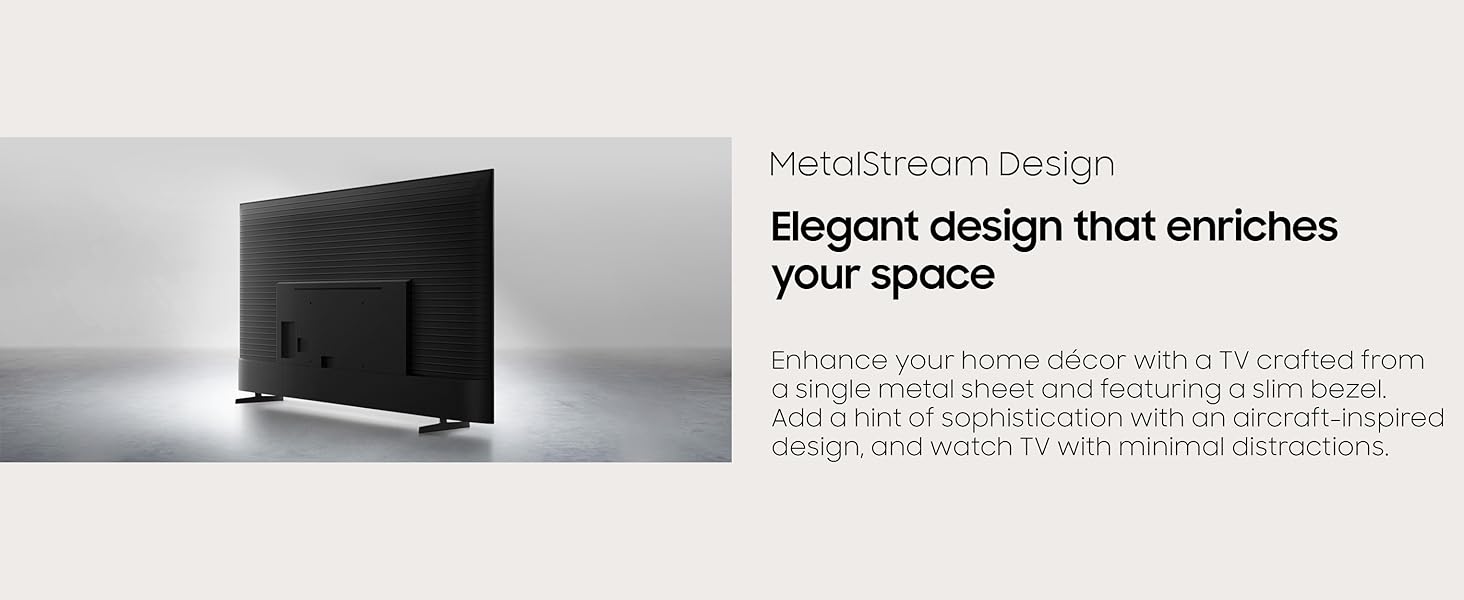
Image: Rear view of the Samsung TV, highlighting its MetalStream Design and port layout.
8. Warranty and Support
Your Samsung UN58U8000F TV comes with a Limited Protection warranty. Additionally, this bundle includes an Exclusive 26 Month Extended Protection plan, providing coverage beyond the standard manufacturer's warranty.
For warranty claims, technical assistance, or further support, please contact Samsung customer service. Keep your proof of purchase and product serial number readily available.