
1. Introduction
This manual provides detailed instructions for the installation, operation, and maintenance of your TZXQC Smart Ultra Brightness Brake Light with Turn Signals and Sensing Bicycle Light, Model X8. Please read this manual thoroughly before use to ensure proper function and safety.
1.1 Product Overview
The TZXQC X8 is a versatile bicycle taillight designed to enhance cycling safety. It features a high-intensity COB LED, smart brake sensing, remote-controlled turn signals, and multiple dynamic light modes. Its waterproof design and rechargeable battery ensure reliable performance in various conditions.
1.2 Safety Information
- Always ensure the light is securely mounted before riding.
- Regularly check the battery level and recharge as needed.
- Do not look directly into the light when it is active, as it may cause temporary vision impairment.
- Clean the light with a soft, damp cloth. Avoid abrasive cleaners.
- Ensure the remote control is easily accessible for safe operation of turn signals while riding.
2. Package Contents
Verify that all items listed below are included in your package:
- TZXQC Smart Bicycle Tail Light (Model X8)
- Wireless Remote Control
- Seatpost Mount
- Saddle Rail Mount
- USB Type-C Charging Cable
- Instruction Manual

Figure 2.1: TZXQC X8 Package Contents
3. Setup
3.1 Charging the Device
Before first use, fully charge the tail light using the provided USB Type-C cable. The built-in 1000mAh battery ensures extended use.
- Connect the USB Type-C cable to the charging port on the tail light.
- Connect the other end of the cable to a USB power source (e.g., computer, USB wall adapter).
- The charging indicator light will show charging status (refer to product for specific indicator behavior).
- Once fully charged, disconnect the cable.
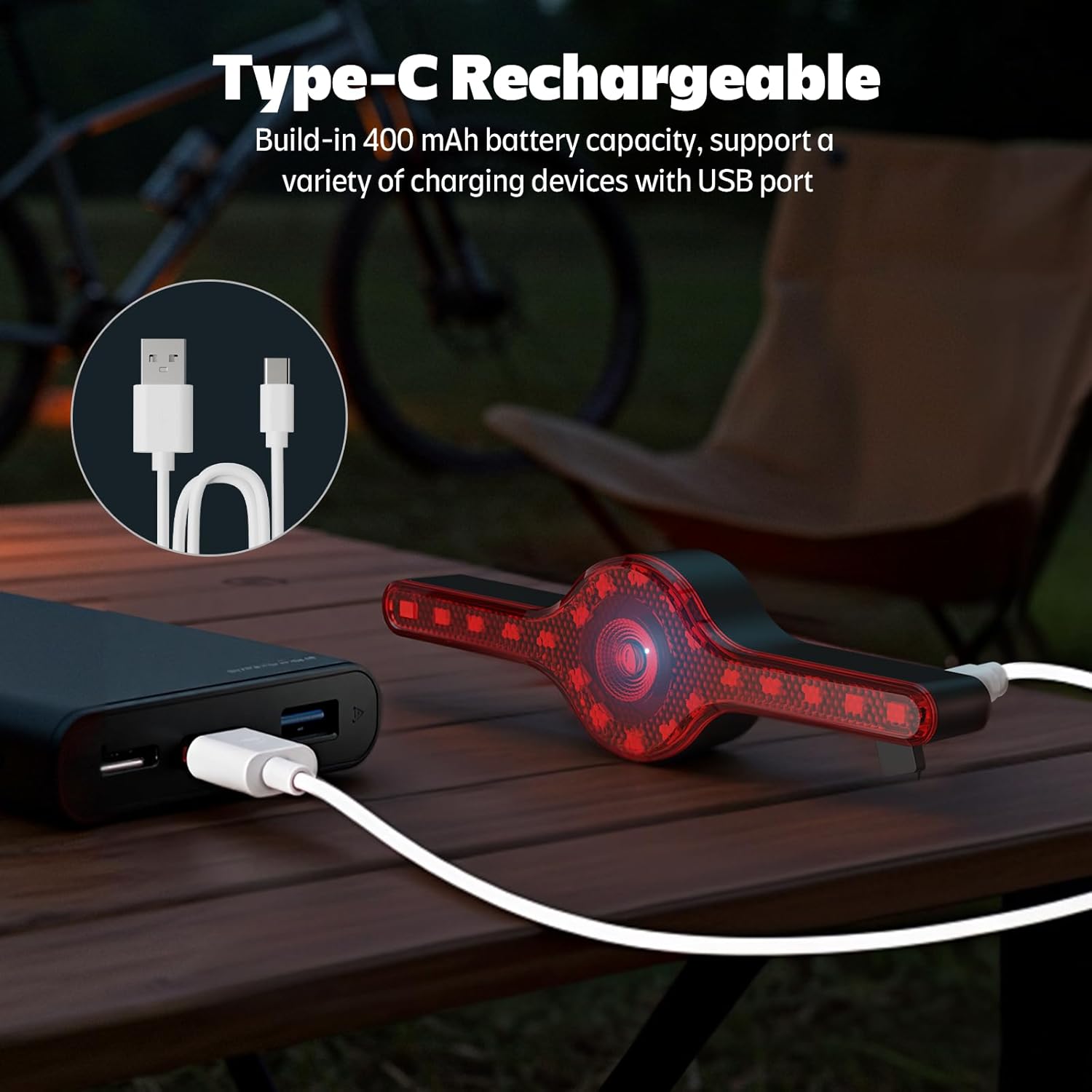
Figure 3.1: Charging the Tail Light
3.2 Installation Options
The TZXQC X8 offers two primary installation methods: saddle rail mounting and seat post mounting.
3.2.1 Saddle Rail Mounting
- Fasten the saddle rail mount to the rails under your bicycle seat using the provided cable ties.
- Cut off any excess cable tie material for a clean finish.
- Screw the tail light securely into the base of the mount.
3.2.2 Seat Post Mounting
- Choose a suitable spot on your bicycle's seat post.
- Secure the seat post mount base with the silicone straps.
- Screw the tail light securely into the base of the mount.
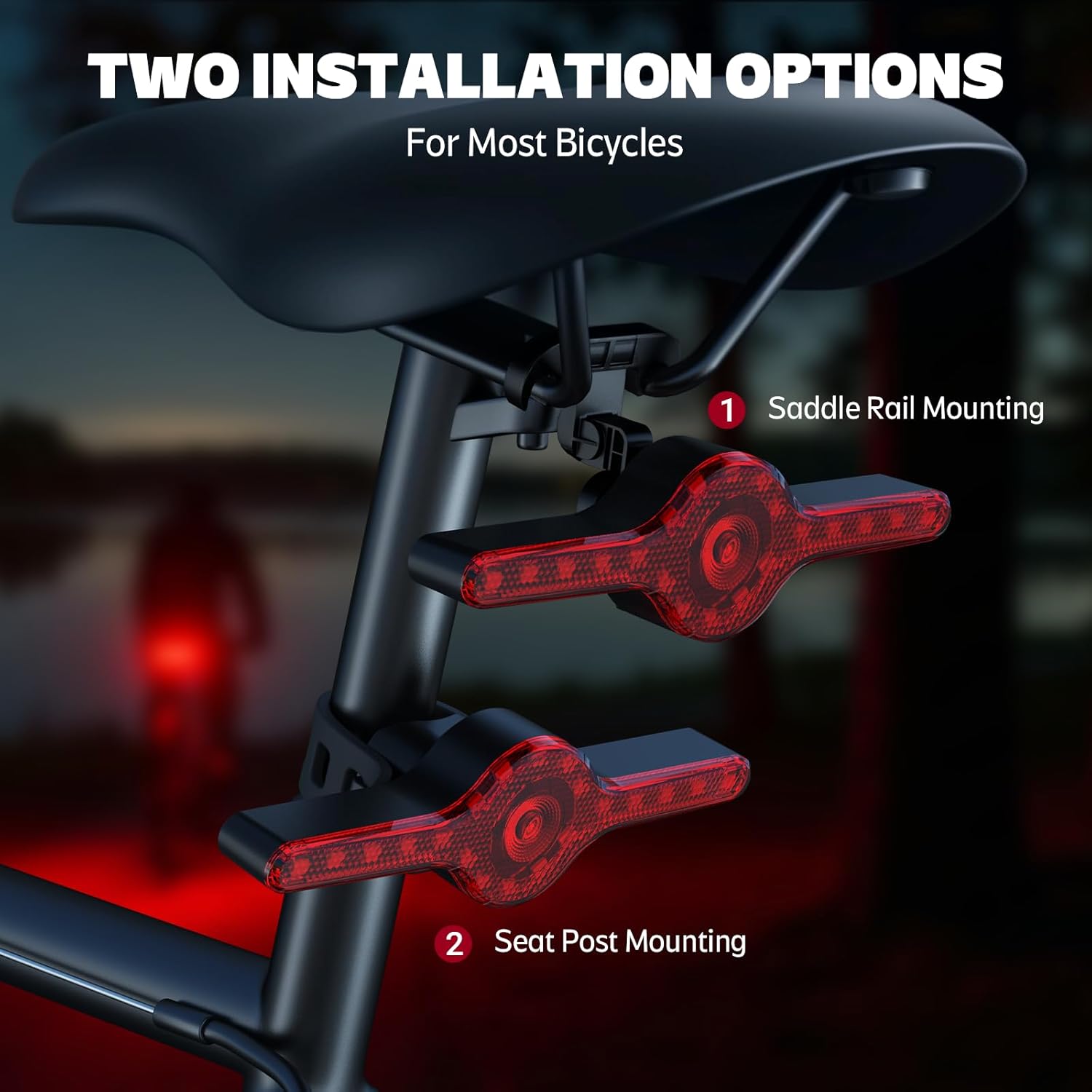
Figure 3.2: Installation Options
Figure 3.3: Detailed Installation Steps
4. Operating Instructions
4.1 Power On/Off
Press and hold the main button on the tail light to power it on or off. The remote control can also activate certain functions once paired.
4.2 Dynamic Light Modes
The TZXQC X8 features 7 dynamic light modes to suit various riding conditions. Cycle through these modes using the remote control or the main button on the light.
- The middle 10 lights stay on constantly.
- The middle 10 lights rotate in a marquee pattern.
- The middle 10 lights blink.
- All lights turn on brightly together.
- All lights blink together.
- Both sides flash simultaneously.
- Both sides flow outward with a blinking effect.
Video 4.1: Demonstration of various light modes and turn signals.

Figure 4.1: Remote control and various light modes.
4.3 Remote Control with Turn Signals
The wireless remote control allows for convenient activation of turn signals and other functions.
- Press the 'L' button on the remote for the left turn signal.
- Press the 'R' button on the remote for the right turn signal.
- A red flash mode can also be activated via the remote.
- The remote may provide an audible alert to confirm turn signal activation.

Figure 4.2: Smart Brake and Turn Signal Functionality
4.4 Smart Brake Sensing
The integrated smart sensor automatically detects when you slow down and activates a high-intensity brake light for 5 seconds, alerting riders behind you.

Figure 4.3: Smart Brake Sensor in action.
4.5 Light Sensor (Auto On/Off)
The light sensor feature automatically turns the light on or off, helping to conserve battery life. This function is always active across all modes.
5. Maintenance
5.1 Cleaning
Wipe the light and remote control with a soft, damp cloth. Do not use harsh chemicals or abrasive materials, as this may damage the device.
5.2 Battery Care
- Recharge the battery regularly, even if not in frequent use, to maintain battery health.
- Avoid fully discharging the battery for extended periods.
- Store the device in a cool, dry place when not in use.
5.3 Waterproofing
The TZXQC X8 features an IPX5 waterproof design, making it suitable for use in rainy conditions. However, avoid submerging the device in water.
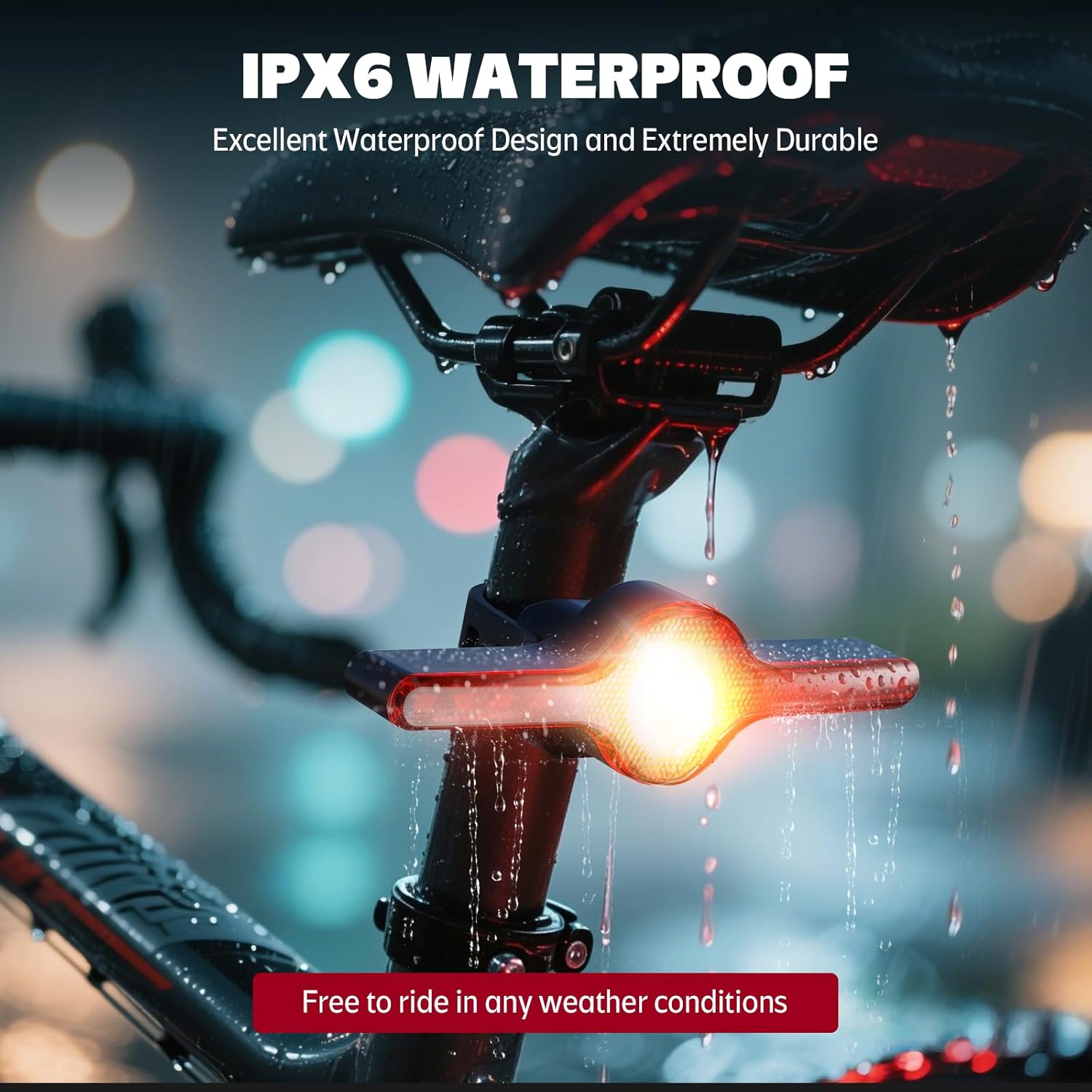
Figure 5.1: IPX5 Waterproof Design
6. Troubleshooting
| Problem | Possible Cause | Solution |
|---|---|---|
| Light does not turn on. | Low battery; device off; remote not paired. | Charge the battery; press and hold power button; re-pair remote control. |
| Turn signals not responding. | Remote control battery low; remote not paired; obstruction. | Replace remote battery; re-pair remote control; ensure clear line of sight. |
| Brake sensing not working. | Sensor obstruction; device malfunction. | Ensure sensor area is clean and clear; contact support if issue persists. |
7. Specifications
| Feature | Detail |
|---|---|
| Model Name | X8 |
| Brand | TZXQC |
| Color | BLACK |
| Material | Acrylonitrile Butadiene Styrene |
| Power Source | Battery Powered (Rechargeable) |
| Battery Capacity | 1000mAh (Built-in) |
| Water Resistance Level | IPX5 Waterproof |
| Item Weight | 30 Grams |
| Mounting Type | Seat Mount, Saddle Rail Mount |
| Product Dimensions | 5.12"L x 1.4"W x 0.95"H |
| Light Modes | 7 Dynamic Modes + Turn Signals + Brake Light |
| Visual Range | 270 degrees |
| UPC | 764923406478 |
8. Warranty and Support
8.1 Warranty Information
This TZXQC product comes with a half-year warranty from the date of purchase. This warranty covers manufacturing defects under normal use. It does not cover damage caused by misuse, accidents, unauthorized modifications, or improper installation.
8.2 Customer Support
For technical assistance, troubleshooting, or warranty claims, please contact TZXQC customer support through the retailer where the product was purchased or refer to the official TZXQC website for contact information.