
Introduction
This manual provides detailed instructions for the setup, operation, maintenance, and troubleshooting of your BrizLabs Smart Christmas Lights. Please read this manual thoroughly before using the product to ensure proper function and safety.

Image: BrizLabs Smart Christmas Lights, 66ft with 200 LEDs, green wire.
What's in the Box
- 1 x 200 LED Smart Fairy Lights
- 1 x User Manual
Specifications
| Brand | BrizLabs |
| Model Number | SLRGB010 |
| Total Length | 72.56ft |
| Lighted Length | 66ft |
| Lead Length | 6.56ft |
| Bulb Spacing | 0.33ft |
| Lights Color | RGB (16 Million Colors) |
| Wire Color | Green Wire |
| Waterproof Rating | IP44 (Indoor/Outdoor Usage) |
| Power Source | Corded Electric |
| Special Features | APP & Voice Control, Dimmable, Smart Timer |
Setup
- Unpack: Carefully remove the fairy lights and all components from the packaging.
- Placement: Determine the desired location for your lights. The IP44 rating allows for both indoor and outdoor use. The flexible green wire can be shaped to fit various decorative needs.
- Power Connection: Plug the lights into a standard electrical outlet.
- App Download: Download the BrizLabs app from your smartphone's app store.
- Pairing: Follow the in-app instructions to pair your smart lights with your 2.4G Wi-Fi network. Ensure your device is connected to a 2.4G network for optimal performance during pairing.

Image: The lights feature a tangle-free reel for easy storage and deployment.
Operating Instructions
1. Smart App Control
Use the BrizLabs app to access a full range of features:
- Color Customization: Choose from 16 million colors to create your desired ambiance.
- Dynamic Modes: Select from multiple pre-set lighting modes for various occasions.
- Group Control: Group multiple sets of lights together for simultaneous control, ideal for larger decorations.
- Scheduling & Timer: Set timers or countdowns for automatic on/off functions. Automate lighting plans to fit any event or holiday.
- Audio Sync: Utilize the built-in high-sensitivity microphone to sync lights with the rhythm of music.
- DIY & Personalized: Create and save custom lighting effects.

Image: The BrizLabs app interface displaying various scene modes and DIY color options for the lights.

Image: The lights showcasing a wide spectrum of 16 million colors and dynamic lighting patterns.
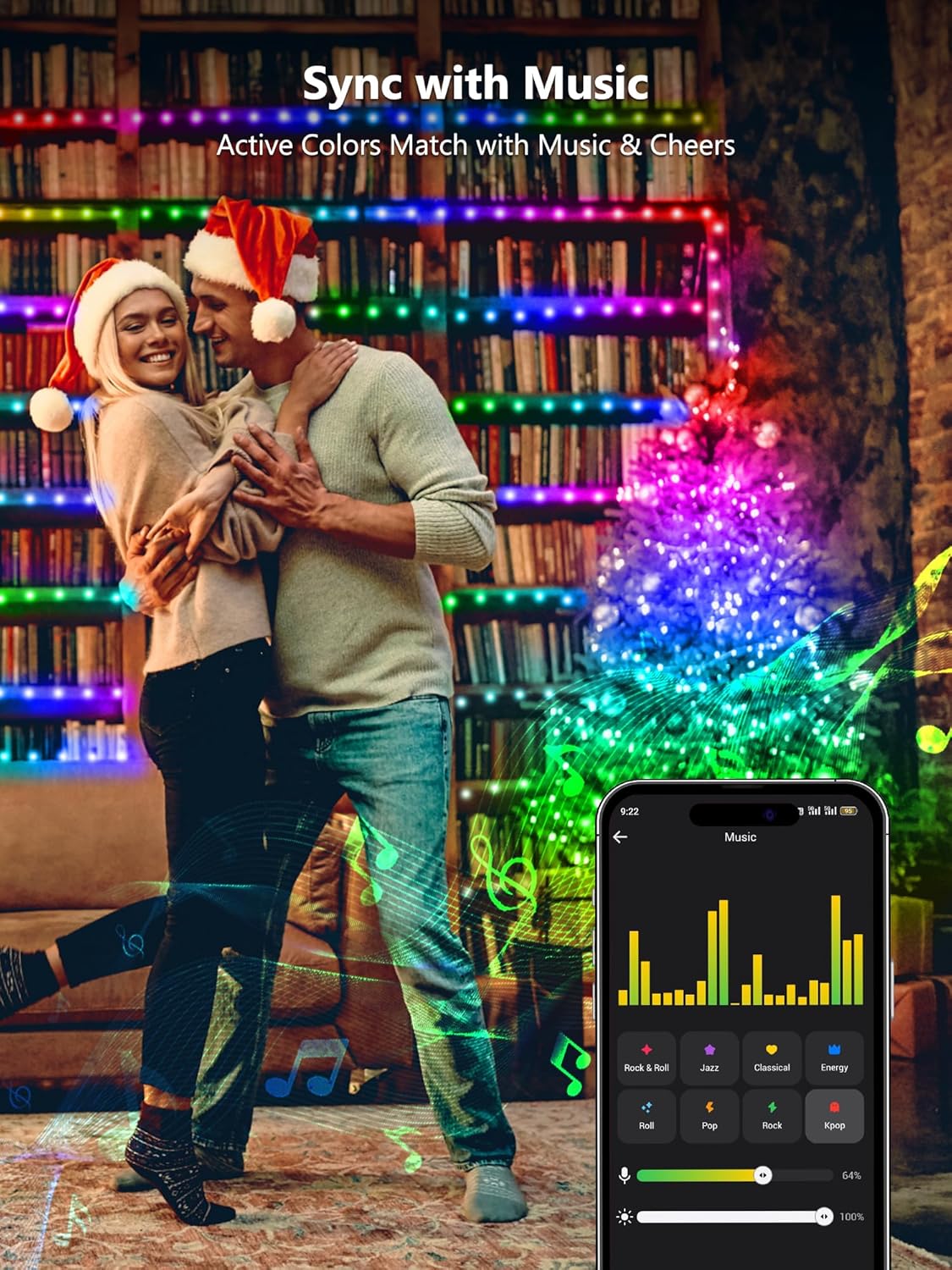
Image: Multiple sets of BrizLabs lights synchronized and controlled as a group for a larger decorative display.

Image: The lights changing colors and patterns in sync with music, controlled via the app's audio sync feature.

Image: The BrizLabs app interface demonstrating automation, scheduling, speed control, and memory functions for the lights.
2. Hands-Free Voice Control
The lights are compatible with Amazon Alexa and Google Assistant. Use simple voice commands to:
- Turn lights on/off.
- Adjust brightness.
- Change colors.

Image: A user interacting with a smart speaker to control the BrizLabs lights using voice commands.
3. Remote Control (Included)
The included remote control provides direct access to various functions:
- On/Off: Power the lights on or off.
- Color Selection: Choose from a range of static colors.
- Mode Selection: Cycle through pre-programmed lighting modes.
- Brightness Adjustment: Increase or decrease the light intensity.
- Speed Control: Adjust the speed of dynamic lighting modes.
- Timer Settings: Set 4H, 6H, or 8H timers for automatic shutdown.
Maintenance
- Cleaning: Ensure the lights are unplugged before cleaning. Wipe gently with a soft, dry cloth. Do not use harsh chemicals or abrasive cleaners.
- Storage: When not in use, carefully coil the lights back onto their reel to prevent tangling. Store in a cool, dry place away from direct sunlight.
- Inspection: Periodically inspect the wire and bulbs for any damage. Do not use if any part is damaged.
- Water Resistance: The lights are IP44 rated, meaning they are protected against splashing water from any direction. However, they are not designed for submersion in water. Ensure all connections are secure and protected from excessive moisture.
Troubleshooting
| Problem | Possible Cause | Solution |
|---|---|---|
| Lights do not turn on. | No power, loose connection, remote battery dead. | Check power outlet. Ensure plug is fully inserted. Replace remote battery. |
| Remote not responding. | Remote battery dead, obstruction, out of range. | Replace remote battery. Ensure clear line of sight to the receiver. Move closer to the lights. |
| App cannot connect to lights. | Incorrect Wi-Fi network (not 2.4G), poor signal, lights not in pairing mode. | Ensure your phone and lights are on a 2.4G Wi-Fi network. Move lights closer to the router. Re-enter pairing mode as per app instructions. |
| Lights are tangled. | Improper storage or handling. | Carefully untangle the lights. For future storage, use the provided reel or coil neatly. |
Warranty and Support
For warranty information or technical support, please refer to the contact details provided on the product packaging or visit the official BrizLabs website. Keep your purchase receipt for warranty claims.