
ECOSELF HAP602
ECOSELF HAP602WF Smart WiFi Air Purifier User Manual
Model: HAP602
1. Product Overview
The ECOSELF HAP602WF is a smart air purifier designed to improve indoor air quality in large rooms. It features a 3-stage filtration system, real-time air quality monitoring, and smart control via a mobile application. This manual provides instructions for safe and efficient use of your air purifier.

Image 1.1: ECOSELF HAP602WF Air Purifier and its mobile app interface.
2. Safety Instructions
- Read all instructions before operating the appliance.
- Do not operate the air purifier with a damaged cord or plug.
- Keep the air purifier away from water or other liquids.
- Ensure proper ventilation around the unit; do not block air inlets or outlets.
- Unplug the appliance before cleaning or performing any maintenance.
- This appliance is not intended for use by persons (including children) with reduced physical, sensory or mental capabilities, or lack of experience and knowledge, unless they have been given supervision or instruction concerning use of the appliance by a person responsible for their safety.
3. Setup
3.1 Unpacking and Placement
- Carefully remove the air purifier from its packaging.
- Place the unit on a firm, level surface. Ensure there is at least 15 inches (38 cm) of space on all sides for optimal airflow.
- Avoid placing the unit near heat sources, direct sunlight, or in areas with high humidity.

Image 3.1: Examples of suitable placement for the air purifier in different rooms.
3.2 Filter Installation
The air purifier comes with a 3-stage filtration system. Filters are typically pre-installed but may require removal of protective packaging before first use.
- Turn the air purifier off and unplug it from the power outlet.
- Locate and open the filter cover (usually on the back or side of the unit).
- Remove any plastic packaging from the filters.
- Insert the filters back into the unit in the correct order (Pre-filter, Activated Carbon Filter, Main Filter). Refer to the markings on the filters for proper orientation.
- Close the filter cover securely.

Image 3.2: Illustration of the 3-stage filtration system.
3.3 Smart Control (WiFi & App) Setup
To utilize the smart features, download the ECOSELF app and connect your device to Wi-Fi.
- Download the free ECOSELF app from your smartphone's app store (iOS or Android).
- Register or log in to your ECOSELF account.
- Follow the in-app instructions to add your HAP602WF air purifier. This typically involves putting the device into pairing mode and connecting it to your home Wi-Fi network.
- Once connected, you can control the air purifier remotely, set schedules, and monitor filter life.
4. Operating Instructions
4.1 Control Panel Overview

Image 4.1: The control panel of the HAP602WF air purifier.
- Power Button: Turns the unit on or off.
- Speed Button: Adjusts fan speed (Low, Medium, High, Auto).
- Auto Mode: Automatically adjusts fan speed based on detected air quality.
- Sleep Mode: Operates quietly with dimmed lights for undisturbed rest.
- Timer Button: Sets an operating duration (e.g., 1, 2, 4, 8 hours).
- Child Lock: Prevents accidental changes to settings.
- Light Button: Controls the display light.
- Filter Reset: Resets the filter life indicator after filter replacement.
4.2 Power On/Off
Press the Power button to turn the air purifier on or off.
4.3 Adjusting Fan Speed
Press the Speed button repeatedly to cycle through fan speeds: Low, Medium, High. The current speed will be indicated on the display.
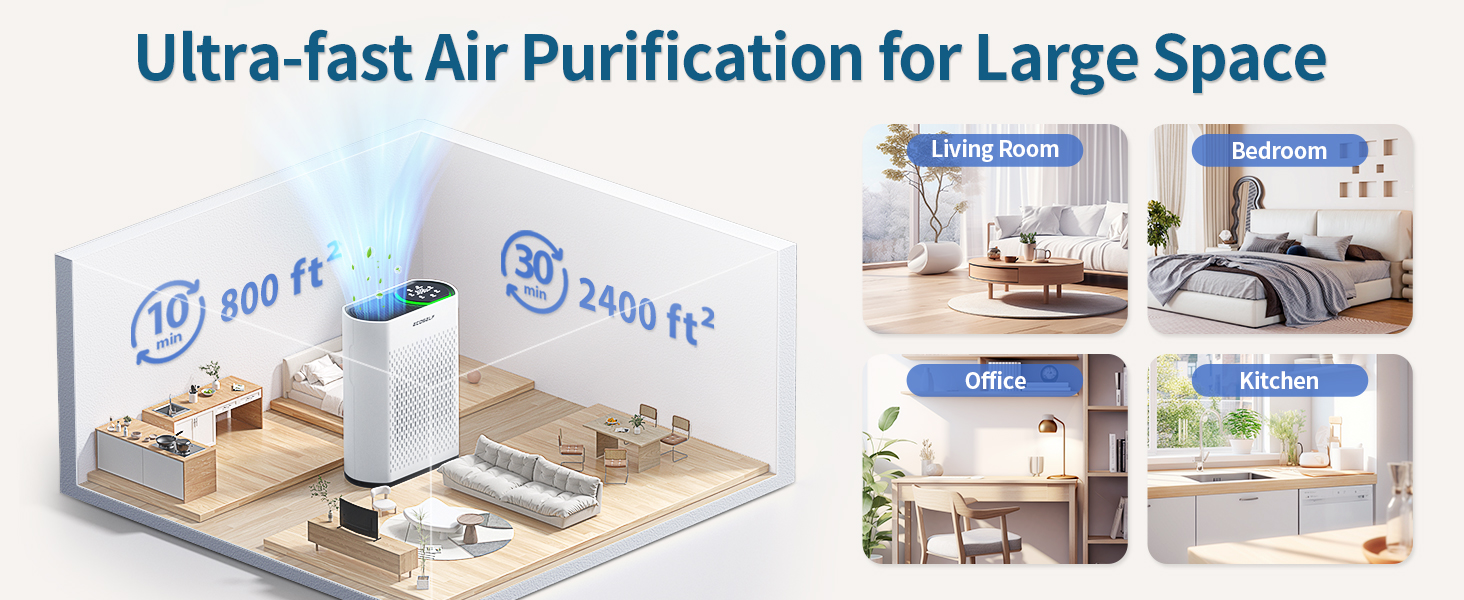
Image 4.2: Recommended fan speeds for different scenarios.
4.4 Auto Mode
Press the Auto button to activate Auto Mode. In this mode, the built-in PM2.5 sensor detects air quality and automatically adjusts the fan speed to optimize purification. The indicator light will change color based on air quality:
- Green: Very Good Air Quality (0-50 µg/m²)
- Blue: Good Air Quality (50-100 µg/m²)
- Yellow: Moderate Air Quality (100-150 µg/m²)
- Red: Bad Air Quality (>150 µg/m²)

Image 4.3: Air Quality Index (AQI) display and color indicators.
4.5 Sleep Mode
Press the Sleep button to activate Sleep Mode. The unit will operate at its lowest fan speed and dim or turn off all display lights to ensure a quiet environment for sleep.

Image 4.4: The air purifier in Sleep Mode, designed for quiet operation.
4.6 Timer Function
Press the Timer button to set the operating duration. The unit will automatically turn off after the selected time (e.g., 1, 2, 4, 8 hours).
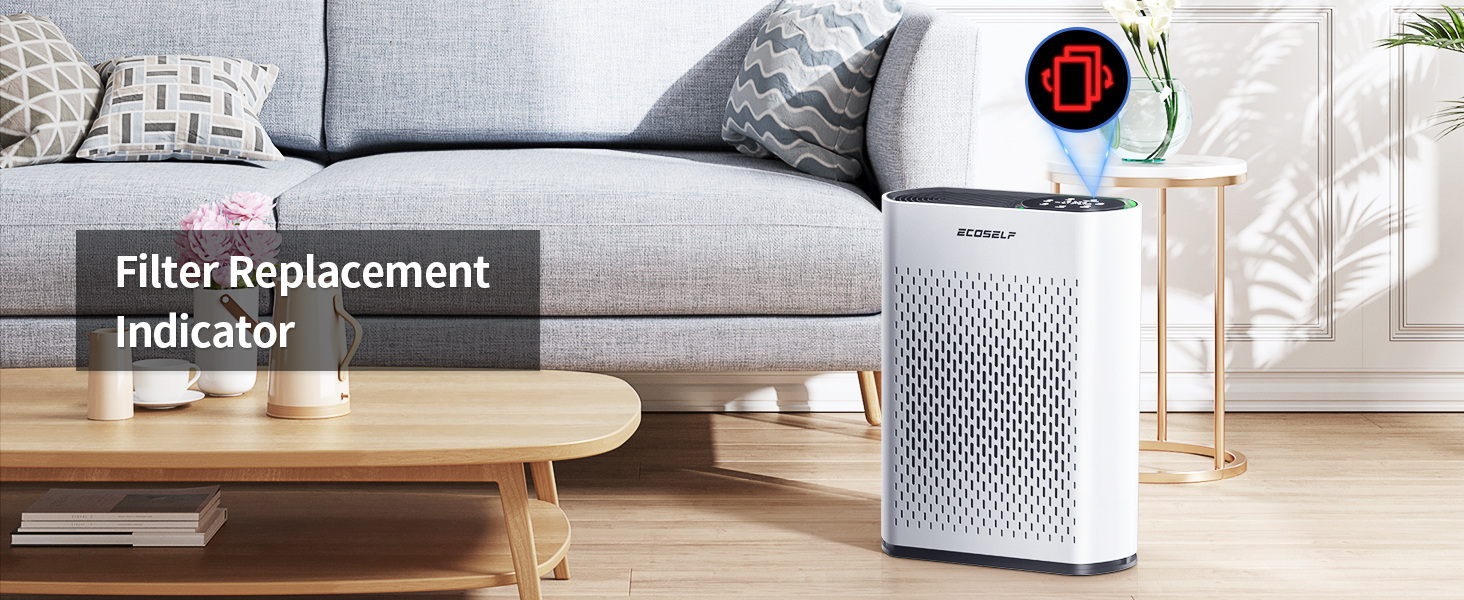
Image 4.5: The countdown timer feature.
4.7 Child Lock
Press and hold the Lock button for a few seconds to activate or deactivate the Child Lock. When active, the control panel buttons will not respond to presses, preventing unintended changes.
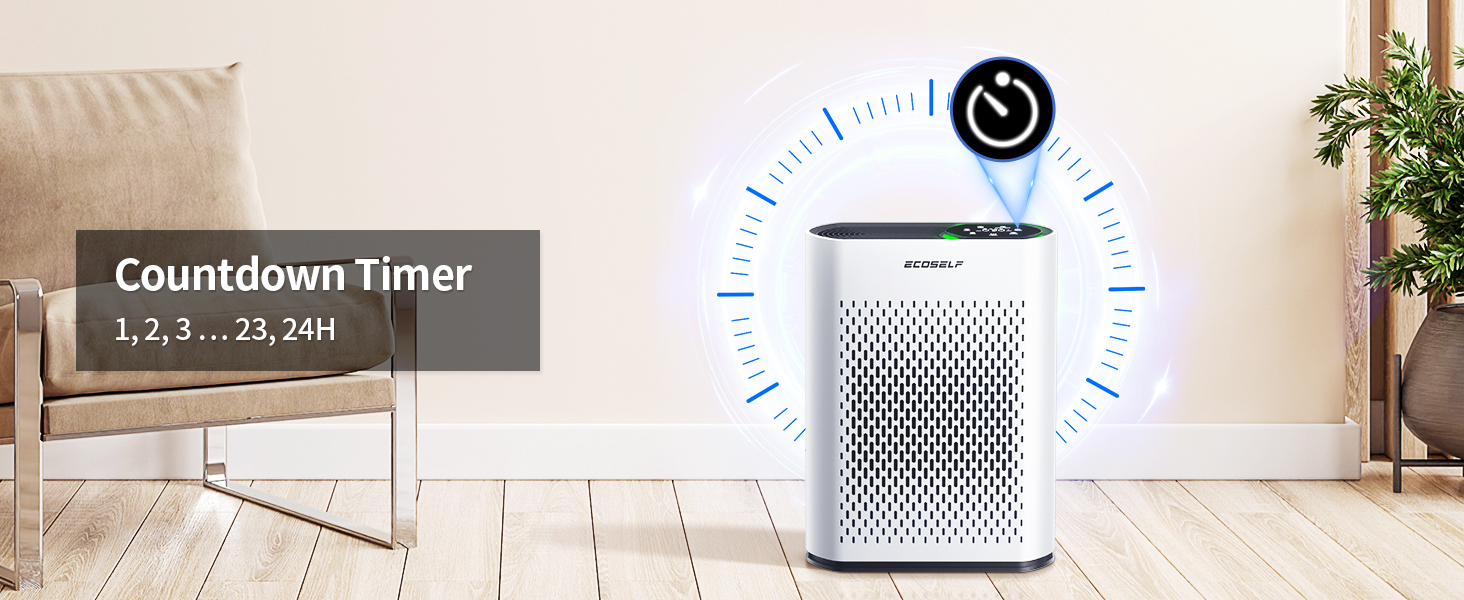
Image 4.6: The Child/Pet Lock feature for safety.
5. Maintenance
5.1 Filter Replacement
The filter needs to be replaced every 3 to 6 months, depending on usage and air quality. The unit features a filter replacement indicator.
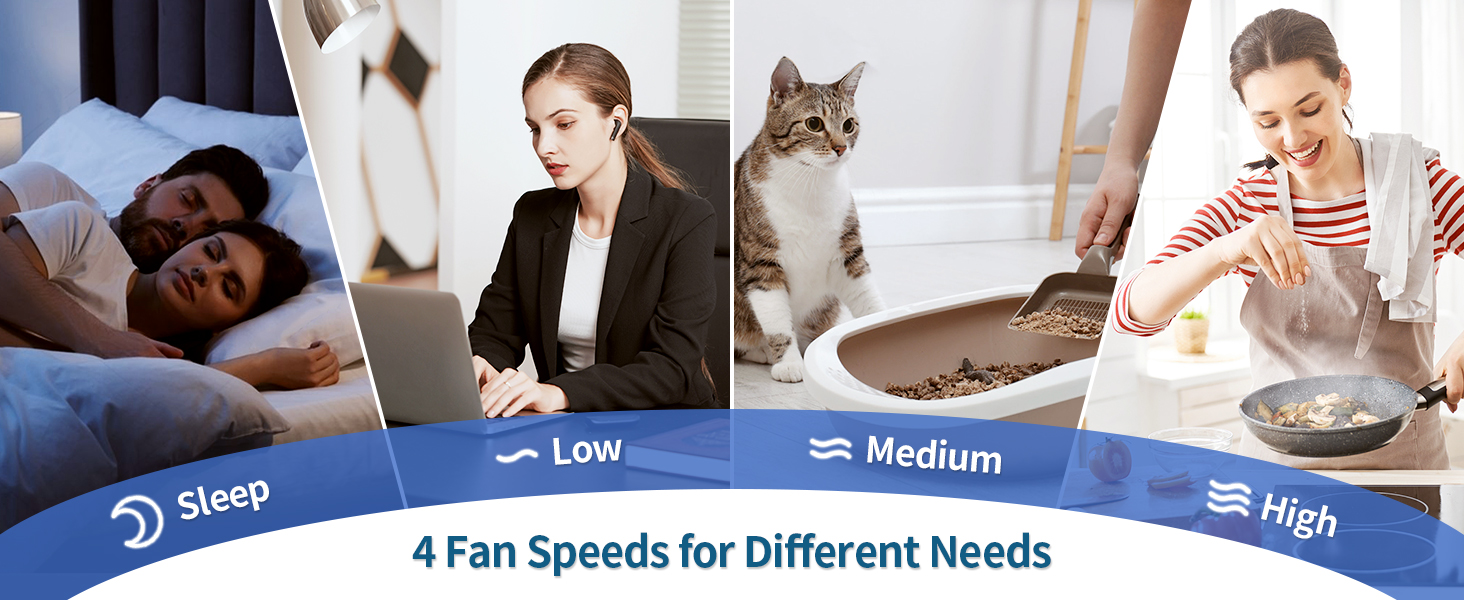
Image 5.1: Filter Replacement Indicator.
- Turn off and unplug the air purifier.
- Open the filter cover and remove the old filter.
- Dispose of the old filter responsibly.
- Insert a new ECOSELF HAP602 replacement filter, ensuring proper orientation.
- Close the filter cover.
- Plug in the air purifier and press and hold the Filter Reset button for 3-5 seconds until the indicator light turns off or resets.
Note: Do not clean the filter with water or other liquids. Replacement filters can be purchased from authorized ECOSELF retailers.
5.2 Cleaning the Unit
- Always unplug the air purifier before cleaning.
- Wipe the exterior of the unit with a soft, dry cloth.
- Do not use abrasive cleaners, waxes, or solvents.
- Gently vacuum the air inlet and outlet grilles to remove dust accumulation.
6. Troubleshooting
| Problem | Possible Cause | Solution |
|---|---|---|
| Unit does not turn on | No power; Power cord not securely plugged in | Ensure the unit is plugged into a working outlet. Check the power cord connection. |
| Weak airflow | Filter is dirty or clogged; Air inlets/outlets blocked | Replace the filter if the filter indicator is on or if it has been 3-6 months. Ensure no obstructions are blocking the air vents. |
| Unusual noise | Unit not on a flat surface; Foreign object inside; Filter not installed correctly | Place the unit on a stable, flat surface. Unplug and check for any foreign objects. Reinstall the filter correctly. |
| Air quality indicator always red/yellow | High particulate matter in the environment; Sensor dirty | Allow the unit to run longer in Auto mode. Clean the PM2.5 sensor (refer to manufacturer's guidelines for sensor cleaning, if applicable). |
| App connection issues | Incorrect Wi-Fi password; Router too far; App not updated | Ensure correct Wi-Fi password. Move the unit closer to the router. Update the ECOSELF app. Restart the air purifier and your router. |
| Display blinking 999 or other error codes | Internal error or sensor malfunction | Unplug the unit for 5 minutes, then plug it back in. If the issue persists, contact customer support. |
7. Specifications
- Model: HAP602WF
- Brand: ECOSELF
- Product Dimensions: 5.7"D x 11.8"W x 15.75"H
- Weight: 8.62 Pounds
- Coverage Area: Up to 2400 sq ft (223 m²) every 30 minutes
- Filtration System: 3-Stage (Pre-Filter, Activated Carbon Filter, Main Filter)
- Sensor: PM2.5 Air Quality Sensor
- Control Type: Mobile App, Touch Panel
- Certifications: CARB Certified, ETL Certified

Image 7.1: Product Certifications.
8. Warranty and Support
For warranty information and customer support, please refer to the warranty card included with your product or visit the official ECOSELF website. If you encounter any issues not covered in this manual, please contact ECOSELF customer service for assistance.
Online Support: Visit ECOSELF Store on Amazon
Related Documents - HAP602
 |
Air Purifier Model Difference Statement - Dongguan Zeyuan Household Appliances Co., Ltd. Declaration regarding the model differences for the Air Purifier product line from Dongguan Zeyuan Household Appliances Co., Ltd., including models like ZY3866WF, ZY3866, HAP-603, and others. Details the similarities in internal components and performance across different models. |