
1. Introduction
This manual provides comprehensive instructions for the setup, operation, and troubleshooting of your RETROSUN Richmat HJH89 Adjustable Bed Remote Control. Please read this manual thoroughly before use to ensure proper functionality and to maximize your product experience.
This remote control is designed as a replacement for various adjustable bed base frames, including EGOHOME Split King, Sven & Son Harmon, and Firm MUUEGM Dyonery Mojigam models. Ensure your original remote's buttons and colors match the images provided before proceeding.

Image: Front and back view of the RETROSUN Richmat HJH89 adjustable bed remote control. The front features various control buttons for bed adjustments, while the back displays product information and regulatory compliance details.
2. Setup
2.1 Battery Installation
- Locate the battery compartment on the back of the remote control.
- Slide open the battery cover.
- Insert three (3) AAA batteries, ensuring correct polarity (+/-) as indicated inside the compartment. Batteries are not included.
- Close the battery cover securely.

Image: An illustration detailing the battery compartment of the remote control, showing the correct orientation for inserting three 1.5V AAA batteries. The compartment is open, revealing the battery slots.
2.2 Pairing Instructions
Follow these steps to pair your remote control with your adjustable bed base:
- Step 1: Ensure the batteries in the remote control are working correctly. Replace them if necessary.
- Step 2: Plug the power cord of your adjustable bed base into a power source. Verify that the power source/outlet has power.
- Step 3: On the remote control, simultaneously press and hold the HEAD LIFT and FOOT LIFT buttons. While holding these buttons, press and hold the pairing button located on the cord of the control box for approximately 3 seconds. Release the buttons when you hear two beeps, indicating successful pairing.
Note: If there is no pairing button on the plug cable, it will typically be located directly on the control box of the bed base.

Image: A visual guide titled "How To Pairing" showing the remote control and highlighting the HEAD and FOOT lift buttons. It also points to the 'Pairing Button' on the control box cord, detailing the three steps for pairing the remote.
3. Operating the Remote Control
3.1 Remote Features and Functions
The RETROSUN Richmat HJH89 remote control offers a variety of functions for adjusting your bed base:
- M1 / M2: Memory Position buttons to save and recall your preferred bed positions.
- TV: Adjusts the bed to a comfortable position for watching TV.
- TILT: Controls the head and foot tilt functions.
- Zero G: Activates the Zero Gravity preset position, which elevates the head and feet to a position that may relieve pressure on the back.
- Anti Snore: Adjusts the head section to a position that may help reduce snoring.
- HEAD UP / HEAD DOWN: Controls the upward and downward movement of the head section.
- FOOT UP / FOOT DOWN: Controls the upward and downward movement of the foot section.
- FLAT: Returns the bed to a completely flat position.
- HEAD MASSAGE / FOOT MASSAGE: Activates and adjusts massage functions for the head and foot sections (3 modes & 3 levels).
- MODE: Cycles through massage modes.
- ON/OFF: Powers the bed base on or off.

Image: A diagram titled "Remote Features" showing the remote control with numbered labels pointing to specific buttons and their corresponding functions, such as Memory Position, Back Light, Under Bed Lighting, Lift or Lower Head & Foot, and Head & Foot massage modes.
3.2 Operational Distance
The remote control operates effectively within an approximate range of 8 meters (26 feet) from the adjustable bed base. Its 120-degree wide-angle design helps eliminate strict positioning constraints, allowing for flexible use.
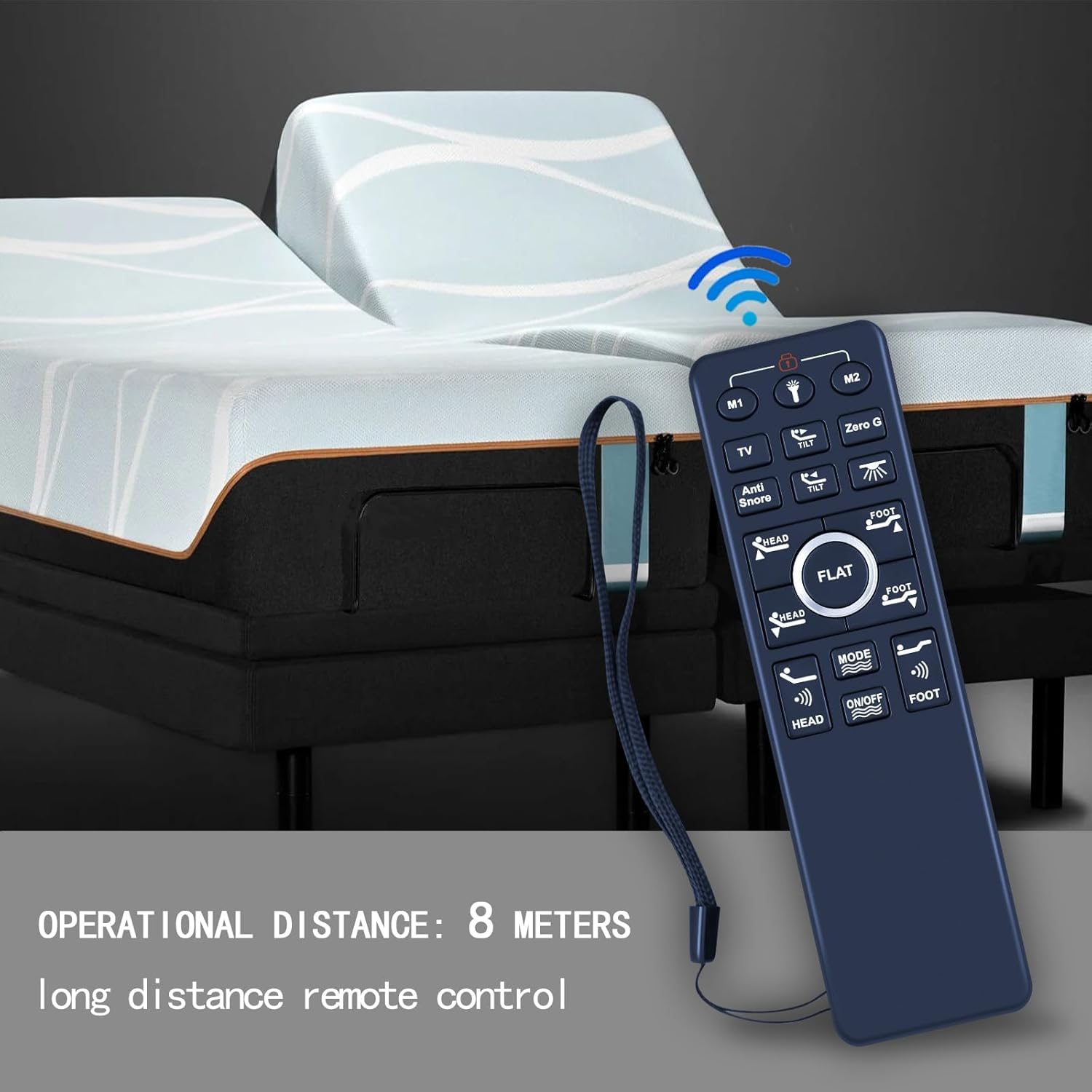
Image: The remote control positioned in front of an adjustable bed, with a graphic indicating an "OPERATIONAL DISTANCE: 8 METERS" to demonstrate its long-distance control capability.
4. Maintenance
To ensure the longevity and optimal performance of your remote control, consider the following maintenance tips:
- Battery Replacement: Replace batteries promptly when the remote's performance diminishes. Always use fresh AAA batteries.
- Cleaning: Wipe the remote control with a soft, dry cloth. Avoid using liquid cleaners or abrasive materials, which can damage the surface or internal components.
- Storage: Store the remote in a dry place, away from extreme temperatures and direct sunlight, when not in use for extended periods.
5. Troubleshooting
If you encounter issues with your remote control, refer to the following troubleshooting steps:
- Remote Not Responding:
- Check the battery before operation. Ensure batteries are correctly inserted and have sufficient charge. Replace if necessary.
- Verify that the child lock function is not turned on. The remote cannot be operated normally when the child lock is active.
- Pairing Issues:
- If pairing does not work after following the instructions, disconnect the adjustable bed base from its power supply for 1 minute. Reconnect the power and attempt the pairing process again.
- Ensure you are pressing the correct buttons on the remote and the pairing button on the control box cord/control box simultaneously and for the specified duration.
- Interference: Ensure there are no obstructions between the remote and the bed base's receiver. Other electronic devices might cause interference; try operating the remote away from such devices.
6. Specifications
| Feature | Detail |
|---|---|
| Brand | RETROSUN |
| Model Number | BW466 |
| Item Weight | 2.46 ounces |
| Package Dimensions | 6.34 x 1.77 x 1.06 inches |
| Special Feature | Adjustable |
| Max Number of Supported Devices | 1 |
| Compatible Devices | Adjustable Bed |
| Connectivity Technology | Infrared |