1. Introduction
The Infinix Note 50s 5G+ is a smartphone designed to deliver powerful performance, robust durability, and immersive user experiences. This manual provides essential information for setting up, operating, maintaining, and troubleshooting your device.
2. Package Contents
Verify that all items are present in your product package:
- Infinix Note 50s 5G+ Smartphone
- Phone Case
- Power Adapter
- SIM Tray Ejector
- USB Cable
3. Product Overview
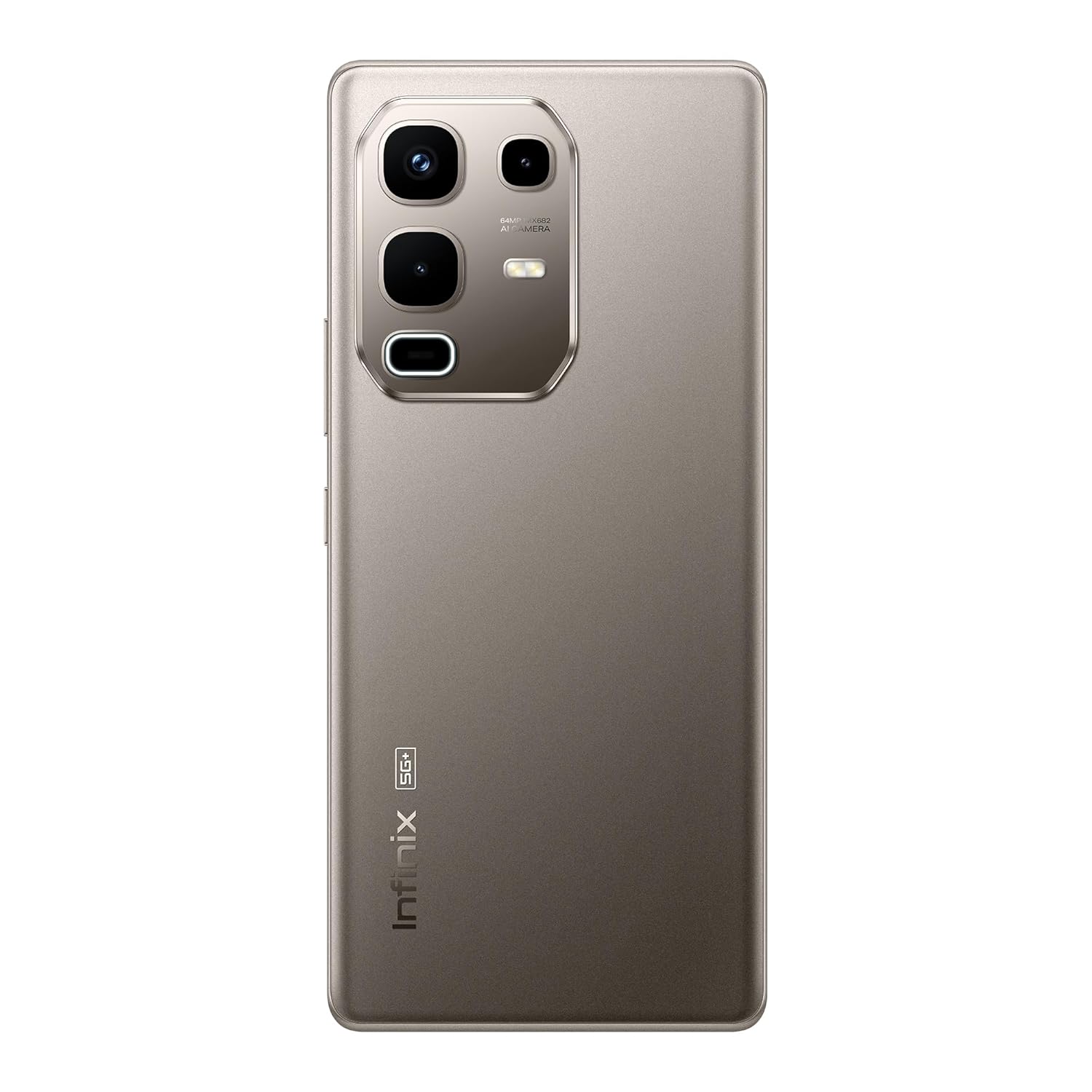
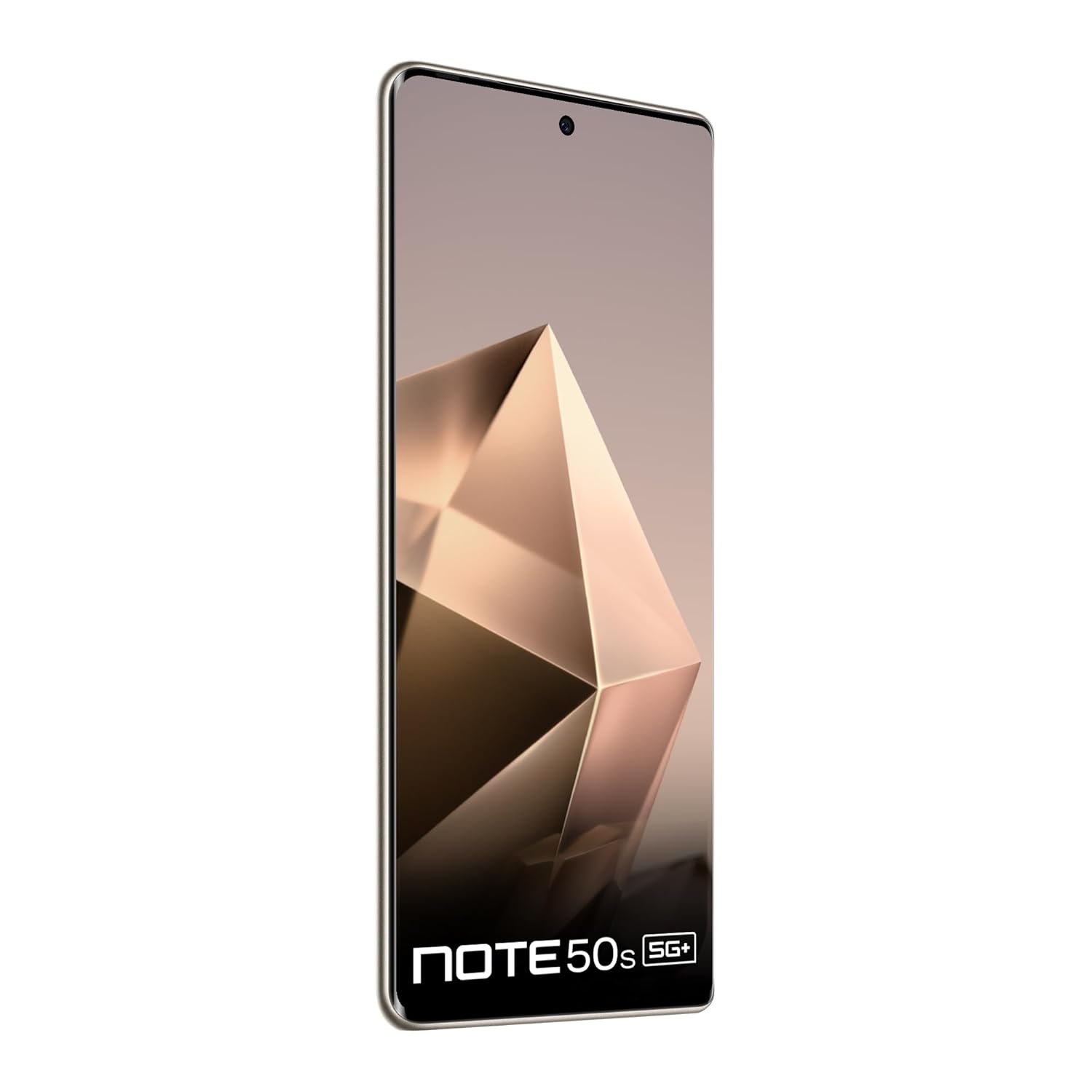
The Infinix Note 50s 5G+ features a sleek design with a 3D curved AMOLED display and a distinctive gem-cut camera module.


4. Setup
4.1 Inserting SIM Card and Powering On
- Locate the SIM card tray on the side of your device.
- Use the provided SIM tray ejector tool to open the tray.
- Place your Nano-SIM card(s) into the tray, ensuring proper orientation.
- Carefully reinsert the SIM tray into the device.
- Press and hold the Power button until the Infinix logo appears to turn on the device.
4.2 Initial Configuration
Follow the on-screen prompts to complete the initial setup, which includes selecting your language, connecting to a Wi-Fi network, setting up your Google account, and configuring security features like fingerprint or face unlock.
5. Operating Instructions
5.1 Touchscreen Navigation
Navigate your device using standard touchscreen gestures:
- Tap: Select an item or open an application.
- Swipe: Scroll through screens or lists.
- Pinch: Zoom in or out on images and web pages.
- Long Press: Access contextual menus or move icons.
5.2 XOS 15 Interface and AI Features
The device runs on the updated XOS 15 interface, offering a streamlined user experience. Explore One-Tap Infinix AI features such as Folax for voice assistance and the AI Writing Assistant for enhanced productivity.
6. Key Features
6.1 Display
Experience visuals on a 6.78-inch FHD+ 144Hz AMOLED display. This display offers a 2160Hz touch sampling rate for responsiveness, 1300 nits peak brightness, and TÜV certification for eye comfort. It is protected by Gorilla Glass 5.

6.2 Camera System
The Infinix Note 50s 5G+ is equipped with a 64MP Sony dual rear camera and a 13MP selfie camera. Advanced AI tools, including AI Eraser, enhance photography capabilities.

6.3 Performance and Gaming
Powered by the MediaTek Dimensity 7300 Ultimate Processor, the device offers smooth performance. XArena optimizations enable ultra-smooth gaming at up to 90 FPS. Audio is enhanced by JBL dual speakers with DTS audio.

6.4 Battery and Charging
The device includes a 5500mAh battery, supporting 45W fast charging for quick power replenishment.

6.5 Durability
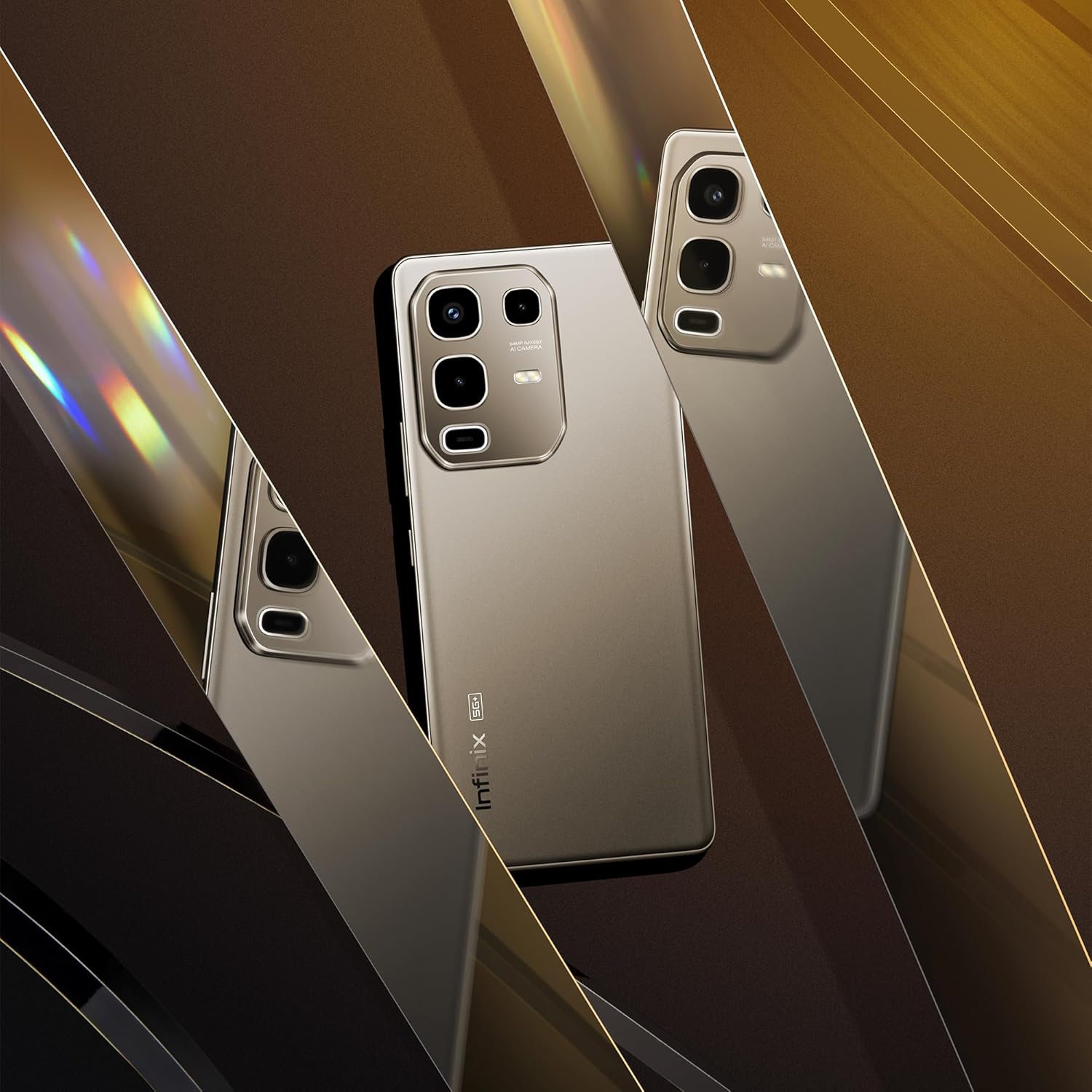
Built for resilience, the Note 50s 5G+ is MIL-STD-810H certified and IP64 rated, providing protection against drops, dust, and water exposure.
7. Maintenance
7.1 Cleaning Your Device
To clean your smartphone, use a soft, lint-free cloth. Avoid abrasive materials or harsh chemicals. For stubborn smudges, slightly dampen the cloth with water or a screen cleaner designed for electronics.
7.2 Software Updates
Regularly check for and install software updates to ensure optimal performance, security, and access to new features. You can typically find this option in your device's Settings menu under 'System' or 'About Phone'.
8. Troubleshooting
8.1 Common Issues and Solutions
- Device not turning on: Ensure the battery is charged. Connect the device to the power adapter and try turning it on after a few minutes.
- Apps crashing or freezing: Close and reopen the app. If the issue persists, clear the app's cache or reinstall it.
- Poor battery life: Reduce screen brightness, disable unnecessary background apps, or use power-saving modes.
- Network connectivity issues: Toggle Airplane Mode on and off. Restart your device. Check your SIM card insertion.
8.2 Factory Reset
If you encounter persistent software issues, a factory reset may resolve them. Warning: A factory reset will erase all data on your device. Back up important data before proceeding. Navigate to Settings > System > Reset options > Erase all data (factory reset).
9. Specifications
| Feature | Detail |
|---|---|
| Operating System | Android 15 |
| RAM | 6 GB |
| Memory Storage Capacity | 128 GB |
| Screen Size | 6.78 Inches |
| Resolution | 1080 x 2436 |
| Battery Power Rating | 5500 mAh |
| Item Model Number | X6870 |
| Connectivity Technologies | Bluetooth, USB, Wi-Fi |
| Colour | Titanium Grey |
| Item Weight | 188 g |
| Product Dimensions | 16.4 x 7.5 x 0.8 cm |
| Manufacturer | PADGET ELECTRONICS PRIVATE LIMITED |
| Country of Origin | India |
10. Warranty and Support
10.1 Product Warranty
Your Infinix Note 50s 5G+ comes with a standard manufacturer's warranty. Please refer to the warranty card included in your package for specific terms, conditions, and duration of coverage. Keep your proof of purchase for warranty claims.
10.2 Customer Support
For technical assistance, service, or further inquiries, please contact Infinix customer support. Visit the official Infinix website for contact information, FAQs, and service center locations.