
1. Safety Information
Please read all instructions before operating this product. Failure to follow these instructions may result in injury or damage to the product.
- Age Recommendation: This product is suitable for users aged 3 years and older.
- Battery Safety: Use only the specified batteries. Do not mix old and new batteries. Do not mix alkaline, standard (carbon-zinc), or rechargeable (nickel-cadmium) batteries. Insert batteries with correct polarity. Remove batteries if the product will not be used for an extended period.
- Choking Hazard: Small parts may be present. Keep away from small children.
- Operating Environment: Operate the RC car on flat, clean surfaces. Avoid water, sand, or rough terrain to prevent damage.
- Supervision: Adult supervision is recommended during operation, especially for younger children.
2. Package Contents
Verify that all items are present in the package:
- 1 x SANGQAOFU 2-in-1 RC Car Robot
- 1 x Remote Control
- 1 x USB Charging Cable
- 1 x Rechargeable Lithium-Ion Battery (pre-installed in the car)
Note: The remote control requires 2 x AA batteries (not included).
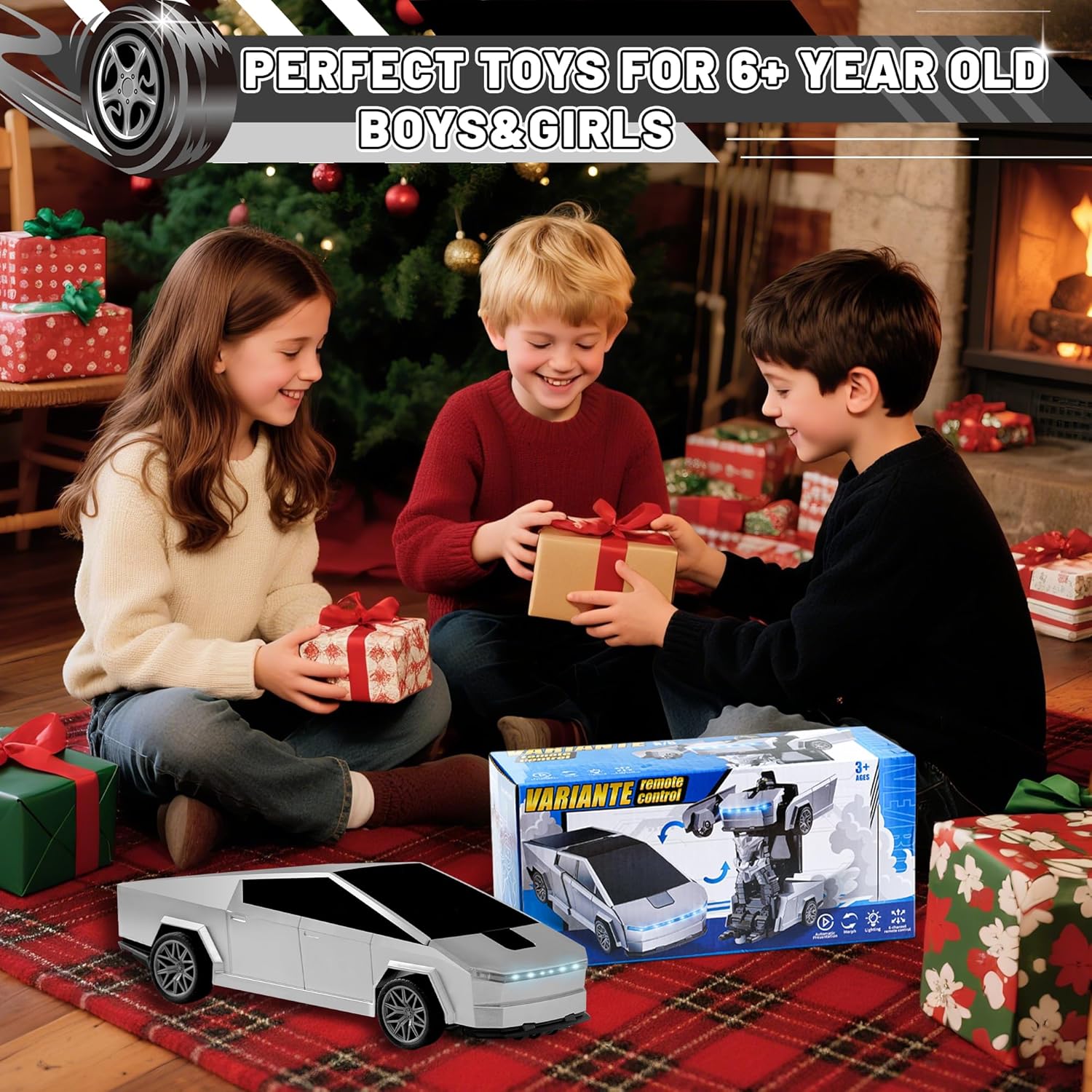
Image: The product packaging showing the RC car, remote, and accessories.
3. Product Overview
3.1 RC Car Robot
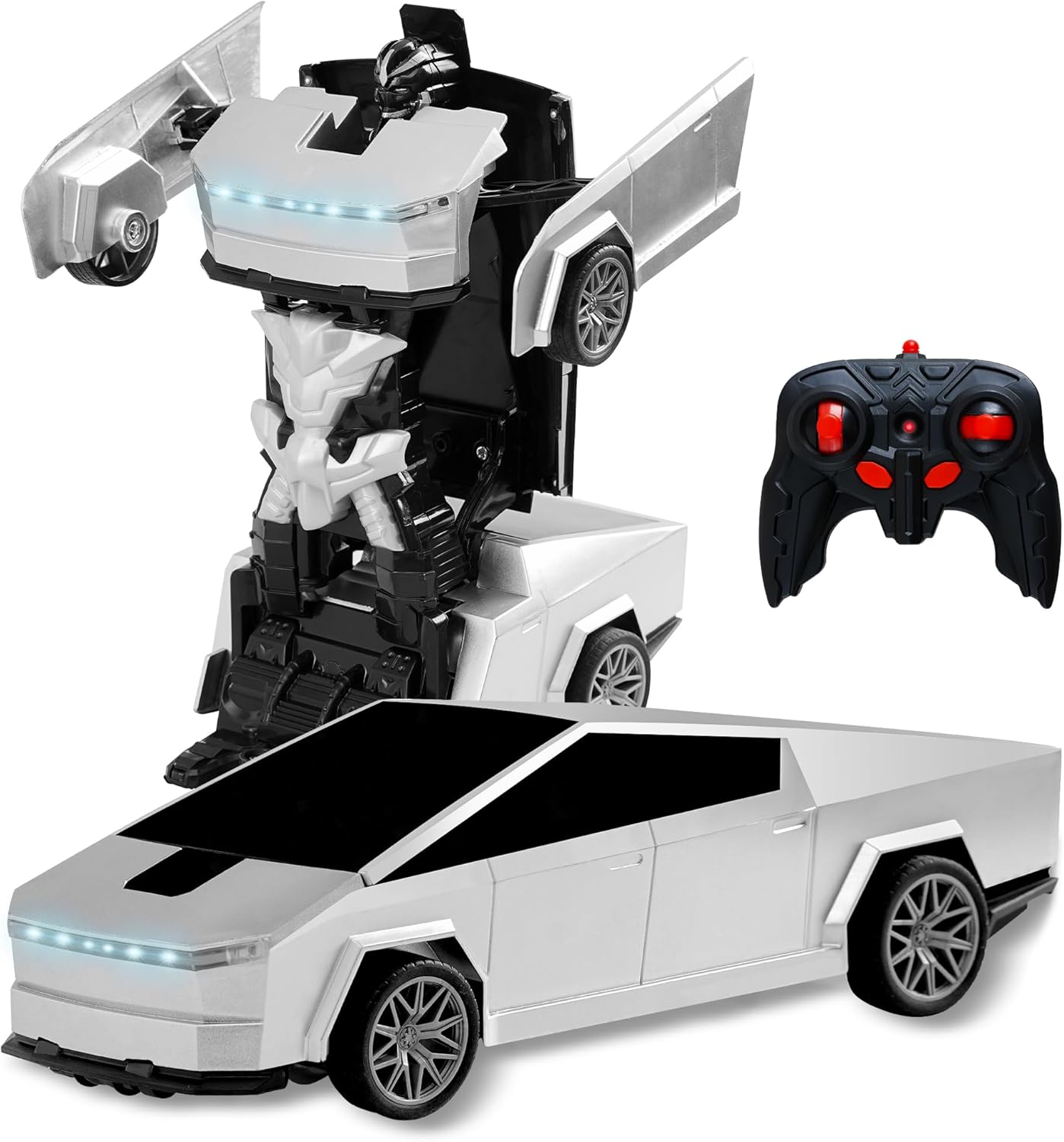
Image: The RC car in its car form, showcasing its cyber-inspired design.
The SANGQAOFU Cyber-Inspired Transformer RC Car Robot features a sleek design inspired by modern cyber trucks. It can seamlessly transform between a car and a robot. The car is equipped with functional headlights and taillights for an immersive experience.

Image: The RC car in its robot form, standing upright with arms extended.
3.2 Remote Control
The remote control operates on a 2.4GHz frequency, allowing multiple cars to be played simultaneously without interference. It features intuitive controls for driving, transformation, and special functions.
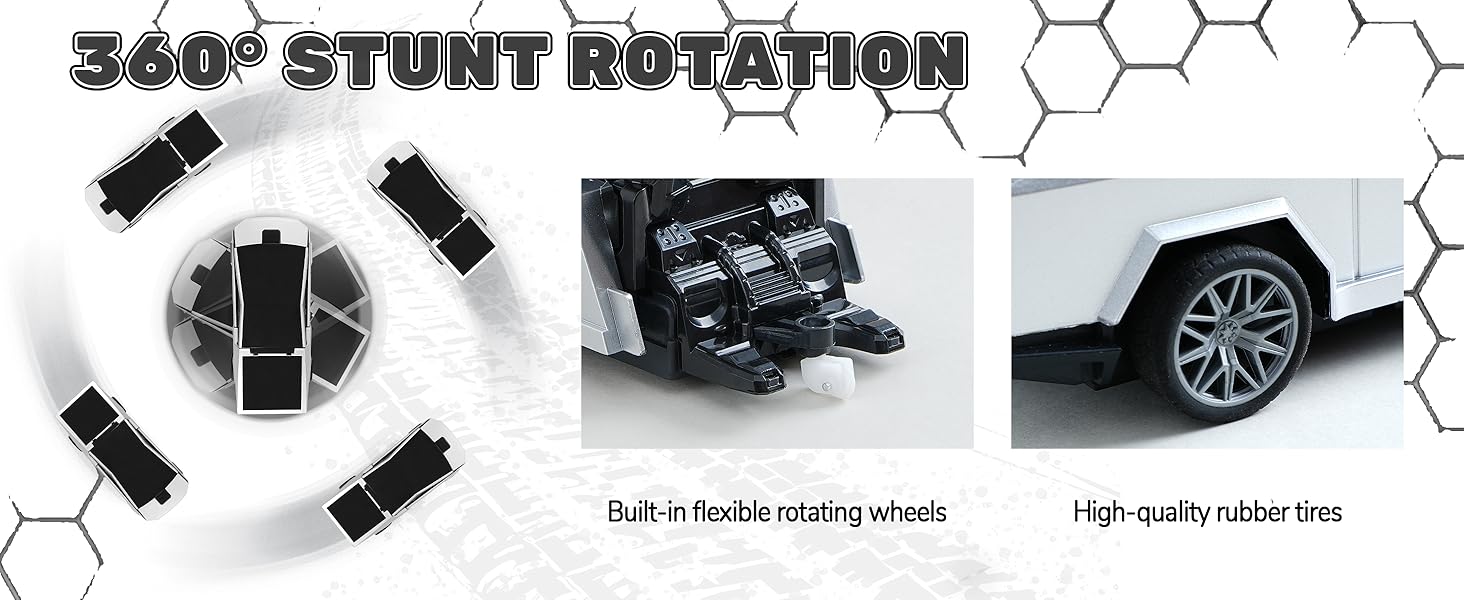
Image: A detailed diagram showing the remote control's buttons for forward/backward, turning, deformation, and auto demo, along with the car's on/off switch and battery compartment.
Remote Control Functions:
- Left Joystick: Controls forward and backward movement.
- Right Joystick: Controls turning left and right.
- Deformation Button: Initiates the transformation between car and robot mode.
- Auto Demo Button: Activates an automatic demonstration sequence of movements and transformations.
- Indicator Light: Shows remote control activity.
4. Setup
4.1 Charging the RC Car Battery
- Locate the battery compartment on the underside of the RC car.
- Open the battery compartment cover.
- Connect the rechargeable Lithium-Ion battery to the USB charging cable.
- Plug the USB charging cable into a standard USB power adapter (not included) or a computer USB port.
- The indicator light on the USB cable will show charging status (e.g., red for charging, off when fully charged).
- Once fully charged, disconnect the battery and secure it back into the car's compartment.
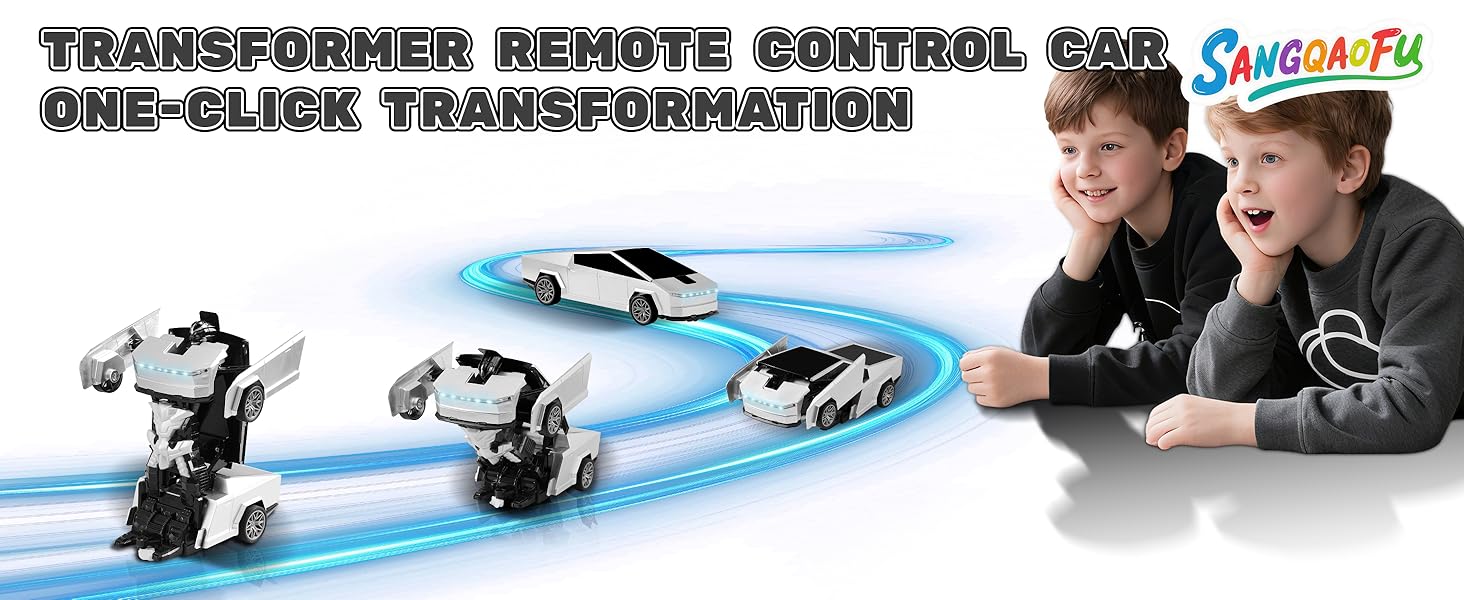
Image: Visual guide for opening the battery compartment and connecting the rechargeable battery to the USB cable.
4.2 Installing Remote Control Batteries
- Locate the battery compartment on the back of the remote control.
- Open the battery compartment cover.
- Insert 2 x AA batteries, ensuring correct polarity (+/-).
- Close the battery compartment cover securely.
5. Operation
5.1 Powering On/Off
- Turn on the RC car using the On/Off switch located on its underside.
- Turn on the remote control (usually a switch or button on the remote).
- The car and remote will automatically pair.
5.2 Driving the RC Car
Use the joysticks on the remote control to maneuver the car:
- Forward/Backward: Push the left joystick up or down.
- Turn Left/Right: Push the right joystick left or right.
- The car features universal wheels for smooth movement and 360° rotation capabilities.

Image: Two SANGQAOFU RC cars driving on a road, demonstrating the 2.4GHz remote control technology allowing multiple players.
5.3 One-Button Transformation
Press the 'Deformation' button on the remote control to transform the car into a robot and vice-versa. The transformation is automatic and smooth.
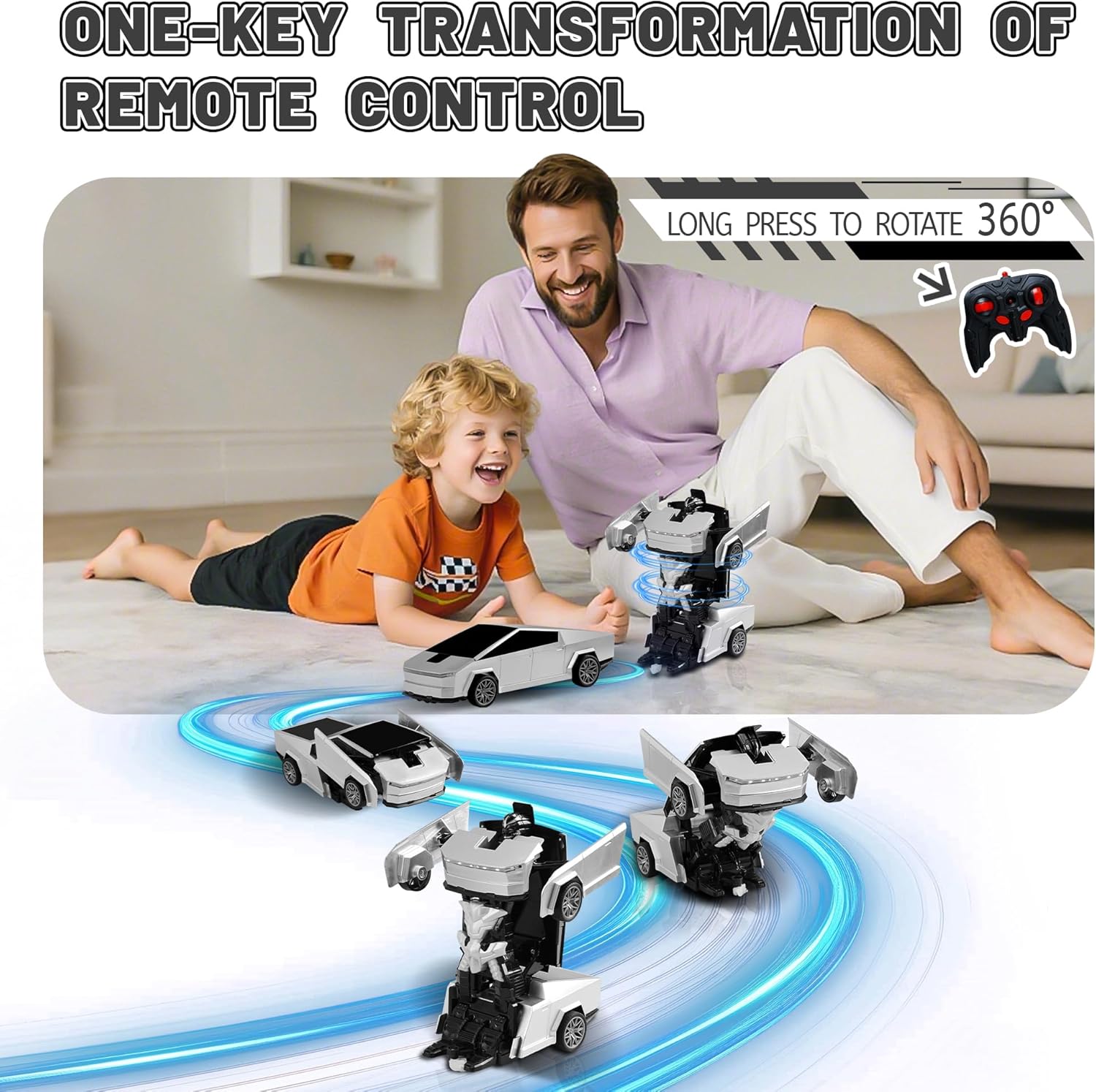
Image: The RC car transforming from car to robot mode, illustrating the one-key transformation feature.
Please note: Once the RC car has successfully transformed and is stable, avoid continuously pressing the 'Deformation' button to prevent repeated transformations.
5.4 360° Stunt Rotation and Drift
The unique universal wheel design allows for exciting 360° stunt rotations and drift maneuvers. Experiment with the joysticks to perform these actions.
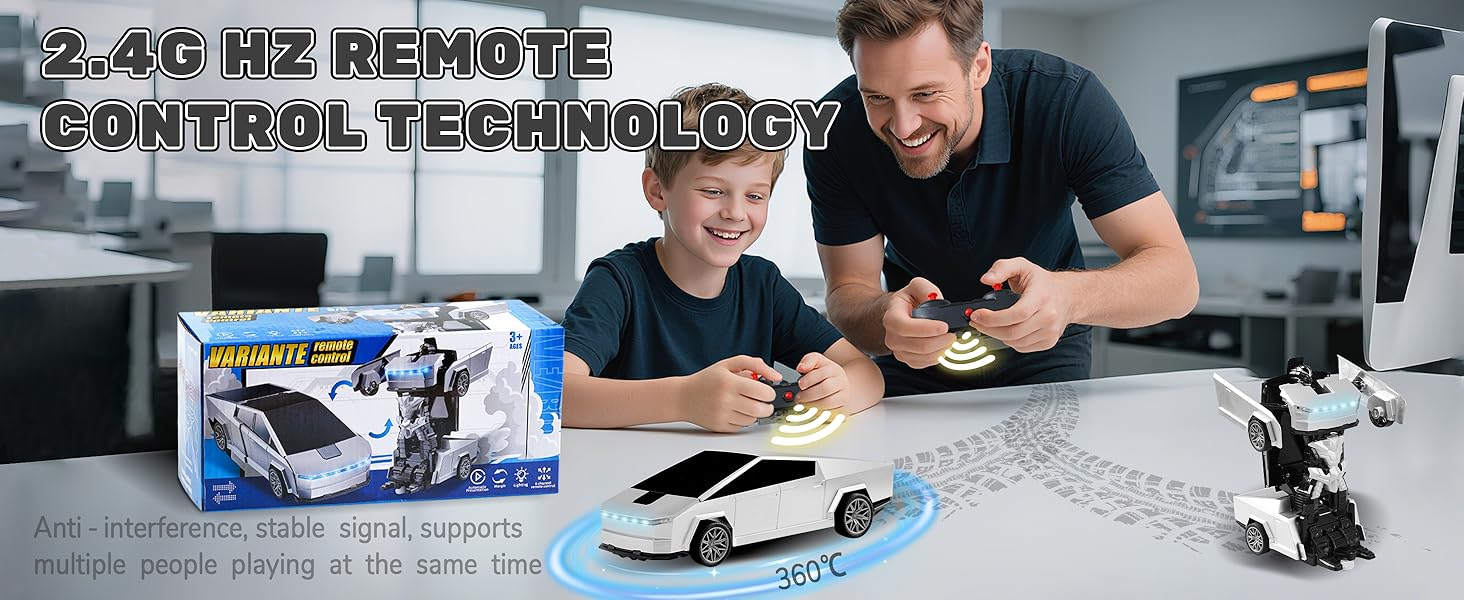
Image: A graphic illustrating the 360° stunt rotation capability and the one-key transform function of the RC car.
5.5 Automatic Demonstration
Press the 'Auto Demo' button on the remote control to activate a pre-programmed sequence of movements and transformations. This feature showcases the car's full range of capabilities.
5.6 Sound and Light Effects
The RC car is equipped with immersive sound effects and bright LED headlights and taillights, enhancing the play experience.
Video: A demonstration of the SANGQAOFU Remote Control Transformer Car, showcasing its transformation and driving capabilities.
6. Maintenance
- Cleaning: Wipe the car and remote with a soft, dry cloth. Do not use water or chemical cleaners.
- Storage: Store the product in a cool, dry place away from direct sunlight when not in use. Remove batteries from the remote control during long periods of storage.
- Battery Care: Do not overcharge the rechargeable battery. Follow charging guidelines.
7. Troubleshooting
| Problem | Possible Cause | Solution |
|---|---|---|
| Car does not move or respond. | Low car battery. Remote control batteries are low or incorrectly installed. Car or remote is not powered on. Not paired. | Charge the car battery. Replace remote control batteries. Ensure both car and remote are switched ON. Re-pair the devices by turning both off and then on again. |
| Car does not transform. | Low car battery. Obstruction in transformation mechanism. | Charge the car battery. Check for any foreign objects blocking the moving parts. |
| Short control range or interference. | Environmental interference. Distance too far. | Operate in an open area away from other electronic devices. Stay within the recommended operating range. |
8. Specifications
| Feature | Detail |
|---|---|
| Brand Name | SANGQAOFU |
| Model Name | 828 |
| Material Type | Plastic (ABS) |
| Power Source | Battery Powered |
| Car Battery | Rechargeable Lithium-Ion Battery (included) |
| Remote Control Batteries | 2 x AA batteries (not included) |
| Age Range | 3+ Years |
| Item Dimensions | 9.25 x 4.33 x 3.54 inches |
| Item Weight | 14.08 ounces |
| Additional Features | Flashing Light, Sound Effects |
| Operation Mode | RC (Remote Control) |
| Scale | 1:18 Scale |
9. Warranty and Support
This SANGQAOFU product comes with a 1-Year Warranty Against Manufacturer Defects. If you encounter any issues with your product, please contact the seller or manufacturer for support. Keep your purchase receipt as proof of purchase for warranty claims.