1. Introduction
Thank you for choosing the LaNikar KE3P Military Smart Watch. This rugged smartwatch is designed for durability and functionality, featuring built-in GPS, 3ATM waterproofing, an LED flashlight, a compass, and comprehensive health monitoring capabilities. This manual provides essential information for setting up, operating, and maintaining your device to ensure optimal performance.

Image: The LaNikar KE3P Military Smart Watch, showcasing its robust design.
2. What's in the Box
Upon opening your LaNikar KE3P Military Smart Watch package, you should find the following items:
- 1 x Smart Watch Body
- 1 x User Manual (this document)
- 1 x Watch Band
- 1 x Charging Cable
- 1 x Customized Box
Video: An unboxing and overview of the LaNikar KE3P Military Smart Watch, showing the contents of the package.
3. Product Overview
The LaNikar KE3P Smart Watch features a 1.45-inch HD touchscreen display and a durable design. Key components include:
- Display: 1.45-inch TFT HD Touchscreen
- Buttons: Upper Button (Home), Lower Button (Back)
- Sensors: Heart Rate, SpO2, Sleep Tracking, GPS
- Special Features: Built-in LED Flashlight, Compass, Microphone, Speaker
- Charging Port: Magnetic charging pins on the back

Image: Close-up of the smartwatch display, highlighting its 1.45-inch HD touchscreen.

Image: The smartwatch highlighting its military-grade durability, anti-impact, anti-fluid corrosion, dust-proof, and 3ATM waterproof features.
4. Setup
4.1. Charging the Smart Watch
Before initial use, fully charge your smartwatch. Connect the magnetic charging cable to the charging pins on the back of the watch and plug the USB end into a power source (e.g., computer USB port, USB wall adapter). The watch display will show the charging status.
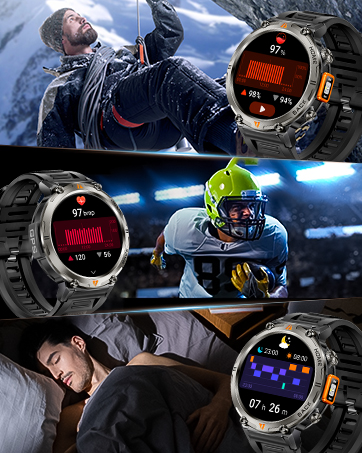
Image: The smartwatch connected to its magnetic charging cable, displaying battery status.
4.2. App Installation (GloryFit)
To unlock the full potential of your smartwatch, download and install the GloryFit app on your smartphone. The app is available on both the Apple App Store (for iOS devices) and Google Play Store (for Android devices).
4.3. Pairing with Your Smartphone
Follow these steps to pair your LaNikar KE3P with your smartphone:
- Ensure Bluetooth is enabled on your smartphone.
- Open the GloryFit app.
- Navigate to the 'Device' section and select 'Add a new device' or 'Select device'.
- The app will search for nearby devices. Select 'KE3 PRO' from the list.
- Confirm the pairing request on both your phone and the watch.
- Allow necessary permissions for notifications and contacts.
Video: Instructions on how to connect the KE3Pro Military Smartwatch to your phone using the GloryFit app.
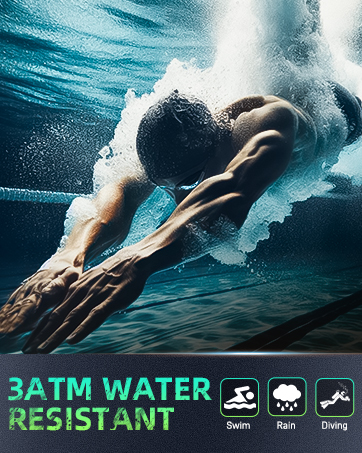
Image: Step-by-step visual guide on connecting the smartwatch to the GloryFit app.
4.4. App Background Settings
To ensure continuous data synchronization and notifications, configure the GloryFit app to run in the background on your smartphone.
For Android Devices:
Go to your phone's Settings > Apps > GloryFit > Battery > Allow background activity or disable battery optimization for the app. Specific steps may vary by Android version and phone model.
Video: Guide on how to keep the GloryFit app running in the background on Android devices.
For iOS Devices:
Go to Settings > General > Background App Refresh and ensure GloryFit is enabled. Also, check Settings > GloryFit > Wireless Data and ensure it's set to 'WLAN & Cellular Data'.
Video: Guide on how to keep the GloryFit app running in the background on iOS devices.
5. Operating Instructions
5.1. Basic Navigation
The smartwatch features a responsive touchscreen and two physical buttons:
- Swipe Up/Down/Left/Right: Navigate through menus and features.
- Tap: Select an item or confirm an action.
- Upper Button (Home): Press to return to the home screen or wake the device.
- Lower Button (Back): Press to go back to the previous screen.
5.2. Making and Receiving Calls
Once paired via Bluetooth, you can make and receive calls directly from your watch:
- To Make a Call: Access the 'Call' function from the main menu, use the dial pad, or select from your synced contacts.
- To Receive a Call: When a call comes in, the watch will display the caller ID. Tap the green icon to answer or the red icon to reject.

Image: The smartwatch displaying an incoming call, demonstrating its Bluetooth call feature.
5.3. Notifications
Receive notifications from your smartphone directly on your watch. Ensure notification permissions are granted in the GloryFit app and your phone's settings.
5.4. Health Monitoring
The KE3P smartwatch continuously monitors your health data:
- Heart Rate: Real-time heart rate tracking.
- Blood Oxygen (SpO2): Monitor your blood oxygen levels.
- Sleep Monitoring: Tracks sleep patterns, including deep sleep, light sleep, and awake times.
- Stress Monitoring: Provides insights into your stress levels.
View detailed health data and analysis in the GloryFit app.

Image: Display of the smartwatch showing 24/7 health monitoring data, including heart rate, blood oxygen, and sleep tracking.
5.5. Sports Modes & GPS
The watch supports over 110 sports modes and features built-in GPS for accurate tracking:
- Activating Sports Mode: Select your desired sport from the watch's menu.
- GPS Tracking: The built-in GPS supports six satellite systems (GPS, Beidou, Galileo, GLONASS, NAVIC, QZSS) for fast and accurate positioning. Your movement track and data will be displayed on the watch, and a map view is available in the GloryFit app.
Video: Demonstration of enabling sport mode and GPS tracking on your phone, showing the watch syncing with the app.
Video: Demonstration of enabling sport mode and GPS tracking directly on the smartwatch.

Image: A person wearing the smartwatch, displaying a GPS trail on the screen, indicating navigation capabilities.
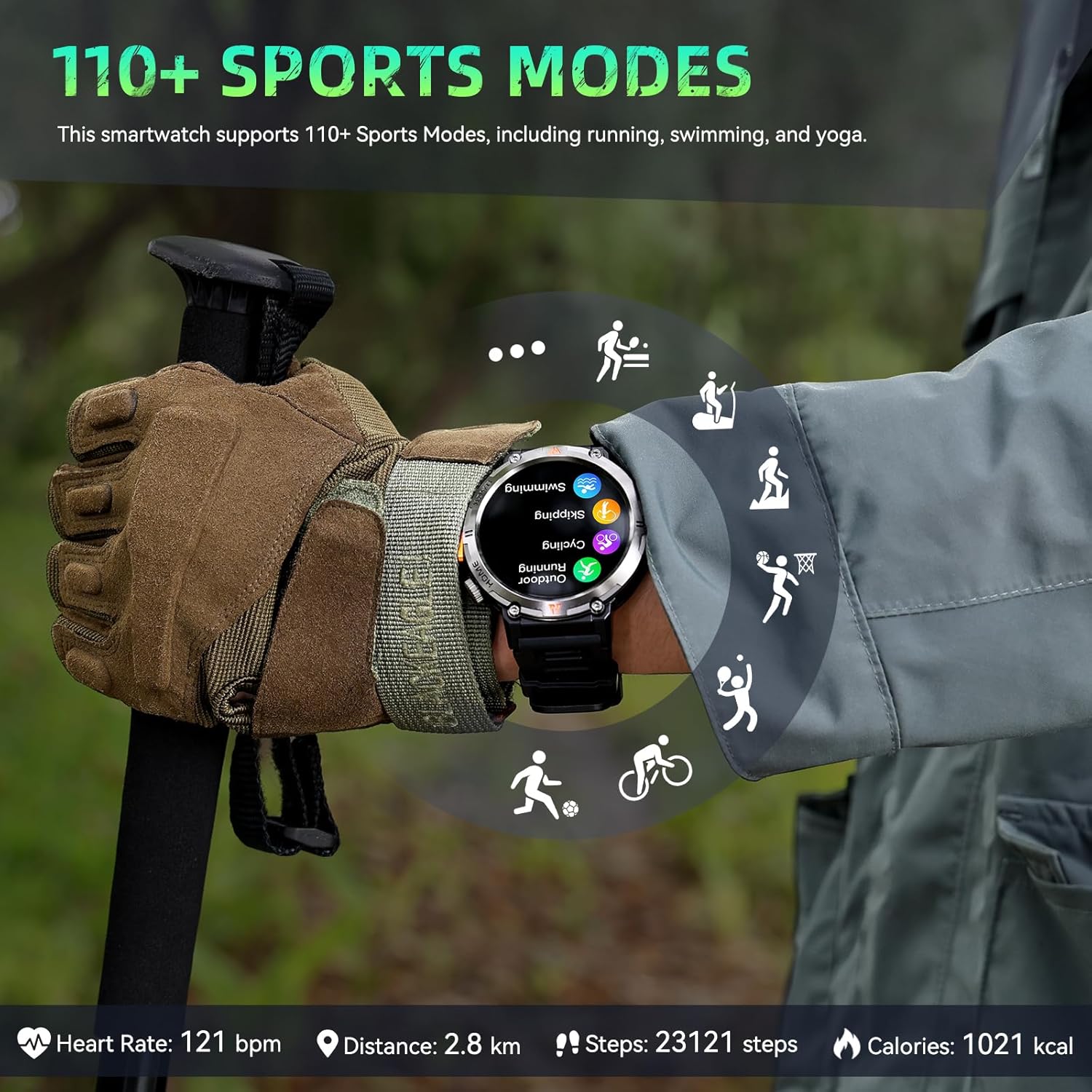
Image: The smartwatch displaying various sports mode icons, indicating support for over 110 activities.
5.6. LED Flashlight & Compass
The smartwatch includes a high-brightness LED flashlight and a compass function:
- LED Flashlight: Features three modes: strong light, flash, and SOS. Brightness can be manually adjusted.
- Compass: Helps with navigation during outdoor activities.
Video: A short demonstration of the built-in LED flashlight feature on the military smartwatch.
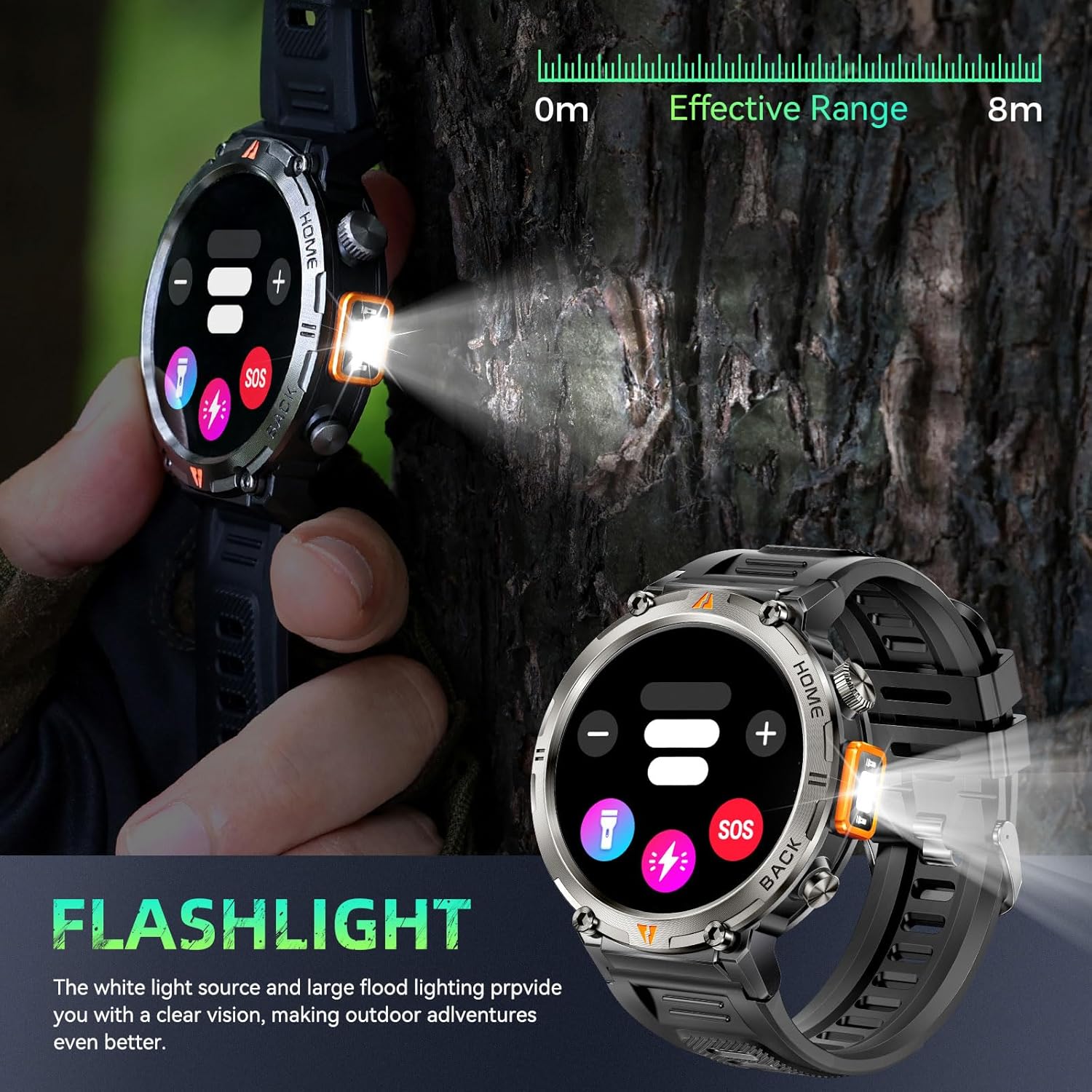
Image: The smartwatch with its LED flashlight activated, illuminating the surroundings.
5.7. Other Features
The LaNikar KE3P offers a variety of additional practical functions:
- Weather Forecast: Get real-time weather updates.
- Music Control: Control music playback on your smartphone.
- Alarm Clock: Set alarms and reminders.
- Camera Remote: Remotely control your phone's camera.
- Calculator: Basic calculator function.
- Sedentary Reminder: Alerts you to move after periods of inactivity.

Image: The smartwatch displaying various additional features like weather, music control, and camera remote.
5.8. Watch Faces
Customize your watch's appearance with a variety of watch faces available through the GloryFit app.
6. Maintenance
6.1. Water Resistance
The LaNikar KE3P is 3ATM waterproof, suitable for swimming, diving, surfing, and daily water sports. However, avoid hot water, steam, or prolonged submersion in extreme conditions to prevent damage.

Image: The smartwatch submerged in water, demonstrating its 3ATM water resistance.
6.2. Cleaning
Regularly clean your watch and strap with a soft, damp cloth. Avoid using harsh chemicals or abrasive materials that could damage the finish or sensors.
6.3. Battery Care
To prolong battery life:
- Charge the watch fully before first use.
- Avoid completely draining the battery frequently.
- Store the watch in a cool, dry place when not in use for extended periods.
7. Troubleshooting
- Watch not turning on: Ensure the watch is fully charged. Connect it to the charger for at least 30 minutes.
- Cannot pair with phone:
- Ensure Bluetooth is enabled on your phone and the watch.
- Make sure the watch is within range of your phone.
- Restart both your phone and the watch.
- Check if the GloryFit app has all necessary permissions.
- Notifications not appearing:
- Verify that notifications are enabled in the GloryFit app for specific applications.
- Check your phone's system settings to ensure GloryFit has notification access.
- Ensure the GloryFit app is running in the background (refer to Section 4.4).
- Inaccurate GPS tracking: Ensure you are in an open area with a clear view of the sky for optimal GPS signal reception.
- Short battery life: Reduce screen brightness, disable unnecessary features, and ensure the GloryFit app is optimized for background use.
8. Specifications
| Feature | Specification |
|---|---|
| Model Number | KE3P |
| Screen Size | 1.45 Inches |
| Water Resistance | 3ATM |
| Battery Capacity | 530 mAh (7-10 days working, 30 days standby) |
| Connectivity | Bluetooth 5.3 |
| GPS | Built-in GPS (supports 6 satellite systems) |
| Compatibility | Android 5.0+, iOS 13.0+ |
| Special Features | LED Flashlight, Compass, Heart Rate, SpO2, Sleep Monitor, 110+ Sports Modes, Bluetooth Calling |
| Item Weight | 5.7 ounces |
9. Warranty and Support
LaNikar offers a 12-month money-back or free replacement policy for this product. If you encounter any issues or have questions, please contact our professional service team via email. We aim to reply within 24 hours and provide the best solution.
For further assistance, please visit the LaNikar Store on Amazon.