1. Setup
1.1 Unboxing and Initial Charge
Your Hwagol M6 Smart Watch package includes:
- 1x Hwagol M6 Smart Watch
- 1x Charging Cable
- 1x User Manual
Before first use, fully charge your smartwatch using the provided magnetic charging cable. Align the magnetic pins of the cable with the charging points on the back of the watch. A full charge typically takes approximately 2 hours.
1.2 Attaching and Changing Watch Bands
The Hwagol M6 Smart Watch features interchangeable bands, allowing you to customize its appearance. To attach or remove a band:
- Locate the small spring bar on the underside of the watch band where it connects to the watch body.
- Gently slide the spring bar inwards to release the band from the watch lug.
- To attach a new band, align one end of the spring bar with the hole on one side of the watch lug.
- Press the spring bar inwards and guide the other end into the corresponding hole on the opposite side of the watch lug. Release the spring bar to secure the band.
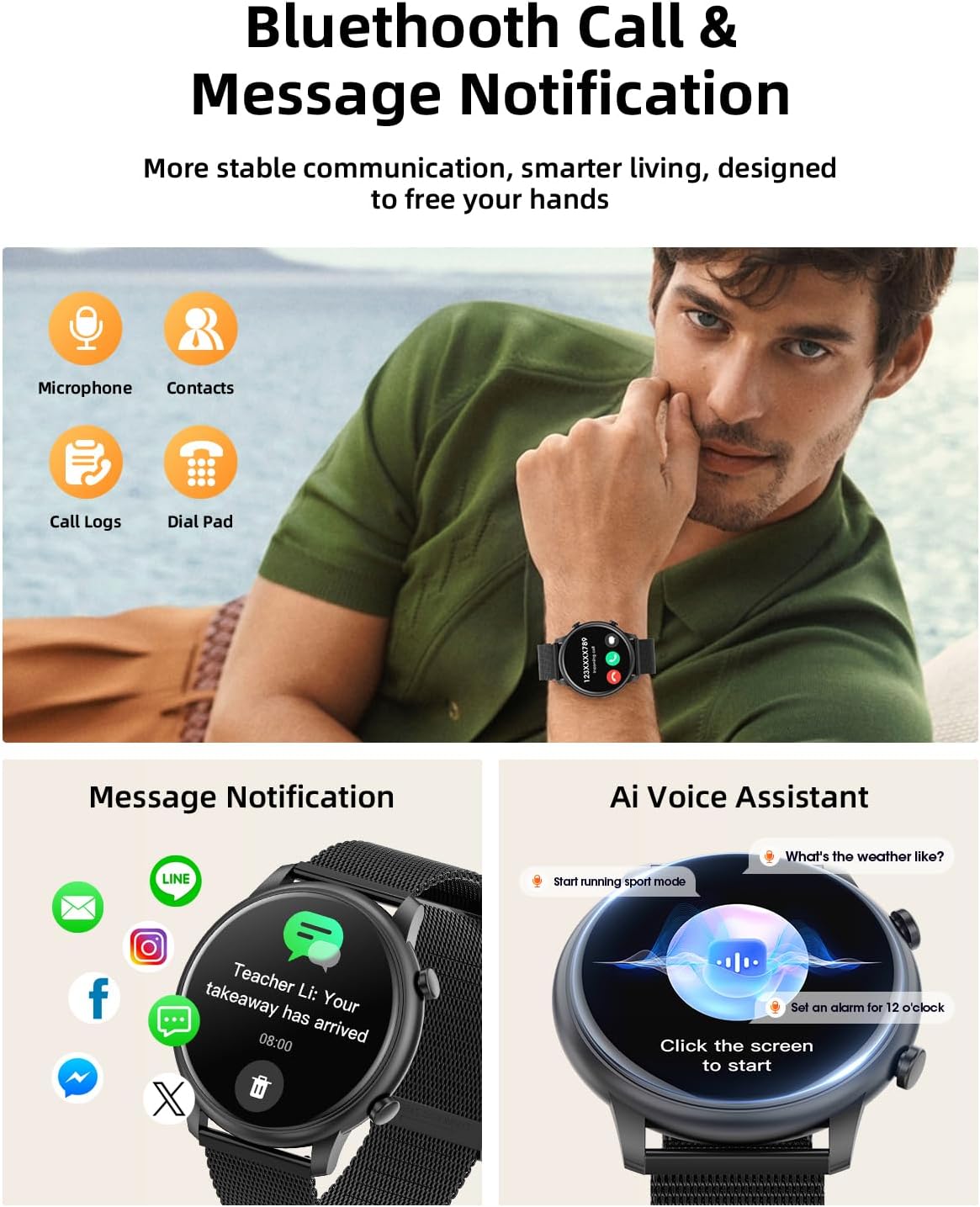
Image: Demonstrates the process of attaching a watch band to the Hwagol M6 Smart Watch.
1.3 App Installation and Pairing
To unlock the full functionality of your smartwatch, download the companion app. The app is compatible with Android 5.0 and above, and iOS 11 and above.
- Scan the QR code provided in the included user manual or search for the app name (e.g., 'GloryFit' or similar, as indicated in the product information) in your device's app store.
- Install the app on your smartphone.
- Open the app and follow the on-screen instructions to create an account and set up your profile (gender, height, weight).
- Ensure Bluetooth is enabled on your smartphone.
- Within the app, navigate to the device pairing section and select your Hwagol M6 Smart Watch from the list of available devices.
- Confirm the pairing request on both your smartphone and the smartwatch.
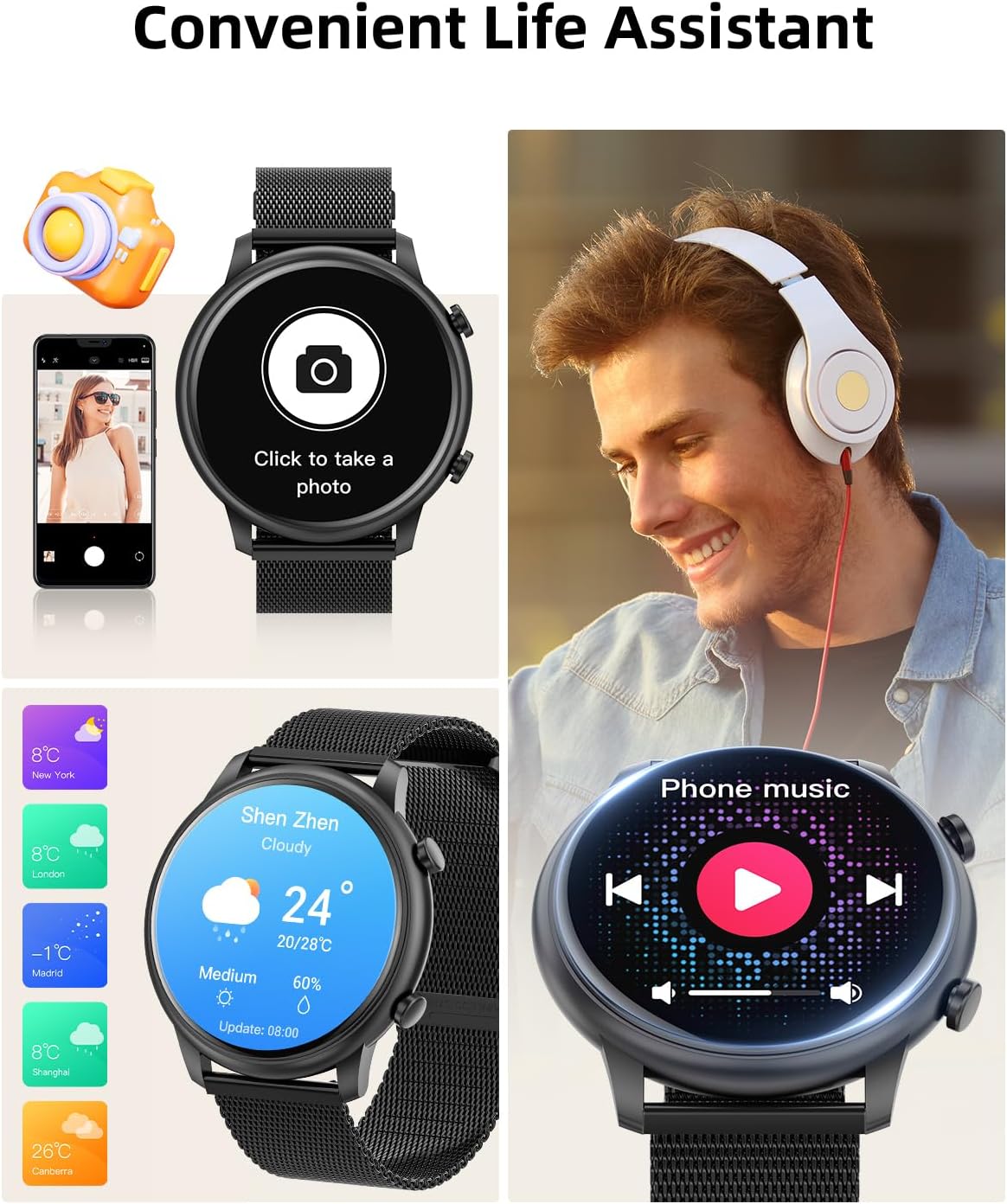
Image: The smartwatch displaying a message notification, alongside a smartphone showing the companion app's interface for health tracking and device settings.
2. Operating Instructions
2.1 Basic Navigation
The Hwagol M6 Smart Watch features a 1.39-inch full-screen touch display for intuitive navigation. Swipe across the screen to access different functions and menus. The side buttons provide quick access to specific features or return to the home screen.
2.2 Customizing Watch Faces
Personalize your smartwatch by choosing from over 450 watch faces available through the companion app. You can also upload your favorite photos (e.g., selfies, pets, landscapes) to create custom DIY dials.
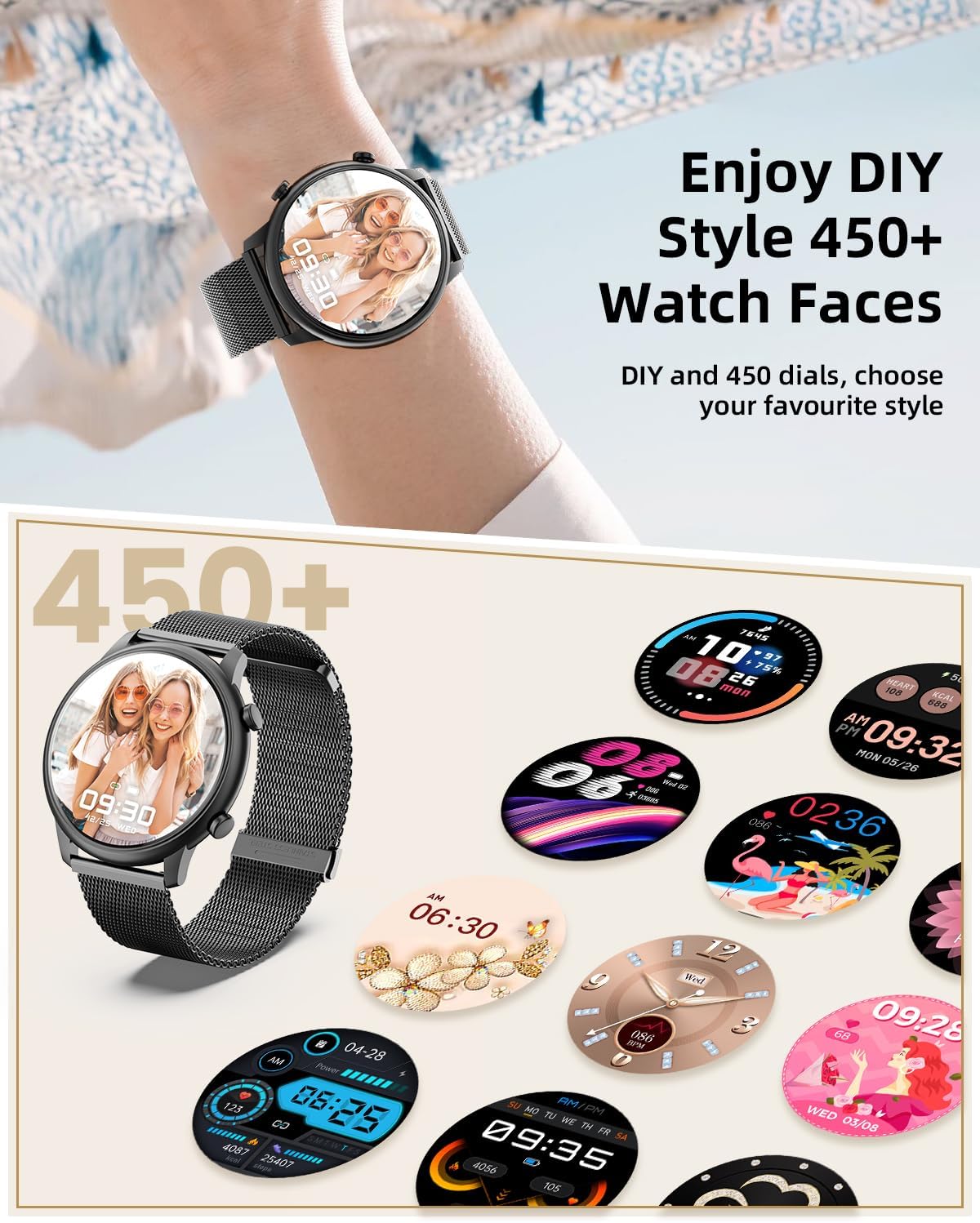
Image: A user wearing the Hwagol M6 Smart Watch with a personalized watch face, illustrating the wide range of customization options available.
2.3 Bluetooth Call & Notifications
Once paired with your smartphone via Bluetooth 5.0, the smartwatch allows you to:
- Answer/Make Calls: Directly answer incoming calls or dial out from your watch.
- Receive Notifications: Get real-time alerts for text messages, social media apps (e.g., LINE, Facebook, Instagram), and other app notifications.
2.4 Music & Camera Control
Control your smartphone's music playback (play, pause, skip tracks) directly from your wrist. You can also use the smartwatch as a remote shutter for your phone's camera.

Image: The smartwatch interface showing music playback controls, a camera remote function, and weather updates, highlighting its convenience features.
2.5 AI Voice Assistant
Utilize the integrated voice assistant for quick commands and information retrieval, such as checking the weather or setting alarms.
2.6 Health Monitoring
The Hwagol M6 Smart Watch is equipped with an AI smart chip to monitor various health metrics 24/7:
- Heart Rate Monitor: Tracks your heart rate throughout the day.
- SpO2 Sensor: Measures your blood oxygen levels.
- Sleep Monitor: Analyzes your sleep patterns, including light, deep, and REM sleep stages.
- Pedometer: Counts steps, distance, and calories burned.
- Stress Level Tracking: Provides insights into your stress levels.
- Female Health Tracking: Monitors menstrual cycles.

Image: The smartwatch's health tracking features, including physiological cycle, heart rate, blood oxygen, and sleep monitoring, are displayed on the watch face and a smartphone app.
2.7 Sports Modes
Choose from over 100 sports modes, including walking, climbing, ball games, and yoga, to accurately track your workouts and fitness goals.

Image: The smartwatch showcasing its diverse sports modes and real-time activity tracking, such as steps, distance, and calories, during a skiing activity.
2.8 Additional Functions
The smartwatch also includes:
- Alarm Clock
- Timer & Stopwatch
- Sedentary Reminder
- Raise to Wake (screen activation)
3. Maintenance
3.1 Water Resistance
The Hwagol M6 Smart Watch is IP68 water-resistant, meaning it can withstand splashes, rain, and brief immersion in water. It is suitable for daily use, such as washing hands, but not recommended for swimming or diving.
3.2 Cleaning
Regularly clean your smartwatch and bands with a soft, dry cloth to remove dirt and sweat. Avoid using harsh chemicals or abrasive materials.
3.3 Battery Care
To prolong battery life, avoid extreme temperatures and fully charge the device when the battery is low. The 200mAh battery provides long-lasting usage.
4. Troubleshooting
4.1 Device Not Pairing
Ensure Bluetooth is enabled on your smartphone and the smartwatch is sufficiently charged. Try restarting both devices and attempting the pairing process again through the companion app.
4.2 Inaccurate Health Data
For accurate readings, ensure the watch is worn snugly on your wrist, but not too tight. Keep the sensor area on the back of the watch clean. Environmental factors and individual physiology can affect readings.
4.3 Notifications Not Appearing
Check your smartphone's app settings to ensure that notification permissions are granted for the companion app and the specific apps you wish to receive alerts from. Also, verify that Bluetooth remains connected.
4.4 Other Issues
If you encounter any other issues, refer to the 'Help' or 'Feedback' section within the companion app, or contact Hwagol customer service for assistance.
5. Specifications
| Brand | Hwagol |
| Model Number | 607601938093 |
| Screen Size | 1.39 inches |
| Shape | Round |
| Operating System | Android IOS (Compatible with Android 5.0+, iOS 11+) |
| Connectivity Technology | Bluetooth 5.0 |
| Battery Capacity | 200 Milliamp Hours |
| Item Weight | 5.3 ounces |
| Water Resistance | IP68 |
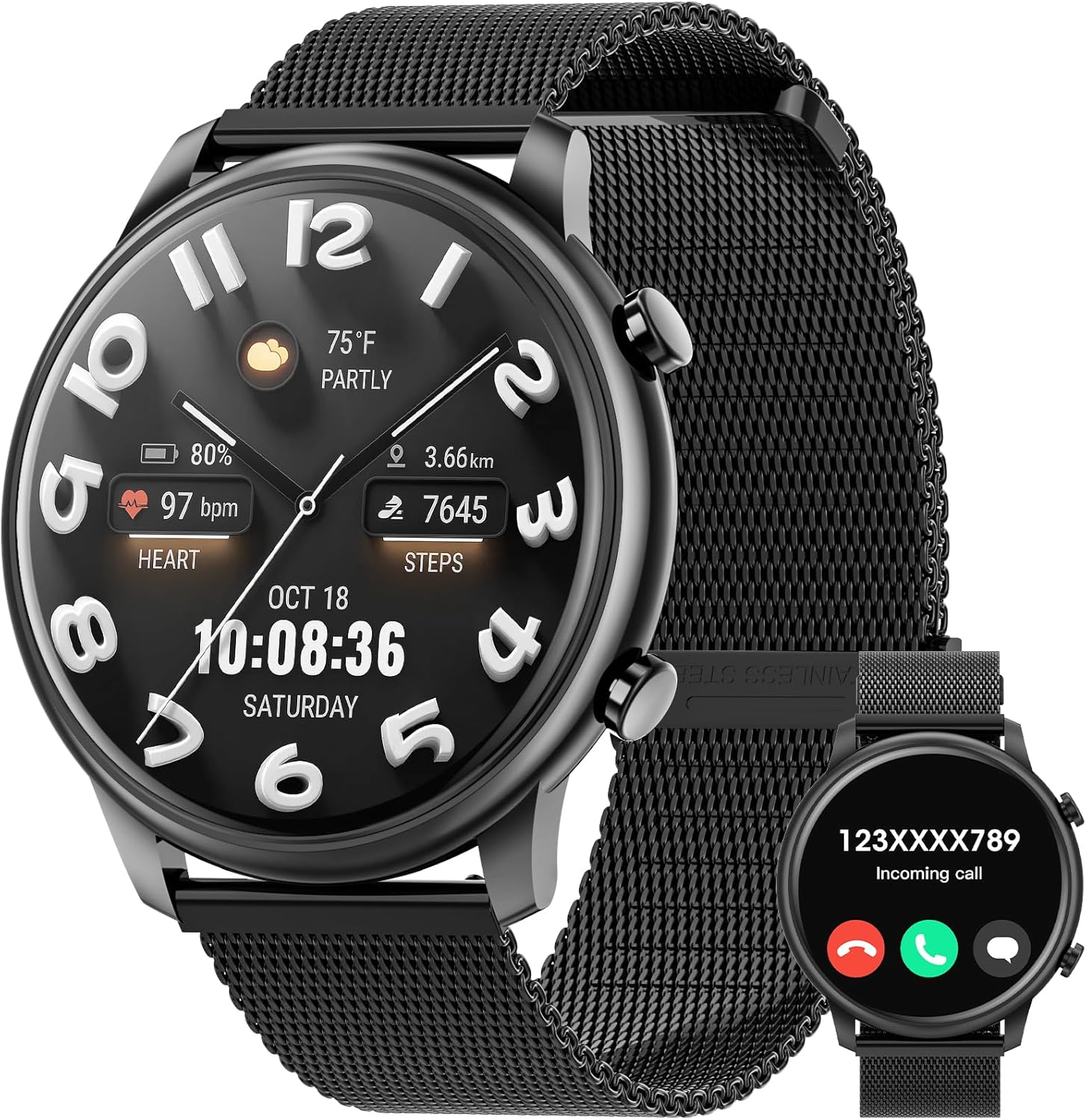
Image: The Hwagol M6 Smart Watch in Black Steel, showcasing its main display with various metrics.
Image: Detailed product dimensions of the Hwagol M6 Smart Watch, including watch face diameter and band length.
6. Warranty and Support
Hwagol is committed to providing reliable products and customer satisfaction. For any questions, concerns, or product-related issues, please contact Hwagol customer service. Refer to the contact information provided in your product packaging or on the official Hwagol website for support.


