
1. Introduction and Overview
Thank you for choosing the GLORYFIRE Biometric Pistol Safe, Model GF6005. This safe is designed to provide secure and rapid access to your firearms, ensuring safety and peace of mind. It features multiple access methods including biometric fingerprint, keypad, and traditional key, offering advanced security for your home defense needs.

Image: The GLORYFIRE Biometric Pistol Safe, showcasing its compact design and quick-draw mechanism with a handgun securely stored inside.
This manual provides detailed instructions for the setup, operation, and maintenance of your new safe. Please read it thoroughly before use to ensure proper functionality and safety.
2. Product Features
- Three Quick Access Methods: Utilizes an upgraded semiconductor biometric fingerprint sensor for access in less than 0.5 seconds, a programmable keypad, and two traditional keys for advanced security.
- Biometric Fingerprint Sensor: Stores up to 20 unique fingerprints, providing rapid and secure access.
- Vertical Installation Design: Can be mounted under tables, next to beds, or on nightstands using the included mounting plate. The safe can be easily removed from the mounting plate without tools.
- Dual Power Supply: Operates on four (4) AAA alkaline dry batteries (not included) or via a Type-C cable for emergency power.
- LED Inner Light: An interior LED light illuminates the contents, making it easier to see in low-light conditions.
- Silent Mode: Allows for quiet operation by muffling keypad beeps, ideal for discreet access.
- Solid and Safe Construction: Made from sturdy carbon steel with a black rust-resistant coating and a thick foam liner to protect firearms from scratches and prevent forced entry.
- Capacity: Accommodates handguns up to 9.06 inches long and 5.91 inches wide, along with spare magazines.

Image: Visual representation of the safe's dimensions and key features, including biometric access, keypad, key, interior light, battery power, Type-C port, and silent mode.
3. Safety Information
- Always store firearms unloaded in the safe.
- Keep the safe keys in a secure location away from the safe and out of reach of children.
- Do not store the safe keys inside the safe.
- Ensure the safe is securely mounted to prevent unauthorized removal.
- Regularly check battery levels to ensure continuous operation.
- This safe is designed for security, but no safe is impenetrable. Always exercise caution and responsible firearm ownership.

Image: A fit guide illustrating the types of handguns compatible with the safe, emphasizing the importance of storing firearms unloaded.
4. Setup and Installation
4.1. Power Supply
The GLORYFIRE Biometric Pistol Safe can be powered by four (4) AAA alkaline dry batteries (not included) or temporarily via a Type-C cable for emergency access.
- Battery Installation: Locate the battery compartment, typically on the underside or rear of the safe. Insert four AAA batteries, ensuring correct polarity.
- Emergency Type-C Power: In case of battery depletion or unavailability of a spare key, connect a Type-C cable to the receiver jack on the side of the safe. This port is for emergency use only and not for prolonged power supply.

Image: Illustration detailing the two power supply options: 4 AAA batteries and a Type-C port for emergency power.
4.2. Mounting the Safe
The safe features a vertical installation design and comes with a mounting plate for secure attachment to various surfaces.
- Identify a suitable mounting location such as under a table, next to a bed, on a nightstand, or a wall.
- Position the mounting plate against the desired surface and mark the drilling points.
- Drill pilot holes if necessary, then secure the mounting plate using appropriate screws (not specified if included, assume user provides).
- Align the safe with the mounting plate. The safe can be easily attached and removed from the plate without additional tools.

Image: The mounting plate, demonstrating its design for easy and secure installation, compliant with VESA standards.

Image: The GLORYFIRE safe shown mounted vertically on a wooden surface, illustrating a typical installation scenario.
5. Operating Instructions
5.1. Initial Setup and Programming
Before first use, it is recommended to set up your preferred access methods.
5.1.1. Setting a PIN Code
- Open the safe using the key.
- Locate the programming button (refer to diagram in product packaging if available, typically inside the safe door). Press it once.
- Enter your desired PIN code (4-8 digits) on the keypad, then press the '#' key to confirm.
- The safe will beep to confirm successful programming.
5.1.2. Registering Fingerprints
The safe can store up to 20 unique fingerprints.
- Open the safe using the key or current PIN.
- Press the programming button.
- Place your finger on the fingerprint sensor. Lift and repeat several times (typically 3-5 times) until the safe confirms successful registration with a beep or light indicator.
- Repeat for additional fingers or users.
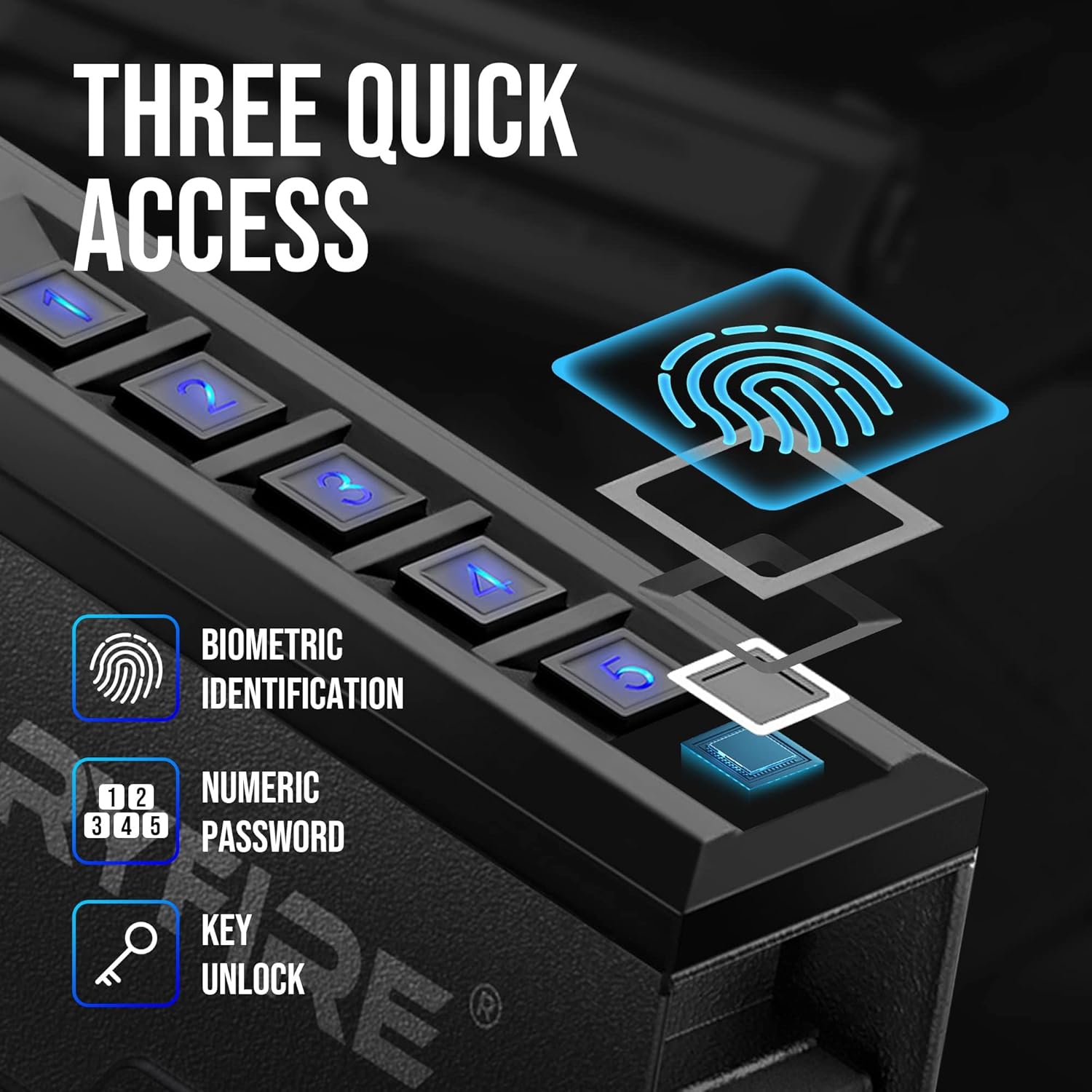
Image: The three quick access methods: biometric fingerprint, numeric keypad, and traditional key access.
5.2. Opening the Safe
- Fingerprint Access: Place a registered finger firmly on the biometric sensor. The safe will open if the fingerprint is recognized.
- Keypad Access: Enter your programmed PIN code on the keypad. The safe will open upon correct entry.
- Key Access: Insert the key into the keyhole and turn to unlock the safe. This is primarily for initial setup, battery failure, or emergency access.
5.3. Silent Mode
To operate the safe without audible beeps:
- Refer to your product's specific instructions for activating silent mode. Typically, this involves a combination of keypad presses or a dedicated button.
- Once activated, keypad presses and safe operations will be muffled.
5.4. LED Inner Light
The interior LED light automatically illuminates when the safe is opened, providing visibility to the contents. It will turn off after a short period or when the safe is closed.
6. Maintenance
- Cleaning: Wipe the exterior of the safe with a soft, damp cloth. Avoid abrasive cleaners or solvents that could damage the finish.
- Battery Replacement: Replace batteries promptly when the low battery indicator appears (if applicable) or if the safe begins to operate slowly. Always use new, high-quality alkaline AAA batteries.
- Fingerprint Sensor Care: Keep the fingerprint sensor clean and free of dirt or oils to ensure optimal performance.
- Keyhole Maintenance: Ensure the keyhole remains free of debris. Do not force the key if it feels stuck.
7. Troubleshooting
| Problem | Possible Cause | Solution |
|---|---|---|
| Safe does not open with fingerprint. | Unregistered fingerprint, dirty sensor, incorrect finger placement, low batteries. | Ensure finger is registered. Clean sensor. Place entire pad of finger firmly on sensor. Replace batteries. |
| Keypad does not respond. | Low batteries, incorrect PIN, keypad malfunction. | Replace batteries. Re-enter PIN carefully. Use key access and contact support if issue persists. |
| Safe does not open with key. | Incorrect key, keyhole obstructed, damaged lock mechanism. | Ensure you are using the correct key. Check for obstructions. Do not force the key. Contact support. |
| Safe beeps continuously or unexpectedly. | Low battery warning, error code. | Replace batteries. Refer to specific error codes in product packaging or contact support. |
8. Specifications
| Feature | Detail |
|---|---|
| Brand | GLORYFIRE |
| Model Number | GF6005 |
| Product Dimensions | 11.85"D x 9.06"W x 2.56"H |
| Lock Type | Electronic (Biometric, Keypad, Key) |
| Color | Black |
| Material | Carbon Steel |
| Special Feature | Biometric Fingerprint |
| Mounting Type | Wall Mount (Vertical Design) |
| Included Components | Keys |
| Item Weight | 12 Pounds |
| Power Source | 4 x AAA Batteries (not included), Type-C (emergency) |
| UPC | 199284011052 |
9. Customer Support
GLORYFIRE is committed to providing excellent after-sales support. If you have any questions, encounter problems during product use, or require assistance with your GLORYFIRE Biometric Pistol Safe, please do not hesitate to contact us.
Our team of experts will respond to your inquiry within 24 hours and will be glad to help.
For support, please refer to the contact information provided with your product packaging or visit the official GLORYFIRE website.