
1. Introduction
This manual provides essential instructions for the safe and efficient use of your OUKITEL WP56 5G Rugged Smartphone. Please read this manual thoroughly before operating the device to ensure proper functionality and to prevent damage.

Image: OUKITEL WP56 5G Rugged Smartphone overview.
2. Package Contents
Verify that all items are present in your product package:
- OUKITEL WP56 Smartphone
- Charger (45W)
- USB Data Cable
- User Manual (this document)
- Screen Protector (pre-applied or included)
- After-sales Service Card
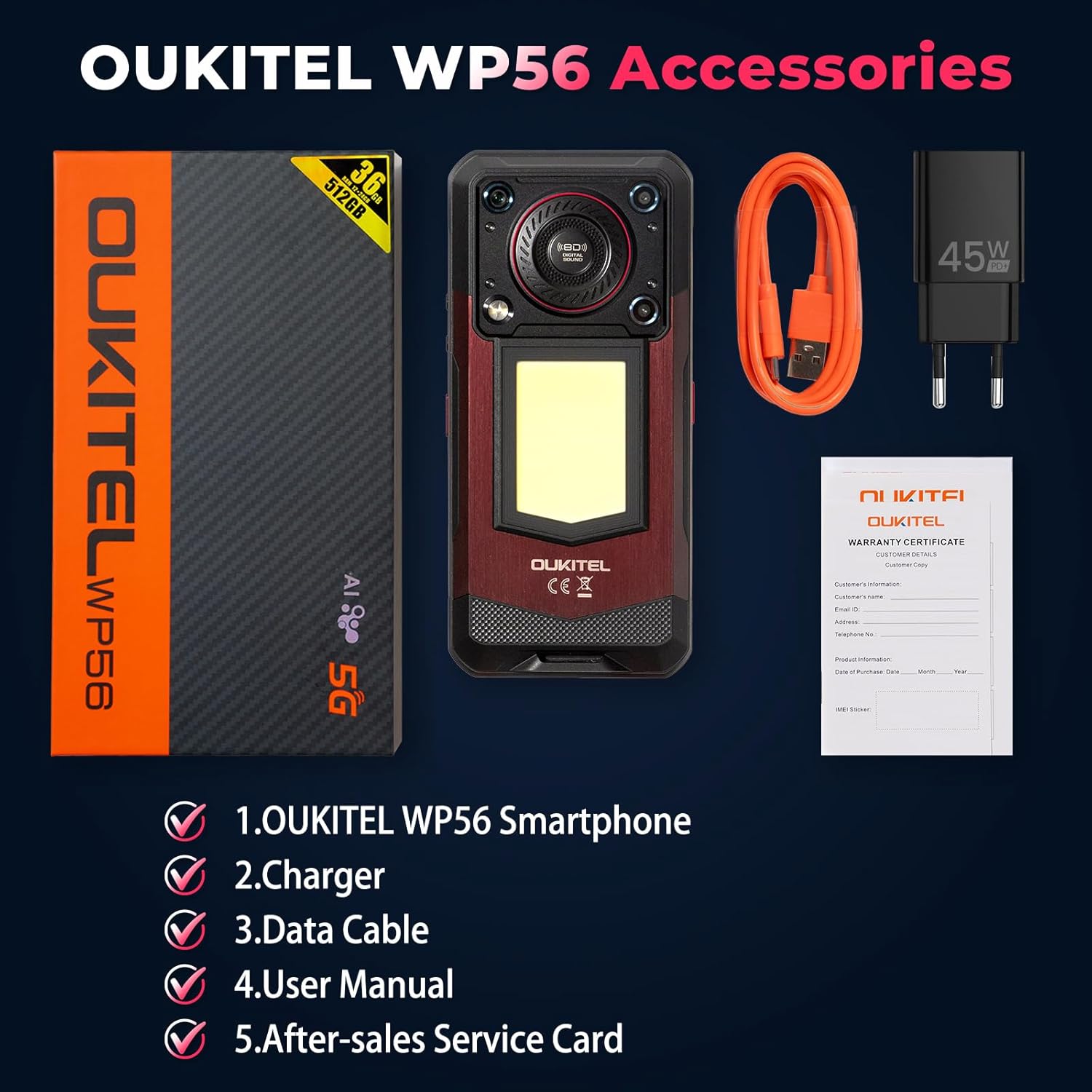
Image: OUKITEL WP56 package contents.
3. Device Overview
The OUKITEL WP56 is designed for durability and performance. Key physical features include:
- Front: 6.8-inch FHD+ display, 32MP front camera.
- Rear: 108MP main camera, 2MP macro camera, 128dB loud speaker, 1000-lumen camping light.
- Sides: Power button, volume buttons, customizable side key, side-mounted fingerprint sensor, SIM/TF card slot, USB Type-C port.

Image: Front and back view of the OUKITEL WP56.
4. Initial Setup
4.1 SIM Card and TF Card Installation
- Locate the SIM/TF card slot on the side of the device.
- Use the provided SIM ejector tool to open the tray.
- Carefully place your Nano-SIM card(s) and/or TF card into the tray, ensuring correct orientation.
- Insert the tray back into the device until it is flush.
4.2 Powering On/Off
- To Power On: Press and hold the Power button until the OUKITEL logo appears.
- To Power Off: Press and hold the Power button, then select "Power off" from the options on the screen.
- To Restart: Press and hold the Power button, then select "Restart" from the options.
4.3 Charging the Device
The OUKITEL WP56 features a 16000mAh battery and supports 45W fast charging.
- Connect the USB data cable to the USB Type-C port on your phone.
- Connect the other end of the cable to the 45W charger.
- Plug the charger into a power outlet.
- The charging indicator will appear on the screen. A full charge typically takes approximately 4 hours.
The device also supports OTG (On-The-Go) functionality, allowing it to charge other compatible devices using a suitable OTG cable (not included).
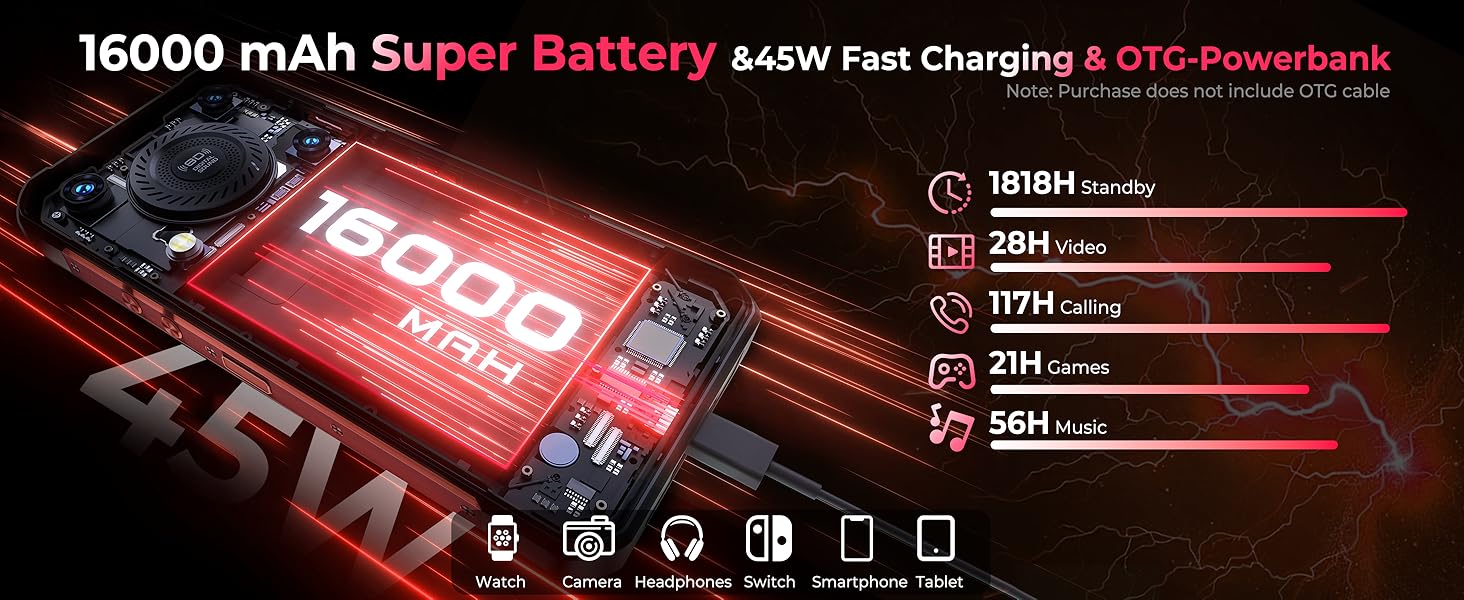
Image: Battery and charging features.
5. Basic Operation
5.1 Android 15 Operating System
Your OUKITEL WP56 runs on the Android 15 operating system, offering a user-friendly interface and access to a wide range of applications via the Google Play Store.
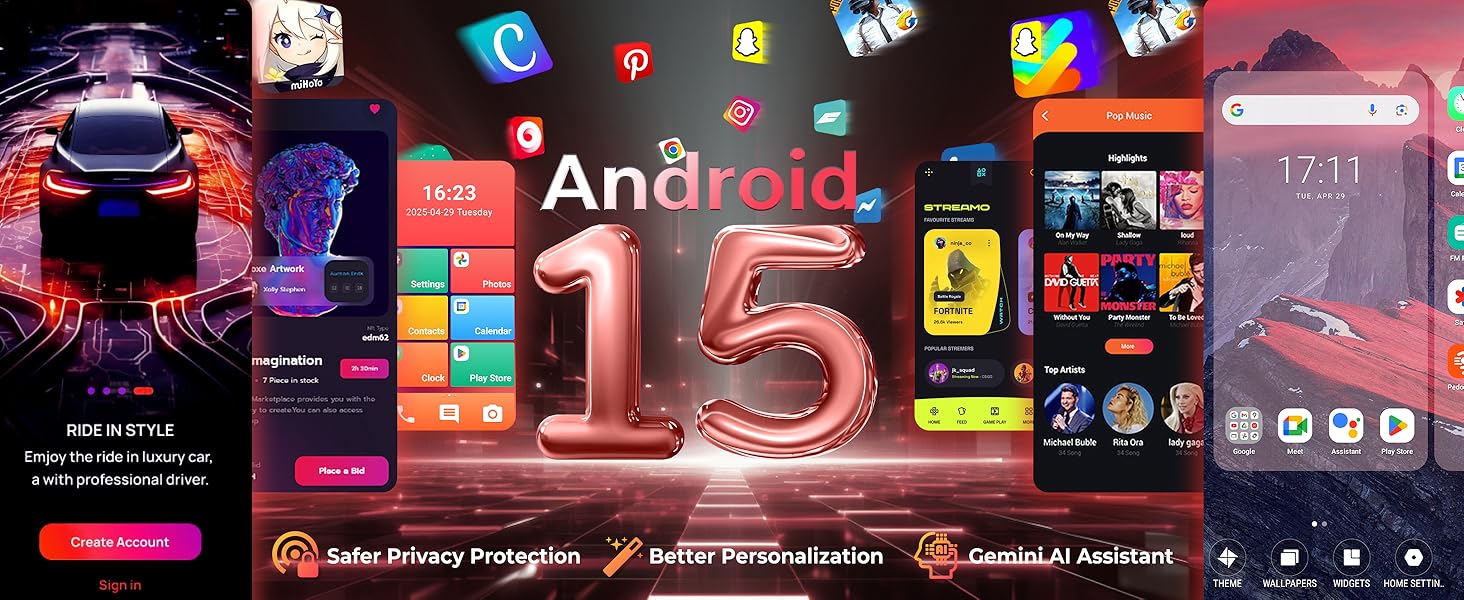
Image: Android 15 operating system interface.
5.2 Display and Navigation
The device features a 6.8-inch FHD+ display with a 120Hz refresh rate for smooth visuals and responsive touch interactions. Navigate using on-screen gestures or the traditional three-button navigation bar.
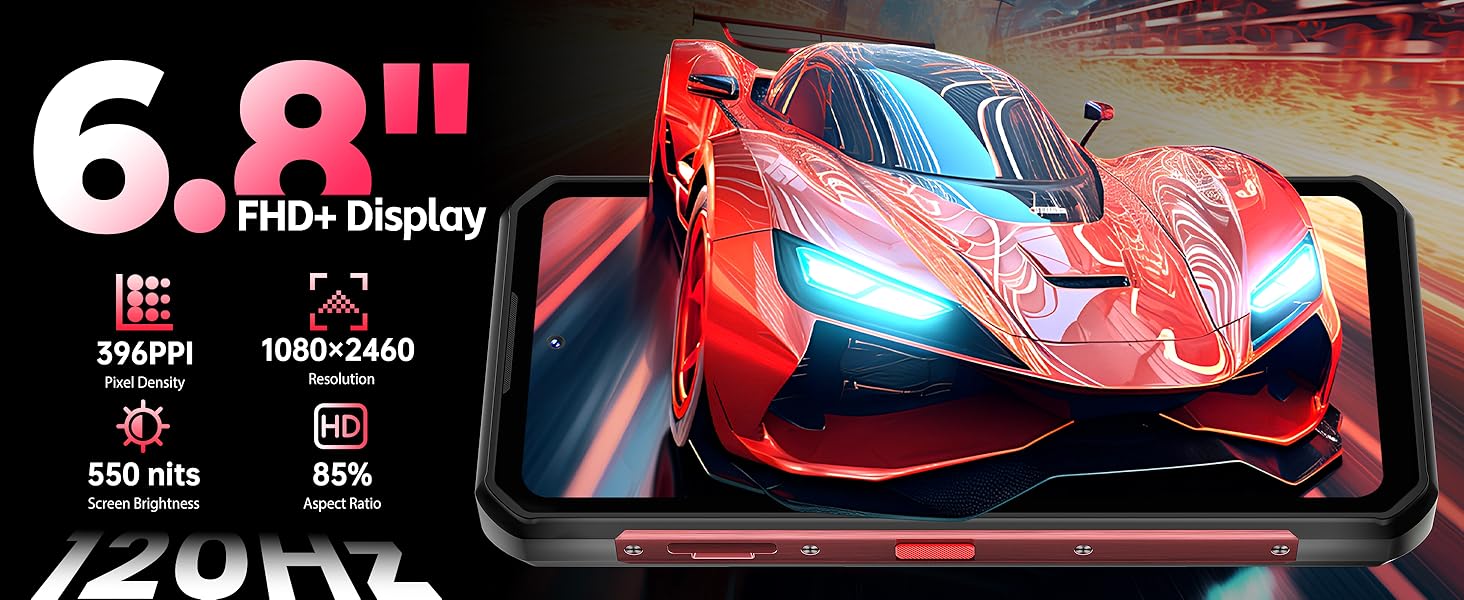
Image: Display specifications.
5.3 Fingerprint Unlock
The side-mounted fingerprint sensor allows for quick and secure unlocking of your device. To set up:
- Go to Settings > Security > Fingerprint.
- Follow the on-screen instructions to register your fingerprint.
5.4 Customizable Side Key
The OUKITEL WP56 includes a customizable side key that can be programmed for quick access to specific functions or applications. Refer to the device settings for customization options.
6. Camera Features
The OUKITEL WP56 is equipped with a versatile camera system:
- Rear Camera: 108MP main sensor for high-resolution photos.
- Front Camera: 32MP for clear selfies and video calls.
- Macro Camera: 2MP for detailed close-up shots.
6.1 Underwater Camera Mode
Leverage the device's IP68 waterproof rating with a dedicated underwater camera mode. This mode optimizes camera settings for use in aquatic environments.
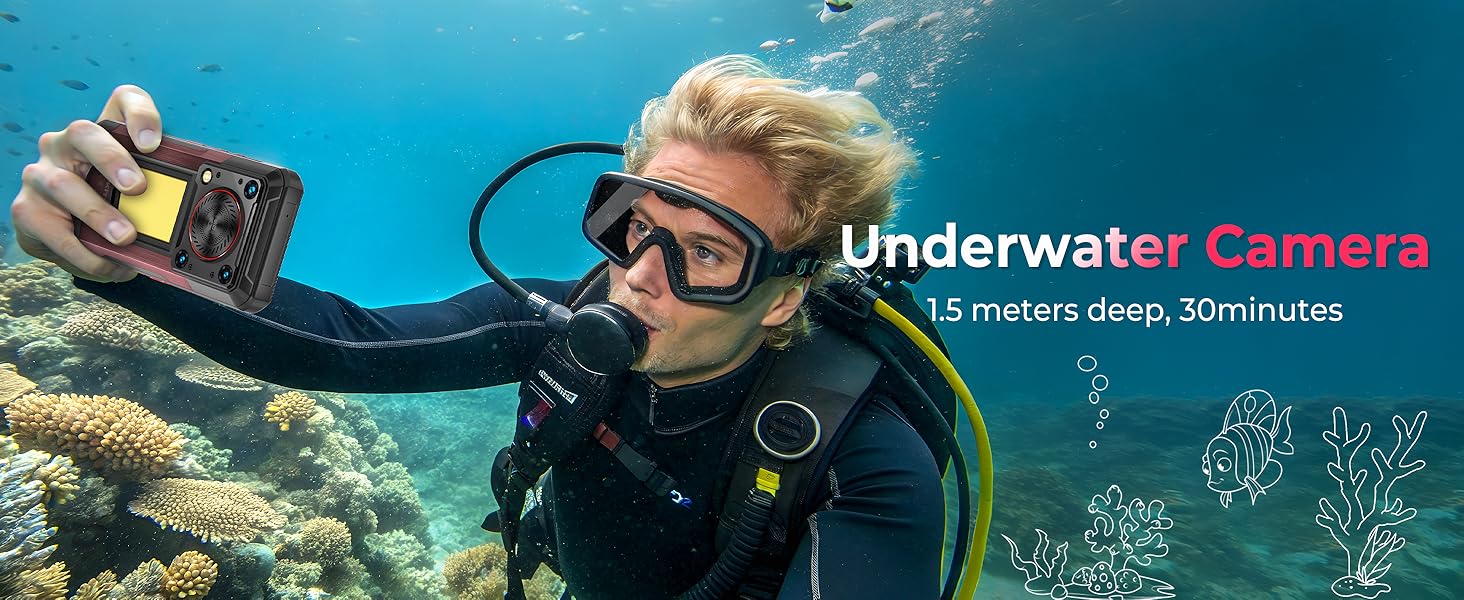
Image: Underwater camera usage.
7. Special Features
7.1 1000-Lumen Camping Light
The OUKITEL WP56 integrates a powerful 1000-lumen camping light on its rear, providing ample illumination for outdoor activities or emergency situations. It features 3-level dimming for adjustable brightness.
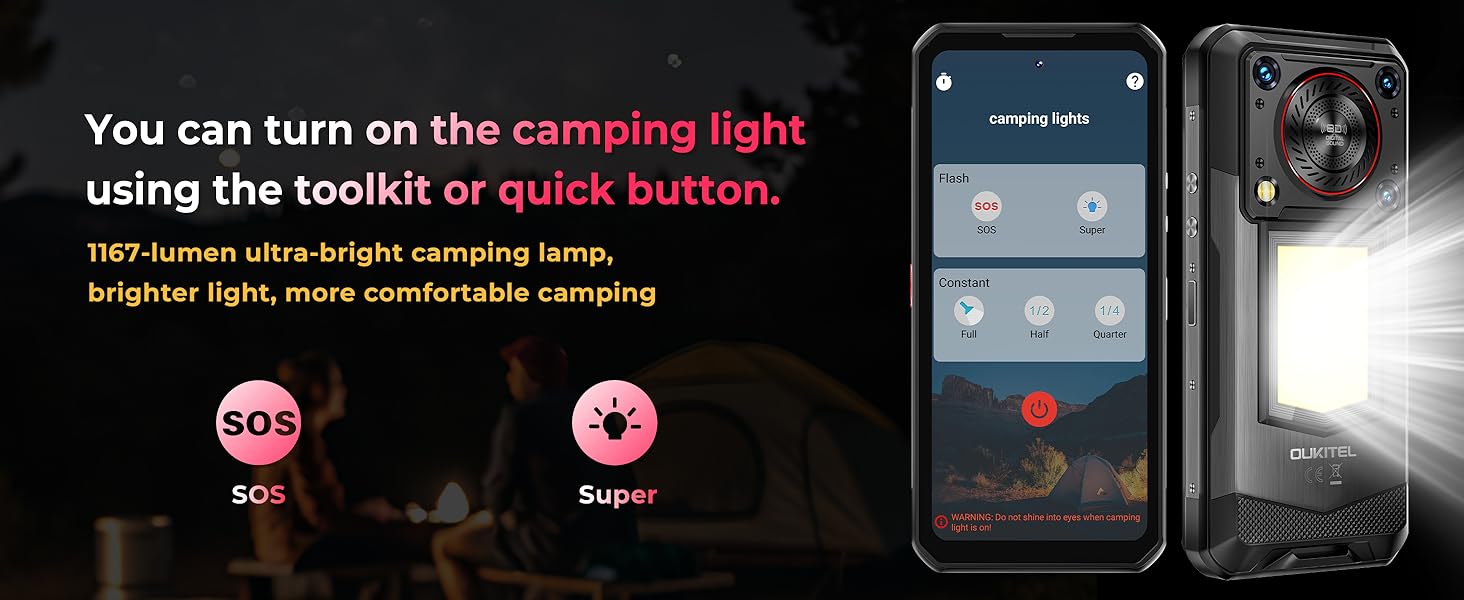
Image: Camping light functionality.
7.2 128dB Loud Speaker
Experience clear and powerful audio with the 128dB loud speaker, featuring a 3W peak output and 36mm diameter. This is beneficial in noisy environments or for outdoor media playback.
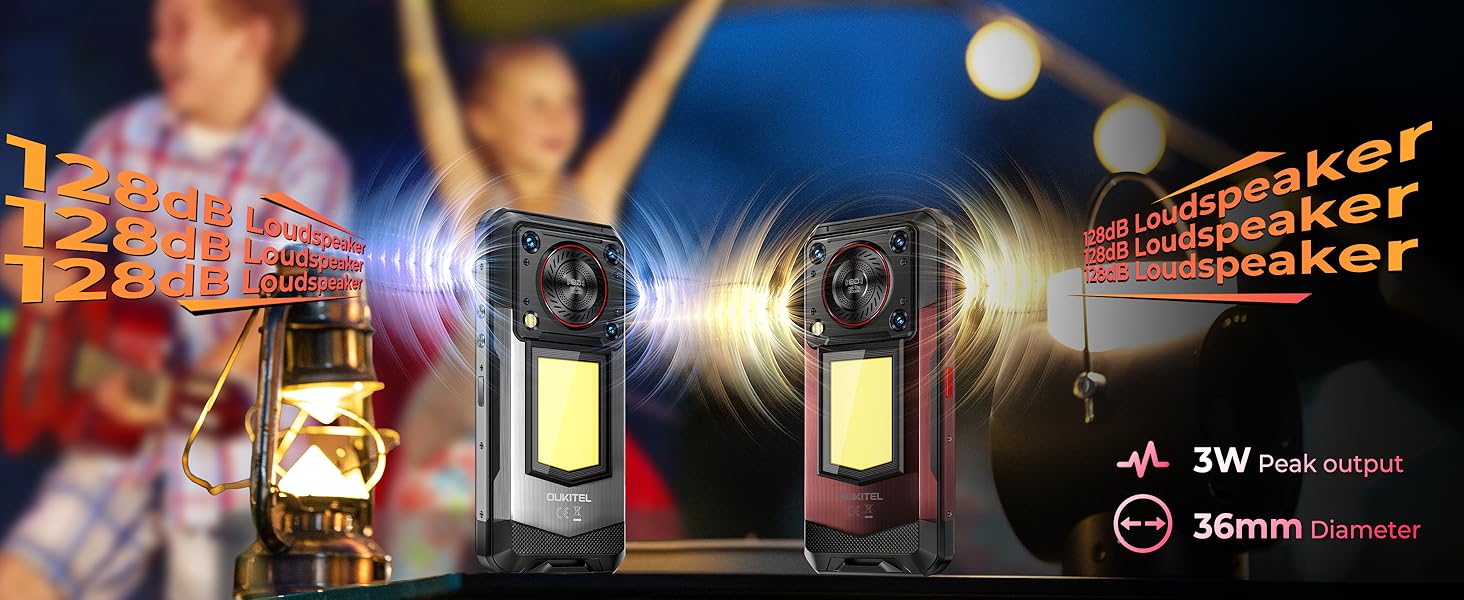
Image: Loud speaker feature.
7.3 Rugged Design and Durability
The OUKITEL WP56 is built to withstand harsh conditions, featuring:
- IP68 Waterproof: Submersible up to 1.5 meters for 30 minutes.
- IP69K Dustproof: Provides complete protection against dust ingress and high-pressure, high-temperature water jets.
- MIL-STD-810H Certified: Meets military standards for drop resistance from up to 1.5 meters.
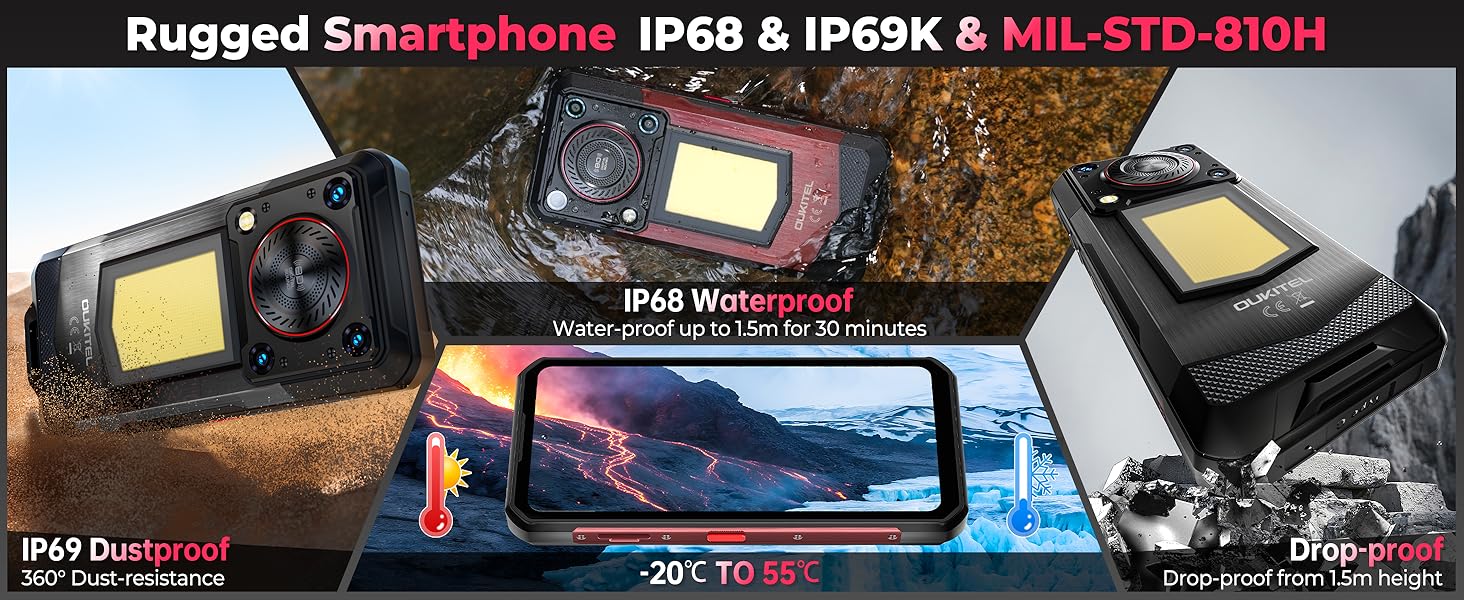
Image: Ruggedness features and certifications.
8. Connectivity
The OUKITEL WP56 offers comprehensive connectivity options:
- 5G Network Support: For high-speed mobile data.
- NFC: Near Field Communication for contactless payments and data exchange.
- GPS: Supports GPS, GLONASS, Beidou, and Galileo for accurate positioning.
- Wi-Fi 6: For fast and stable wireless internet connections.
- Bluetooth 5.2: For connecting wireless accessories.
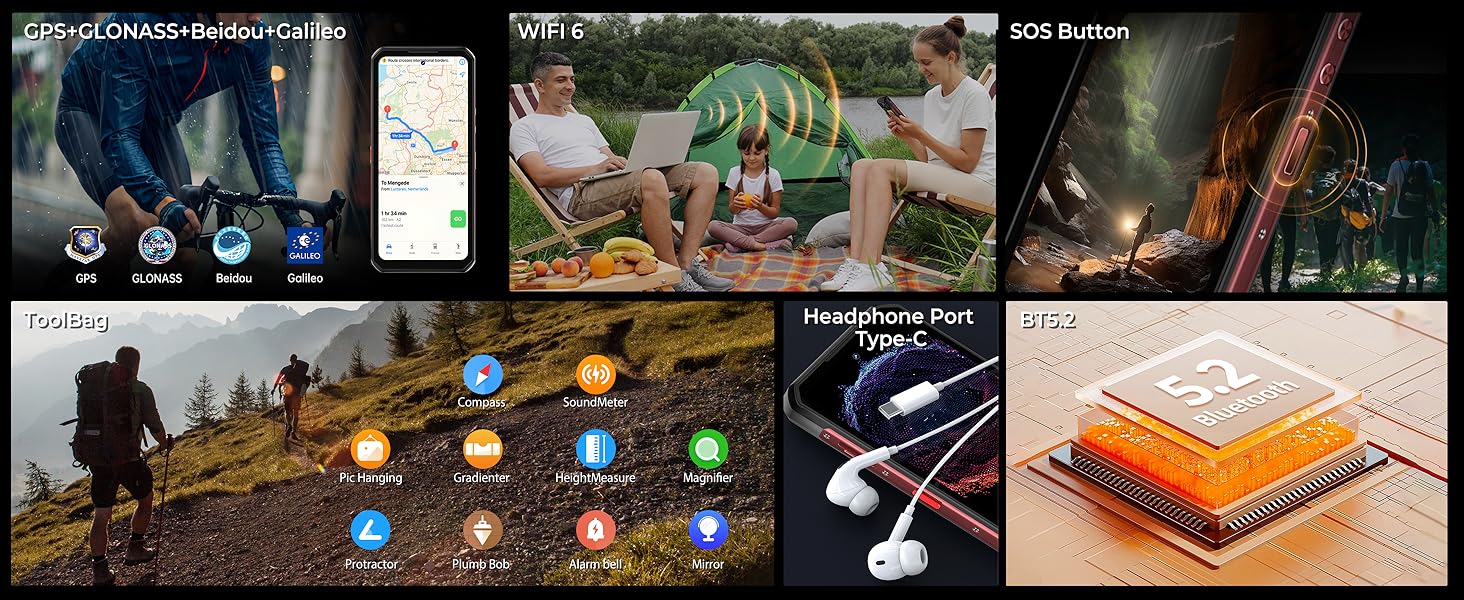
Image: Connectivity and utility features.
9. Maintenance and Care
To ensure the longevity and optimal performance of your OUKITEL WP56:
- Cleaning: Wipe the device with a soft, damp cloth. For stubborn dirt, rinse under low-pressure water and dry thoroughly.
- Avoid Extreme Temperatures: Do not expose the device to excessively high or low temperatures.
- Protect the Screen: Although durable, avoid placing sharp objects directly on the screen.
- Port Protection: Ensure all port covers are securely closed when the device is exposed to water or dust.
10. Troubleshooting
If you encounter issues with your OUKITEL WP56, try the following common solutions:
- Device Unresponsive: Press and hold the Power button for about 10-15 seconds to force a restart.
- Battery Draining Quickly: Check for background apps, reduce screen brightness, or disable unnecessary features like GPS or Wi-Fi when not in use.
- Network Issues: Ensure your SIM card is correctly inserted. Try restarting the device or toggling airplane mode on and off.
- App Malfunction: Clear the app's cache and data in Settings, or uninstall and reinstall the app.
- Factory Reset: As a last resort, you can perform a factory reset (Settings > System > Reset options). Warning: This will erase all data on your device. Back up important information before proceeding.
11. Technical Specifications
| Feature | Specification |
|---|---|
| Model Name | OUKITEL WP56 |
| Operating System | Android 15 |
| Processor | MediaTek Dimensity 7050 5G |
| RAM | 36GB (12GB + 24GB expandable) |
| Internal Storage | 512GB ROM (expandable up to 2TB via TF card) |
| Display | 6.8-inch FHD+ (1080*2460), 120Hz Refresh Rate |
| Rear Camera | 108MP Main, 2MP Macro |
| Front Camera | 32MP |
| Battery Capacity | 16000mAh |
| Charging | 45W Fast Charging, OTG Reverse Charging |
| Durability | IP68 Waterproof, IP69K Dustproof, MIL-STD-810H Drop-proof |
| Connectivity | 5G, NFC, Wi-Fi 6, Bluetooth 5.2, GPS (GLONASS, Beidou, Galileo) |
| Loudspeaker | 128dB, 3W Peak Output |
| Special Features | 1000-Lumen Camping Light (3-level dimming), Side Fingerprint Unlock, Customizable Side Key |
| Dimensions | 177.3 mm x 82.4 mm x 24.8 mm |
| Weight | 1.43 pounds (approx. 648g) |
12. Warranty and Support
OUKITEL provides comprehensive support for your WP56 smartphone:
- Warranty: 2 years of free repair service.
- Returns: 30-day money-back guarantee and free returns.
- Customer Service: 24/7 online technical support.
For any issues or inquiries, please contact OUKITEL customer service through the official channels or your point of purchase.

Image: OUKITEL After Sales Service information.


