
1. Introduction
This manual provides detailed instructions for the proper use and maintenance of your Sisism Bluetooth Headset I33. Please read this manual thoroughly before using the product to ensure optimal performance and longevity.
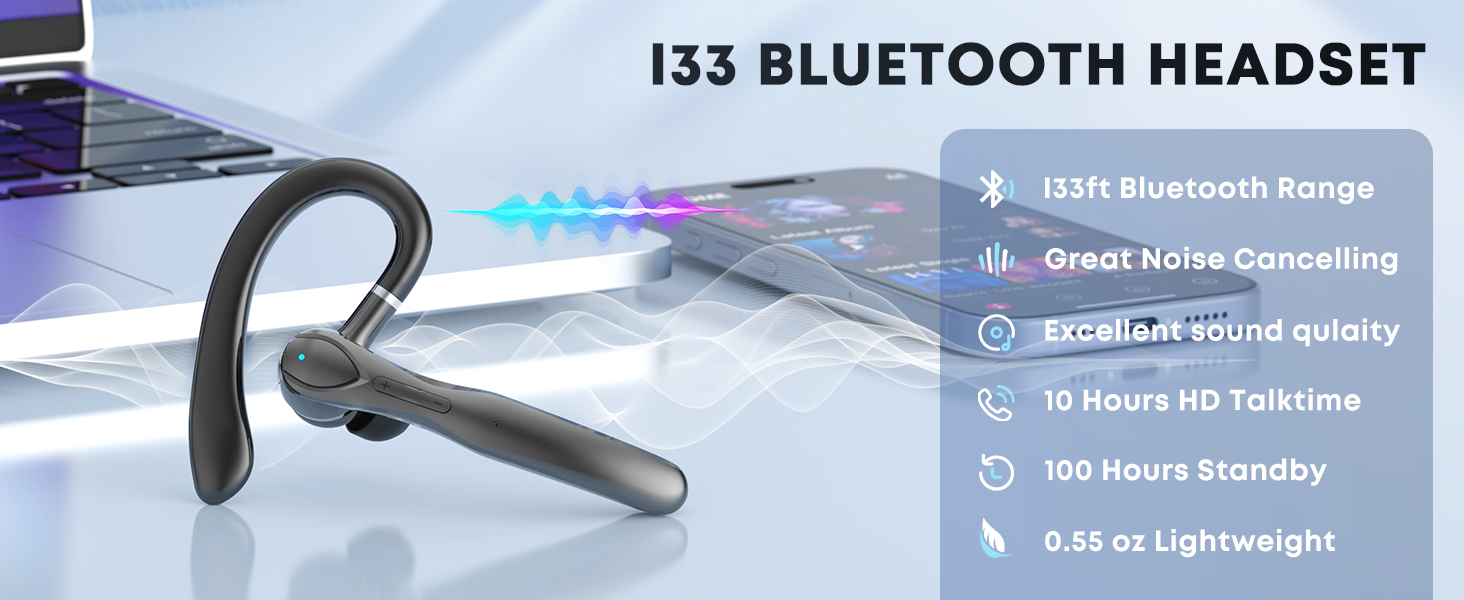
Image 1.1: Sisism I33 Bluetooth Headset highlighting its 33ft Bluetooth Range, Noise Cancelling, Excellent Sound Quality, 10 Hours HD Talktime, 100 Hours Standby, and 0.55 oz Lightweight design.
2. What's in the Box
- Sisism Bluetooth Headset I33
- Charging Case
- USB Type-C Charging Cable
- Replaceable Eartips (Small, Medium, Large)
- User Manual (6 languages)
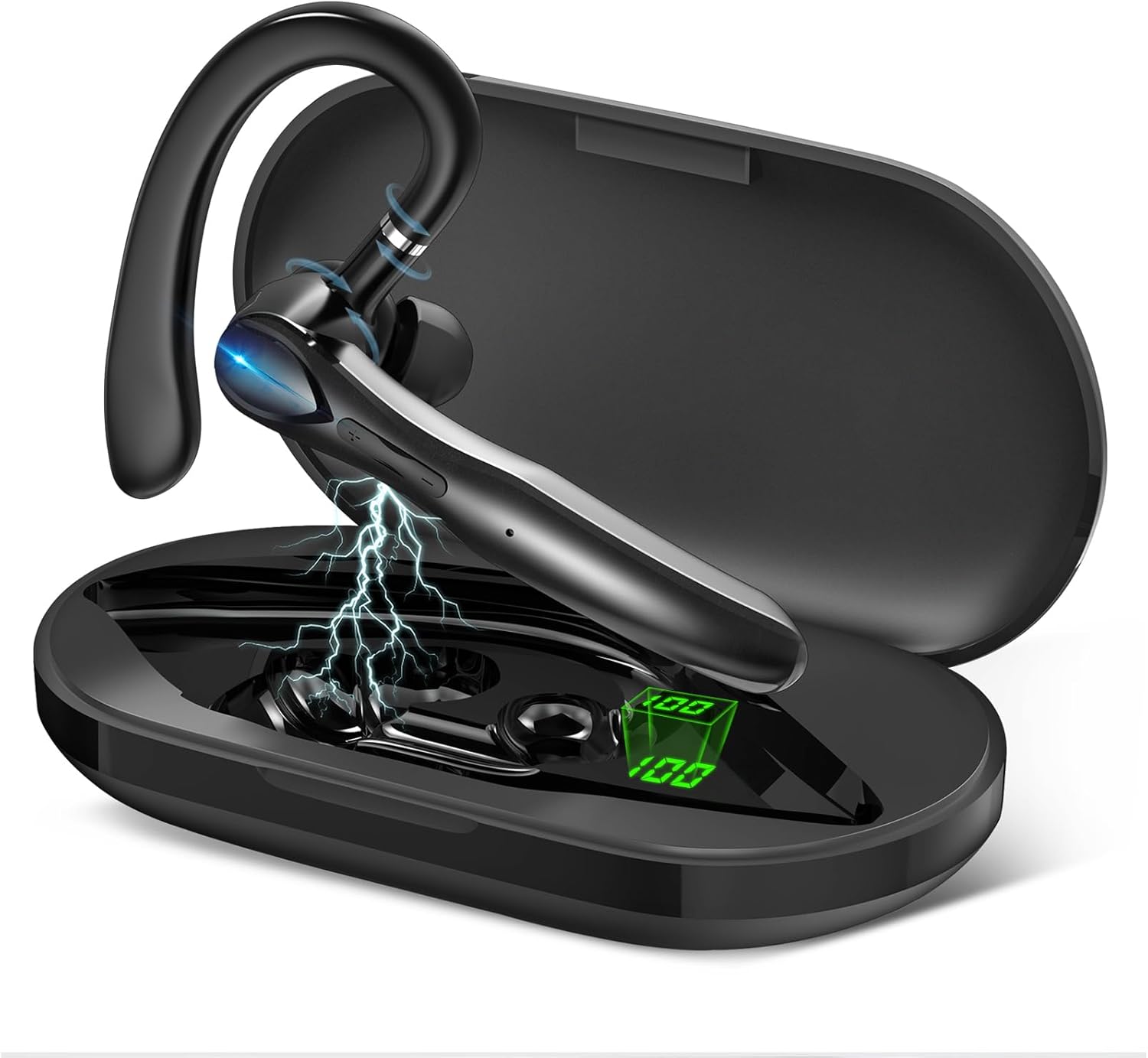
Image 2.1: The Sisism Bluetooth Headset I33 shown with its charging case, illustrating the main components included in the package.
3. Setup and Pairing
3.1 Charging the Headset and Case
Before first use, fully charge the headset and charging case. The charging case features an LED digital display to indicate battery levels.
- Place the headset into the charging case.
- Connect the Type-C charging cable to the charging case and a power source.
- The LED display on the case will show the charging status. A full charge takes approximately 1.5 hours.

Image 3.1: The Sisism Bluetooth Headset I33 charging case with its LED digital display, indicating approximate music time (25H), conversation time (16H), charging time (1.5H), and total charging case capacity (55H).
3.2 Power On/Off
- Power On: The headset automatically powers on when removed from the charging case. Alternatively, press and hold the multi-function button for 3 seconds.
- Power Off: Place the headset back into the charging case. Alternatively, press and hold the multi-function button for 5 seconds.
3.3 One-Step Pairing
- Take the headset out of the charging case. It will automatically enter pairing mode.
- On your device (smartphone, tablet, laptop), enable Bluetooth.
- Search for available devices and select 'I33' to connect.

Image 3.2: A visual guide demonstrating the one-step pairing process for the Sisism Bluetooth Headset I33 with a mobile phone, showing the headset being removed from its case and then connected via Bluetooth settings.
3.4 Dual Device Connection
The Sisism I33 supports connecting to two Bluetooth devices simultaneously.
- Pair the headset with the first device as described in Section 3.3.
- Disable Bluetooth on the first device. The headset will re-enter pairing mode.
- Pair the headset with the second device.
- Re-enable Bluetooth on the first device. The headset should automatically connect to both devices.
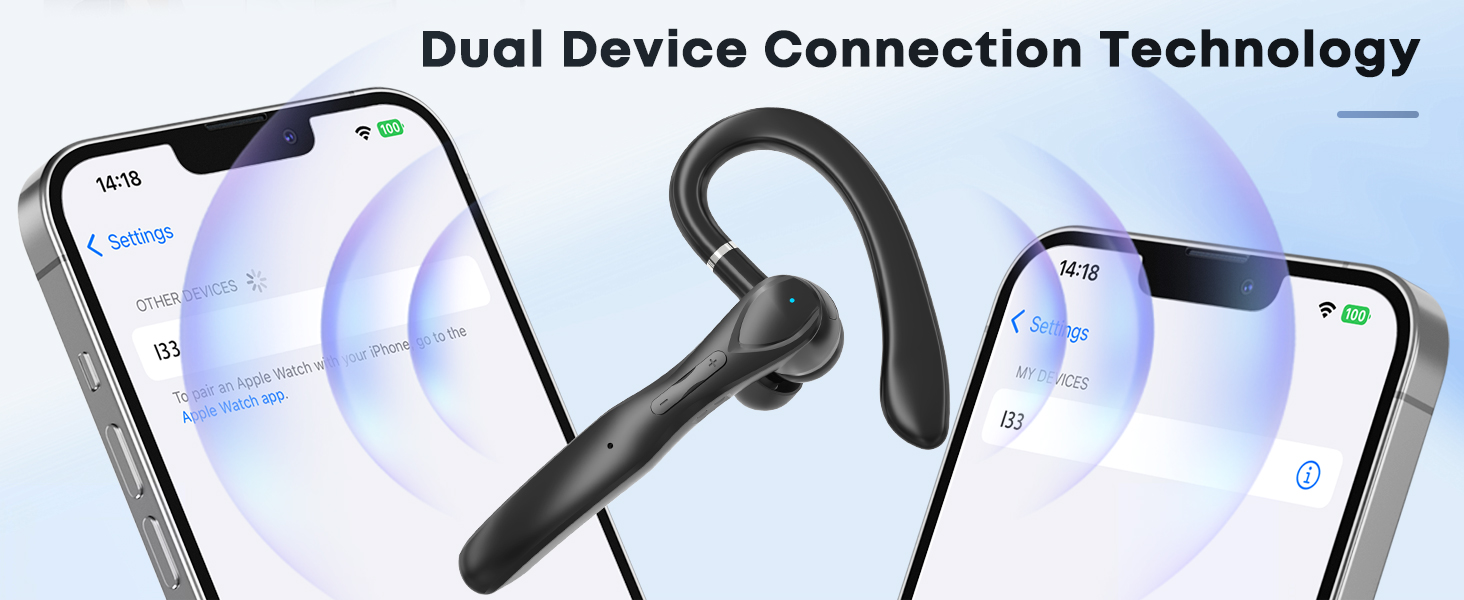
Image 3.3: The Sisism Bluetooth Headset I33 demonstrating its dual device connection capability, showing it wirelessly linked to two separate smartphones.
4. Operating Instructions
4.1 Multi-Function Button Controls
The headset features a multi-function button for various operations:
| Action | Function |
|---|---|
| Press x1 | Play/Pause music, Answer/Hang up call |
| Press x3 | Activate Voice Assistant |
| Press and hold (2s) | Switch Song (Next/Previous) |
| Press and hold (1s) | Reject Call |
| Volume +/- buttons | Adjust Volume |

Image 4.1: An illustration detailing the multi-function button controls on the Sisism Bluetooth Headset I33, including power on/off, play/pause, voice assistant, answer/hang up, reject call, and volume adjustment.
4.2 Wearing the Headset
The headset is designed for comfortable wear on either ear. Choose the appropriate eartip size for optimal fit and sound isolation.
- Select the eartip size (S, M, L) that best fits your ear canal.
- Adjust the ear hook to securely fit over your ear.
- Ensure the earpiece is comfortably seated in your ear for clear audio.

Image 4.2: The Sisism Bluetooth Headset I33 demonstrating its adaptability for both left and right ears, along with the included small (S) and large (L) replaceable eartips for a customized fit.
5. Maintenance
- Clean the headset and charging case regularly with a soft, dry cloth.
- Avoid exposing the device to extreme temperatures, humidity, or corrosive liquids.
- Store the headset in its charging case when not in use to protect it and keep it charged.
- Do not attempt to disassemble or repair the device yourself. Contact customer support for assistance.
6. Troubleshooting
| Problem | Solution |
|---|---|
| Headset does not power on | Ensure the headset is charged. Place it in the charging case or connect the charging case to power. |
| Cannot pair with device | Ensure Bluetooth is enabled on your device. Make sure the headset is in pairing mode (removed from case). Try restarting both the headset and your device. |
| No sound or low volume | Check the volume levels on both the headset and your connected device. Ensure the headset is properly seated in your ear. |
| Intermittent connection | Ensure the headset is within the 10-meter Bluetooth range of your device. Avoid obstacles between the headset and device. |
| Microphone not working | Ensure the headset is selected as the audio input device on your phone/computer settings. |
7. Specifications
| Feature | Detail |
|---|---|
| Model | I33 |
| Bluetooth Version | 5.3 |
| Wireless Communication Technology | Bluetooth |
| Bluetooth Range | Up to 10 meters (33 feet) |
| Charging Case Battery Capacity | 400mAh |
| Headset Talk Time | 18-23 hours (single charge) |
| Total Playback Time (with charging case) | Up to 55 hours |
| Charging Time | Approximately 1.5 hours (for case) |
| Microphone | Built-in HD microphone with CVC6.0 |
| Earpiece Shape | Hook |
| Water Resistance Level | Waterproof |
| Item Weight | 3.52 ounces (0.1 Kilograms) |
| Product Dimensions | 2 x 1 x 3 inches |
| Material | Plastic |
| Compatibility | iOS, Android, Cell Phones, Tablets, Laptops, MP3 players |
8. Warranty and Support
Sisism products come with a standard manufacturer's warranty. For warranty claims, technical support, or any inquiries, please refer to the contact information provided with your purchase or visit the official Sisism website. Please retain your proof of purchase for warranty services.


