
1. Product Overview
Thank you for choosing Tropwellhouse Permanent Outdoor RGB Smart LED Eave Lights. This product is designed to provide versatile and durable outdoor lighting for various occasions, controlled conveniently via a mobile application or remote control. Its robust design ensures reliable performance in diverse weather conditions.
Key Features:
- Rich Colors & Ambiance: Offers 16 million colors and multiple dynamic modes for customizable lighting.
- All-Weather Durability: IP67 waterproof rating and UV-resistant materials, operating from -4°F to 140°F (-20°C to -60°C) with a lifespan of up to 50,000 hours.
- Smart Control: Manage brightness, colors, timers, and music modes via a dedicated app or remote control.
- Music Sync: Built-in microphone allows lights to synchronize with music and ambient sounds.
- Easy Installation: Features strong adhesive backing and screw accessories for secure mounting.
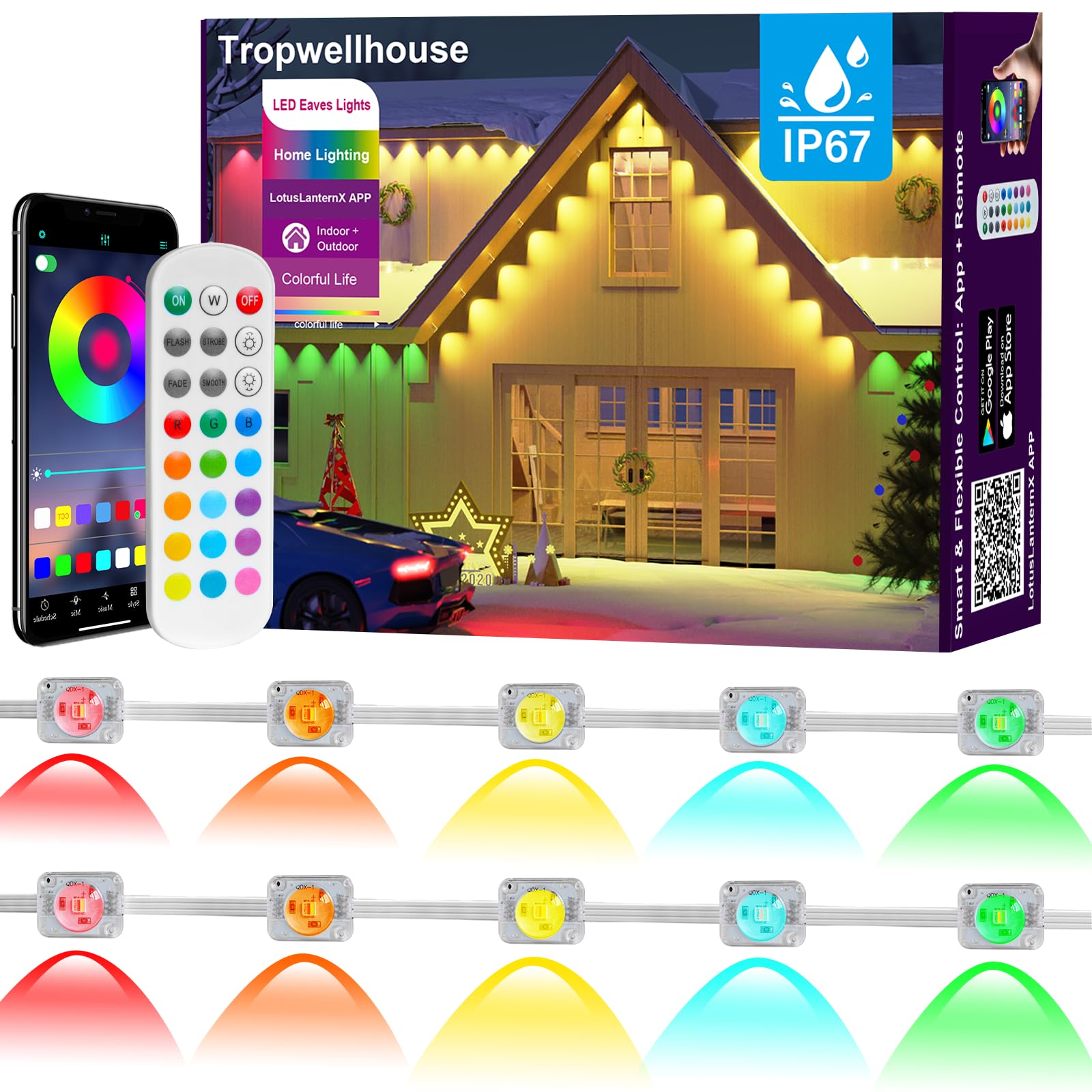
Image 1.1: Overview of the Tropwellhouse Permanent Outdoor RGB Smart LED Eave Lights system, including the lights installed on a house, the remote control, and the mobile application interface.
2. Important Safety Instructions
- Read all instructions carefully before installation and use.
- Ensure the power supply is disconnected before installation or maintenance.
- Do not attempt to repair or modify the product yourself. Contact customer support for assistance.
- Keep the product away from open flames or extreme heat sources.
- Ensure all connections are secure and waterproof to prevent electrical hazards.
- The power adapter included with the 100FT permanent outdoor lights can stably support up to 150FT of string lights. Do not exceed this length to maintain brightness and reliable performance. One power adapter per set is recommended.
3. Package Contents
Verify that all components are present in the package:
- Light Strand (100FT) x1
- Power Adapter x1
- Bluetooth Controller x1
- Remote Control x1
- Screw Pack x1
- Screwdriver x1
- User Manual x1
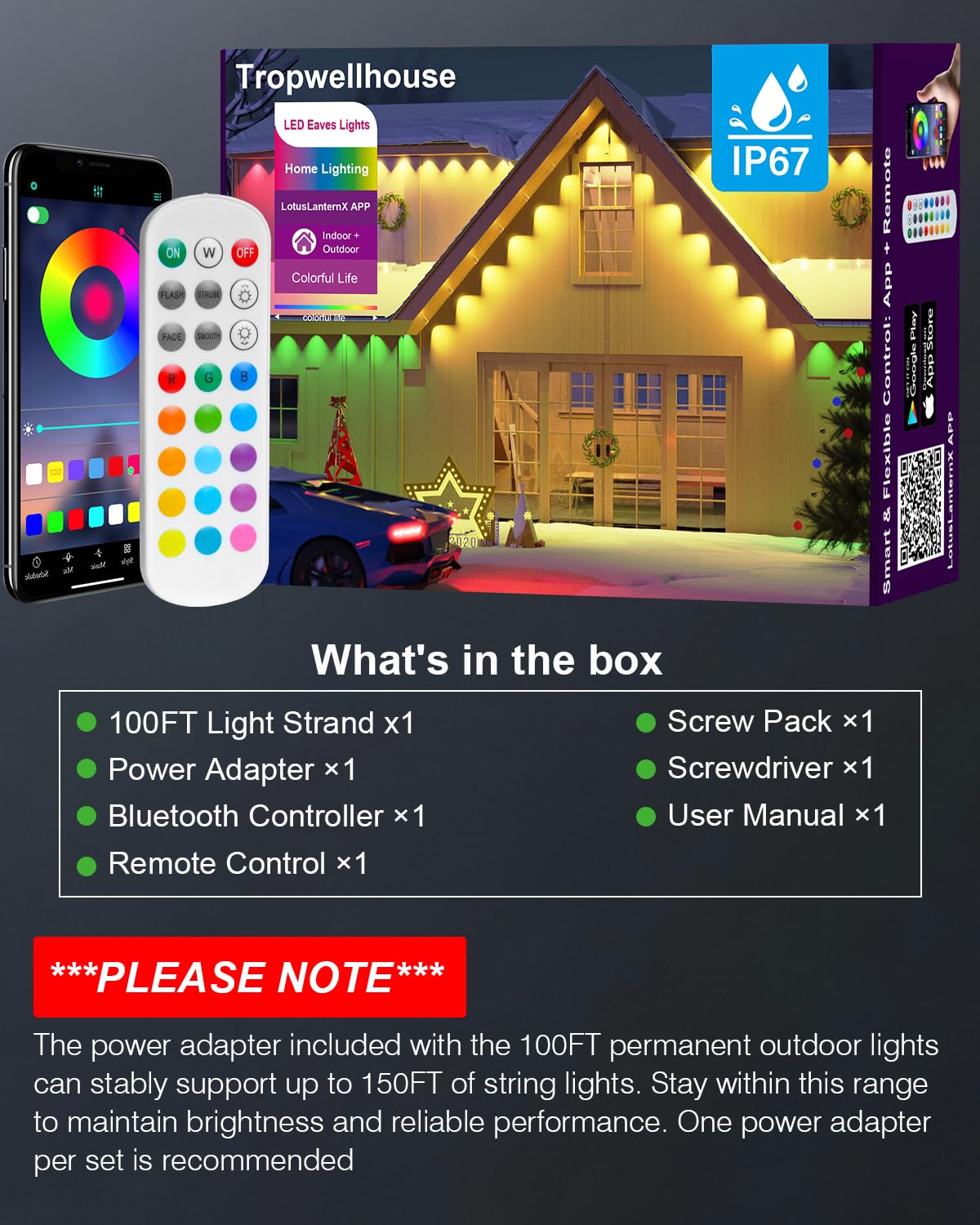
Image 3.1: Contents of the product package.
4. Installation Guide
4.1. Preparation
- Clean the Surface: Ensure the installation surface (e.g., eaves, walls) is clean and dry. Use a cloth or tissue to remove any dust or debris.
- Plan Layout: Determine the desired path for your lights. Position lights 2-4 inches (5-10 cm) from the wall for optimal light projection.
4.2. Mounting the Lights
The lights offer two installation methods: adhesive backing or screws for enhanced security.
- Adhesive Installation:
- Peel off the protective film from the VHB adhesive on the back of each light unit.
- Press each light firmly against the clean surface for at least 8 seconds to ensure strong adhesion.
- Screw Reinforcement (Recommended for Permanent Installation):
- After applying the adhesive, use the provided screws and screwdriver to further secure each light unit. This provides additional stability and long-term durability.
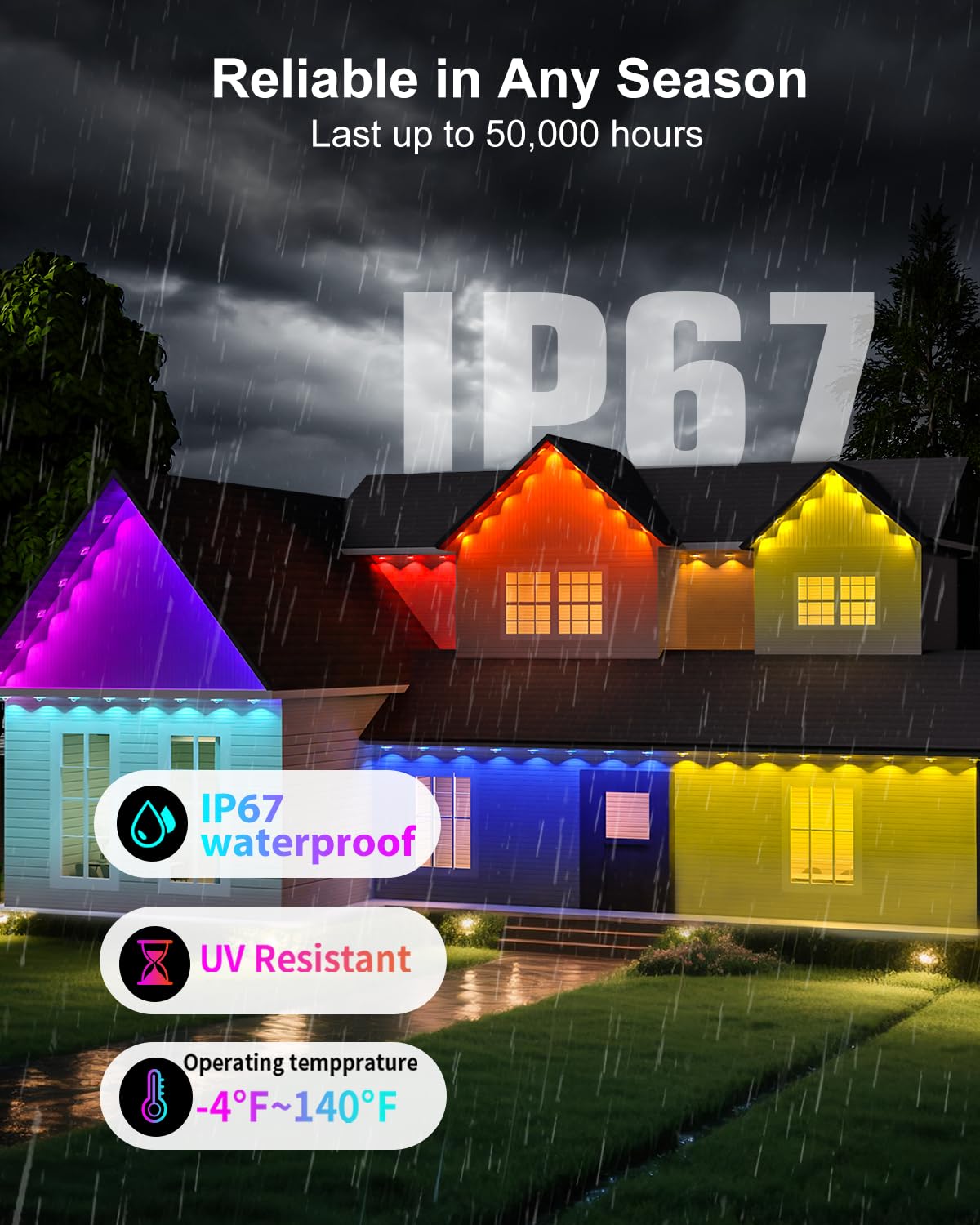
Image 4.1: Two installation options: VHB adhesive and screws for secure mounting.

Image 4.2: Detailed steps for light installation, from surface preparation to final connection.
4.3. Connecting the System
- Connect the light strand to the Bluetooth controller.
- Connect the power adapter to the Bluetooth controller.
- Ensure the waterproof plug at the end of the light string is tightly screwed to maintain IP67 rating.
- Plug the power adapter into a suitable outdoor power outlet.
5. Operating Your Lights
5.1. APP Control
Download the LotusLanternX app from the Google Play Store or Apple App Store. Once installed, open the app and follow the on-screen instructions to connect to your lights via Bluetooth. The app allows for comprehensive control over your lighting system.
- Color Selection: Choose from 16 million colors using the color wheel.
- Brightness Adjustment: Easily dim or brighten the lights.
- Dynamic Modes: Select from various preset dynamic lighting effects.
- Timer Function: Set schedules for your lights to turn on/off automatically.
- Music Sync: Activate the music sync feature to make lights dance to sound.
For additional app resources, visit: http://www.easytrack.net.cn/download/245SHUNLONG
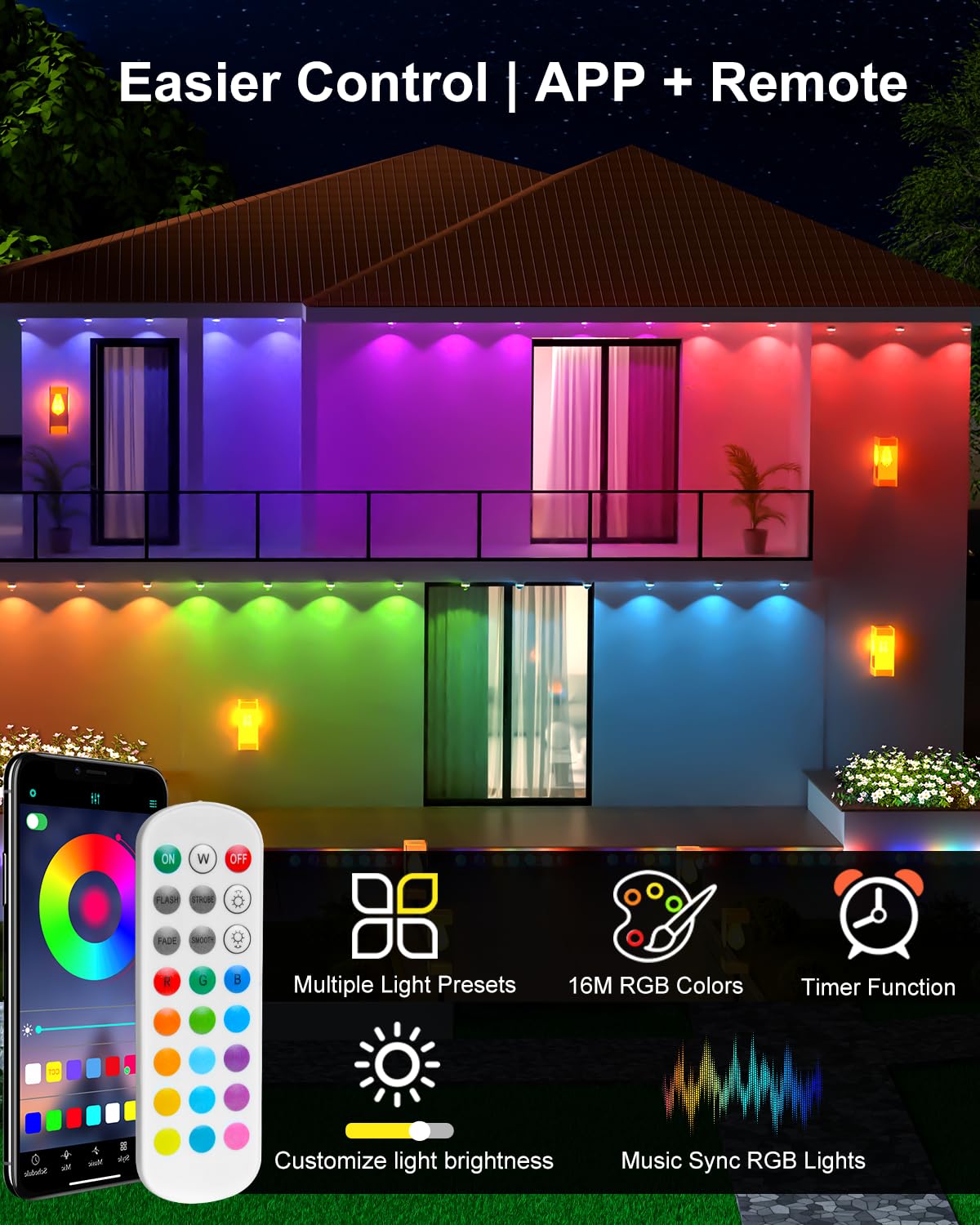
Image 5.1: Control your lights using the mobile app or the included remote control.

Image 5.2: The LotusLanternX app provides comprehensive smart control features.
5.2. Remote Control
The included remote control provides quick access to essential functions:
- Power On/Off: Turn the lights on or off.
- Color Selection: Choose from a range of static colors.
- Mode Selection: Cycle through various dynamic lighting modes.
- Brightness Adjustment: Adjust the light intensity.

Image 5.3: The remote control offers convenient operation with a signal range of up to 20 meters (without obstructions).
5.3. Music Sync Mode
The built-in microphone allows the lights to react to music and ambient sounds, creating a dynamic and immersive experience. Activate this mode via the app or remote control.
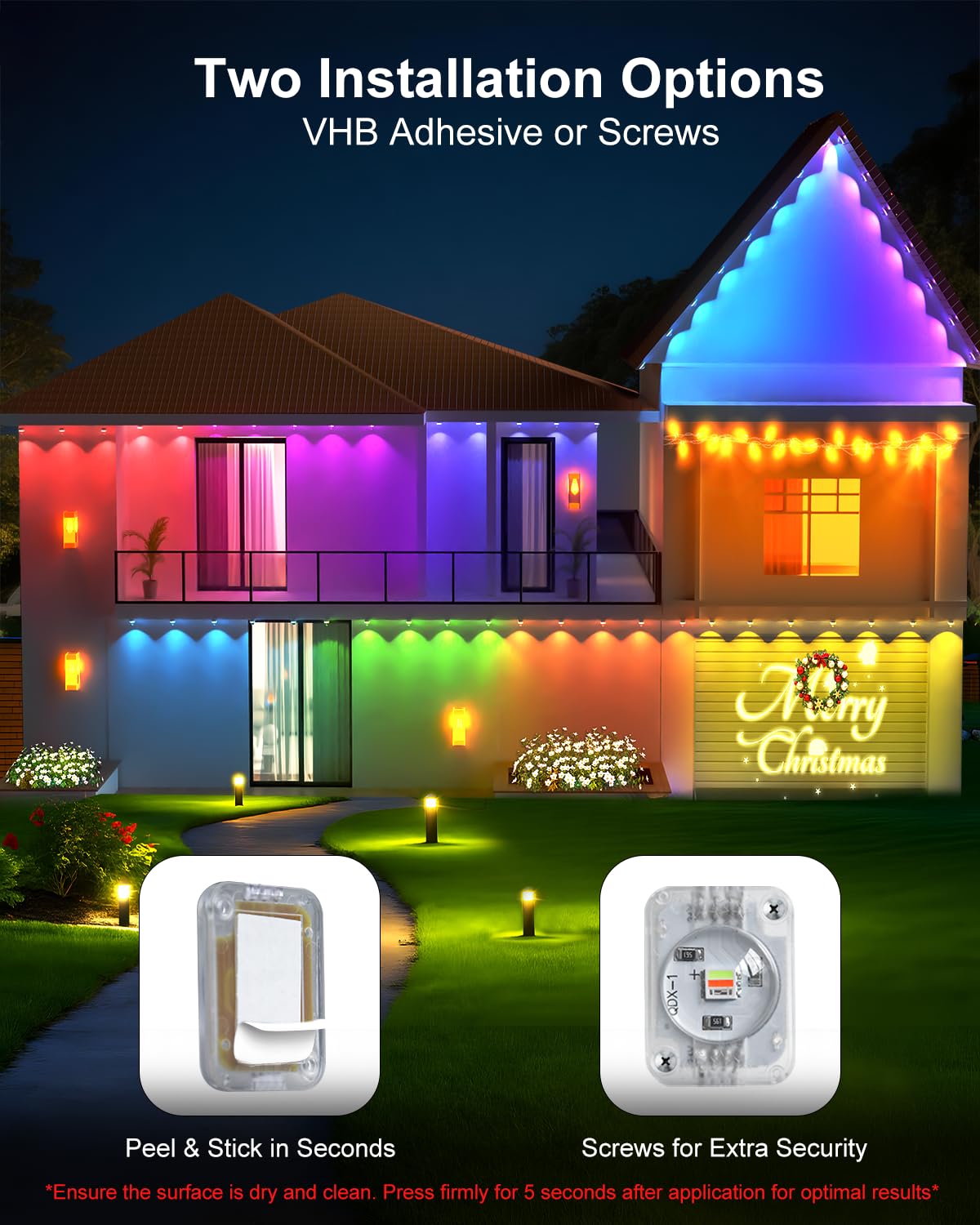
Image 5.4: Music Sync Mode allows lights to flash to the beat, enhancing any gathering.
5.4. Seasonal and Daily Lighting
The lights can be customized for various holidays and daily ambiance:
- Halloween: Create a spooky atmosphere with appropriate colors and effects.
- Christmas: Add festive magic with traditional or custom holiday lighting.
- Daily Use: Use warm white light for general illumination or choose from 16 million colors for a personalized touch.
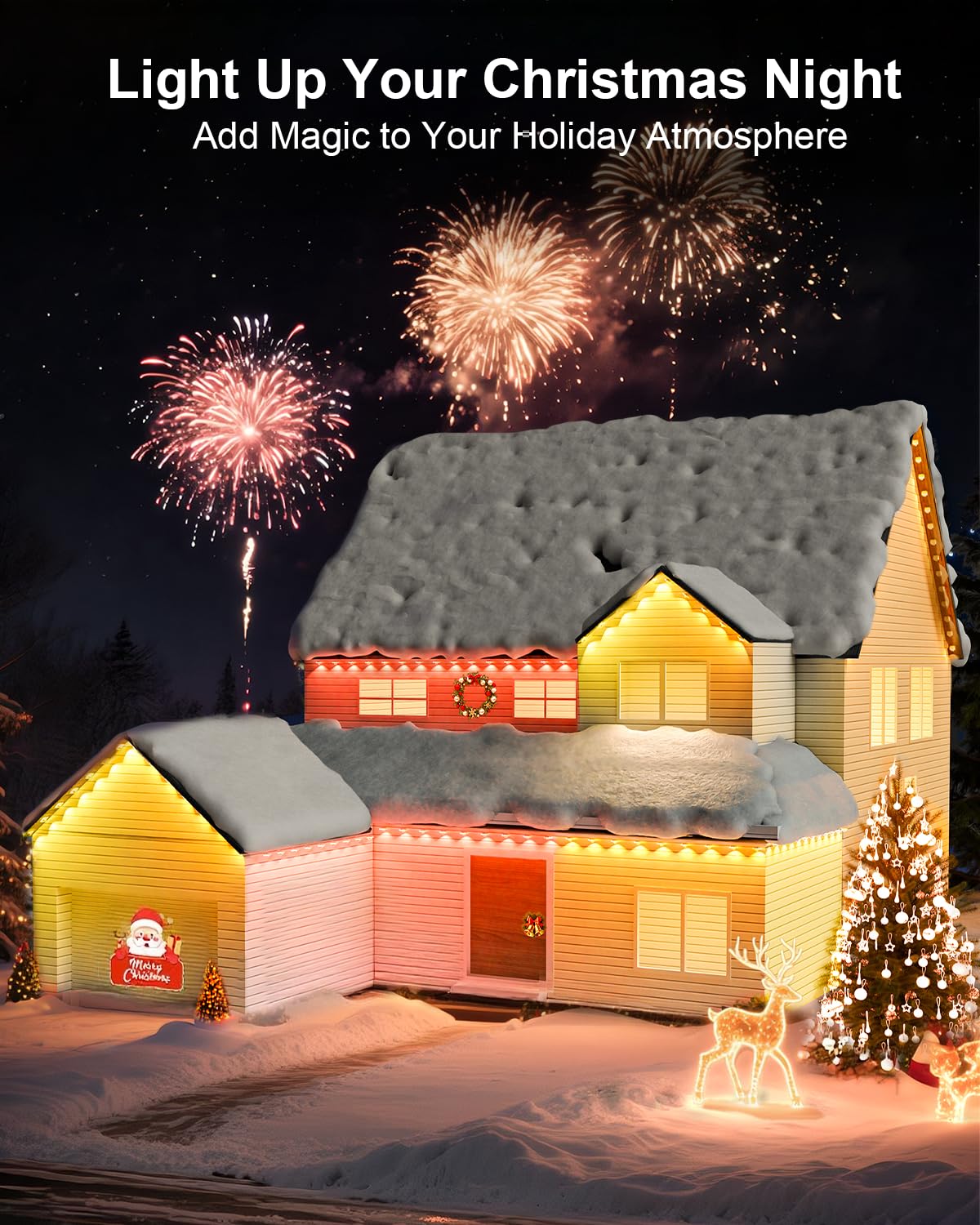
Image 5.5: Halloween-themed lighting for a spooky night.
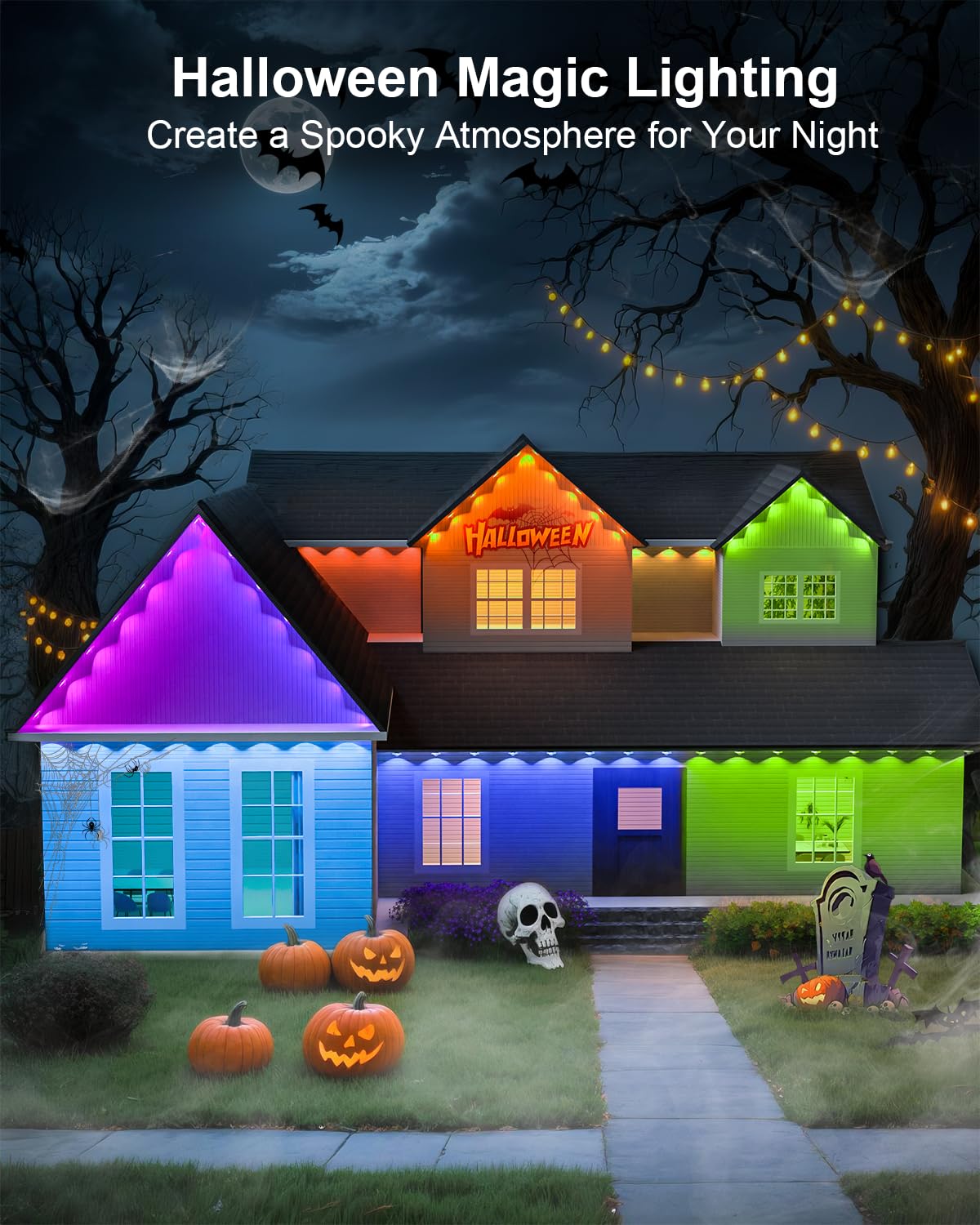
Image 5.6: Christmas lighting to add magic to your holiday atmosphere.
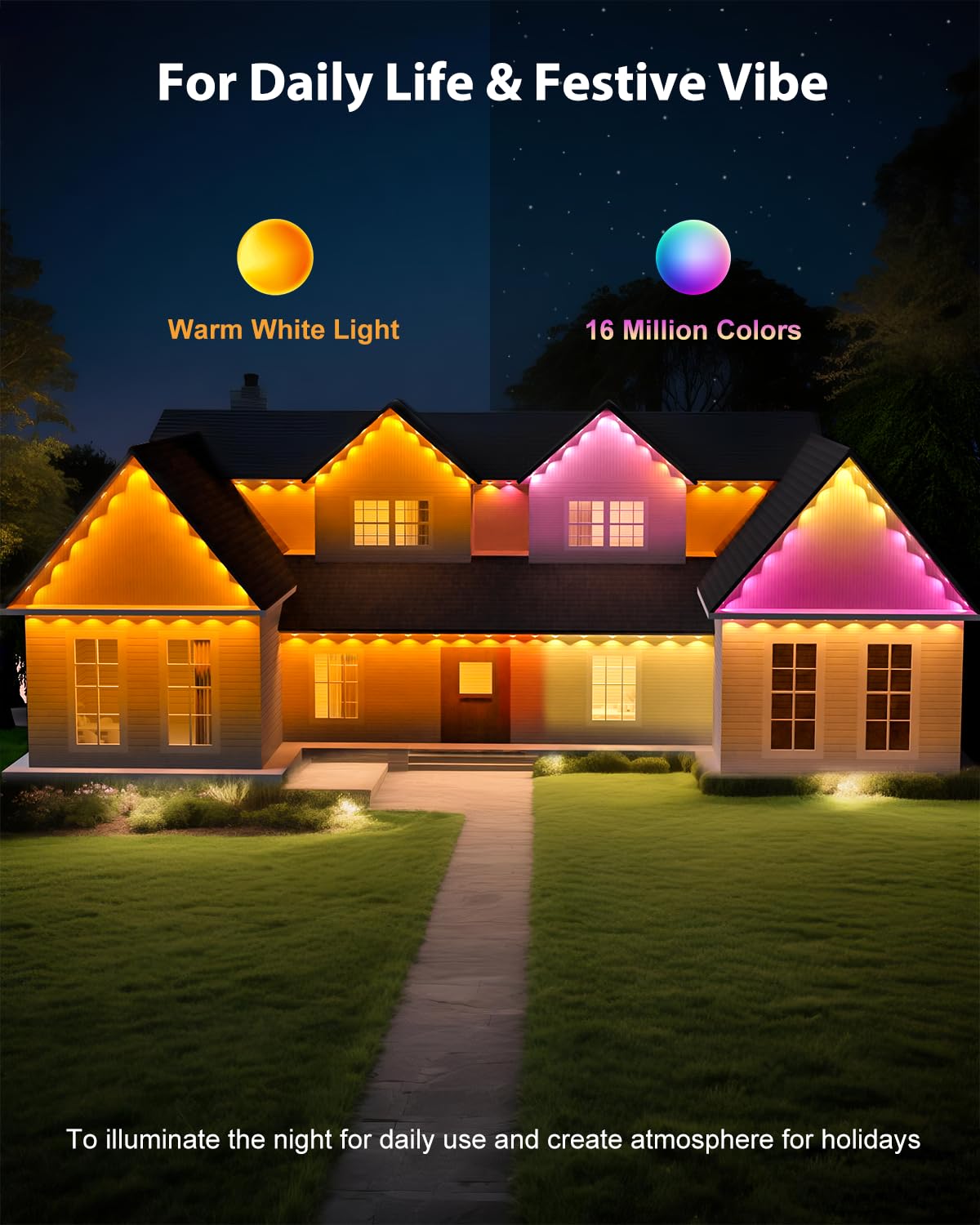
Image 5.7: Versatile lighting for daily life and festive occasions, offering both warm white and 16 million colors.
6. Maintenance and Care
- Cleaning: Gently wipe the light units with a soft, damp cloth to remove dirt or debris. Do not use harsh chemicals or abrasive cleaners.
- Durability: The lights are designed for year-round outdoor use with an IP67 waterproof rating and UV-resistant materials. They operate stably in temperatures from -4°F to 140°F (-20°C to -60°C).
- Lifespan: The LED lights have a long lifespan of up to 50,000 hours under normal operating conditions.
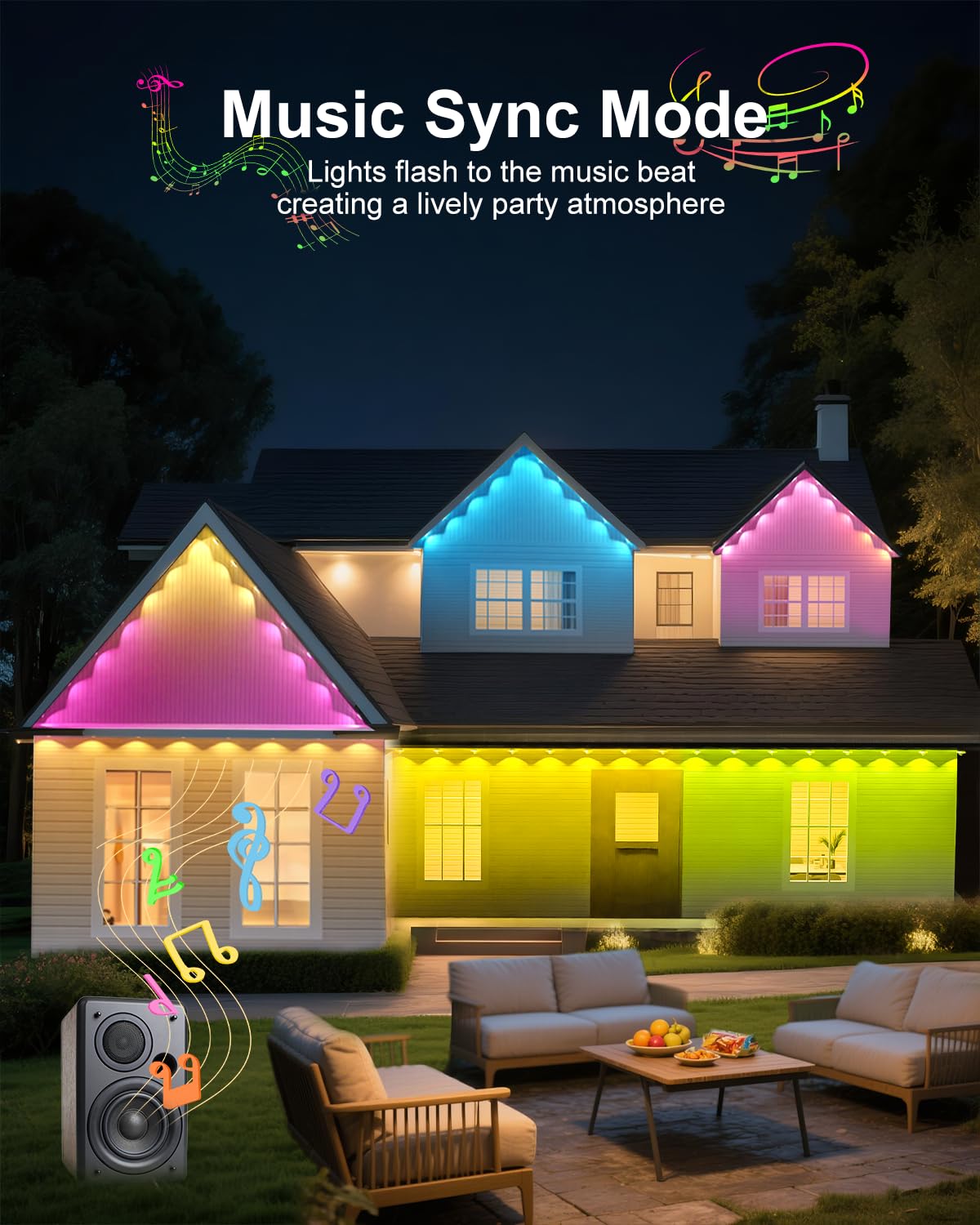
Image 6.1: The lights are reliable in any season, featuring IP67 waterproofing, UV resistance, and a wide operating temperature range.
7. Troubleshooting
If you encounter any issues, refer to the following troubleshooting guide:
| Problem | Possible Cause | Solution |
|---|---|---|
| Lights do not turn on. | No power supply; loose connection; faulty adapter. | Check power outlet; ensure all connections are secure; test with another adapter if available. |
| Remote control not working. | Battery depleted; remote out of range; obstruction. | Replace remote battery; ensure remote is within 20 meters of the controller; remove obstructions. |
| App cannot connect to lights. | Bluetooth not enabled; lights not in pairing mode; app issue. | Ensure Bluetooth is on; restart lights and app; reinstall app if necessary. |
| Lights are dim or inconsistent. | Exceeded maximum supported length; power adapter issue. | Ensure total light length does not exceed 150FT per adapter; check power adapter. |
8. Product Specifications
| Specification | Detail |
|---|---|
| Brand | Tropwellhouse |
| Model Number | YM2025-2 |
| Light Source Type | LED |
| Light Color | Multicolor (RGB, 16 Million Colors) |
| Item Length | 100 Feet |
| Waterproof Rating | IP67 |
| Operating Temperature | -4°F to 140°F (-20°C to -60°C) |
| Lifespan | Up to 50,000 hours |
| Control Method | App Control, Remote Control |
| Power Source | Corded Electric |
| Material | Plastic |
| Item Weight | 2.33 pounds |
| Package Dimensions | 8.23 x 8.03 x 3.03 inches |
9. Warranty and Customer Support
Tropwellhouse products are manufactured to high-quality standards. For warranty information or technical support, please refer to the contact details provided with your purchase documentation or visit the official Tropwellhouse website. Please retain your proof of purchase for any warranty claims.


