
1. Introduction
This manual provides detailed instructions for the PEFUPEW P114 Smart Watch. It covers setup, operation, maintenance, and troubleshooting to ensure optimal use of your device. The P114 Smart Watch features a 1.85-inch TFT-color touch screen, Bluetooth call functionality, comprehensive health monitoring, and multiple sports modes, all within an IP68 waterproof design.

Image 1.1: PEFUPEW P114 Smart Watch Overview
2. What's in the Box
Upon opening your PEFUPEW P114 Smart Watch package, please verify that all the following items are included:
- Smart watch x1
- Black watch band x1
- Magnetic charger x1
- User manual x1
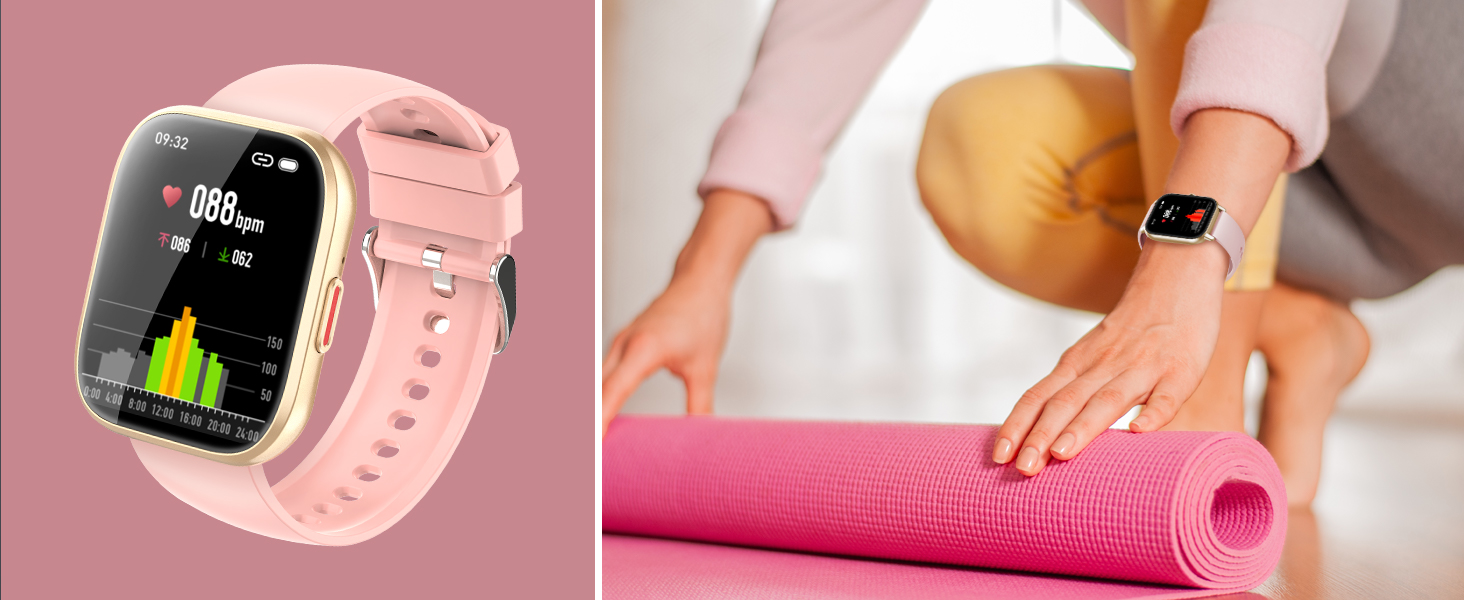
Image 2.1: Package Contents
3. Setup
3.1 Charging the Device
Before initial use, fully charge your smart watch. Connect the magnetic charger to the charging points on the back of the watch. Connect the USB end of the charger to a standard USB power adapter (not included) or a computer USB port. A full charge typically takes 1.5-2 hours.
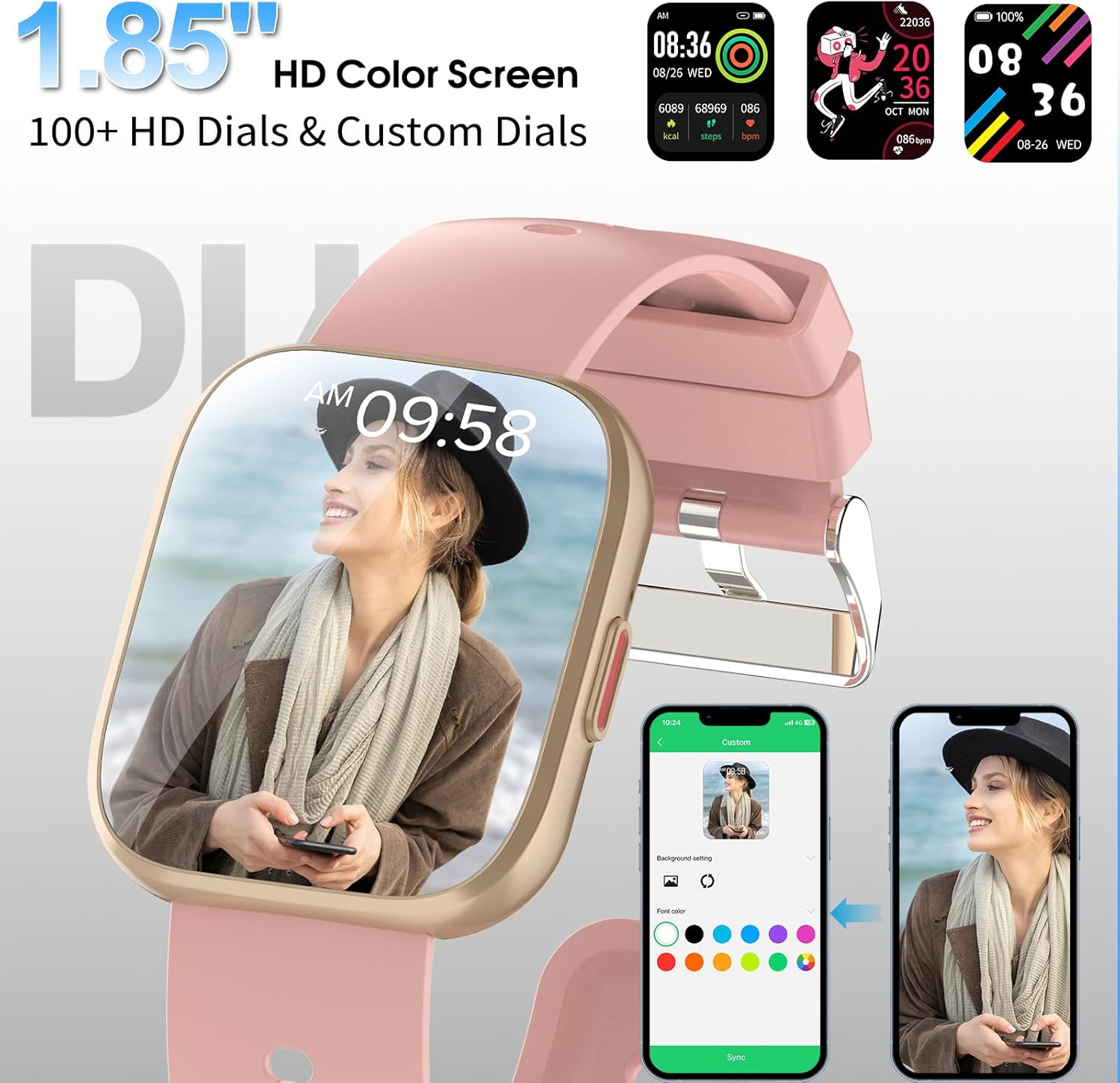
Image 3.1: Magnetic Charging
3.2 App Installation
To unlock the full functionality of your smart watch, download and install the 'Da Fit' application on your smartphone. The app is available on both iOS and Android app stores. Scan the QR code provided in the quick start guide (if applicable) or search for 'Da Fit' directly in your app store.
3.3 Device Pairing
- Ensure your smart watch is charged and powered on.
- Enable Bluetooth on your smartphone.
- Open the 'Da Fit' app and follow the on-screen instructions to add a new device.
- Select 'P114' from the list of available devices.
- Confirm the pairing request on both your phone and the watch.
- For call functionality, you may need to pair the watch a second time via your phone's Bluetooth settings (look for 'P114_CALL' or similar).
4. Operating Instructions
4.1 Basic Navigation
- Touch Screen: Swipe left/right to navigate through main functions, swipe up/down for quick settings or notifications. Tap to select.
- Side Button: Press to return to the home screen or wake the device. Long press for power options.
4.2 Call Functionality
Once paired correctly, your P114 Smart Watch allows you to make and receive calls directly from your wrist.
- Making Calls: Access the dial pad or contact list on the watch to initiate a call.
- Receiving Calls: When a call comes in, the watch will display the caller ID. Tap the green icon to answer or the red icon to reject.
- Call History: View recent calls directly on the watch.

Image 4.1: Bluetooth Call Feature
4.3 Notifications
Receive notifications for calls, SMS messages, and various social media applications (e.g., Facebook, WhatsApp, Instagram) directly on your watch. Ensure notification permissions are enabled in the 'Da Fit' app and your phone's settings.
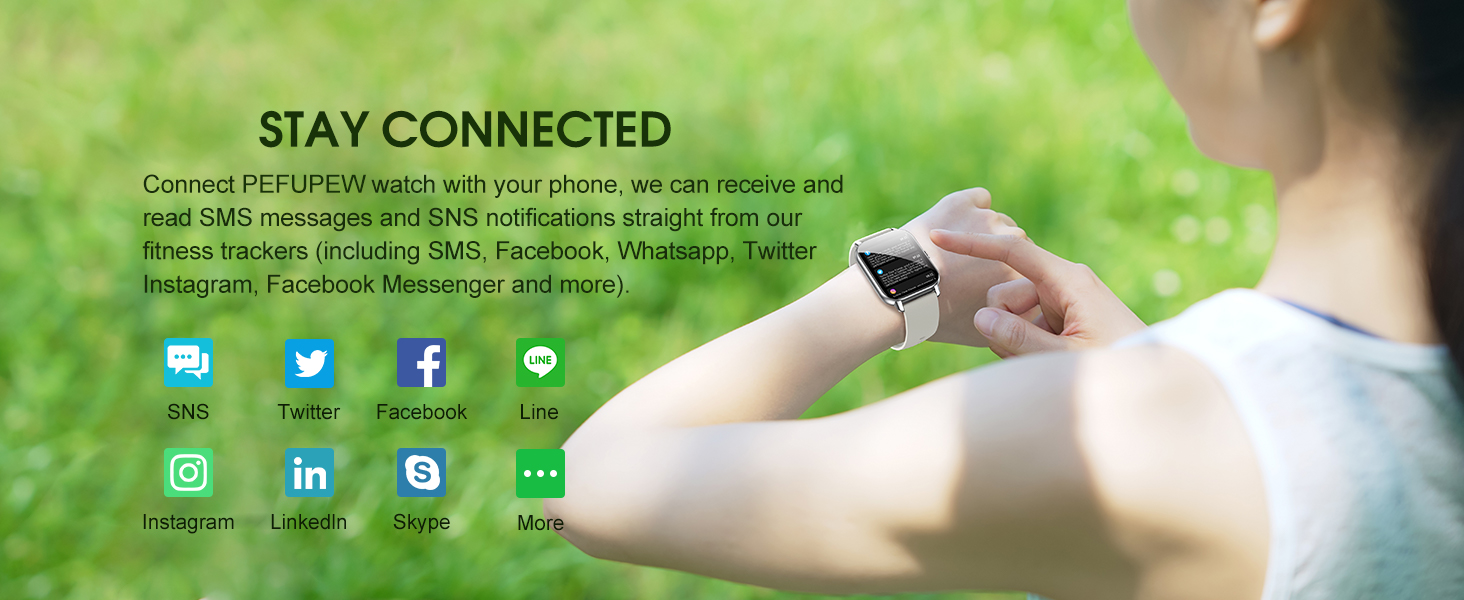
Image 4.2: Smart Notifications
4.4 Sports Modes
The watch supports 112 different exercise modes. Select your desired activity from the sports menu to track real-time metrics such as heart rate, distance, speed, and calorie burn.

Image 4.3: 112 Sports Modes
4.5 Health Monitoring
- Heart Rate Monitoring: The built-in HR sensor provides continuous heart rate tracking. View your heart rate data on the watch or in the 'Da Fit' app for detailed analysis.
- Sleep Tracking: The watch automatically monitors your sleep patterns, recording deep, light, and awake sleep stages. Review your sleep quality data in the app to help improve your rest.

Image 4.4: Health Monitoring Features
4.6 Custom Watch Faces
Personalize your watch by choosing from a variety of pre-installed watch faces or create your own using photos from your smartphone via the 'Da Fit' app.

Image 4.5: Custom Watch Faces
4.7 Other Features
The P114 Smart Watch also includes:
- Weather updates (requires app connection)
- Remote music control
- Remote camera control
- Sedentary reminders
- Alarm clock
- Stopwatch
- Find your phone feature
5. Maintenance
5.1 Waterproof Rating (IP68)
The PEFUPEW P114 Smart Watch has an IP68 waterproof rating, meaning it is resistant to dust and can withstand immersion in water up to 1.5 meters for 30 minutes. It is suitable for daily use, including hand washing, showering (cold water), and swimming. However, it is not recommended for use in seawater, hot water, or saunas, as these conditions may compromise the seal.
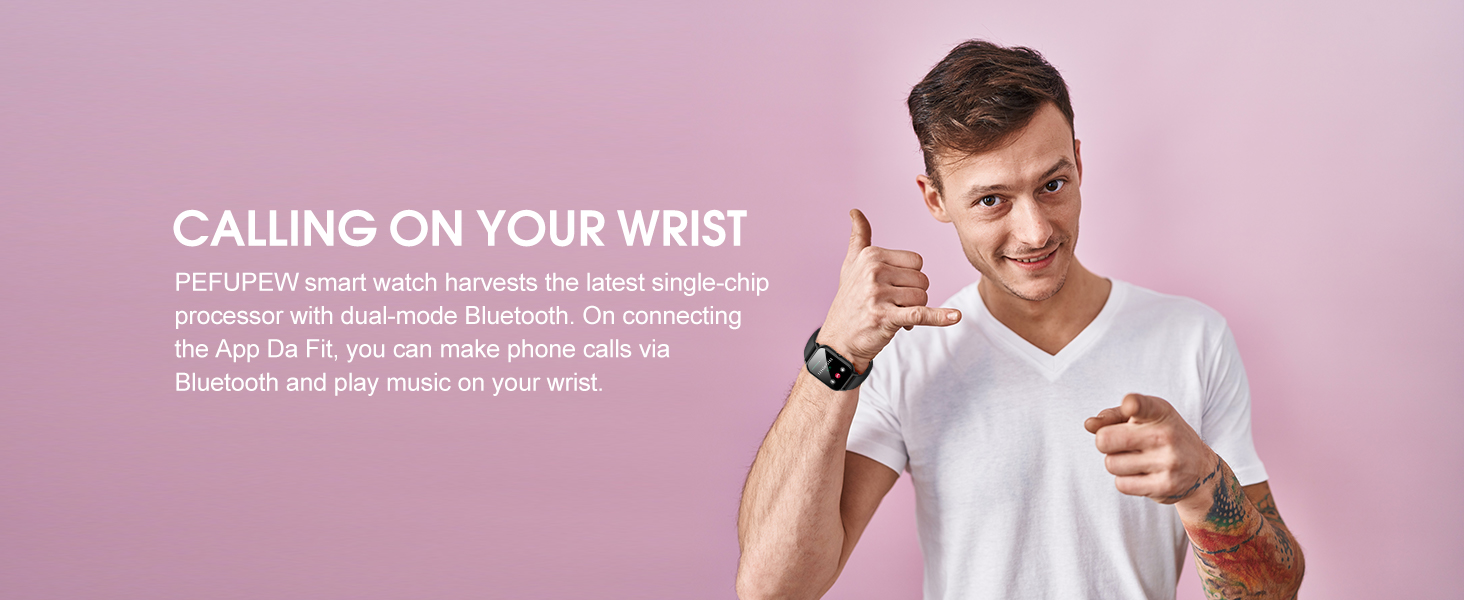
Image 5.1: IP68 Waterproof Capability
5.2 Cleaning
To maintain the watch's appearance and functionality, regularly clean the screen and strap with a soft, dry cloth. If necessary, a slightly damp cloth can be used, followed by immediate drying. Avoid using harsh chemicals or abrasive materials.
6. Troubleshooting
- Watch loses connection to phone/app: Ensure Bluetooth is enabled on your phone and the watch is within range. Restart both the watch and your phone. Re-open the 'Da Fit' app and attempt to reconnect. If issues persist, try unpairing the device from your phone's Bluetooth settings and re-pairing through the app.
- Watch resets to a foreign language: This may occur after a connection loss or software glitch. Re-pair the watch with the 'Da Fit' app. The app should automatically sync the language setting. If not, manually select your preferred language within the app's device settings.
- Activity tracking (e.g., steps) is inaccurate or not recording: Ensure the watch is worn snugly on your wrist. Check the 'Da Fit' app to confirm that activity tracking features are enabled. Restart the watch. If the problem continues, ensure the app and watch firmware are updated to the latest versions.
- Notifications not appearing: Verify that notification permissions are granted for the 'Da Fit' app in your phone's system settings. Also, check the 'Da Fit' app's settings to ensure specific app notifications are enabled for the watch.
- Watch not charging: Ensure the magnetic charger is correctly aligned with the charging points on the watch. Try a different USB power source or adapter. Clean the charging contacts on both the watch and the charger.
7. Specifications
| Feature | Specification |
|---|---|
| Model Name | P114 |
| Brand | PEFUPEW |
| Screen Size | 1.85 Inches |
| Operating System | Android Wear 2.9 |
| Connectivity Technology | Bluetooth |
| Wireless Communication Standard | Bluetooth |
| Special Features | Activity Tracker, Multisport Tracker, Notifications, Phone Call, Touchscreen |
| Waterproof Rating | IP68 |
| Battery Life (Typical Use) | Up to 7 days |
| Standby Time | Up to 30 days |
| Charging Time | 1.5-2 hours |
| Item Weight | 2.89 ounces (0.08 Kilograms) |
| Manufacturer | Shenzhen Buzz Tech Co.,Ltd |
8. Warranty and Support
For warranty information or technical support, please refer to the contact details provided with your purchase documentation or visit the official PEFUPEW website. Keep your purchase receipt as proof of purchase for any warranty claims.