
PEFUPEW P114
PEFUPEW P114 Smart Watch User Manual
Model: P114
Introduction
This user manual provides comprehensive instructions for the PEFUPEW P114 Smart Watch. Designed for both men and women, this smart watch features a 1.85-inch touch screen, IP68 waterproof rating, and extensive fitness tracking capabilities including heart rate monitoring, sleep analysis, and a pedometer. It supports Bluetooth calls and is compatible with both Android and iOS devices. Please read this manual thoroughly to ensure proper use and maintenance of your device.
What's in the Box
Upon opening your PEFUPEW P114 Smart Watch package, please verify that all the following items are included:
- Smart watch x1
- Black watch band x1
- Magnetic charger x1
- User manual x1
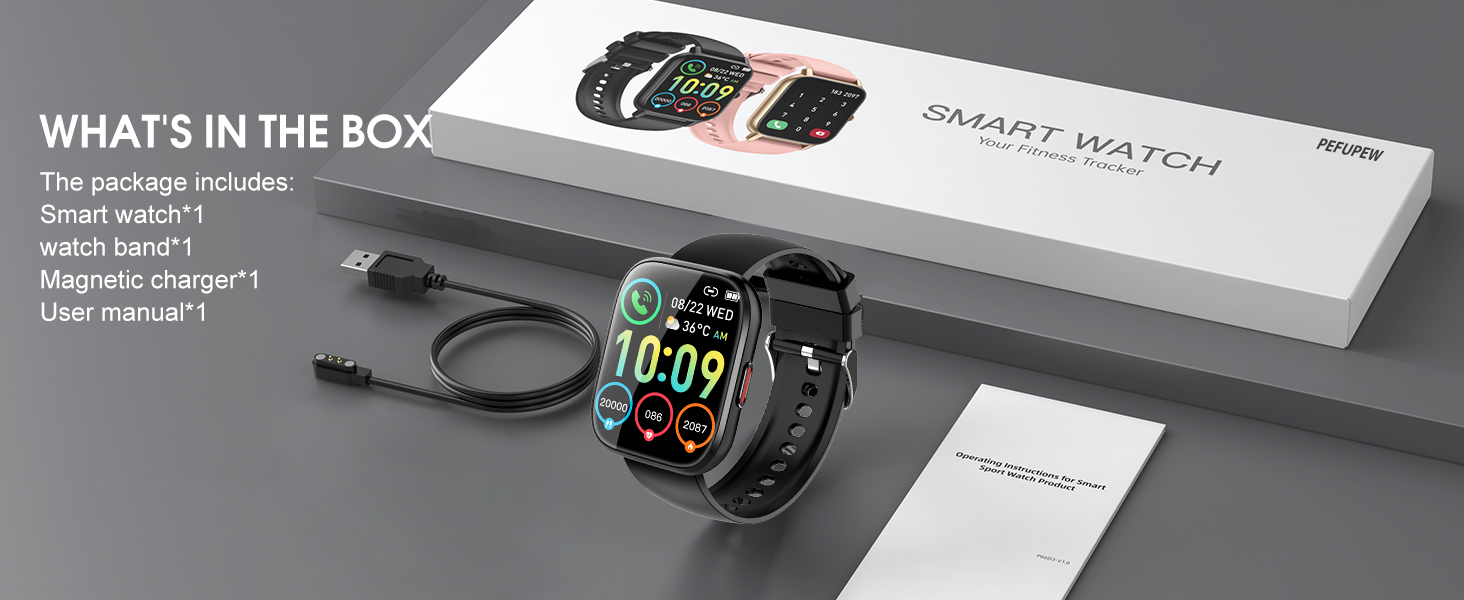
This image displays the complete contents of the PEFUPEW P114 Smart Watch retail package, showing the smart watch, an extra black watch band, the magnetic charging cable, and the user manual.
Setup Guide
1. Charging the Device
Before first use, fully charge your smart watch. Connect the magnetic charger to the charging points on the back of the watch and plug the USB end into a power adapter (not included) or a computer's USB port. A full charge typically takes 1.5-2 hours.
2. App Installation
Download the Da Fit app from your smartphone's app store (Google Play Store for Android or Apple App Store for iOS). Alternatively, scan the QR code provided in the quick start guide (if available) or on the watch screen to download the app.
3. Device Pairing
- Ensure Bluetooth is enabled on your smartphone.
- Open the Da Fit app and follow the on-screen instructions to add your device.
- The app will search for available devices. Select "P114" or the corresponding device name from the list.
- Confirm the pairing request on both your phone and the watch.
- Once paired, the watch will synchronize data with the app.

This image shows the PEFUPEW P114 Smart Watch, highlighting its main display with various health and activity metrics, and a secondary image demonstrating its call answering capability.
Operating Instructions
Call Functionality
The PEFUPEW P114 Smart Watch allows you to make and receive calls directly from your wrist. After connecting the watch to the Da Fit app via dual-mode Bluetooth, you can dial numbers on the watch screen or answer incoming calls. Your call history can also be viewed on the activity tracker.
This image depicts a user demonstrating the call functionality of the PEFUPEW smart watch, emphasizing the convenience of making calls directly from the wrist.
Smart Notifications
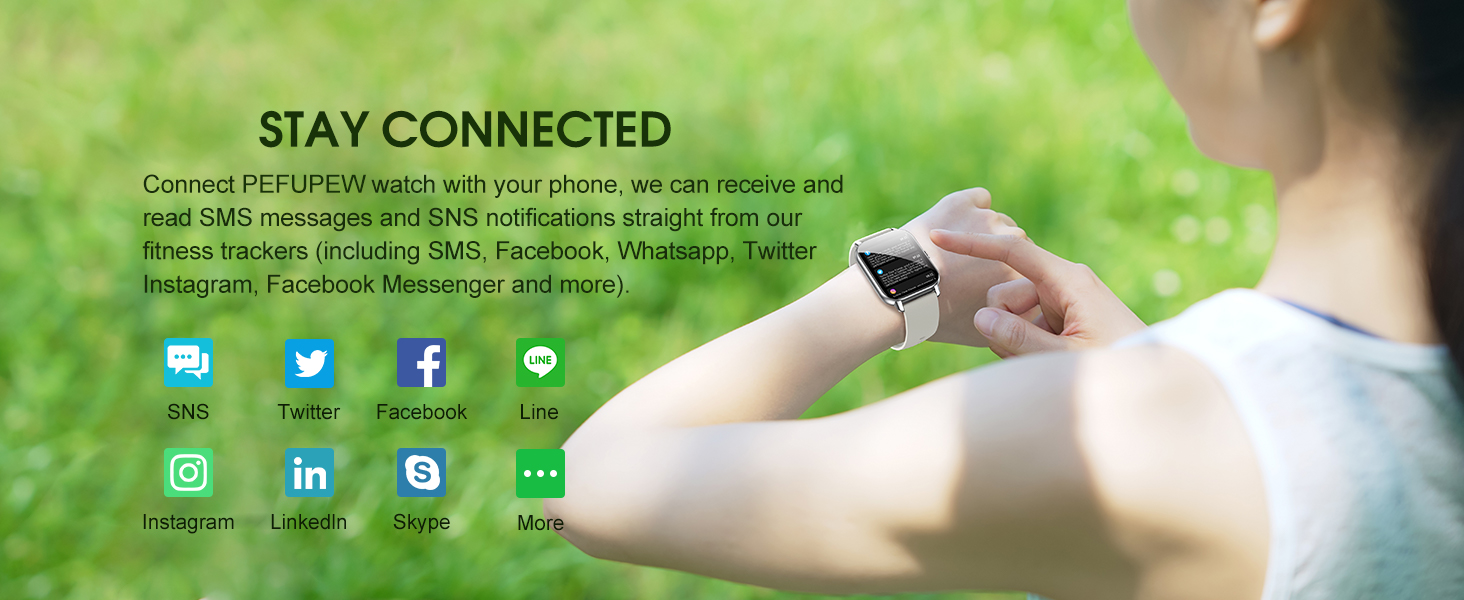
Stay connected by receiving notifications for calls, SMS messages, and various social media applications directly on your watch. Supported apps include Facebook, WhatsApp, Instagram, Facebook Messenger, Twitter, Line, LinkedIn, and Skype. Ensure notification permissions are enabled in the Da Fit app and your phone settings.
This image illustrates the smart watch's capability to display notifications from popular social media and messaging applications, helping users stay connected.
Health Monitoring
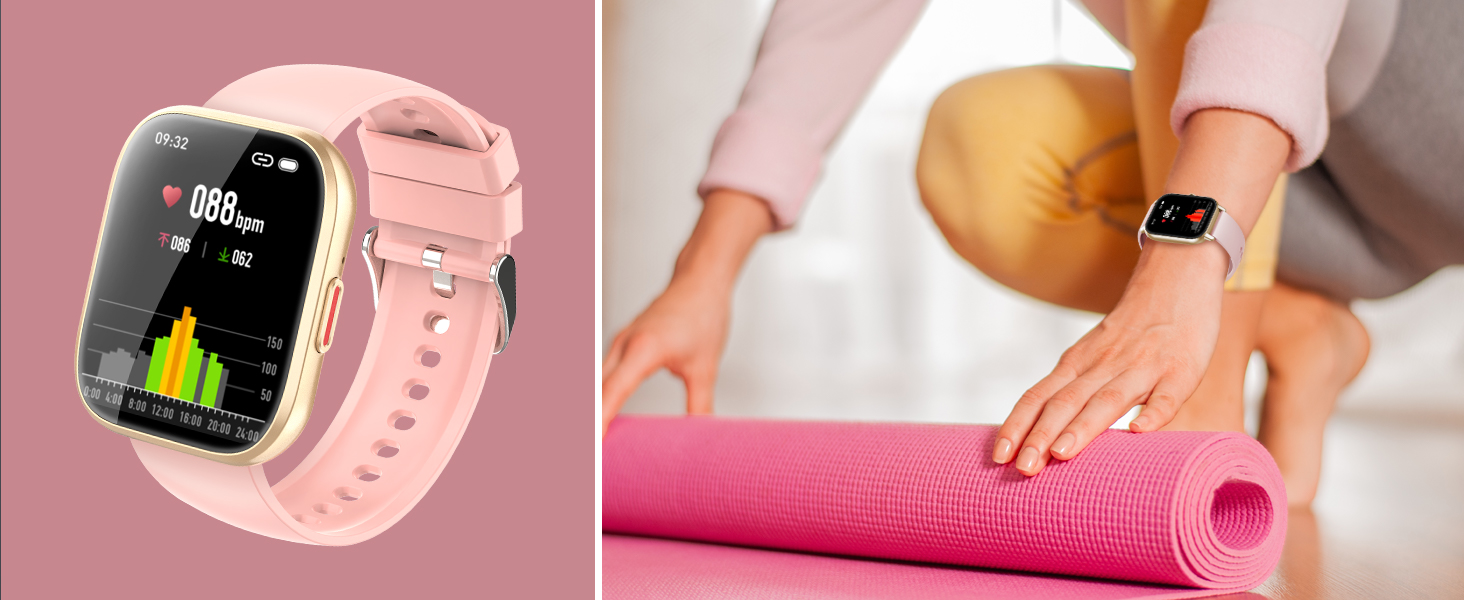
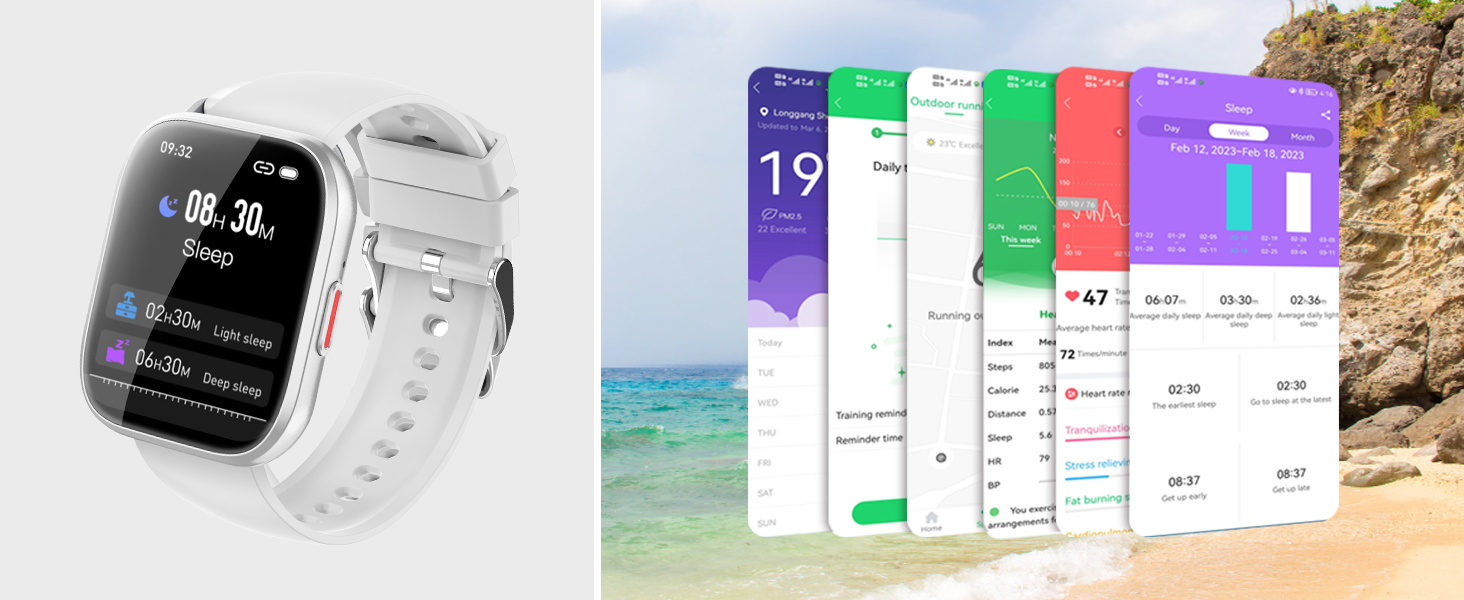
The P114 Smart Watch is equipped with an HR sensor for accurate heart rate monitoring. It also provides comprehensive sleep tracking, recording deep, light, and awake sleep patterns to help you understand and improve your sleep quality.
This image shows the smart watch monitoring heart rate, with a person doing yoga in the background, highlighting its use for health tracking during activities.
This image illustrates the smart watch's sleep tracking capabilities, showing sleep duration and quality metrics, with a person sleeping peacefully.
Sports Modes
The watch supports 112 different exercise modes, allowing you to track various activities from outdoor sports like hiking and cycling to indoor activities like yoga and aerobics. It monitors real-time data such as heart rate, distance, speed, and calorie burn, helping you achieve your fitness goals.
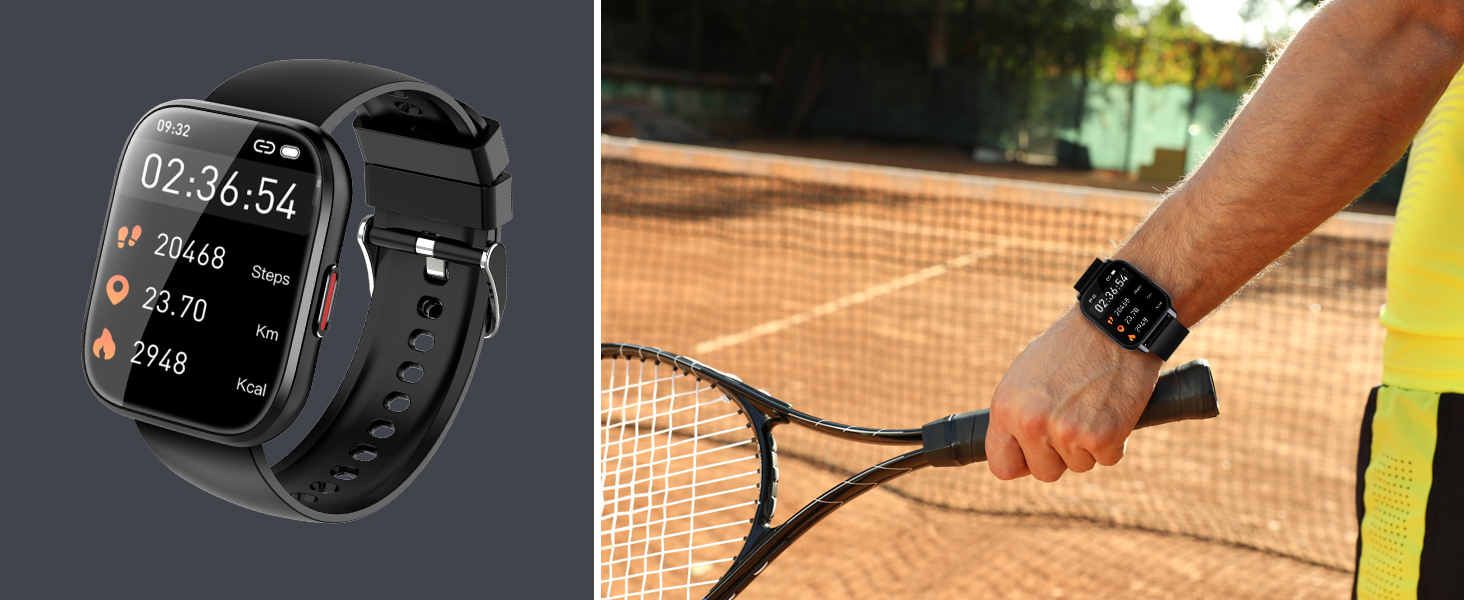
This image highlights the extensive range of 112 sports modes available on the smart watch, showing people engaged in various physical activities.
Custom Watch Faces
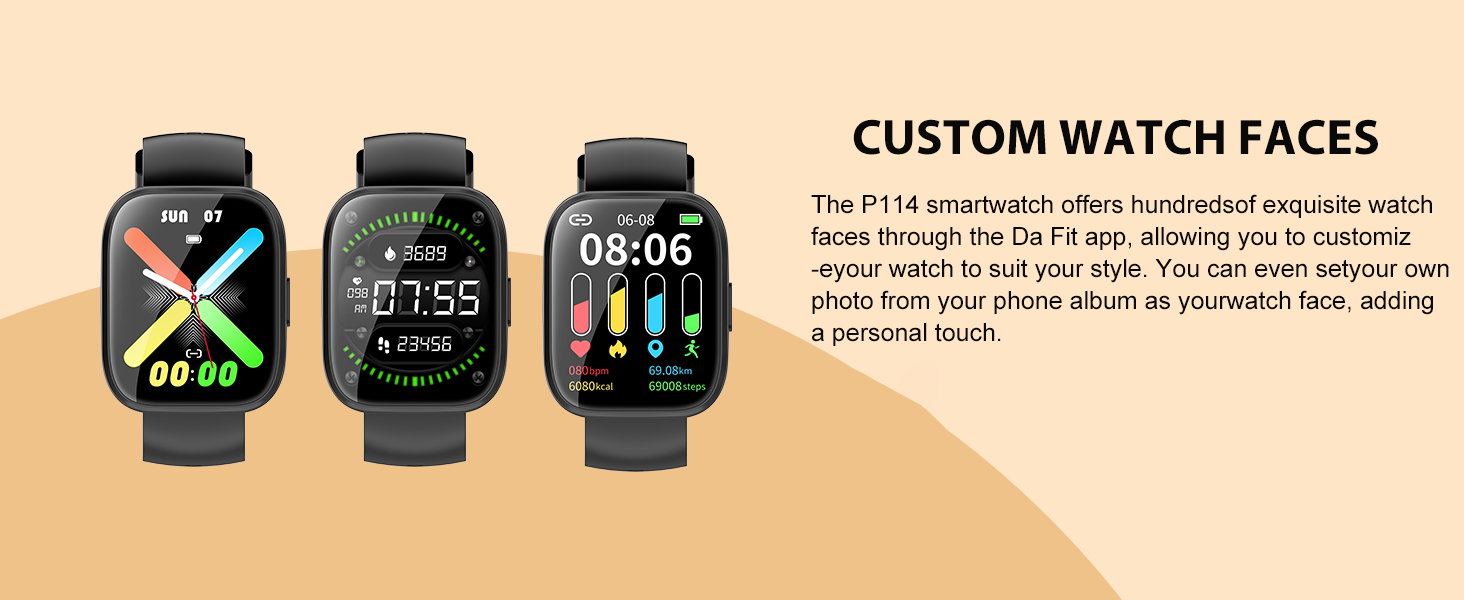
Personalize your P114 Smart Watch with hundreds of exquisite watch faces available through the Da Fit app. You can also upload your favorite photos from your phone album to create a unique, custom watch face.
This image demonstrates the variety of custom watch faces available for the P114 smartwatch, allowing users to personalize their device.
Weather Updates
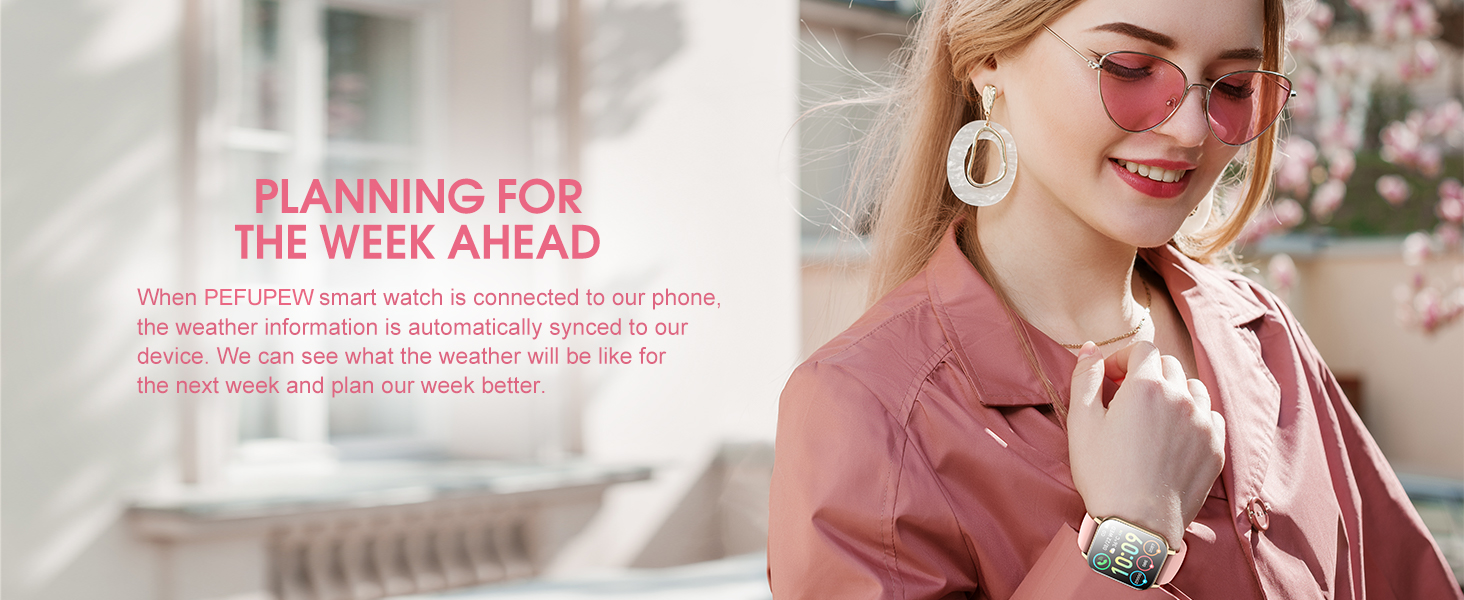
When connected to your phone, the PEFUPEW smart watch automatically syncs weather information to your device. This allows you to view the weather forecast for the upcoming week, aiding in your daily planning.

This image highlights the smart watch's ability to sync weather information, assisting users in planning their week based on forecasts.
Other Features
- Pedometer: Tracks your daily steps.
- Remote Music Control: Control music playback on your phone.
- Remote Camera Control: Use your watch as a remote shutter for your phone's camera.
- Sedentary Reminders: Alerts you to move after periods of inactivity.
- Alarm Clock: Set alarms directly from your watch.
- Stopwatch: A built-in stopwatch for timing activities.
- Find Your Phone: Helps locate your paired smartphone.
Maintenance
Waterproof Rating (IP68)
The PEFUPEW P114 Smart Watch has an IP68 waterproof rating, meaning it is resistant to dust and can withstand immersion in water up to 1.5 meters for 30 minutes. This makes it suitable for daily use, including hand washing, rain, and shallow swimming. Important: Avoid prolonged exposure to hot water, steam, or seawater, as these can compromise the waterproof seals.
Battery Life
The watch features a long-lasting battery that can provide up to 7 days of typical use on a single charge. Battery life may vary depending on usage patterns, such as frequent calls, GPS usage (via smartphone), and continuous health monitoring. To maximize battery life, reduce screen brightness and disable unnecessary notifications.
Cleaning and Care
To clean your smart watch, wipe it gently with a soft, damp cloth. Do not use harsh chemicals or abrasive materials. Ensure the charging contacts are clean and dry before charging to prevent corrosion.
Troubleshooting
- Watch not turning on: Ensure the watch is fully charged. Connect it to the magnetic charger and check if the charging indicator appears.
- Unable to pair with phone:
- Ensure Bluetooth is enabled on your phone and the watch.
- Make sure the watch is within the Bluetooth range of your phone.
- Restart both your phone and the watch.
- Clear Bluetooth cache on your phone (Android) or forget the device and re-pair.
- Notifications not received:
- Check if notifications are enabled in the Da Fit app settings.
- Verify that notification permissions are granted for the Da Fit app in your phone's system settings.
- Ensure the watch is properly connected to your phone via Bluetooth.
- Inaccurate health data:
- Ensure the watch is worn snugly on your wrist, not too loose or too tight.
- Clean the sensor on the back of the watch.
- For best results, remain still during heart rate measurements.
- Screen unresponsive: Try restarting the watch. If the issue persists, ensure the screen is clean and dry.
Specifications
| Feature | Detail |
|---|---|
| Model Name | P114 |
| Brand | PEFUPEW |
| Screen Size | 1.85 Inches |
| Display Type | TFT-color touch screen |
| Operating System | Android Wear 2.9 |
| Connectivity Technology | Bluetooth |
| Waterproof Rating | IP68 |
| Battery Life | Up to 7 days (typical use) |
| Charging Time | 1.5-2 hours |
| Item Weight | 2.99 ounces |
| Package Dimensions | 6.06 x 3.43 x 0.75 inches |
| Manufacturer | Shenzhen Buzz Tech Co.,Ltd |
| Special Features | Activity Tracker, Multisport Tracker, Notifications, Phone Call, Touchscreen |
| GPS | GPS Via Smartphone |
| Battery Cell Composition | Lithium Polymer |
Warranty and Support
For any product-related inquiries, technical support, or warranty claims, please contact the seller or manufacturer directly. Refer to your purchase documentation for specific warranty terms and contact information.
You can also visit the official PEFUPEW store on Amazon for more information and support: PEFUPEW Amazon Store.
Ask a question about this manual
Ask about setup, troubleshooting, compatibility, parts, safety, or missing instructions. Manuals+ will review the question and use this page’s manual context to help answer it.