
1. Introduction
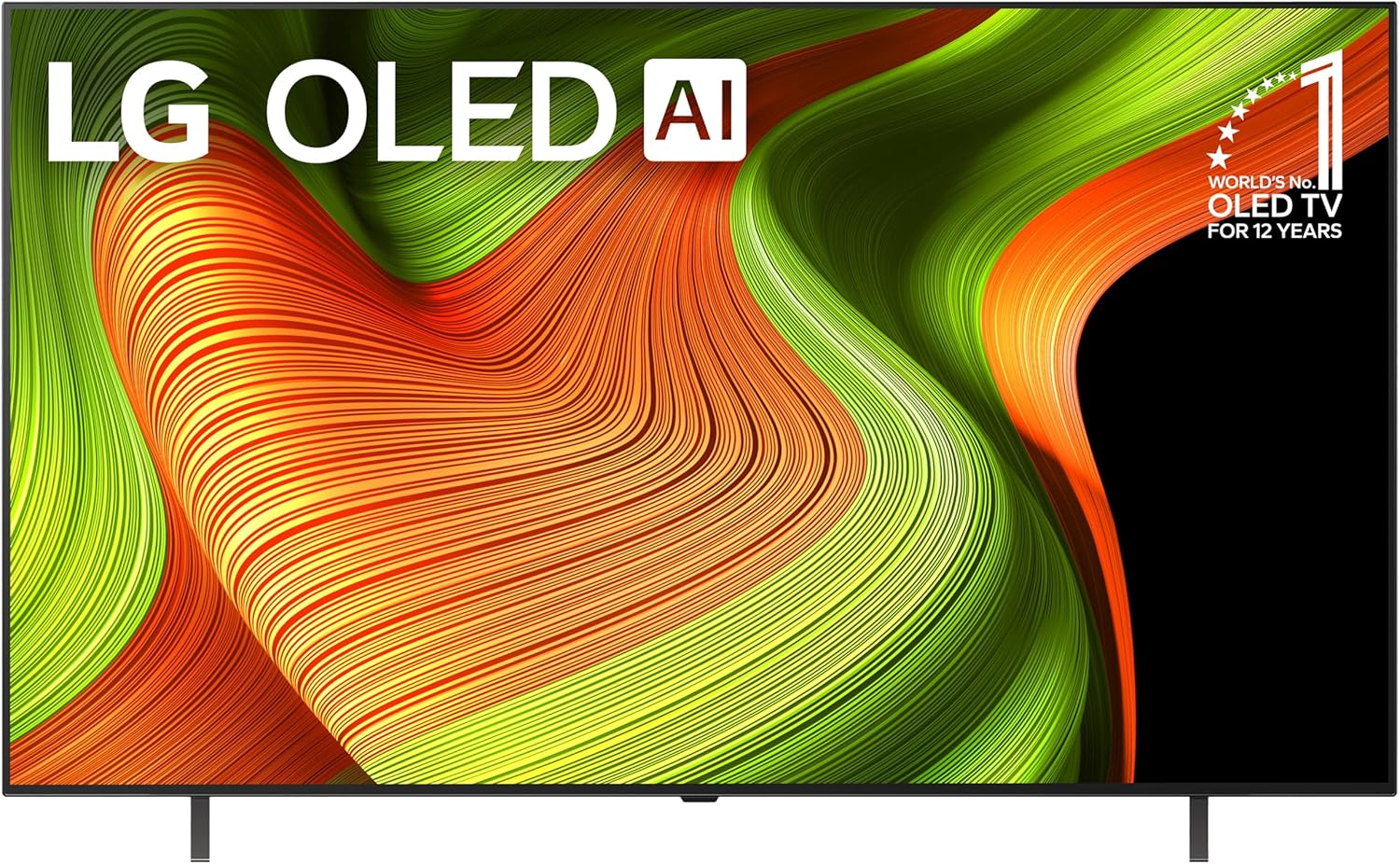
Image: Front view of the LG 65-Inch Class OLED AI 4K B5 Series Smart TV, showcasing its display with vibrant colors and the LG OLED AI branding.
This manual provides essential information for the setup, operation, and maintenance of your LG 65-Inch Class OLED AI 4K B5 Series Smart TV. Please read this manual thoroughly before using the product to ensure safe and correct usage. Keep this manual for future reference.
2. What's in the Box
Upon unpacking, verify that all the following items are included:
- LG 65-Inch Class OLED AI 4K B5 Series Smart TV
- Power Cable
- Stand components
- Magic Remote Control
- 2 AAA batteries (for remote control)
- User Manual (this document)

Image: The LG 65-Inch OLED TV, showing its dimensions (57" W x 35.3" H x 9.3" D with stand) and a list of included accessories: Magic Remote, Power Cable, Remote Control Batteries, and Quick Start Guide.
3. Setup
3.1 Stand Installation
Carefully place the TV screen-down on a soft, flat surface. Attach the stand components to the designated slots on the TV's bottom panel using the provided screws. Ensure the stand is securely fastened before uprighting the TV.
3.2 Connecting Peripherals
Connect your external devices (e.g., cable box, Blu-ray player, gaming console) to the TV's HDMI ports. The TV features four HDMI 2.1 inputs for high-bandwidth devices. Use the USB ports for external storage or other compatible accessories. An Ethernet port is available for a wired network connection, or you can use Wi-Fi.

Image: A detailed view of the rear connectivity panel of the LG OLED TV, showing HDMI ports (including HDMI 2.1), USB ports, optical digital audio out, LAN port, and antenna input.
3.3 Power Connection
Connect the power cable to the TV's power input and then to a wall outlet. The TV will enter standby mode.
3.4 Initial Setup Wizard
Upon first power-on, the TV will guide you through an initial setup process. This includes language selection, network connection (Wi-Fi or Ethernet), channel scanning, and agreeing to terms and conditions. Follow the on-screen prompts.
4. Operating Your TV
4.1 Magic Remote Control
The included Magic Remote allows for intuitive control using point-and-click, scrolling, and voice commands. Insert the two AAA batteries into the remote. Point the remote at the TV and press any button to pair it. If pairing fails, press and hold the Home and Back buttons simultaneously for 5 seconds to re-pair.

Image: The LG AI Magic Remote, highlighting its features such as Point & Click, Scrolling, and the dedicated AI Button for enhanced navigation and voice commands.
4.2 webOS 24 Smart Platform
Your TV runs on LG's webOS 24 smart platform, providing access to streaming services, apps, and live channels. Use Quick Cards to organize your favorite applications into categories for easy access. LG Channels offers over 300 free channels.

Image: The webOS smart platform interface, displaying logos for popular streaming services like Netflix, Disney+, Apple TV+, Prime Video, Hulu, Sling, HBO Max, and Pluto TV, alongside options for free channels and cloud gaming.
4.3 AI Features
- Alpha 8 AI Processor Gen2: This processor enhances picture and sound quality by analyzing content and optimizing settings automatically.
- AI Picture Pro: Analyzes each frame to enhance resolution, brightness, depth, and clarity.
- AI Voice ID with My Profile: The TV recognizes your voice and provides tailored content recommendations.
- AI Search / Concierge: Use the microphone button on your remote to search for content or receive recommendations based on your viewing habits.

Image: A diagram illustrating the Alpha 8 AI Processor Gen2, highlighting its capabilities for greater AI neural processing (1.7x) and faster operation (1.4x) compared to previous generations.

Image: A close-up of a leopard's face, with a grid overlay on one side, demonstrating how AI Picture Pro analyzes and enhances resolution, brightness, depth, and clarity.

Image: The LG AI Voice ID interface, showing personalized content recommendations and a prompt to "Switching to my account," indicating user profile recognition.
4.4 Picture and Sound Enhancements
- Perfect Black and Perfect Color: OLED technology delivers deep blacks and vibrant colors.
- Dolby Vision, Dolby Atmos, FILMMAKER MODE: Experience enhanced visual and audio quality with support for these technologies. FILMMAKER MODE preserves the director's original vision.
4.5 Gaming Features
The TV supports a 120Hz refresh rate and 0.1ms response time for smooth gaming. It includes NVIDIA G-Sync, AMD FreeSync Premium, and VRR (Variable Refresh Rate) for tear-free gameplay. The Game Dashboard and Game Optimizer provide quick access to gaming settings.
5. Maintenance
5.1 Cleaning the Screen
Gently wipe the screen with a soft, dry microfiber cloth. For stubborn marks, lightly dampen the cloth with water or a specialized screen cleaner. Avoid using harsh chemicals, abrasive materials, or direct spraying onto the screen.
5.2 Cleaning the TV Body
Wipe the TV's frame and stand with a soft, dry cloth. Do not use liquid cleaners directly on the TV body.
5.3 Software Updates
The TV will automatically download software updates. You may receive a pop-up notification to accept or deny updates if "auto-update" is disabled. Regular updates ensure optimal performance and access to new features, supported by the webOS Re:New Program for 5 years of updates.

Image: The webOS Re:New Program logo, signifying 5 years of software updates and feature refreshes for the LG webOS platform.
6. Troubleshooting
6.1 No Power
- Ensure the power cable is securely connected to both the TV and the wall outlet.
- Check if the wall outlet is functioning by plugging in another device.
- Try a different power outlet.
6.2 No Picture or Sound
- Verify that the correct input source is selected on the TV.
- Check all cable connections between the TV and external devices.
- Ensure external devices are powered on.
6.3 Remote Control Not Working
- Replace the AAA batteries in the Magic Remote.
- Re-pair the remote by holding the Home and Back buttons simultaneously for 5 seconds.
- Ensure there are no obstructions between the remote and the TV.
6.4 Network Connection Issues
- For Wi-Fi, check your router and modem. Restart them if necessary.
- For wired connection, ensure the Ethernet cable is securely connected.
- Go to the TV's network settings to reconfigure the connection.
7. Specifications
| Feature | Detail |
|---|---|
| Brand | LG |
| Model Number | OLED65B5PUA.AUSZ |
| Screen Size | 65 Inches (166 cm diagonal) |
| Display Technology | OLED |
| Resolution | 4K (3840 x 2160) |
| Refresh Rate | 120 Hz |
| Processor | Alpha 8 AI Processor Gen2 |
| Operating System | webOS 24 |
| Connectivity | Bluetooth, Ethernet, HDMI (4x HDMI 2.1), USB, Wi-Fi |
| Special Features | AMD FreeSync, Built-In Speaker, Google Cast, Multiple Voice Assistance, NVIDIA G-Sync, Dolby Vision, Dolby Atmos, Filmmaker Mode |
| Product Dimensions (with stand) | 57" W x 35.3" H x 9.3" D |
| Item Weight | 38.1 Pounds |
| On-mode Power Consumption | 138.3 watts |
| Annual Energy Consumption | 255 kWh/year (based on 4 hours/day) |
| Batteries Required | 2 AAA (included for remote) |
8. Warranty and Support
For warranty information, please refer to the warranty card included with your product or visit the official LG website. For technical support, product registration, or service inquiries, please contact LG Customer Service. You can find contact details on the LG website or in the quick start guide.
Online resources and FAQs are available at www.lg.com/us/support.