
1. Introduction
The LG StanbyME 2 is a versatile 27-inch portable touchscreen designed for flexible content consumption and interaction. It features a built-in battery for wireless use, a full touchscreen interface, and various display modes to adapt to your environment. This manual provides essential information for setting up, operating, and maintaining your device.
Key features include a detachable screen with an included folio cover, up to 4 hours of battery life, a QHD (2560 x 1440) resolution display with Dolby Vision and HDR10, and an Alpha 8 AI Processor for enhanced picture and sound quality. It also offers full swivel rotation and connectivity options like HDMI and USB.
2. What's in the Box
Please verify that all the following items are included in your product packaging:
- Stand
- Power Cable
- Power Adapter
- Remote Control
- User Manual
- Folio Cover
3. Setup
3.1. Assembly
Follow these steps to assemble your LG StanbyME 2:
- Attach the Stand to the Base: Securely connect the main stand pole to the circular base using the provided screws. Ensure all connections are tight for stability.
- Attach the Screen to the Stand: Carefully align the screen's mounting mechanism with the top of the stand pole. Gently push until it clicks into place.
- Connect Power: Plug the power cable into the power adapter, then connect the adapter to the power input port located at the base of the stand. Finally, plug the power cable into a wall outlet.

Figure 1: Fully assembled LG StanbyME 2.

Figure 2: The base features wheels for easy mobility.
3.2. Initial Power-On and Configuration
After assembly and connecting to power, press the power button on the screen or remote control to turn on the device. Follow the on-screen prompts to select your preferred language and complete the initial setup process.
For a visual guide on unboxing and assembly, please refer to the official seller video below:
Video 1: Official LG Electronics video demonstrating the unboxing and assembly of the LG StanbyME 2.
4. Operating Modes and Features
4.1. Portable Use and Detachable Screen
The LG StanbyME 2 is designed for ultimate portability. The screen can be easily detached from its stand for use as a large tablet or hung in various locations. The included folio cover provides protection and allows for versatile positioning.
- Detaching the Screen: Locate the release mechanism on the stand where the screen is attached. Press the button or lever and carefully lift the screen away from the stand.
- Using the Folio Cover: The folio cover can be attached to the screen to protect it or to prop it up on a flat surface for comfortable viewing.

Figure 3: The screen can be detached and used with the included folio cover.
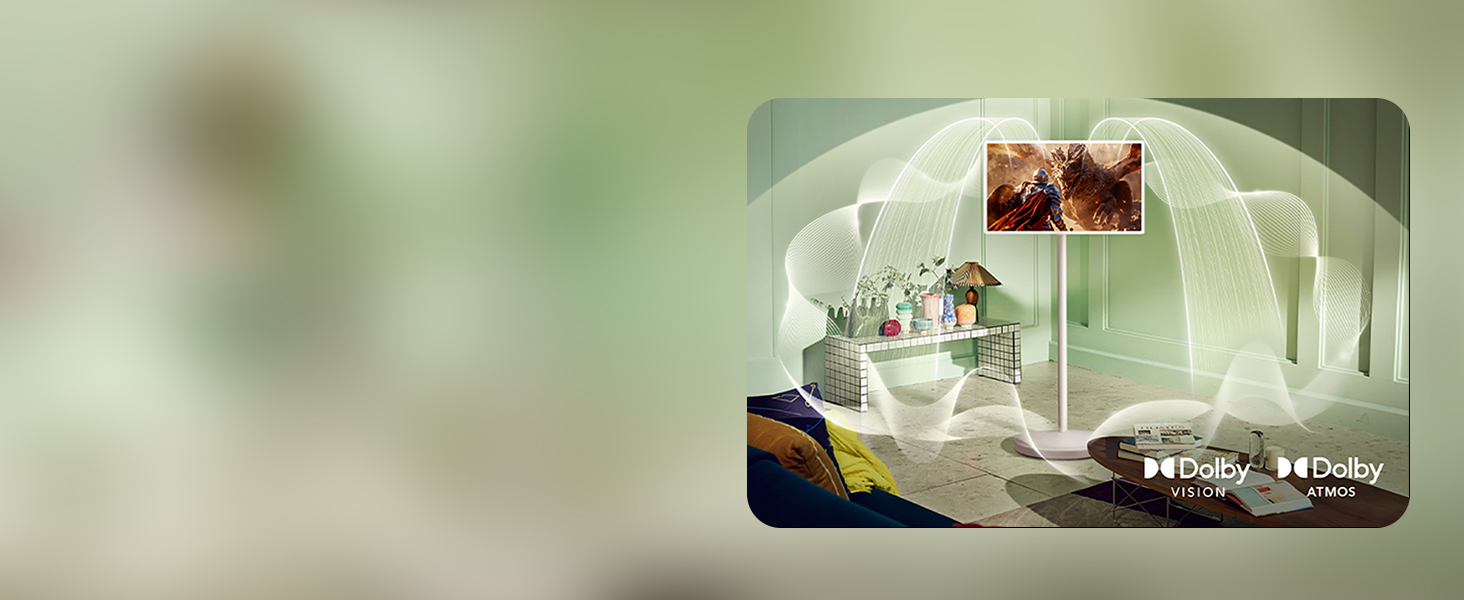
Figure 4: The detachable screen offers flexibility for use throughout your home.
4.2. Touchscreen and Smart Features
The 27-inch touchscreen provides an intuitive way to interact with content. Navigate menus, browse the internet, play games, and use various applications directly on the screen.
- Navigation: Swipe, tap, and pinch to zoom just like on a tablet or smartphone.
- App Access: Access a wide range of streaming services and applications through the webOS smart platform.
- Mood Maker: Transform your space by displaying artwork, clocks, weather, or personal photos.

Figure 5: Unleash creativity with the responsive touchscreen for drawing and design.

Figure 6: The large touchscreen is ideal for interactive games and educational content.
4.3. Connectivity
The StanbyME 2 offers multiple connectivity options for external devices:
- HDMI Port: Connect laptops, game consoles, or other HDMI-enabled devices.
- USB Ports: Use for media playback from USB drives or connecting peripherals.
- Wireless Connectivity: Supports Google Cast, Apple AirPlay, and Apple Home for seamless content sharing from mobile devices.

Figure 7: Easily connect external devices via built-in USB and HDMI ports.
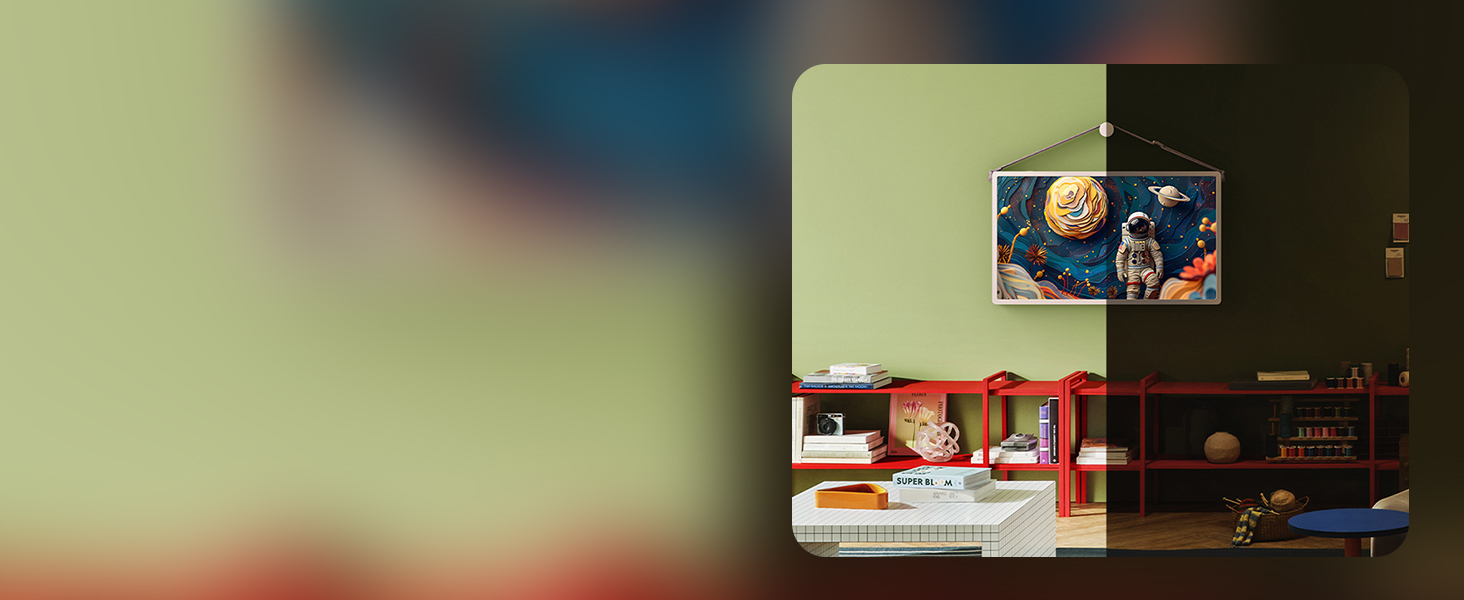
Figure 8: Wireless screen mirroring from your smartphone to the StanbyME 2.
5. Specifications
| Feature | Detail |
|---|---|
| Brand | LG |
| Model Number | 27LX6TYGA |
| Screen Size | 27 Inches |
| Resolution | 1440p (QHD) |
| Aspect Ratio | 16:9 |
| Screen Surface Description | Matte |
| Item Weight | 33.5 pounds |
| Product Dimensions (with stand) | 15.7 x 24.5 x 49.8 inches |
| Special Features | Browser, Built-In Speakers, Game Mode, Portable |
| Battery Life | Up to 4 hours (actual usage may vary) |
6. Troubleshooting
- No Power:
- Ensure the power cable is securely connected to the device and a working power outlet.
- Check if the power outlet is functional by plugging in another device.
- Verify the battery is charged if operating wirelessly.
- No Picture/Sound:
- If using an external device, ensure the HDMI cable is properly connected and the correct input source is selected on the StanbyME 2.
- Check the volume settings on both the StanbyME 2 and any connected external devices.
- Touchscreen Unresponsive:
- Restart the device.
- Ensure the screen is clean and free from obstructions.
- Wi-Fi Connectivity Issues:
- Check your router and internet connection.
- Restart the StanbyME 2 and your router.
- Ensure the device is within range of your Wi-Fi network.
7. Maintenance
- Screen Cleaning: Use a soft, lint-free cloth specifically designed for electronics screens. For stubborn smudges, lightly dampen the cloth with water or a screen-safe cleaning solution. Avoid harsh chemicals.
- General Cleaning: Wipe down the stand and base with a soft, dry cloth. Avoid abrasive materials.
- Battery Care: For optimal battery longevity, avoid fully discharging the battery frequently. Store the device in a cool, dry place when not in use for extended periods.
8. Warranty and Support
Your LG StanbyME 2 (Model: 27LX6TYGA) comes with a manufacturer's warranty. Please refer to the warranty card included in your product packaging for specific terms and conditions. For technical support, service, or additional information, please visit the official LG Electronics website or contact their customer service department.