
Daewoo Security VIG102+
Daewoo Vigilia VIG102+ WiFi/GSM Connected Alarm System User Manual
Model: VIG102+
1. Introduction
The Daewoo Vigilia VIG102+ is a comprehensive wireless security system designed to protect your home or apartment. This system operates via WiFi and GSM, offering remote control and notifications without a monthly subscription. It includes a central alarm unit, a Full HD camera, motion detectors, door/window contactors, an outdoor siren, and various accessories for a complete security solution.
Key features include:
- Wireless and subscription-free operation.
- Remote control via the Daewoo Home Connect mobile application.
- Pet-friendly motion detection (up to 10 kg).
- Full HD indoor camera with night vision and motion detection.
- Expandable system with additional detectors and accessories.
2. Package Contents
Verify that all the following components are included in your package:
- 1 x Vigilia WiFi & GSM Alarm Hub (Central Unit)
- 1 x IP506P Indoor Camera
- 4 x 2-in-1 Door/Window Contactors (Opening & Vibration Detection)
- 1 x Motion Detector
- 1 x Remote Control
- 2 x RFID Badges
- 1 x WOS305 Outdoor Siren
- Power Adapters and Batteries for all components

Image 2.1: Overview of the Daewoo Vigilia VIG102+ system components.
3. Setup and Installation
The Daewoo Vigilia VIG102+ system is designed for easy and quick installation without professional assistance.
3.1 Initial Setup
- Power On the Alarm Hub: Connect the central alarm unit to a power outlet using the provided adapter.
- Download the App: Download the "Daewoo Home Connect" application from your smartphone's app store (compatible with iOS and Android).
- Pair Devices: Follow the in-app instructions to connect the alarm hub to your home WiFi network and pair all included sensors, camera, and siren.
3.2 Component Placement
Each component can be installed using screws or adhesive, depending on your preference and surface type.
- Alarm Hub (Keypad): Install near an entry point for easy arming/disarming.

Image 3.1: Keypad installation example.
- Motion Detector: Place in areas where intruders are likely to pass. Ensure it is positioned to avoid false alarms from pets (up to 10 kg).

Image 3.2: Motion detector installation example.
- Door/Window Contactors: Attach to doors and windows to detect opening or vibration.
- Indoor Camera: Position in a central location for optimal surveillance coverage.

Image 3.3: Indoor camera placement example.
- Outdoor Siren: Mount in a visible, secure location outside your property.
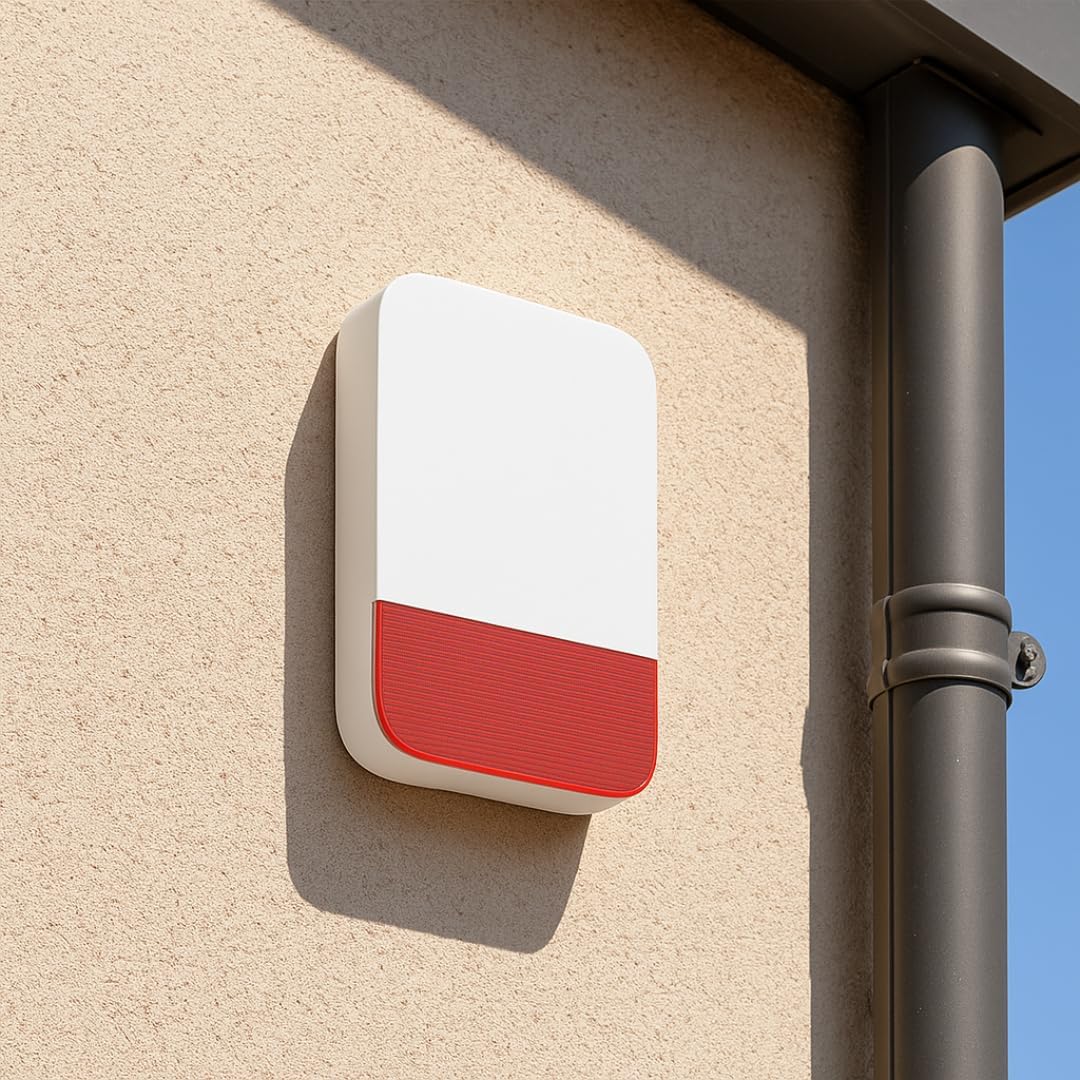
Image 3.4: Outdoor siren installation example.
4. Operating Instructions
4.1 Daewoo Home Connect Application
The free Daewoo Home Connect app allows full control of your alarm system from your smartphone.
- Arm/Disarm: Activate or deactivate your system remotely.
- Notifications: Receive instant alerts for intrusions or system status changes.
- Activity History: View a log of all system events.
- Live View: Access the camera's live feed.
- Smart Scenarios: Configure automated actions based on events or schedules.

Image 4.1: Daewoo Home Connect application interface.
4.2 Keypad Operation
Use the central alarm unit's keypad to arm or disarm the system locally.
- Arm: Enter your code and press the arm button.
- Disarm: Enter your code and press the disarm button.
4.3 Remote Control and RFID Badges
The remote control and RFID badges provide convenient ways to manage your system.
- Remote Control: Use the dedicated buttons to arm, disarm, or trigger a panic alarm.
- RFID Badges: Tap a badge on the designated area of the alarm hub to quickly arm or disarm the system.
4.4 Indoor Camera Functions
The included IP506P indoor camera offers advanced surveillance capabilities:
- Full HD Video: Record and view footage in 1080p resolution.
- Night Vision: Automatic infrared night vision for clear images in low light.
- Motion Detection: Receive alerts and record video when motion is detected.
- Local Storage: Supports recording to a microSD card (not included).
5. Maintenance
Regular maintenance ensures optimal performance of your Daewoo Vigilia system.
- Battery Replacement: All wireless components are powered by alkaline batteries. The app will notify you when batteries are low. Replace them promptly with new alkaline batteries of the specified type.
- Cleaning: Gently wipe the surfaces of the alarm hub, camera, and sensors with a soft, dry cloth. Avoid using abrasive cleaners or solvents.
- Firmware Updates: Ensure your Daewoo Home Connect app and alarm system firmware are up to date for the best performance and security features. Updates are typically managed through the app.
6. Troubleshooting
If you encounter issues with your Daewoo Vigilia VIG102+ system, consider the following common solutions:
- System Not Responding: Check if the alarm hub is properly connected to power and your WiFi network. Ensure all components have fresh batteries.
- False Alarms: Review the placement of motion detectors to ensure they are not triggered by pets (if pet-friendly mode is active) or environmental factors like curtains moving in a draft. Adjust sensitivity settings in the app if available.
- Connectivity Issues: Verify your home WiFi network is operational. Restart your router and the alarm hub. Ensure the alarm hub is within range of your WiFi signal. If using GSM, check SIM card installation and signal strength.
- App Issues: Ensure your Daewoo Home Connect app is updated to the latest version. Try restarting the app or your smartphone.
- Camera Not Recording: Check if a microSD card is properly inserted and has sufficient storage space. Verify recording settings in the app.
For persistent issues, consult the Daewoo Security support website or contact customer service.
7. Specifications
| Feature | Specification |
|---|---|
| Manufacturer | Daewoo Security |
| Model Reference | VIG102+ |
| Connectivity Technology | Wireless (WiFi & GSM) |
| Power Source | Battery Powered, Electric Cable |
| Battery Type | Alkaline |
| Installation Method | Screw-in or Adhesive |
| Item Dimensions (L x W x H) | 25 x 18 x 10 cm |
| Item Weight | 2.44 Kilograms |
| Video Recording Resolution | 1080p (Full HD for camera) |
| Alert Type | Audio and Motion |
| Control Method | Application |
8. Warranty and Support
For warranty information, please refer to the documentation provided with your purchase or visit the official Daewoo Security website. Specific details regarding spare parts availability are not provided in this manual.
For technical support, product inquiries, or assistance with installation and operation, please contact Daewoo Security customer service through their official channels. You can often find contact information on the Daewoo Security website or within the Daewoo Home Connect application.
Online Resources:
- Visit the Daewoo Security Store on Amazon for product information and accessories.
Ask a question about this manual
Ask about setup, troubleshooting, compatibility, parts, safety, or missing instructions. Manuals+ will review the question and use this page’s manual context to help answer it.