Introduction
This manual provides detailed instructions for the proper installation and care of your Frgnie Smartwatch Screen Protector. Designed to offer robust protection and maintain screen clarity, this TPU film ensures your smartwatch display remains pristine. Please read these instructions carefully before proceeding with installation.
Product Compatibility
This screen protector is specifically designed for the following smartwatch models:
- TRAUSI TG08 Smart Watch 1.83"
- iBesi TG09 Smart Watch 1.83"
- DIVOAZBVO TK29 Smartwatch 1.83"
Please verify your smartwatch model and screen size (1.83 inches) before installation to ensure proper fit.

Image: Visual representation of the screen protector designed for 1.83-inch smartwatches, including TG08 and TG09 models.
Package Contents
Each package contains:
- 6 x Frgnie TPU Screen Protectors
- 1 x Wet Wipe (for cleaning)
- 1 x Dry Wipe (for drying)
- 1 x Dust Absorber Sticker
- 1 x Squeegee / Scratch Card (for bubble removal)
- 1 x Installation Guide Card
Installation Guide
Follow these steps carefully for optimal screen protector application:
1. Preparation
- Clean the Screen: Use the included wet wipe to thoroughly clean your smartwatch screen, removing any dust, oil, or smudges.
- Dry the Screen: Use the dry wipe to remove any residual moisture, ensuring the screen is completely dry.
- Remove Dust: Use the dust absorber sticker to gently dab the screen and lift any remaining tiny dust particles. Ensure the screen is spotless before proceeding.
2. Application
- Peel Label 1: Carefully peel off the protective film labeled "1" from the screen protector. Avoid touching the adhesive side.
- Align and Apply: Align the screen protector precisely with your smartwatch screen. Start from one edge and slowly lower it onto the screen. Ensure it is centered to avoid edge misalignment.
- Remove Bubbles: Use the provided squeegee (scratch card) to gently push out any air bubbles from the center towards the edges. Apply even pressure.
- Peel Label 2: Once the screen protector is affixed and bubbles are removed, carefully peel off the top protective film labeled "2".

Image: Illustration of the easy installation process, showing the use of a squeegee to smooth out the screen protector.
Video: A demonstration of the screen protector installation process, highlighting its clarity and ease of application.
Product Features
Self-Healing Technology
The soft TPU material incorporates advanced self-healing properties. Minor scratches and small air bubbles that may remain after installation will automatically disappear within 24-48 hours due to the gel adsorption technology. This ensures a consistently smooth and clear display.

Image: Depiction of the self-healing feature, illustrating how bubbles and minor scratches on the screen protector vanish over time.
Full Coverage & High Transparency
The screen protector features precise cutting for full edge-to-edge coverage, protecting the entire display area without interfering with watch cases. Its HD transparent design ensures ultra-clear viewing, preserving the original brightness and color of your smartwatch screen.

Image: A close-up view demonstrating the full coverage of the screen protector, extending to the edges of the smartwatch display.

Image: A detailed shot highlighting the high-definition transparency of the screen protector, ensuring clear visual quality.
Soft and Tough Material
Crafted from soft yet tough Thermoplastic Polyurethane (TPU), this film provides durable protection against scratches, scuffs, and daily wear. It is resistant to warping or falling off, ensuring long-lasting adherence and protection.
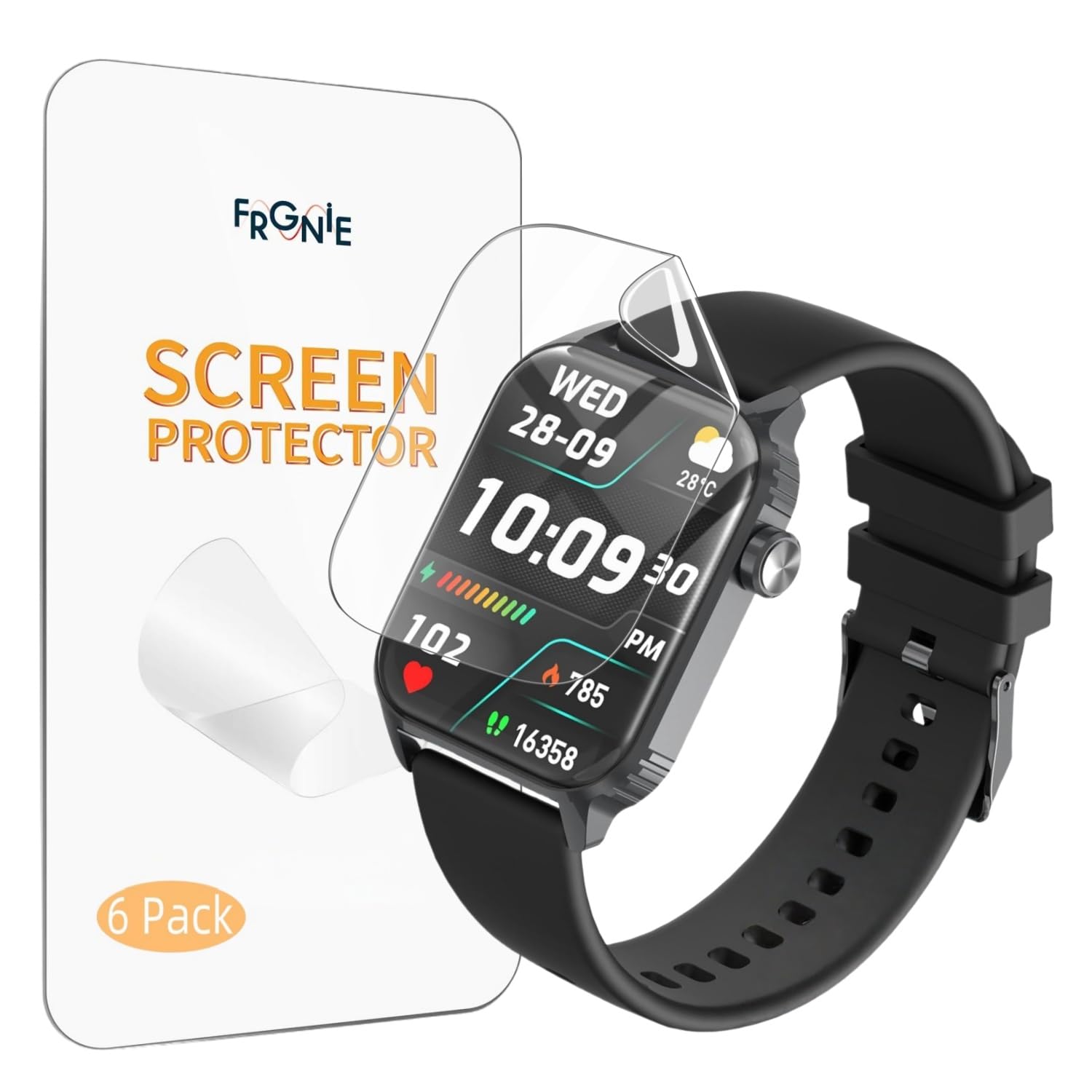
Image: Visual representation of the screen protector's soft and tough TPU material, designed for durability and protection.
Care and Maintenance
To maintain the clarity and effectiveness of your screen protector:
- Clean the screen protector regularly with a soft, lint-free cloth.
- Avoid using harsh chemicals or abrasive materials, as these can damage the film.
- If the screen protector becomes heavily scratched or damaged, replace it with a new one from the pack.
Troubleshooting
Bubbles After Installation
If small bubbles remain after installation, do not attempt to forcefully remove them. Due to the self-healing properties of the TPU film, most small bubbles will naturally disappear within 24-48 hours. Larger bubbles can sometimes be gently pushed to the edge with the squeegee.
Misalignment
If the screen protector is significantly misaligned, it may be carefully lifted and re-applied immediately after initial placement, provided the adhesive side has not picked up dust. If dust is present, it is recommended to use a new screen protector.
Product Specifications
| Brand | Frgnie |
| Model Number | US-TG08-6TPU |
| Compatible Devices | TG08, TG09, TK29 Smart Watches (1.83 Inches) |
| Material | Thermoplastic Polyurethane (TPU) |
| Item Hardness | 4H |
| Special Features | HD Transparent, Self-Healing, Full Coverage |
| Color | Clear |
| Unit Count | 6.0 Count |
Customer Support
For any questions, concerns, or assistance with your Frgnie Smartwatch Screen Protector, please contact our customer support team. We are available to help you before and after your purchase.
Refer to your product packaging or the retailer's website for specific contact details.