
1. Introduction
Thank you for choosing the TACTIEN T10 Electric Offroad Commuter Scooter. This manual provides essential information for the safe operation, assembly, maintenance, and troubleshooting of your scooter. Please read this manual thoroughly before your first ride to ensure optimal performance and safety.
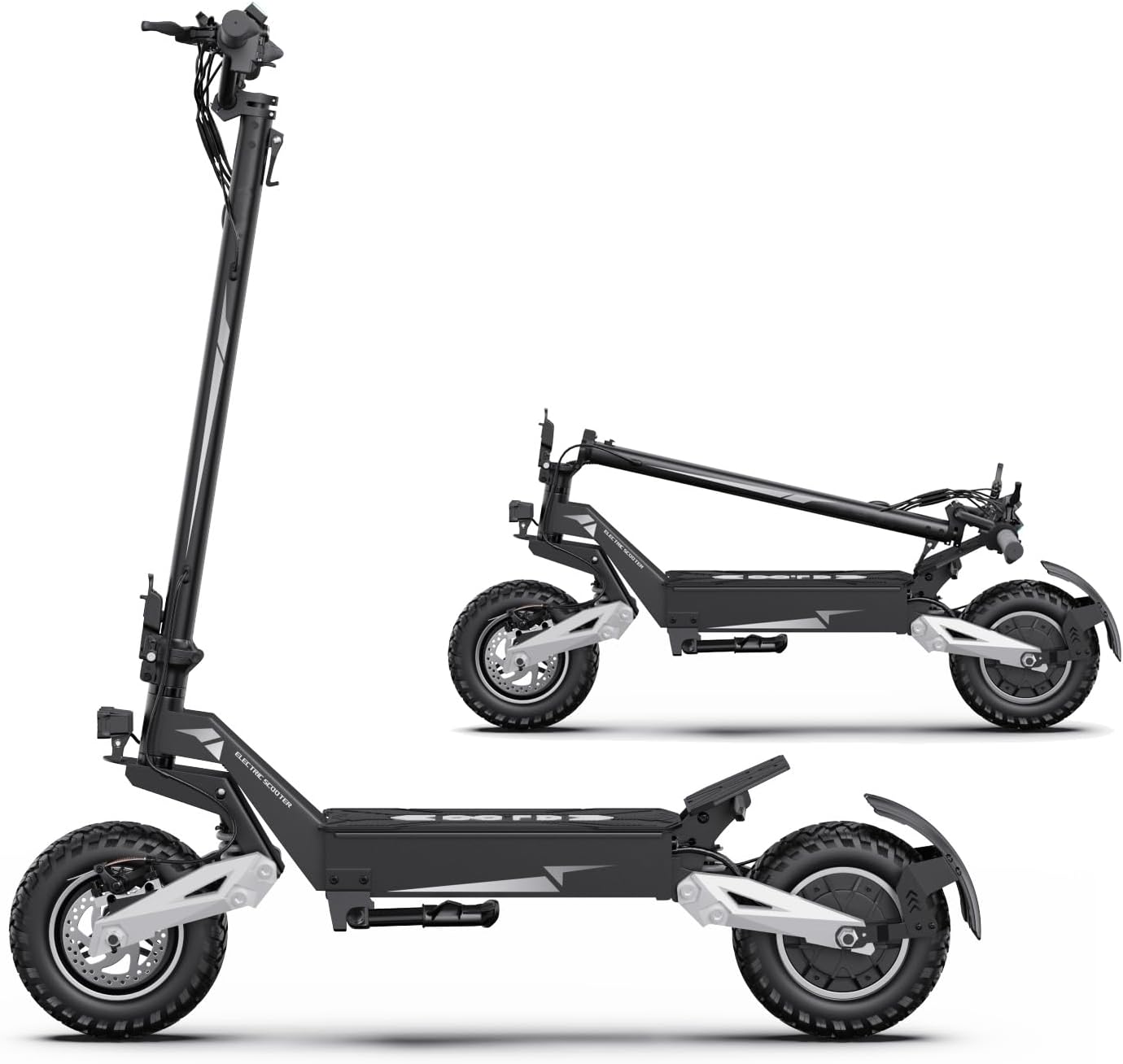
Image 1.1: The TACTIEN T10 Electric Scooter in both unfolded and folded configurations, demonstrating its portability.
2. Safety Warnings
Your safety is paramount. Always wear a helmet and appropriate protective gear when riding. Adhere to local traffic laws and regulations. This scooter is UL2272 safety certified, ensuring reliable performance under various conditions. However, improper use can lead to serious injury.
- Always wear a helmet and other protective gear (knee pads, elbow pads).
- Do not ride in heavy rain or through standing water deeper than 1 inch.
- Avoid riding on slippery surfaces, steep inclines, or uneven terrain at high speeds.
- Ensure all bolts and quick releases are securely fastened before each ride.
- Familiarize yourself with the braking system and practice emergency stops.
- Do not allow children under the age of 16 to operate the scooter.
- Maintain a safe distance from other vehicles and pedestrians.
3. Package Contents
Upon unpacking, please verify that all the following items are included in your package:
- Folding scooter (1 unit)
- Multi-function wrench (1 unit)
- Ordinary charger (1 unit)
- Instruction manual (1 unit)
4. Setup & Assembly
The TACTIEN T10 scooter requires minimal assembly. Follow these steps to get your scooter ready for its first ride. For a visual guide, please refer to the assembly video below.
4.1 Unboxing and Initial Inspection
- Carefully open the packaging and remove the scooter and all accessories.
- Remove all protective wrapping and foam inserts.
- Inspect the scooter for any signs of damage during transit. Contact customer support immediately if any issues are found.
4.2 Handlebar Assembly
- Unfold the main stem of the scooter until it locks into place.
- Attach the handlebar to the stem. Ensure the cables are not pinched.
- Secure the handlebar using the provided screws and multi-function wrench.
- Connect the front light cable.
4.3 Kickstand and Fender Installation
- Attach the kickstand to the designated mounting points on the side of the deck using the provided screws.
- Install the rear fender over the rear wheel, securing it with the appropriate screws.
4.4 Rear Turn Signal Installation
- Mount the rear turn signals on either side of the rear fender assembly.
- Connect the turn signal wiring to the corresponding connectors.
4.5 Visual Assembly Guide
Video 4.1: A detailed assembly guide for the TACTIEN T10 Electric Scooter, demonstrating each step from unboxing to final setup.
5. Operating Instructions
5.1 Powering On/Off
Insert the key into the ignition and turn it to the 'ON' position to power on the scooter. The smart LCD display will illuminate. To power off, turn the key to the 'OFF' position and remove it.
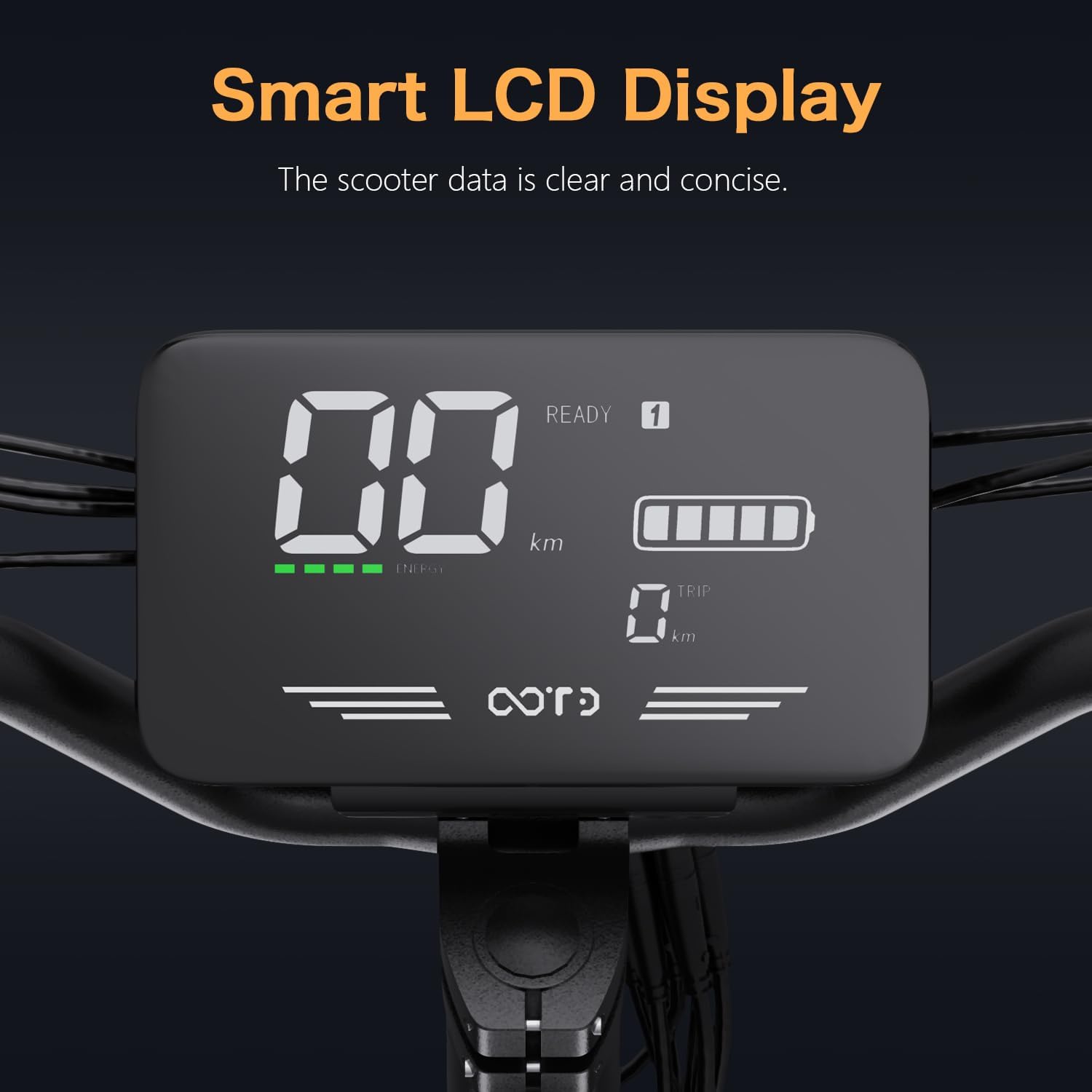
Image 5.1: The smart LCD display provides real-time information on speed, battery life, and trip distance.
5.2 Speed Modes
The T10 scooter features 3 distinct speed modes, allowing you to adjust performance based on terrain and preference. Use the mode button on the handlebar to cycle through these settings.
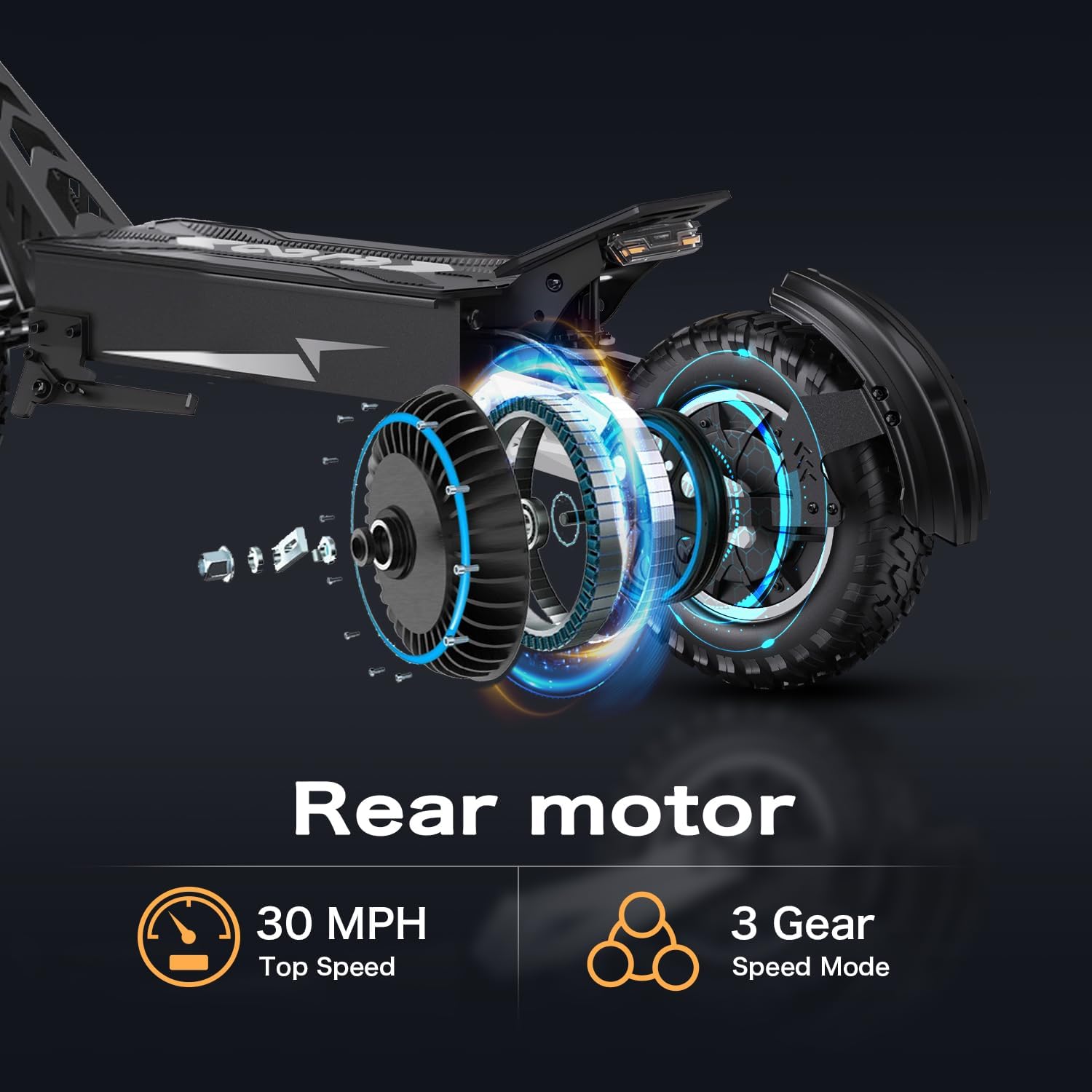
Image 5.2: The scooter's rear motor supports a top speed of 30 MPH and offers 3 gear speed modes for varied riding experiences.
5.3 Acceleration and Braking
Gently press the throttle to accelerate. The T10 is equipped with dual hydraulic disc brakes for reliable stopping power. Apply both front and rear brakes smoothly to slow down or stop. Avoid sudden braking, especially at high speeds, to prevent loss of control.
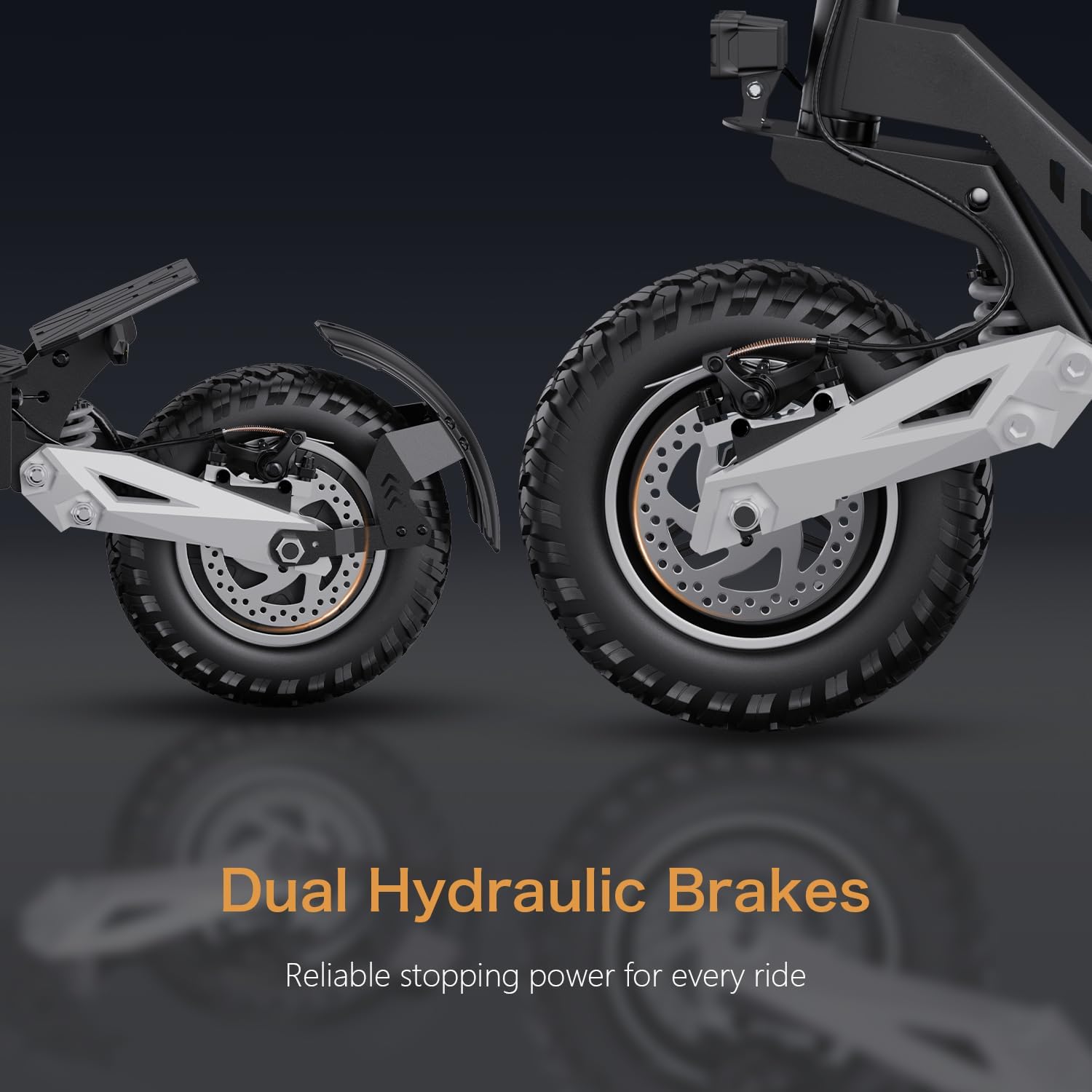
Image 5.3: The dual hydraulic disc brakes provide precise and powerful stopping capability.
5.4 Lighting System
Activate the front headlights and ambient lighting for improved visibility during nighttime rides. The scooter's body is equipped with multiple ambient lights to enhance your presence.

Image 5.4: Front headlights and ambient lighting ensure visibility and safety during low-light conditions.
5.5 Folding Mechanism
The T10 features a portable, foldable design for easy storage and transport. To fold, locate the folding latch on the stem, release it, and carefully fold the stem down towards the deck until it locks into place. Reverse the process to unfold.

Image 5.5: Product dimensions illustrating the compact size of the scooter when folded.
6. Maintenance
Regular maintenance ensures the longevity and safe operation of your TACTIEN T10 scooter.
- Tire Pressure: Check tire pressure regularly. Proper inflation is crucial for ride quality and range. The 11-inch all-terrain tires are designed for various surfaces.
- Brakes: Inspect brake levers and cables for proper function and wear. Adjust or replace components as needed.
- Cleaning: Clean the scooter with a damp cloth. Avoid using high-pressure water jets directly on electrical components. The scooter has an IPX5 waterproof rating, but it is not fully submersible.
- Battery: Charge the battery fully after each use. Store the scooter in a cool, dry place when not in use for extended periods.
- Fasteners: Periodically check and tighten all screws and bolts.
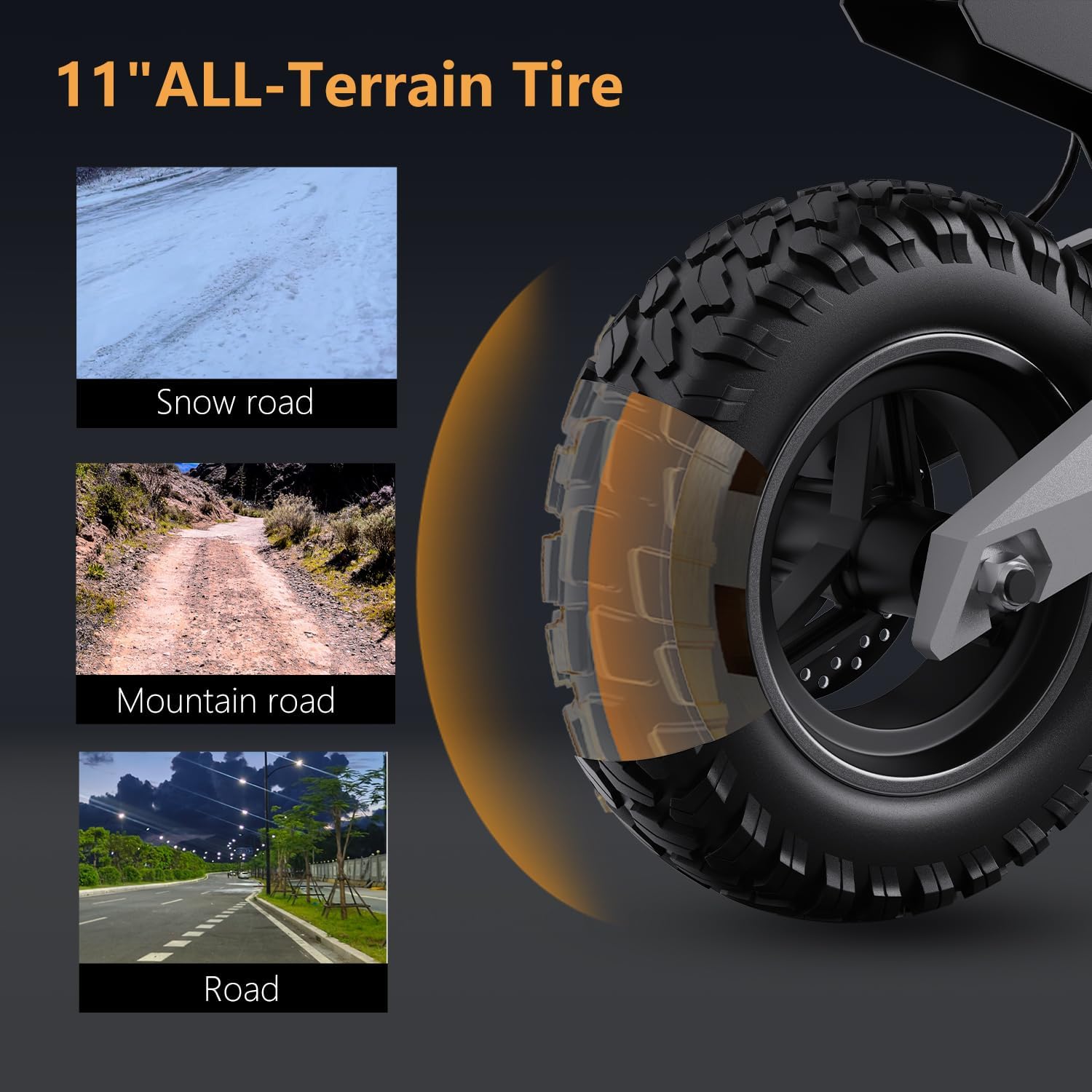
Image 6.1: The 11-inch all-terrain tires provide excellent grip and shock absorption on diverse terrains.
7. Troubleshooting
This section addresses common issues you might encounter with your TACTIEN T10 scooter.
| Problem | Possible Cause | Solution |
|---|---|---|
| Scooter does not power on | Battery low or dead; Key not fully inserted/turned; Loose connection | Charge battery; Ensure key is fully turned; Check main power connections. |
| Motor not engaging | Throttle issue; Motor cable disconnected; Controller fault | Check throttle for obstruction; Verify motor cable connection; Contact support if issue persists. |
| Brakes feel weak | Brake pads worn; Cable tension too loose; Air in hydraulic system | Inspect and replace brake pads; Adjust cable tension; Consult a professional for hydraulic system bleeding. |
| Reduced range/speed | Low tire pressure; Battery degradation; Riding conditions (hills, heavy load) | Inflate tires to recommended pressure; Ensure full charge; Adjust riding style. |
8. Specifications
Key technical specifications for the TACTIEN T10 Electric Offroad Commuter Scooter:
| Feature | Detail |
|---|---|
| Brand | TACTIEN |
| Model Name | T10 (900W/48V 13.5Ah/30 Miles/30Mph/11") |
| Motor Power | 900W Peak Rear Motor |
| Max Speed | 30 MPH |
| Battery | 48V 13.5Ah |
| Max Range | 30 Miles |
| Tires | 11-inch All-Terrain Pneumatic Tires |
| Brakes | Front and Rear Hydraulic Disc Brakes |
| Suspension | Dual Suspension System |
| Frame Material | Aluminum Alloy |
| Weight Limit | 150 Kilograms |
| Special Features | Foldable, Lights, Smart LCD Display, IPX5 Waterproof Rating |
| Certification | UL2272 Certified |
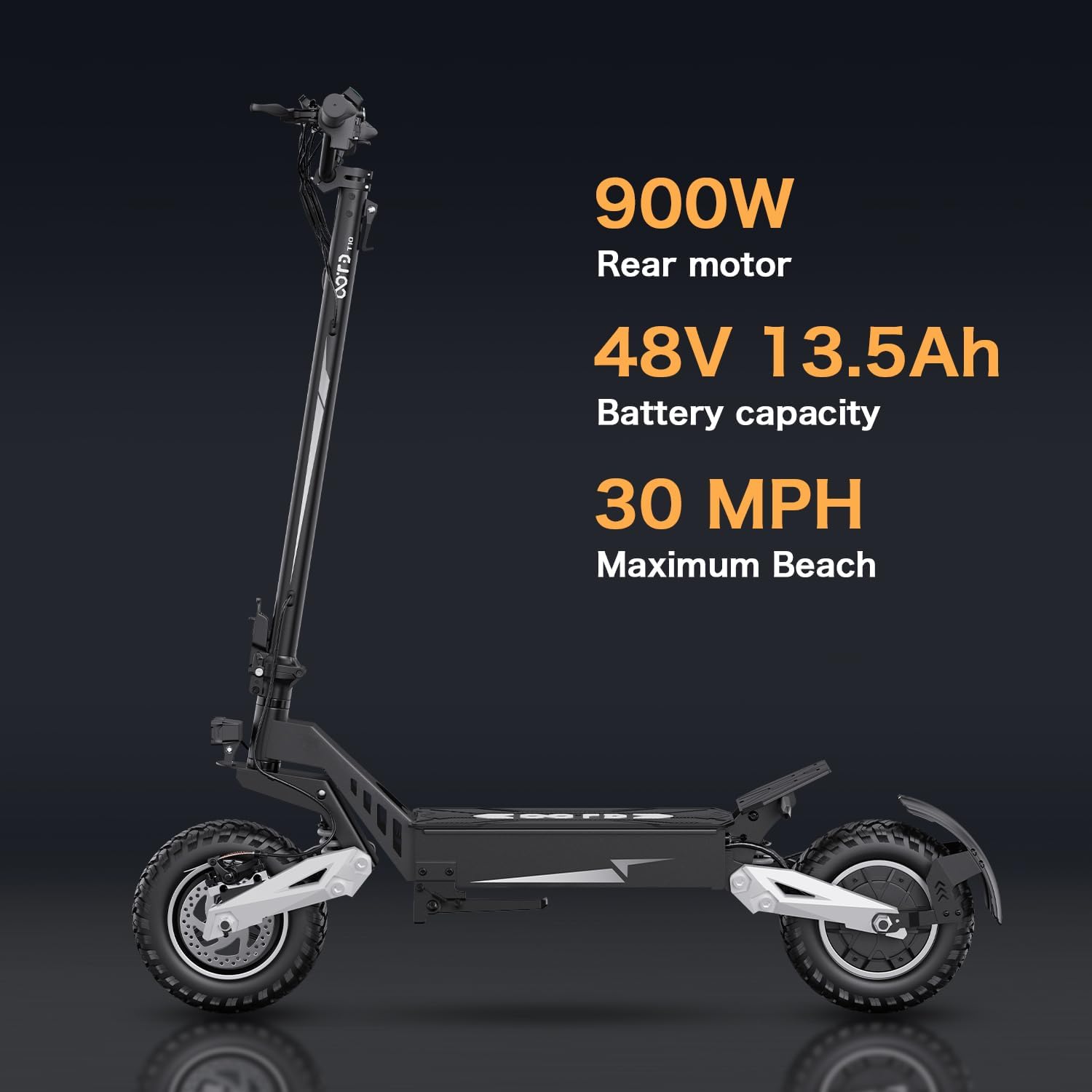
Image 8.1: Overview of the TACTIEN T10's core performance features.
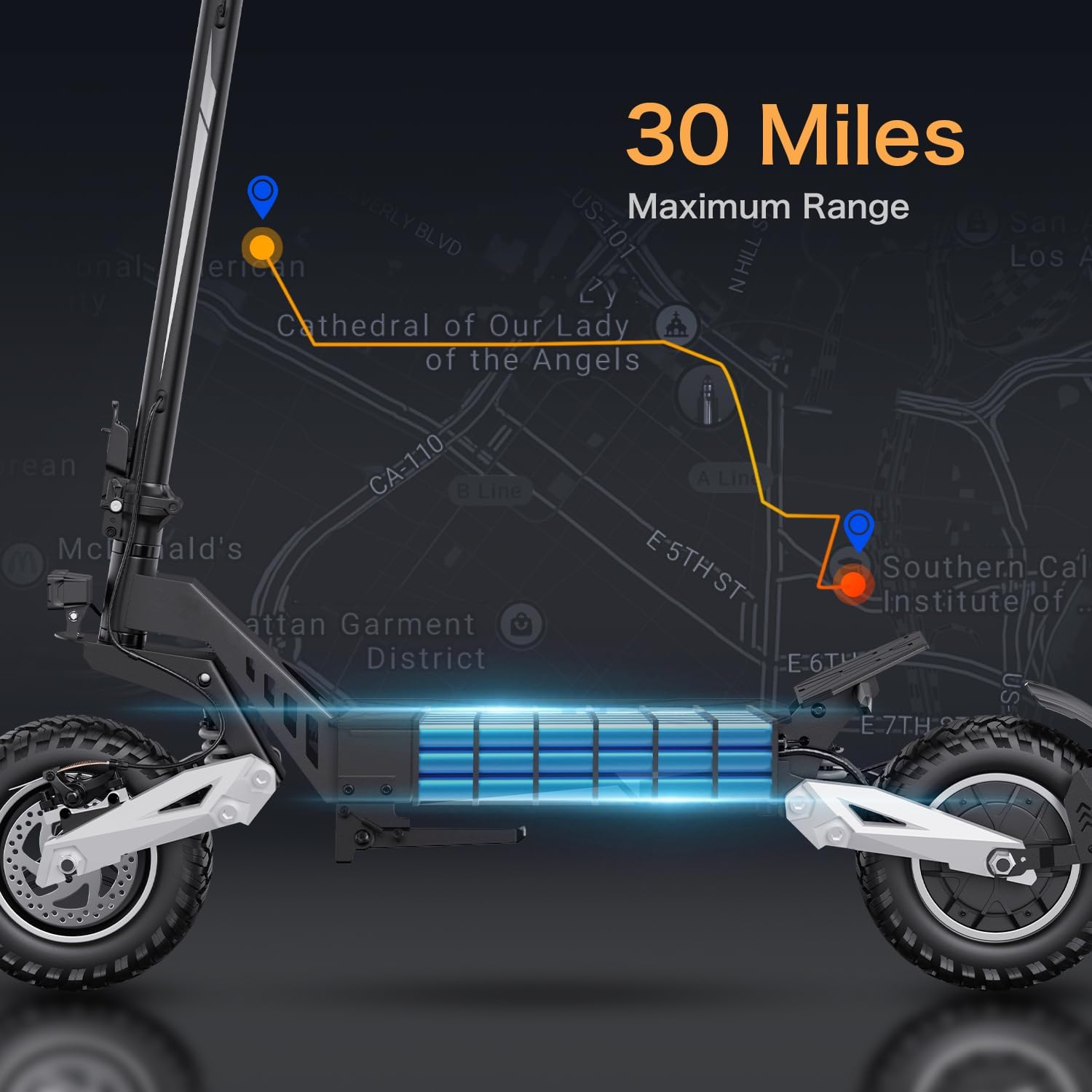
Image 8.2: Visual representation of the scooter's 30-mile maximum range.
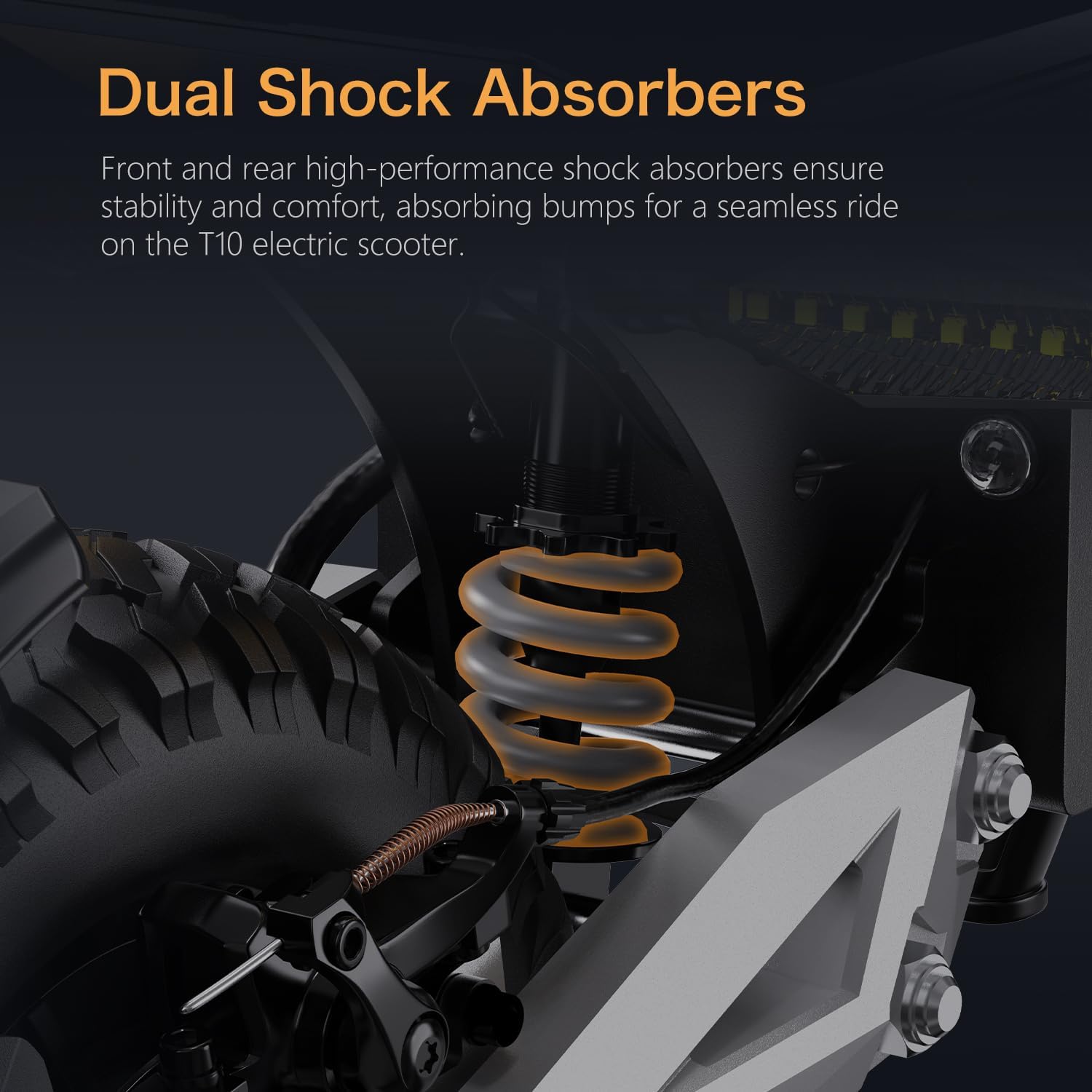
Image 8.3: The dual suspension system provides excellent shock absorption for a comfortable ride.
9. Warranty & Support
TACTIEN offers a 6-month limited manufacturer warranty covering parts and labor for defects under normal use. For additional or consumable parts beyond the warranty period, continued support is provided.
9.1 Customer Support Contact
For prompt assistance, please use the following contact methods:
- WhatsApp: +86 15818419360 (Available 24 hours a day)
- Live Chat & Email: rayiservice@163.com

Image 9.1: TACTIEN customer support contact details for assistance.


