
Introduction
Thank you for choosing the AreShark MC02 Ergonomic Office Chair. This manual provides detailed instructions for assembly, operation, and maintenance to ensure you get the most comfortable and supportive experience from your new chair. Designed for universal fit, it accommodates users from 4'3" to 6'1" with a maximum weight capacity of 300 lbs, offering personalized seating for various body types. Its total-body ergonomic support, breathable mesh, and adjustable features are crafted for prolonged comfort during work, study, or gaming sessions.
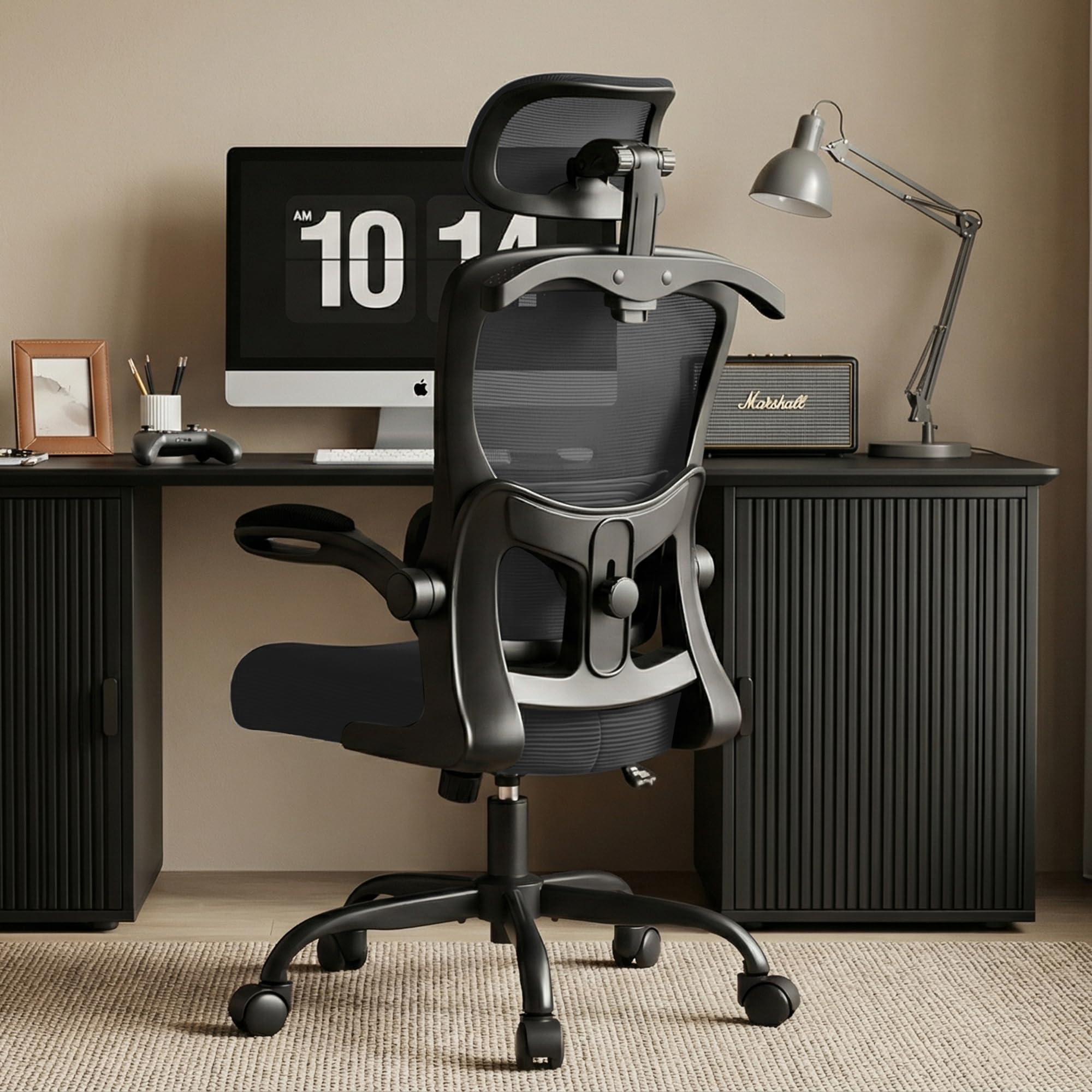
The AreShark MC02 Ergonomic Office Chair, designed for comfort and support.
Setup Instructions
Assembly of your AreShark MC02 chair is designed to be straightforward, typically taking less than 15 minutes. Please follow these steps carefully.
Assembly Video Guide
Official installation video for the AreShark MC02 Ergonomic Office Chair, demonstrating step-by-step assembly.
Component Overview
An exploded view illustrating all components of the AreShark MC02 chair for easy identification during assembly.
Step-by-Step Assembly
- Assemble the Base: Attach the five casters to the chair base. Insert the gas lift cylinder into the center hole of the base.
- Attach Armrests to Backrest: Secure the two armrests to the backrest using the provided screws (M6*22mm) and armrest covers.
- Connect Seat Cushion: Attach the seat cushion to the backrest assembly using the four screws (M6*30mm).
- Install Base Plate: Secure the base plate to the underside of the seat cushion using the four screws (M6*18mm).
- Combine Seat and Base: Place the assembled seat and backrest onto the gas lift cylinder.
- Attach Hanger: Secure the hanger to the top of the backrest using the two screws (M6*30mm).
- Install Headrest: Attach the headrest to the top of the backrest, securing it with the two screws (M6*30mm) and covers.
Operating Instructions
Your AreShark MC02 chair offers multiple adjustment options to customize your seating experience for optimal comfort and ergonomic support.
Headrest Adjustment
The 2D headrest can be adjusted vertically by 3.2 inches and rotated 90 degrees to provide optimal neck support, whether you are typing, reading, or relaxing.
Video demonstrating the 2D headrest adjustment for personalized neck support.

Image illustrating the vertical and rotational adjustments of the headrest.
Lumbar Support Adjustment
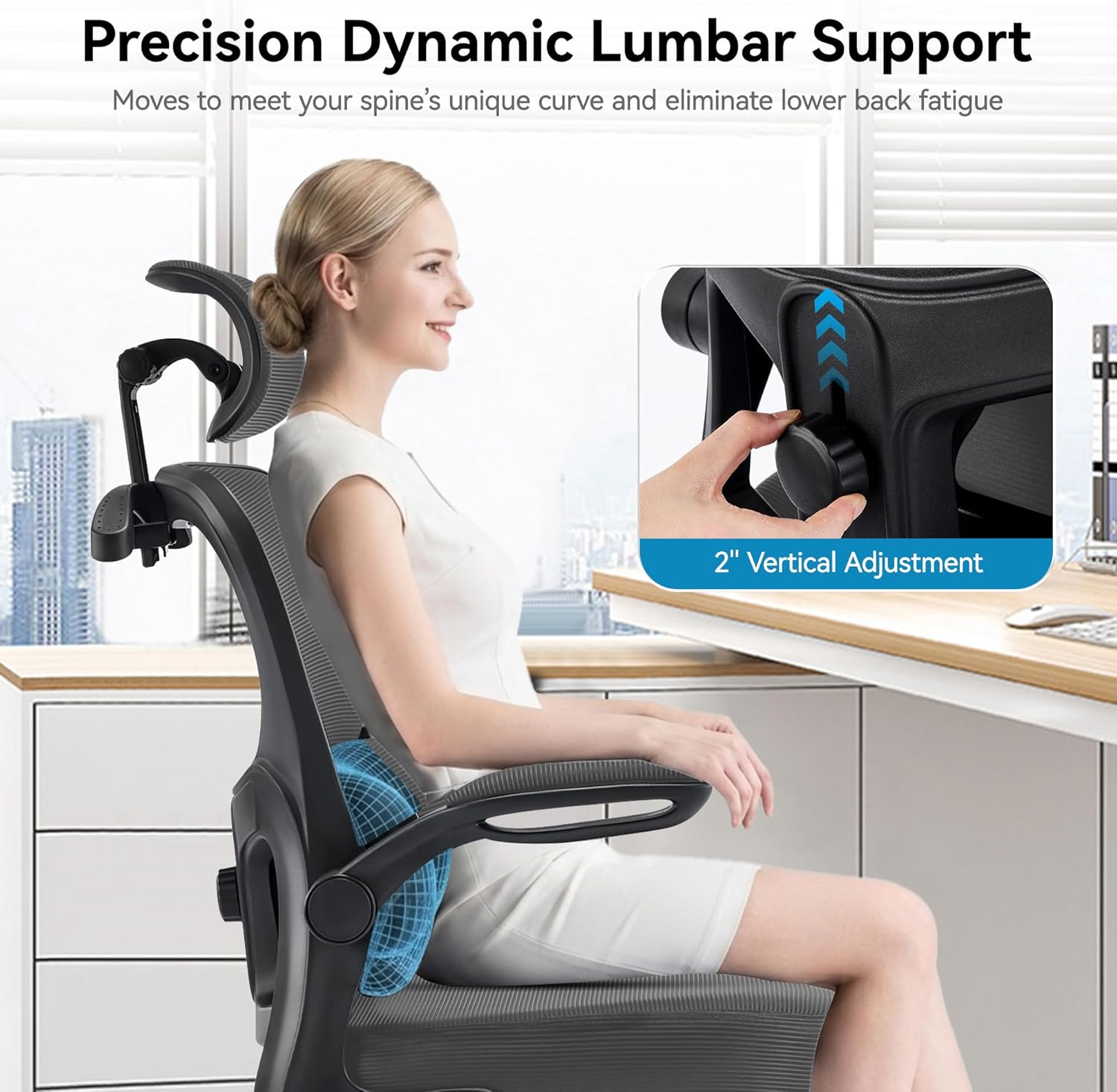
The lumbar support can be moved 2 inches vertically to align with your spine's natural curve, cradling your lower back and reducing fatigue during long periods of sitting.
Video showcasing the adjustable lumbar support feature.
Close-up of the lumbar support adjustment mechanism.
Seat Height Adjustment
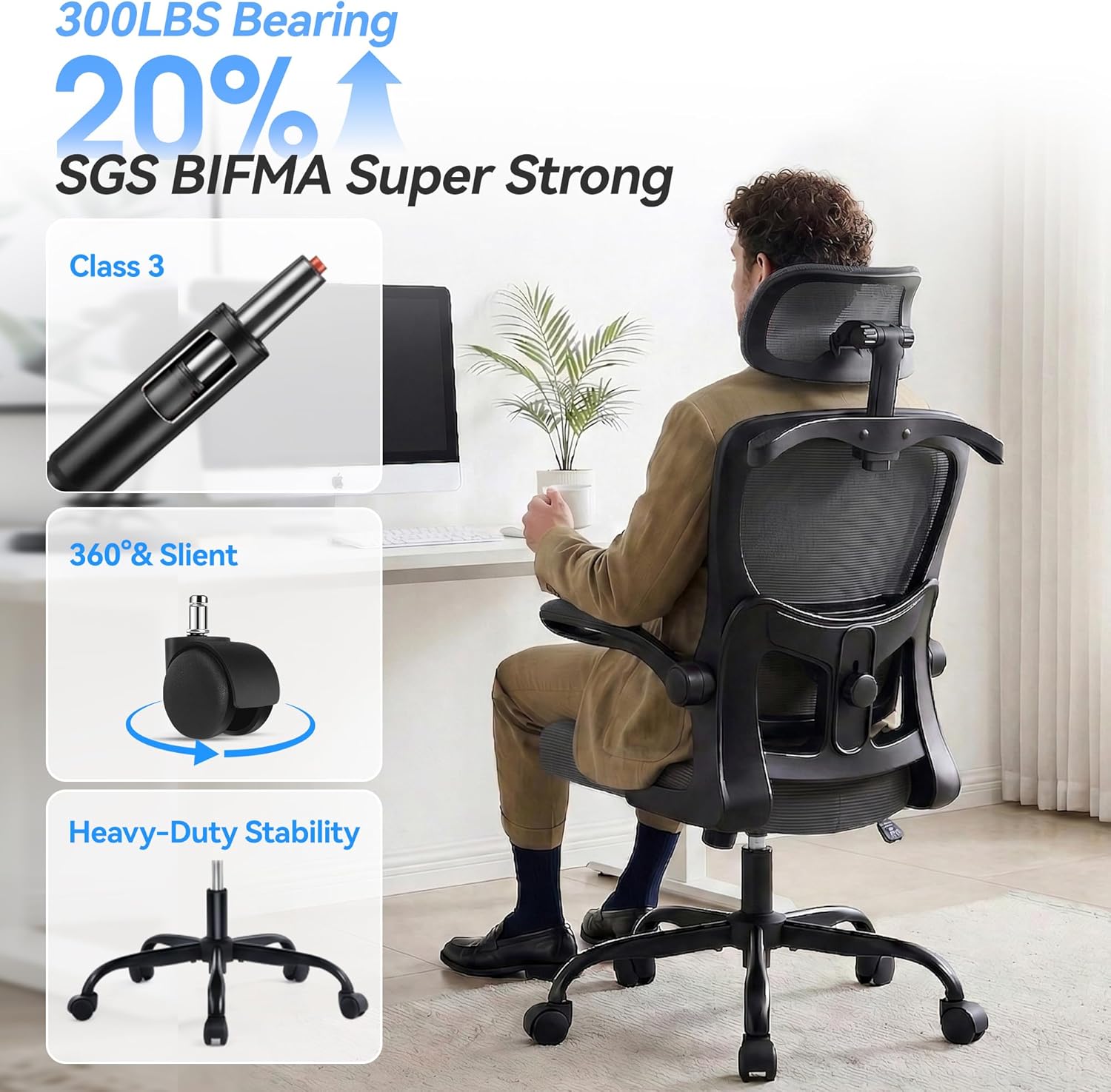
Utilize the 3-stage gas lift system to adjust the seat height by 4 inches, ranging from 18.5" to 22.5". This allows users of various heights to maintain proper leg positioning with feet flat on the floor.

Diagram showing the chair's dimensions, including the seat height adjustment range.
Tilt Function
The chair features a 30-degree tilt mechanism, allowing you to recline from 90 degrees upright to 120 degrees for relaxation. A tension-adjustable knob controls the rocking motion, helping to release spinal pressure and ease muscle tension.
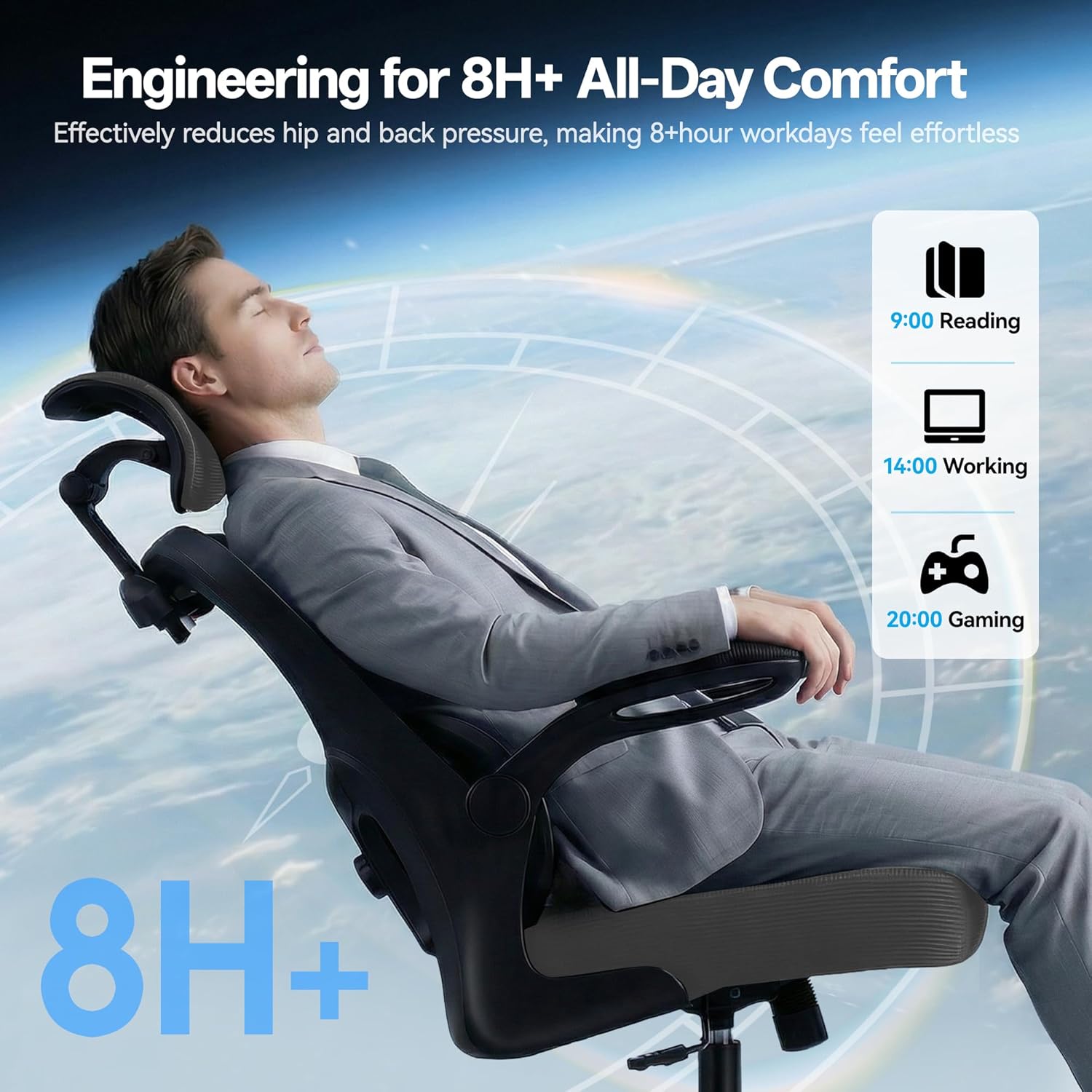
Visual representation of the chair's tilt function and controls.
Armrest Adjustment
The flip-up armrests can be retracted smoothly to allow the chair to be stored completely under most desks, saving space. When down, they provide soft elbow support to improve circulation during long tasks.

Image illustrating the flip-up armrest feature.
Built-in Hanger
A convenient built-in coat hanger on the backrest securely holds jackets, totes, or hoodies, keeping them organized and wrinkle-free without cluttering your workspace.

The integrated hanger on the back of the chair.
Maintenance
To ensure the longevity and optimal performance of your AreShark MC02 Ergonomic Office Chair, please follow these maintenance guidelines:
- Cleaning: Wipe clean with a damp cloth. Avoid harsh chemicals or abrasive cleaners that may damage the mesh or sponge materials.
- Inspection: Periodically check all screws and connections to ensure they are tight. Re-tighten if necessary.
- Weight Capacity: Do not exceed the maximum weight capacity of 300 lbs to prevent damage to the chair's components.
- Environment: Keep the chair away from direct heat sources and sharp objects to prevent damage to the mesh and foam materials.
Troubleshooting
If you encounter any issues with your AreShark MC02 Ergonomic Office Chair, please refer to the following common solutions:
- Chair feels unstable: Ensure all assembly screws are securely tightened. Check that the gas lift is properly seated in the base.
- Difficulty adjusting height: Verify that the height adjustment lever is fully engaged or disengaged as needed. Ensure no obstructions are preventing movement.
- Casters not rolling smoothly: Check for any debris (hair, lint) caught in the caster wheels and clean them if necessary.
- Backrest not tilting: Ensure the tilt lock lever is disengaged and the tilt tension knob is adjusted appropriately.
If the problem persists, please contact customer support for further assistance.
Product Specifications
| Feature | Detail |
|---|---|
| Brand | AreShark |
| Model Name | Office Chair with Headrest |
| Model Number | MC02 |
| Color | Dark Gray |
| Material | Mesh, Sponge, Wood |
| Product Dimensions (D x W x H) | 25.2"D x 25.2"W x 53"H |
| Item Weight | 18 Pounds |
| Maximum Weight Recommendation | 300 Pounds |
| Seat Height Range | 18.5" to 22.5" |
| Headrest Adjustment | 3.2" Vertical, 90° Rotation |
| Lumbar Support Adjustment | 2" Vertical |
| Tilt Angle | 90°–120° |
| Arm Style | Flip-up Padded Armrests |
| Casters | Noise-free PU casters |
| Assembly Required | Yes |
Warranty and Customer Support
AreShark stands behind the quality of its ergonomic seating with a 3-year service warranty. This warranty covers manufacturing defects and ensures your comfort is protected long-term.
For any questions, concerns, or warranty claims, please contact our customer support team:
- Email: support@areshark.com (Example)
- Phone: 1-800-XXX-XXXX (Example)
- Website: www.areshark.com/support (Example)
Please have your model number (MC02) and proof of purchase ready when contacting support.