
AreShark MC01
AreShark Ergonomic Office Chair (Model MC01) Instruction Manual
Brand: AreShark | Model: MC01
Introduction
This manual provides comprehensive instructions for the assembly, operation, and maintenance of your AreShark Ergonomic Office Chair, Model MC01. Designed for enhanced comfort and support, this chair features adjustable lumbar support, breathable mesh, and customizable seating options to promote healthy posture during extended use.
Safety Information
Maximum Weight Recommendation: This chair supports up to 300 pounds (136 kg). Exceeding this weight limit may cause instability and potential injury. Always ensure the chair is used within its recommended weight capacity.
General Safety: Ensure all components are securely fastened before use. Do not stand on the chair. Avoid placing heavy objects on the chair's backrest or armrests. Keep hands and fingers clear of moving parts during adjustment.
Package Contents
- Backrest with integrated lumbar support
- Seat Cushion
- Base Plate
- Foot Stool (Base)
- Air Rod (Gas Lift)
- 5 Castors (Wheels)
- Armrests (2)
- Armrest Covers (2)
- Screws (M6*20mm, M6*22mm, M6*30mm, M6*18mm) and Allen Wrench
Setup and Assembly
Assembly instructions are included with the product. For a visual guide, please refer to the official installation video below.
Video Description: Official installation guide for the AreShark Ergonomic Office Chair. This video demonstrates the step-by-step assembly process, including attaching the base, castors, gas lift, armrests, and seat cushion.
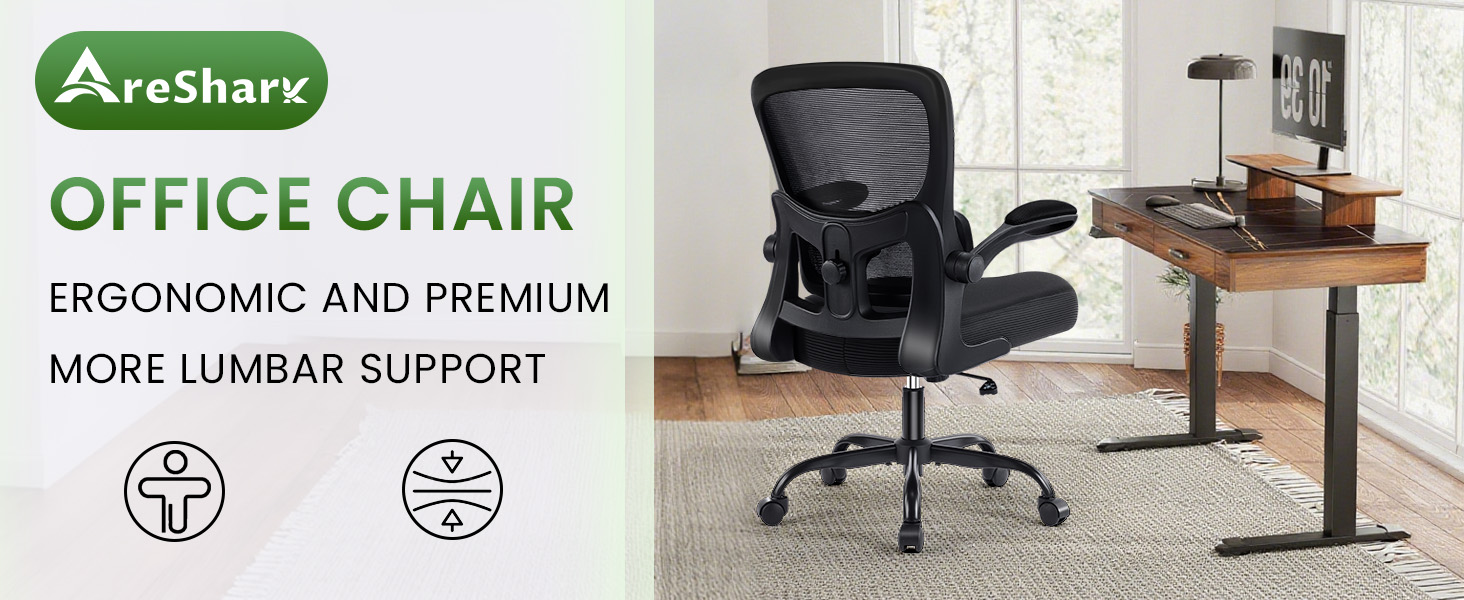
Figure 1: Exploded view of the AreShark Ergonomic Office Chair components, illustrating the parts required for assembly.
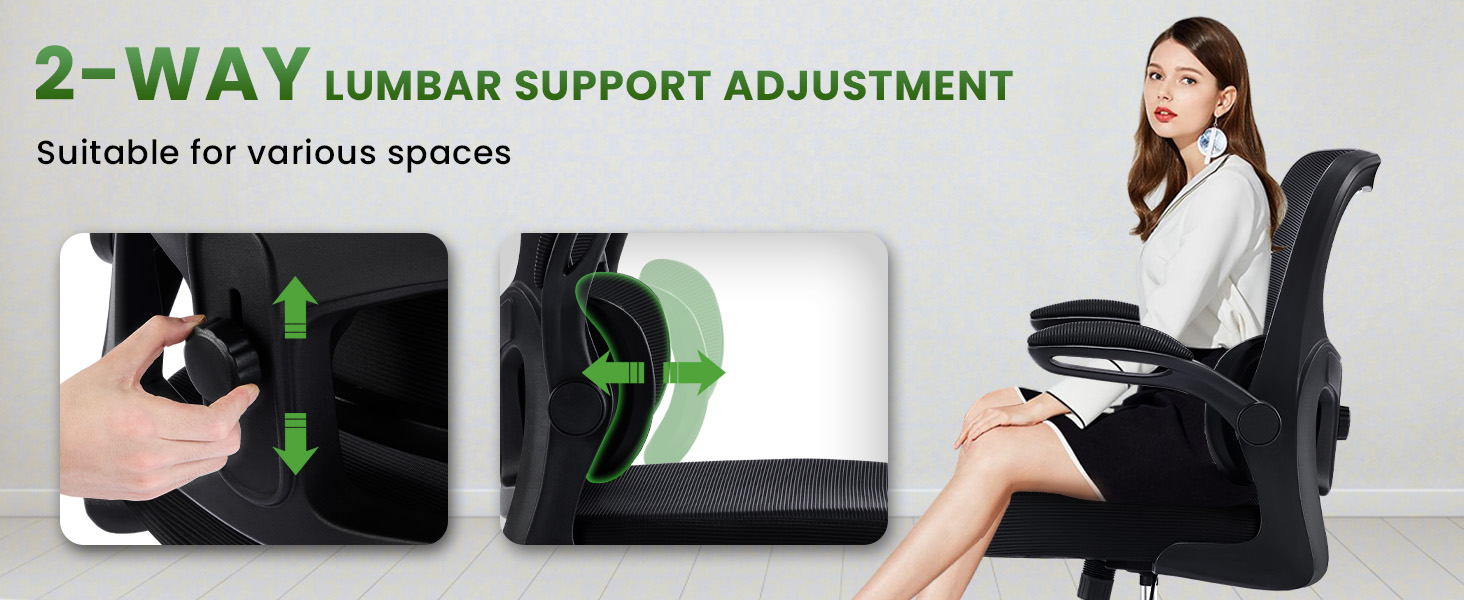
Figure 2: Detailed steps for assembling the chair's five-star base and attaching the castors.
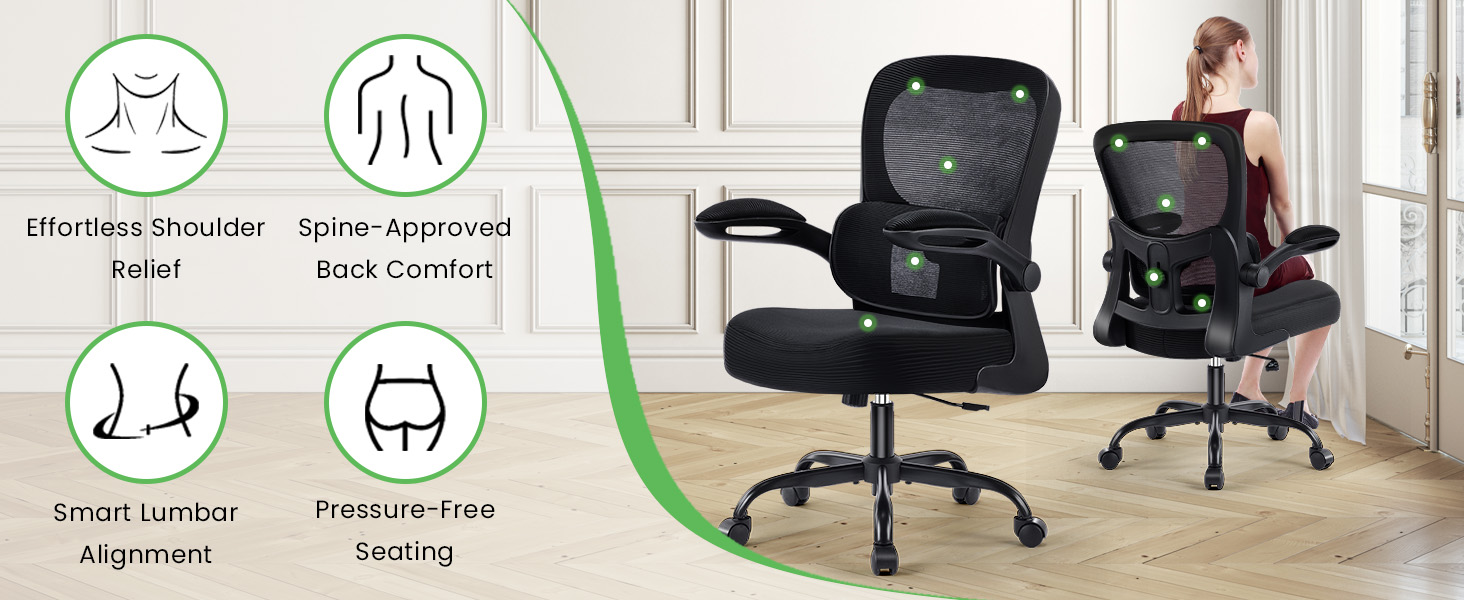
Figure 3: Illustration of how to securely attach the gas lift to the base and connect the backrest and seat cushion.
Operating Instructions
1. Lumbar Support Adjustment
The chair features adjustable lumbar support to conform to your lower back's natural curve.
- Height Adjustment: Locate the knob on the back of the chair's backrest. Loosen the knob, slide the lumbar support up or down to your desired position, and then tighten the knob to secure it.
- Elastic Adaptive Support: The lumbar support is designed to adapt elastically to your movements, providing continuous support.
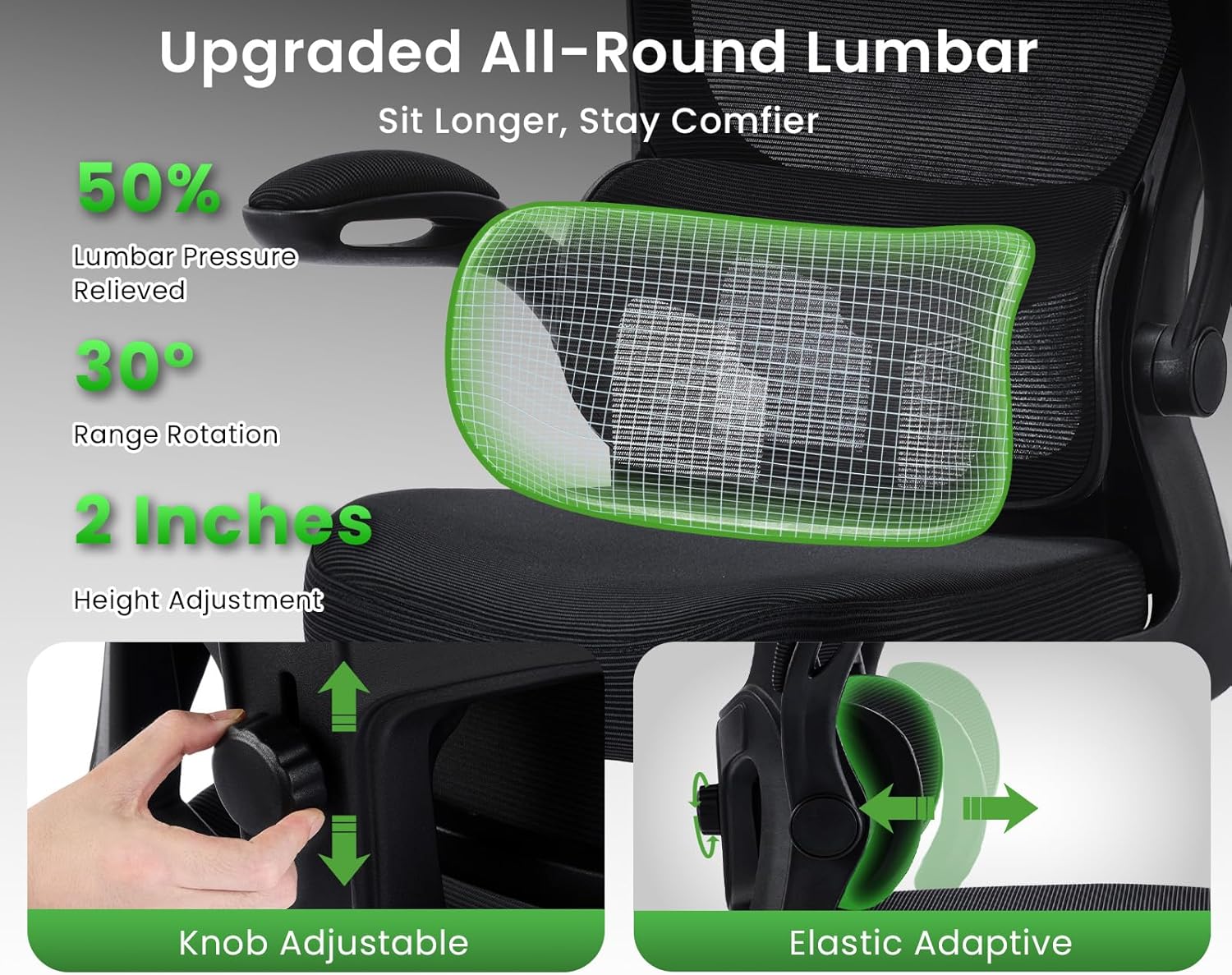
Figure 4: Adjusting the lumbar support using the knob for vertical positioning and demonstrating its elastic adaptive movement.
2. Seat Height Adjustment
Adjust the seat height to ensure your feet are flat on the floor and your knees are at a 90-degree angle.
- Locate the lever on the right side beneath the seat.
- To raise the seat, lift the lever while taking your weight off the seat.
- To lower the seat, lift the lever while remaining seated.
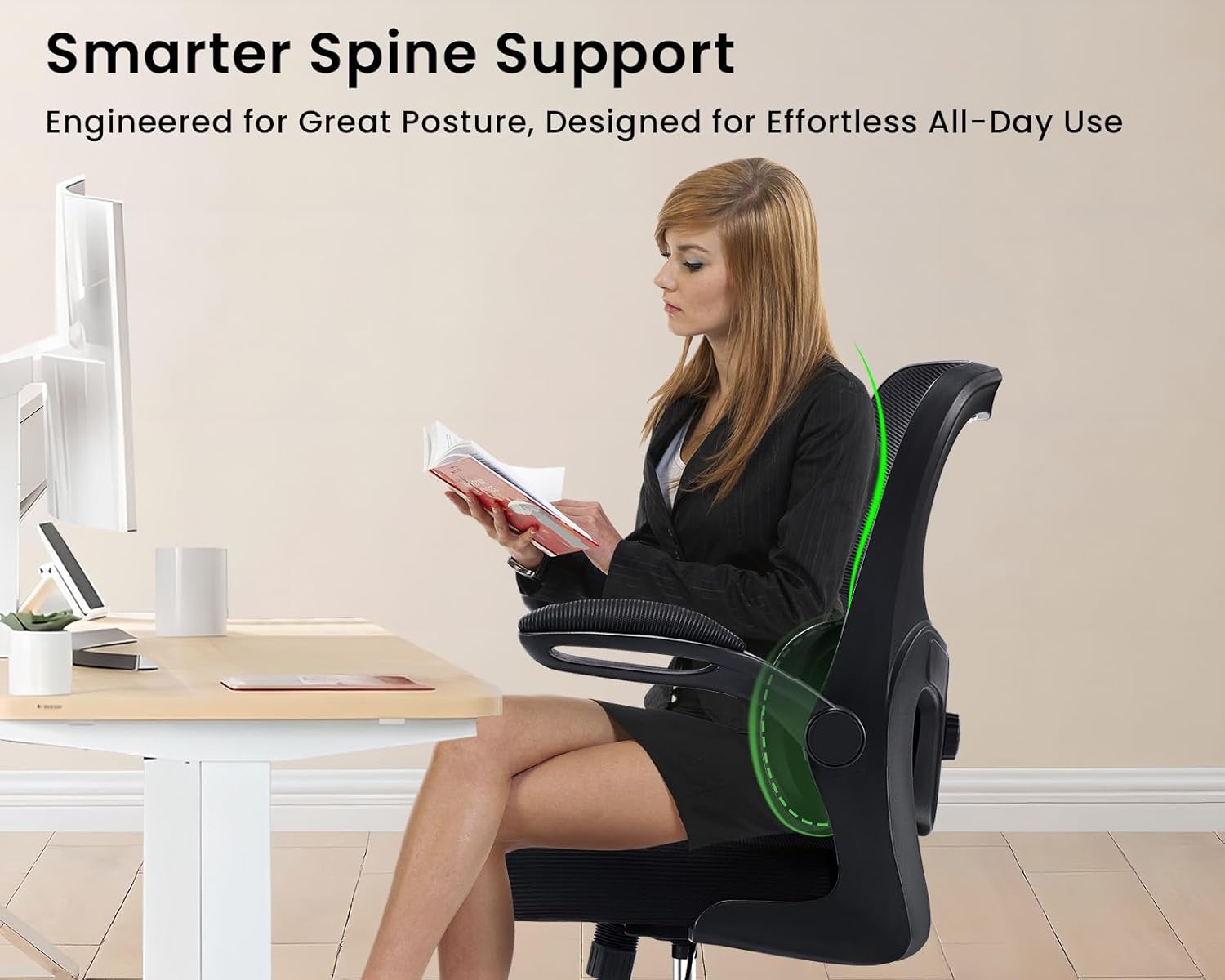
Figure 5: Illustration of the seat height adjustment mechanism and the recommended ergonomic sitting posture.
3. Tilt and Rocking Function
The chair offers a rocking function and tilt tension adjustment for personalized comfort.
- Activate Rocking: Pull the same lever used for height adjustment outwards to enable the rocking function.
- Lock Upright: Push the lever inwards to lock the chair in an upright position.
- Tilt Tension: A knob located underneath the seat (usually at the front) allows you to adjust the resistance of the rocking motion. Turn clockwise for tighter resistance, counter-clockwise for looser.
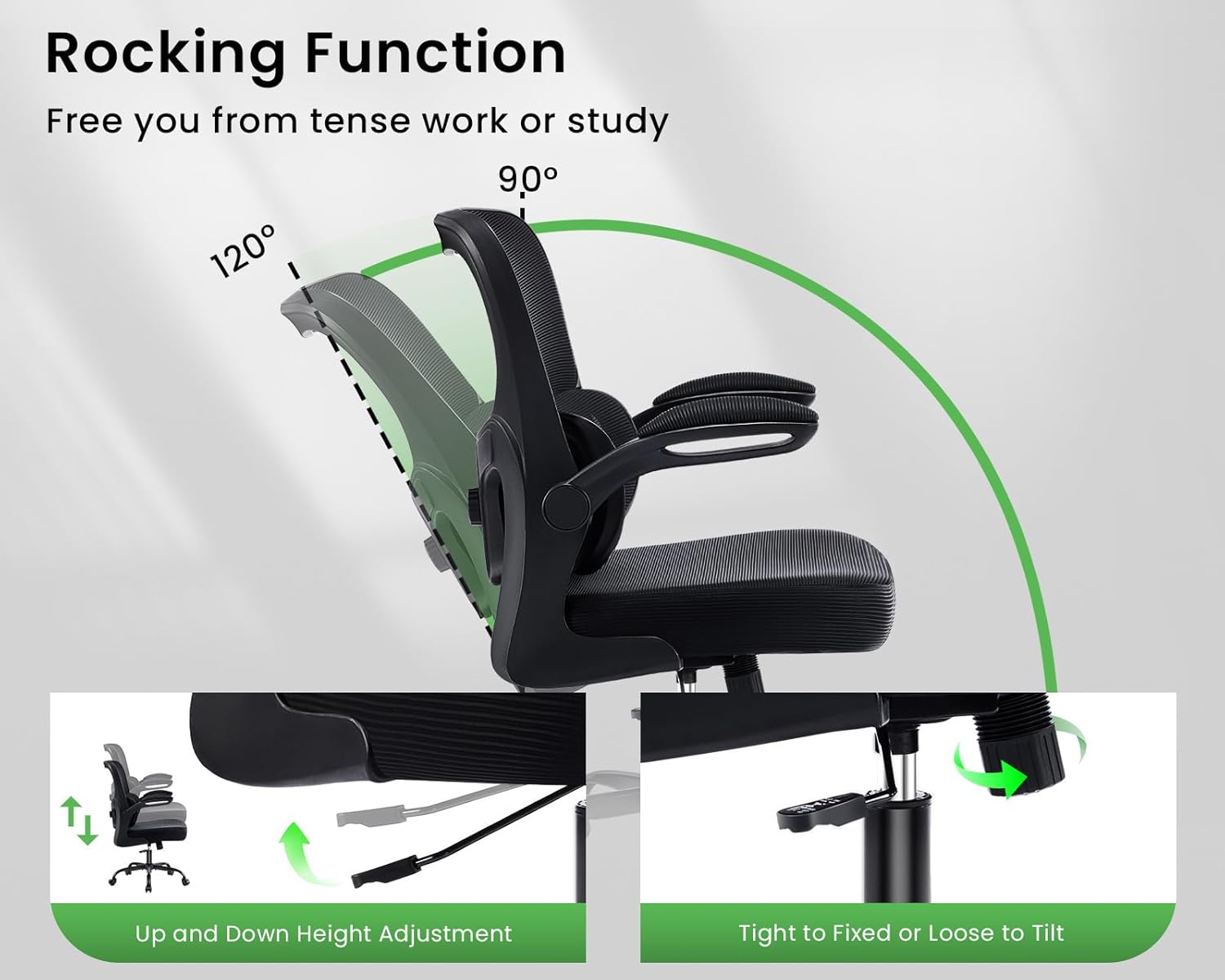
Figure 6: Visual guide to engaging the rocking function and locking the chair in an upright position.
Video Description: A user demonstrates the rocking function, height adjustment, and lumbar support features of the chair.
4. Flip-up Armrests
The armrests can be flipped up to save space or allow closer access to your desk.
- Simply lift the armrests upwards until they lock into a vertical position.
- To return them to the down position, gently pull them down.

Figure 7: Demonstrating the 90-degree flip-up functionality of the armrests.
Maintenance
- Cleaning: Spot clean the mesh and fabric surfaces with a damp cloth and mild detergent. Wipe clean any plastic or metal parts. Avoid abrasive cleaners.
- Inspection: Periodically check all screws and bolts to ensure they are tight. Re-tighten if necessary to maintain stability and safety.
- Caster Care: Keep casters free of debris (hair, dust, etc.) to ensure smooth rolling and prevent floor damage.
Troubleshooting
- Chair not adjusting height: Ensure the height adjustment lever is fully engaged. If the gas lift is unresponsive, contact customer support.
- Chair is wobbly: Check all assembly screws and bolts, especially those connecting the seat to the base plate and the base to the gas lift. Tighten any loose fasteners.
- Casters not rolling smoothly: Inspect casters for trapped debris (hair, lint) and clean them thoroughly.
- Backrest not tilting: Ensure the tilt lock lever is disengaged (pulled outwards). Adjust the tilt tension knob to your preference.
Specifications
| Feature | Detail |
|---|---|
| Brand | AreShark |
| Model Name | MC01 |
| Color | Black |
| Product Dimensions | 20"D x 19.7"W x 41.7"H |
| Maximum Weight Recommendation | 300 Pounds |
| Special Features | Adjustable Backrest, Adjustable Height, Adjustable Lumbar, Arm Rest, Ergonomic |
| Material | Alloy Steel, Engineered Wood, Mesh, Sponge |
| Seat Height | 22.4 Inches |
| Seat Depth | 20 inches |
| Chair Backrest Width | 19.7 Inches |
| Item Weight | 24.6 pounds |
| Product Care Instructions | Spot Clean, Wipe Clean |
Warranty and Support
AreShark stands by the quality of this ergonomic office chair and offers reliable customer support. Enjoy peace of mind with our hassle-free return policy and a 3-year assurance. For any questions, concerns, or warranty claims, please contact AreShark customer service through the retailer where the product was purchased.
Related Documents - MC01
 |
MC01 Massage Chair: User Manual and Operation Instructions Official user manual and operation instructions for the FUAN GUANGYUANSHENG ELECTRONICS CO., LTD MC01 Massage Chair. Learn about features, safety, setup, and maintenance. |
 |
THL MagCharge Wireless Charging Station User Manual User manual for the THL MagCharge Wireless Charging Station (Model MC01), detailing its features, technical specifications, operation instructions, safety warnings, compliance information, and troubleshooting guide. |
 |
Mirror Cabinet Installation Guide MC01 Series Detailed installation guide and specifications for the MC01 series aluminum mirror cabinets with LED lighting, including models MC01-20F, MC01-30F, and MC01-35F. Covers tools, steps, operation, and warranty. |
 |
NEWDERY MC01 Multi-Function Charger User Manual (XDL-MC01) Official user manual for the NEWDERY MC01 Multi-Function Charger (Model: XDL-MC01). Find product specifications, safety warnings, and FCC/ISED compliance information for this versatile charger. |
 |
THL MagCharge Wireless Charging Station User Manual User manual for the THL MagCharge Wireless Charging Station (Model MC01). This multi-functional device serves as a wireless charger for phones, smartwatches, and earbuds, a digital clock with temperature display, a night light, a Bluetooth speaker, and a white noise machine. The manual covers technical specifications, safety warnings, operation instructions, compliance information, disposal, warranty, and troubleshooting. |
 |
Smart WiFi Camera Quick Guide: Setup, Features, and Troubleshooting This quick guide provides instructions for setting up and using the Smart WiFi Camera, including installation, app connection, features like motion detection and night vision, and answers to frequently asked questions. |