
1. Product Overview
This manual provides essential information for the installation, operation, and maintenance of your Avalsor Replacement Battery, Model Battery G9, designed specifically for the Cyber G9 Cordless Vacuum Cleaner.

A close-up view of the Avalsor Replacement Battery, showing its sleek design and connection terminals.
2. Safety Information
- Always ensure the vacuum cleaner is powered off and unplugged before handling the battery.
- Do not expose the battery to extreme temperatures, direct sunlight, or fire.
- Do not disassemble, puncture, or modify the battery.
- Keep the battery away from water and moisture.
- Dispose of used batteries according to local regulations.
3. Setup and Installation
Follow these steps to install the Avalsor Replacement Battery into your Cyber G9 Cordless Vacuum Cleaner:
- Ensure the Cyber G9 vacuum cleaner is completely powered off and disconnected from its charging base or power adapter.
- Locate the battery compartment on your Cyber G9 Cordless Vacuum Cleaner. This is typically found near the handle or main body of the vacuum.
- If an old battery is present, press any release buttons or latches as indicated in your original Cyber G9 manual, and carefully slide out the old battery.
- Align the new Avalsor Replacement Battery (Model Battery G9) with the battery compartment. Ensure the connectors are properly oriented.
- Gently slide the new battery into the compartment until it clicks securely into place. Do not force the battery.
- Once installed, connect your Cyber G9 vacuum cleaner to its original charging adapter and charge the battery fully before its first use. Refer to your Cyber G9 vacuum cleaner's original manual for specific charging indicators and times.
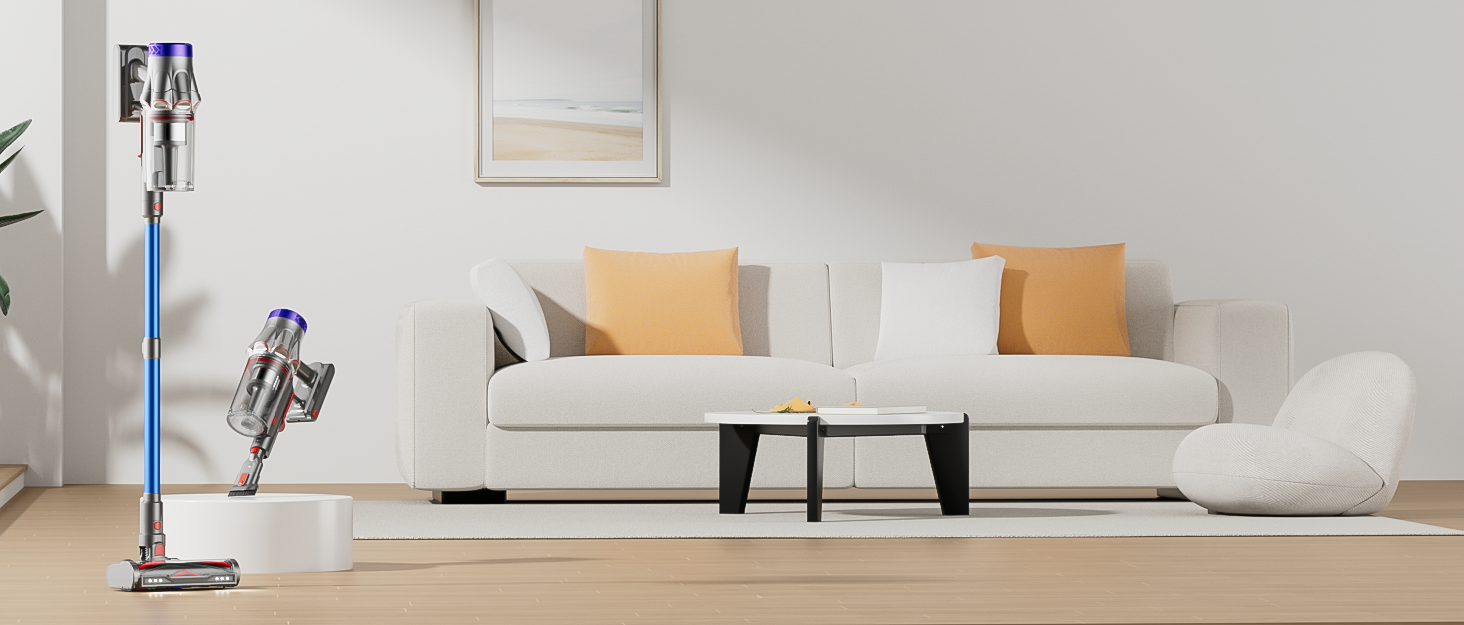
The Cyber G9 Cordless Vacuum Cleaner standing upright in a modern living room, demonstrating its compact storage.
4. Operating Instructions
After successful installation and initial charging, operate your Cyber G9 Cordless Vacuum Cleaner as you normally would. The Avalsor Replacement Battery is designed to integrate seamlessly with your device.
- Power On/Off: Use the vacuum cleaner's power button to turn the device on or off.
- Battery Indicator: Monitor the battery level indicator on your Cyber G9 vacuum cleaner to understand the remaining charge.
- Recharging: For optimal battery life, recharge the battery when the indicator shows a low charge, rather than waiting for it to completely drain.
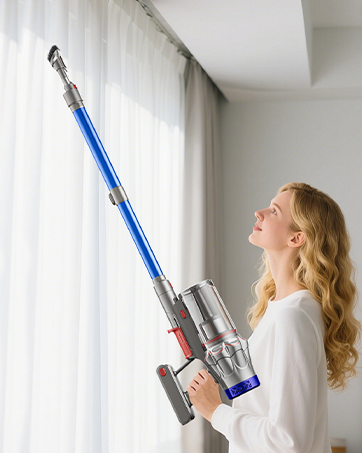
A woman operating the Cyber G9 Cordless Vacuum Cleaner on a hard floor, illustrating typical usage.
5. Maintenance and Care
Proper care extends the lifespan of your Avalsor Replacement Battery:
- Charging Habits: Always use the original Cyber G9 charging adapter. Avoid overcharging by disconnecting the vacuum once fully charged, though modern batteries often have protection circuits.
- Storage: If the vacuum cleaner will not be used for an extended period (e.g., several weeks or months), store the battery with approximately 50% charge. Store in a cool, dry place, away from direct sunlight and extreme temperatures.
- Cleaning Contacts: Periodically inspect the metal contacts on both the battery and the vacuum cleaner for any dust or debris. Clean them gently with a dry, soft cloth if necessary to ensure good electrical connection.
- Disposal: When the battery reaches the end of its useful life, dispose of it responsibly at an authorized recycling facility. Do not dispose of batteries in household waste or incinerate them.
6. Troubleshooting
If you encounter issues with your Avalsor Replacement Battery, consider the following:
- Battery Not Charging:
- Ensure the charging adapter is securely connected to both the vacuum and a functional power outlet.
- Check the charging cable and adapter for any visible damage.
- Verify that the Avalsor Replacement Battery is correctly seated in the vacuum cleaner's compartment.
- Reduced Run Time:
- This may indicate that the battery is nearing the end of its expected lifespan.
- Ensure the vacuum cleaner's filters are clean. Clogged filters can increase motor strain and lead to faster battery depletion.
- Confirm the battery has been fully charged before use.
- Vacuum Not Powering On:
- Confirm the battery is fully charged and correctly installed.
- If the issue persists after checking the battery, consult your Cyber G9 vacuum cleaner's main instruction manual for further troubleshooting steps related to the vacuum unit itself.
If these steps do not resolve the issue, please contact Avalsor customer support.
7. Specifications
| Brand | Avalsor |
| Model Number | Battery G9 |
| Battery Cell Type | Lithium Ion |
| Battery Cell Composition | Lithium Ion |
| Number of Batteries | 1 C batteries required (included) |
| Battery Weight | 500 Grams |
| Manufacturer | Avalsor |
8. Warranty and Support
- Warranty: This Avalsor Replacement Battery is covered by a 30-day refund/replacement policy from the date of purchase.
- Technical Support: Avalsor provides lifetime technical support for this product to assist with any operational or technical queries.
- Customer Service: 24-hour online service is available to address your questions and concerns.
For further assistance, please visit the Avalsor Store on Amazon or contact our customer service team directly through the contact information provided with your purchase.