
1. Introduction
This manual provides detailed instructions for the installation, operation, and maintenance of your FEISIKE WiFi Solar Backup Camera, Model ADC730. This wireless rear view camera is designed to enhance visibility for various vehicles, including trucks, RVs, trailers, and campers, by transmitting a live 1080P HD video feed directly to your smartphone.
2. Setup
2.1 Package Contents
- FEISIKE WiFi Solar Backup Camera (Model ADC730)
- Charging Cable (Type-C)
- User Manual
2.2 Magnetic Installation
The camera features a strong built-in magnetic base for tool-free installation. No drilling or wiring is required. Simply attach the camera to any suitable metal surface on your vehicle. This design allows for easy repositioning or transfer between vehicles.
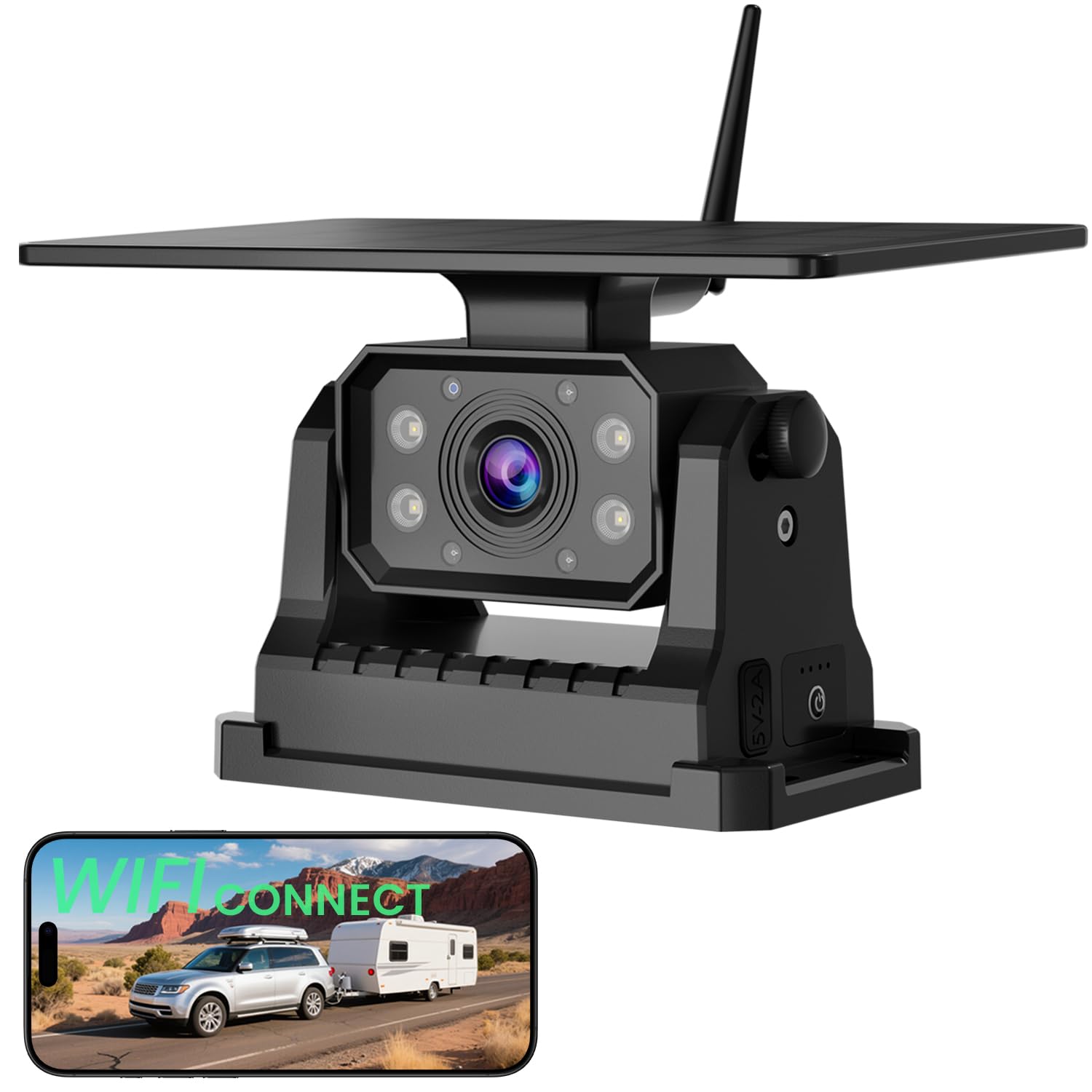
Image: The FEISIKE WiFi Solar Backup Camera mounted on a vehicle, highlighting its magnetic base and integrated solar panel. This demonstrates its intended use for various vehicles like trucks and campers.
2.3 App Download and WiFi Connection
The camera operates by connecting to your smartphone via a dedicated app. No separate monitor is needed.
- Download the App: Search for "MH CAM" in the Apple App Store or Google Play Store and install it on your smartphone.
- Connect to WiFi: Turn on the camera. On your smartphone, go to WiFi settings and connect to the network starting with "SONIX".
- Open the App: Launch the "MH CAM" app. The live camera feed should appear automatically.
Note: The app may not be compatible with Google Pixel, Kyocera, and Motorola Phones.

Image: A visual guide illustrating the process of downloading the 'MH CAM' app, connecting to the camera's 'SONIX' WiFi network, and viewing the live feed within the app.
3. Operating Instructions
3.1 Live View and Controls
Once connected, the app provides a real-time 1080P HD video feed. The app interface includes various controls for managing the camera view and settings.

Image: The user interface of the FEISIKE app on a smartphone, displaying control functions such as reviewing files, taking photos, switching reversing lines, mirroring the image, and adjusting the view.
3.2 Night Vision
The camera is equipped with built-in infrared LEDs to provide clear visuals in low-light conditions or complete darkness. This ensures visibility during nighttime operation.

Image: A smartphone displaying a clear, illuminated view of a camper on a dark road, demonstrating the camera's effective night vision capabilities.
3.3 Wide Viewing Angle
The camera offers a 150° wide viewing angle, designed to minimize blind spots and provide a comprehensive view of the area behind your vehicle.
4. Maintenance
4.1 Charging the Battery
The camera includes a 9600mAh rechargeable battery and a 5W solar panel. The solar panel helps maintain the battery charge during daylight hours. For initial charging or when solar charging is insufficient, use the provided Type-C cable to charge the camera via a power adapter.
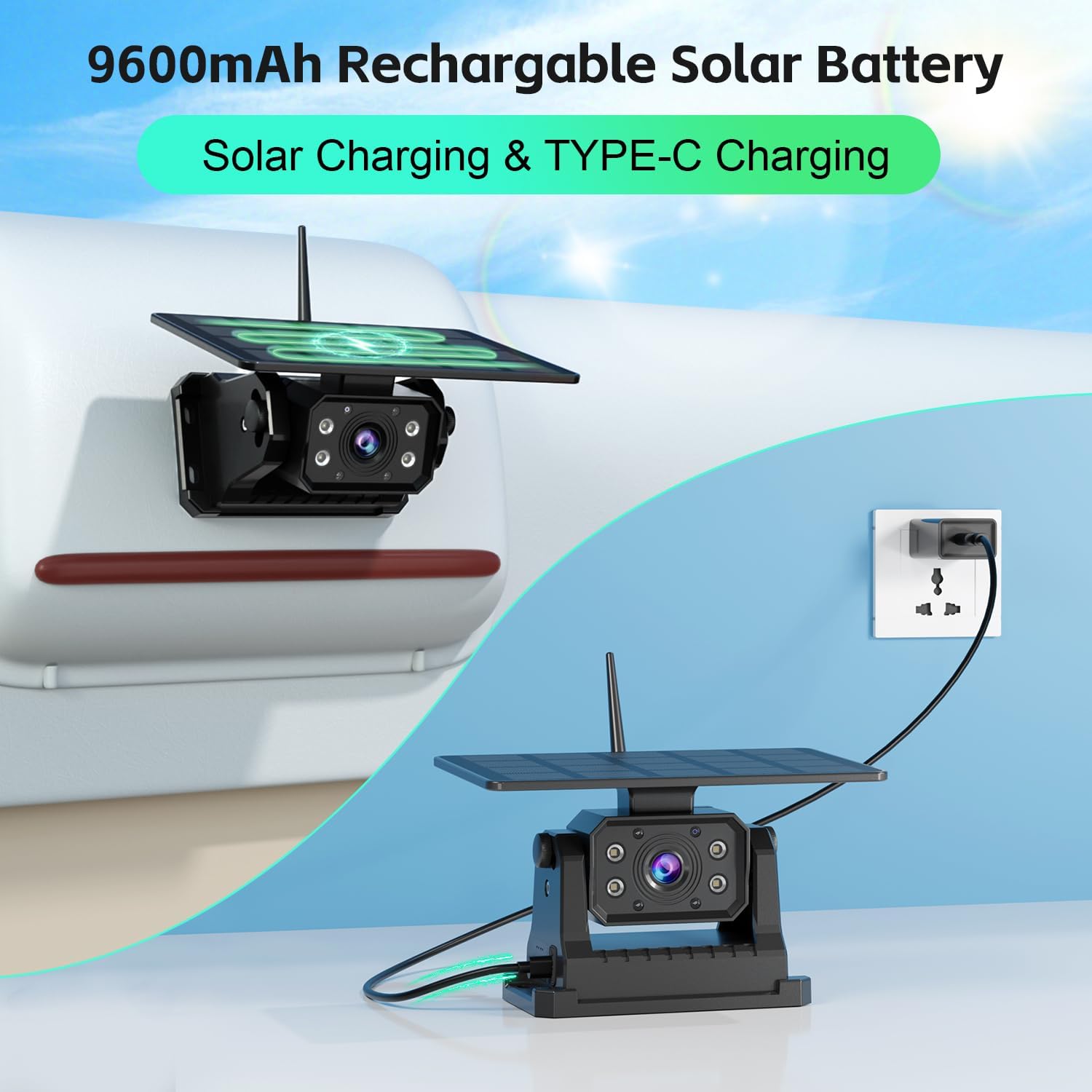
Image: The FEISIKE backup camera with its solar panel, illustrating both solar charging and Type-C cable charging options for its 9600mAh rechargeable battery.
4.2 Weather Resistance
The camera is rated IP68 waterproof, making it resistant to dust and water ingress. It is designed to withstand various weather conditions, including rain, snow, and heat, ensuring reliable performance in diverse environments.
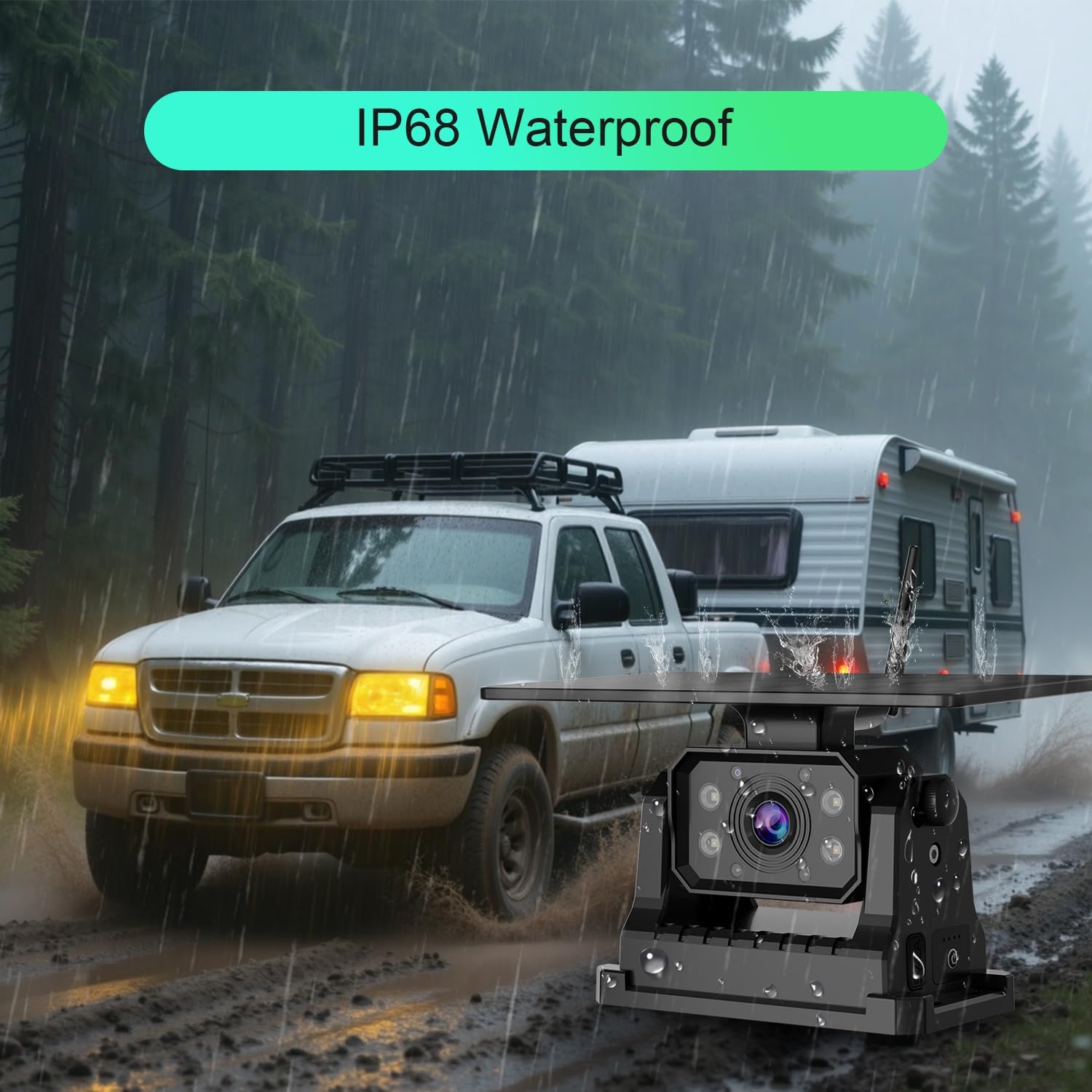
Image: The FEISIKE backup camera mounted on a vehicle during heavy rain, demonstrating its IP68 waterproof and weather-resistant design.
4.3 Cleaning
Periodically clean the camera lens and solar panel with a soft, damp cloth to ensure optimal performance. Avoid using abrasive cleaners or solvents.
5. Troubleshooting
- No Image on App:
Ensure the camera is powered on and fully charged. Verify that your smartphone is connected to the camera's WiFi network (e.g., "SONIX"). Restart both the camera and the app. Check if your phone model is listed as incompatible. - Poor Image Quality:
Clean the camera lens. Ensure there are no obstructions blocking the camera's view. Check for strong WiFi interference in the area. - Frequent Disconnections:
Ensure the camera and smartphone are within close proximity. Avoid placing large metal objects between the camera and your phone that could interfere with the WiFi signal. Fully charge the camera battery. - Battery Not Charging:
Ensure the solar panel is clean and exposed to direct sunlight. If using the Type-C cable, verify the cable and power adapter are functioning correctly.
6. Specifications
| Model Number | ADC730 |
| Manufacturer | FEISIKE |
| Product Dimensions | 20.98 x 14.48 x 11.94 cm |
| Item Weight | 1.13 kg |
| Battery Type | 3 Lithium Ion batteries (included) |
| Battery Capacity | 9600mAh |
| Solar Panel Power | 5W |
| Connectivity Technology | Wireless (Wi-Fi) |
| Video Resolution | 1080P HD |
| Viewing Angle | 150° |
| Waterproof Rating | IP68 |
| Installation Type | Surface Mount (Magnetic) |
| Compatible Devices | RV, Trucks, Trailers, Campers, Vans, Farm Equipment |
7. Warranty Information
Specific warranty details for the FEISIKE WiFi Solar Backup Camera (Model ADC730) may vary. Please refer to the product packaging, the seller's website, or contact FEISIKE customer support directly for comprehensive warranty terms and conditions.
8. Support
For technical assistance, troubleshooting not covered in this manual, or further inquiries, please contact the seller through your purchase platform or visit the official FEISIKE website for customer support options.