
1. Product Overview
The Bluescape Universal Waterproof Phone Pouch is designed to protect your smartphone from water, dust, dirt, and sand. With an IPX8 rating, it can withstand submersion in water up to 30 feet (9 meters) for 30 minutes, making it suitable for various water activities and outdoor adventures.
This pouch allows you to use your phone's touchscreen, make calls, send messages, and take photos without removing it from the case, ensuring your device remains protected.
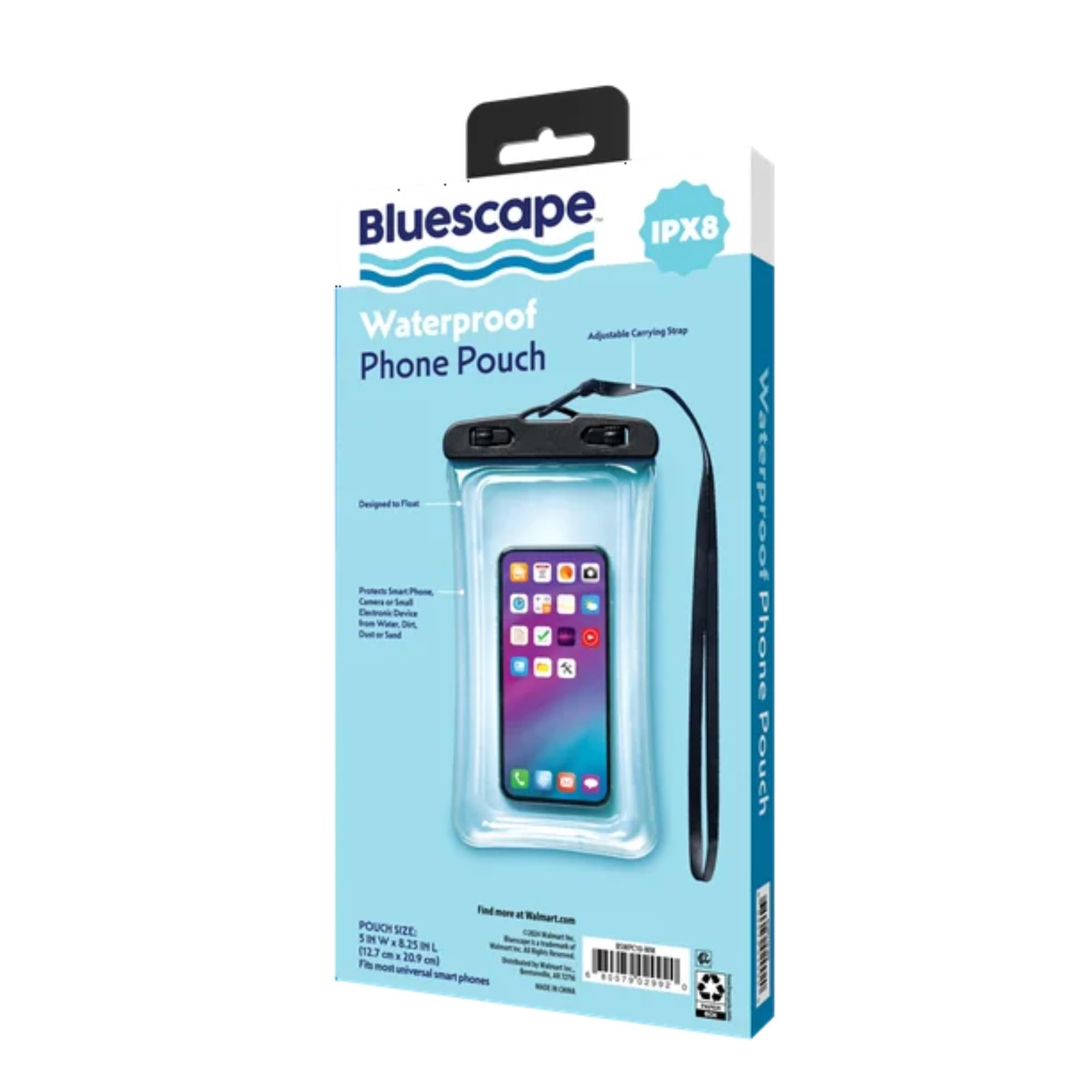
Image 1: The Bluescape Universal Waterproof Phone Pouch with a smartphone inserted, highlighting its transparent design and secure sealing mechanism.
2. Safety Information
Please read and follow these safety guidelines to ensure the proper and safe use of your waterproof phone pouch:
- Perform a Waterproof Test: Before first use, and periodically thereafter, perform a waterproof test without your phone inside. Place a piece of tissue paper inside the pouch, seal it completely, and submerge it in water for at least 30 minutes. If the tissue paper remains dry, the pouch is safe to use. If it is wet, do not use the pouch and inspect for damage.
- Inspect Before Each Use: Always inspect the pouch for any signs of damage, tears, or punctures before each use. Ensure the sealing clips are clean and free from debris (sand, dirt, lint) that could compromise the seal.
- Secure Sealing: Ensure both top clips are fully closed and locked before submerging the pouch in water. Improper sealing will lead to water damage.
- Avoid Sharp Objects: Keep the pouch away from sharp objects that could puncture or tear the material.
- Temperature Limits: Avoid exposing the pouch to extreme temperatures, as this may affect its material integrity and sealing capabilities.
3. Package Contents
- 1 x Bluescape Universal Waterproof Phone Pouch
- 1 x Adjustable Carrying Strap
4. Setup Instructions
Follow these steps to properly prepare your phone pouch for use:
- Open the Pouch: Locate the two locking clips at the top of the pouch. Rotate both clips outwards to the "OPEN" position.
- Insert Your Phone: Gently slide your smartphone into the pouch. Ensure it is centered and not pressing against the sides excessively.
- Seal the Pouch: Align the top edges of the pouch. Rotate both locking clips inwards to the "CLOSE" position until you hear a click or feel them securely lock into place. Verify that there are no gaps and the seal is tight.
- Attach Lanyard (Optional): If desired, attach the adjustable carrying strap to the designated loops on the top of the pouch. Adjust the strap length for comfortable carrying.

Image 2: A detailed view of the pouch's top sealing mechanism, showing the 'OPEN' and 'CLOSE' indicators for secure operation.
5. Operating Instructions
Once your phone is securely sealed in the pouch, you can use it for various activities:
- Touchscreen Functionality: The transparent material allows for full touchscreen functionality. You can navigate your phone, send messages, and use apps as usual. For best results, ensure your screen is clean and dry before inserting it.
- Taking Photos/Videos: The clear front and back windows enable you to take photos and videos underwater or in wet environments. Ensure your camera lens aligns with the clear window for optimal clarity.
- Making Calls: You can make and receive calls while your phone is in the pouch. Audio quality may be slightly muffled due to the protective material.
- Floating Capability: The pouch is designed to float, providing an extra layer of security against losing your device in water.

Image 3: A user enjoying a pool day with their phone safely secured in the Bluescape Waterproof Phone Pouch, demonstrating its hands-free convenience.

Image 4: An underwater shot showing a hand holding the Bluescape Waterproof Phone Pouch with a phone inside, actively taking a picture of a swimmer.
6. Maintenance
Proper maintenance will extend the life of your waterproof phone pouch:
- Rinse After Use: After use in saltwater or chlorinated water, rinse the pouch thoroughly with fresh water.
- Dry Thoroughly: Wipe the pouch dry with a soft cloth. Ensure the sealing area is completely dry before opening to prevent water droplets from entering.
- Clean Seals: Periodically clean the sealing clips and edges with a damp cloth to remove any dirt or sand that could impair the seal.
- Storage: Store the pouch in a cool, dry place away from direct sunlight and sharp objects. Avoid folding or creasing the sealing area.
7. Troubleshooting
- Water Inside Pouch: If water enters the pouch, immediately remove your phone. Perform the waterproof test again with tissue paper. If the tissue gets wet, the pouch may be damaged or was not sealed correctly. Discontinue use if damaged.
- Touchscreen Unresponsive: Ensure your phone screen is awake. Sometimes, air trapped inside the pouch can create a gap between the screen and the pouch, affecting touch sensitivity. Try to gently press out excess air before sealing.
- Buttons Hard to Press: Due to the protective material, physical buttons on your phone may be harder to press. This is normal. Utilize touchscreen functions where possible.
8. Specifications
| Feature | Specification |
| Model | Universal Waterproof Phone Pouch |
| Brand | Bluescape |
| Waterproof Rating | IPX8 (Submersible up to 30 ft / 9 m for 30 minutes) |
| Material | Plastic |
| Color | Clear |
| Compatible Devices | Most iPhones, Android, and Google phones |
| ASIN | B0FFKFG9J |
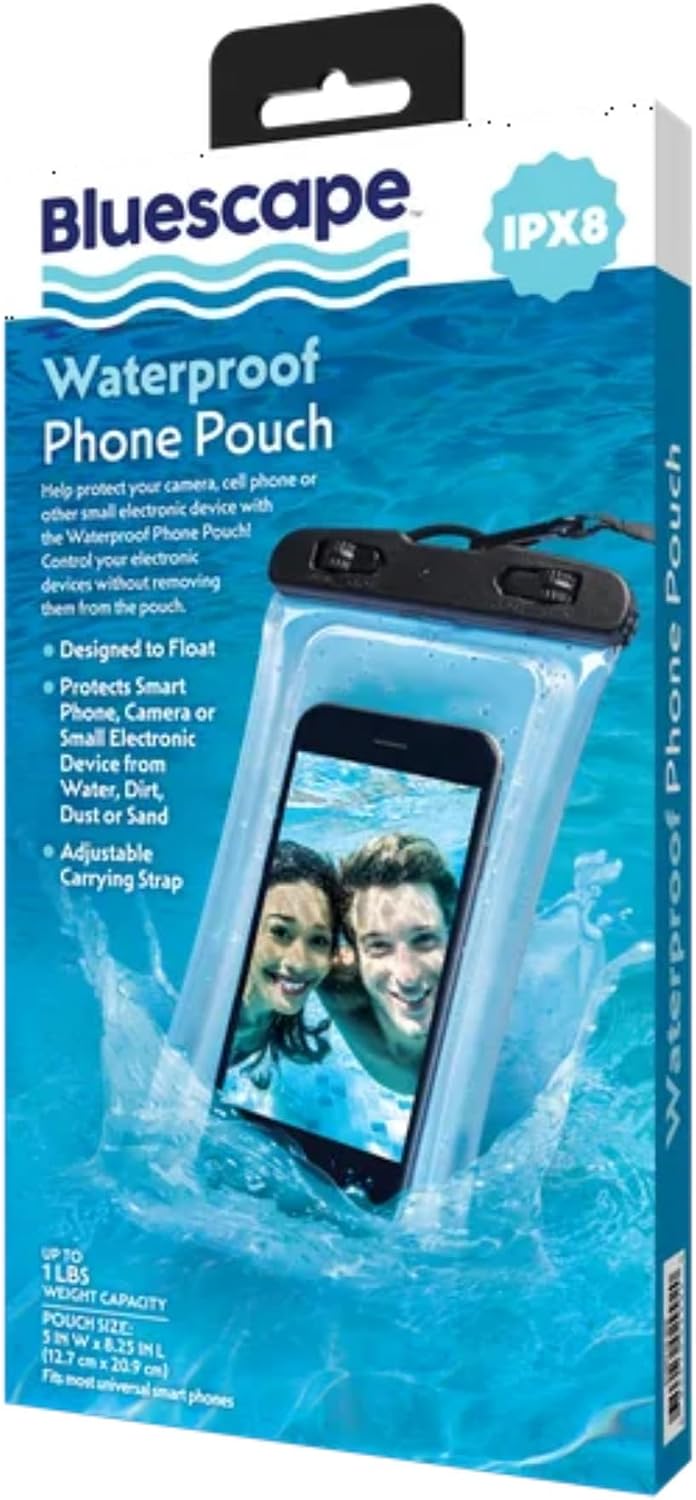
Image 5: The product packaging for the Bluescape Waterproof Phone Pouch, detailing its IPX8 rating and key protective features.
9. Warranty and Support
Specific warranty information for the Bluescape Universal Waterproof Phone Pouch is not provided in this manual. For warranty claims or product support, please refer to the retailer's return policy or contact the seller directly through your purchase platform.
Always retain your proof of purchase for any warranty or support inquiries.