
1. Important Safety Guidelines
Before operating the Naseto WX0018 drone, please read and understand all safety instructions. Failure to follow these guidelines may result in injury, damage to the drone, or property damage.
- Flight Environment: Fly in open areas, away from people, animals, buildings, and power lines. Avoid flying in strong winds or adverse weather conditions. Do not fly near airports or restricted airspace.
- Battery Safety: Use only the provided batteries and charging cable. Do not overcharge or puncture batteries. Discontinue use if batteries show signs of swelling or damage. Store batteries in a cool, dry place.
- Propeller Safety: Keep fingers, hair, and loose clothing away from rotating propellers. Always ensure propellers are securely attached before flight.
- Supervision: Adult supervision is recommended for younger users.
- Pre-Flight Check: Always perform a pre-flight check to ensure the drone, remote control, and batteries are in good working order.
2. Package Contents
Verify that all items are present in your Naseto WX0018 drone package:
- 1x Naseto WX0018 Drone
- 1x Remote Control
- 1x USB Charging Cable
- 2x Drone Batteries (3.7V 800mAh)
- 1x Screwdriver
- 8x Extra Propellers
- 1x Storage Bag
- 1x Instruction Manual (this document)
- 4x Propeller Guards
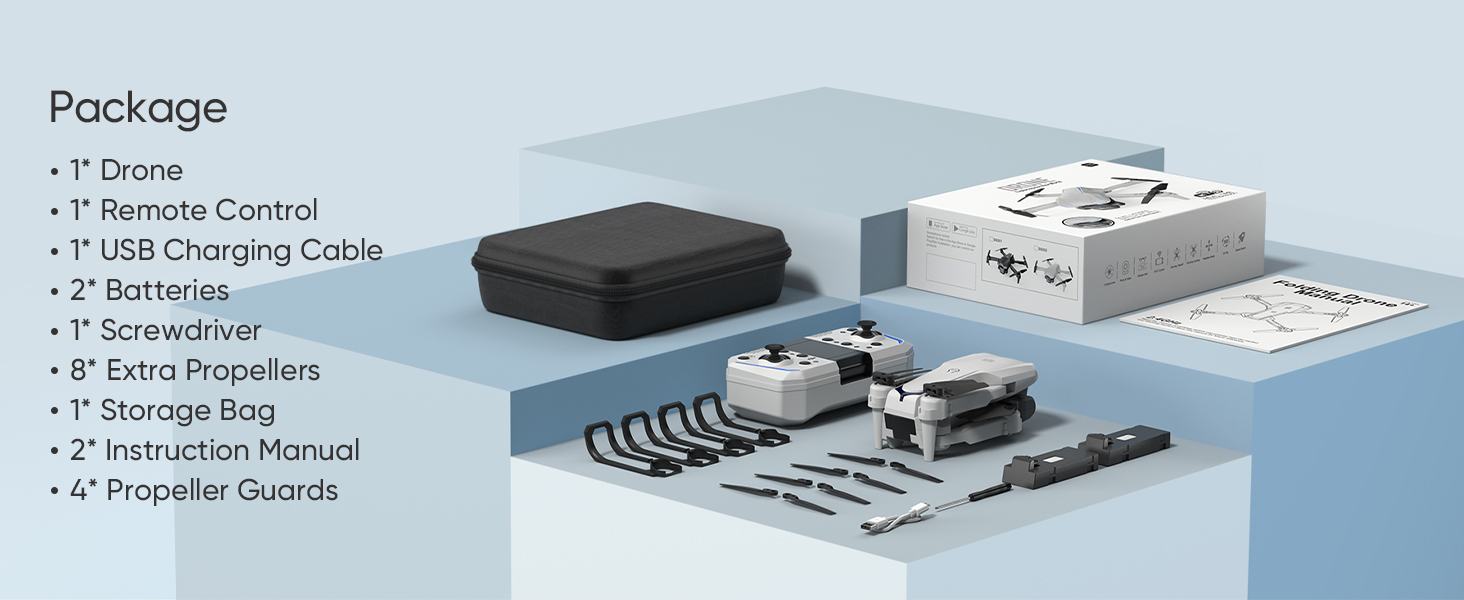
Image: Contents of the Naseto WX0018 drone package, showing the drone, remote control, two batteries, extra propellers, charging cable, screwdriver, propeller guards, and storage case.
3. Setup
3.1 Drone Preparation
- Unfold the Drone: Gently unfold the drone arms until they click into place. Ensure all four arms are fully extended.
- Install Propeller Guards (Optional): For added protection, attach the propeller guards to the drone arms.
- Install Battery: Insert a fully charged drone battery into the battery compartment on the rear of the drone until it clicks securely.
3.2 Remote Control Setup
- Install Batteries: Open the battery compartment on the back of the remote control and insert 3x AAA batteries (not included), ensuring correct polarity. Close the compartment.
- Attach Phone Holder: Extend the phone holder on the remote control to securely mount your smartphone for FPV viewing and app control.
3.3 Charging Batteries
Use the provided USB charging cable to charge the drone batteries. Connect the cable to a USB power adapter (5V/1A recommended) and the battery. The indicator light on the battery will show charging status (e.g., red for charging, green for fully charged).

Image: Two Naseto drone batteries, each providing approximately 15 minutes of flight time for a total of 30 minutes.
3.4 App Download and Connection
- Download App: Scan the QR code in the quick start guide or search for the designated Naseto drone app in your smartphone's app store (iOS/Android).
- Connect to Drone Wi-Fi: Turn on the drone. Go to your phone's Wi-Fi settings and connect to the Wi-Fi network named 'Naseto-XXXXXX'.
- Launch App: Open the Naseto drone app. The live video feed from the drone's camera should appear, indicating a successful connection.
4. Operating Instructions
4.1 Pairing and Calibration
- Power On: Turn on the drone (press and hold the power button) and the remote control (press the power button). The drone's indicator lights will flash.
- Pairing: Push the left joystick (throttle) up to the maximum position, then pull it down to the minimum position. The drone lights will stop flashing and become solid, indicating successful pairing.
- Gyro Calibration: Place the drone on a flat, level surface. Push both joysticks down and to the right simultaneously. The drone lights will flash rapidly and then become solid, indicating successful calibration.
4.2 Basic Flight Controls
- One-Key Takeoff/Landing: Press the One-Key Takeoff/Landing button on the remote control. The drone will automatically ascend to a stable altitude or descend and land gently.
- Throttle (Left Joystick Up/Down): Controls altitude. Push up to ascend, pull down to descend.
- Yaw (Left Joystick Left/Right): Controls rotation. Push left to rotate counter-clockwise, push right to rotate clockwise.
- Forward/Backward (Right Joystick Up/Down): Controls forward and backward movement.
- Left/Right (Right Joystick Left/Right): Controls sideward movement (strafe).

Image: Visual representation of One Key Start/Landing, Altitude Hold, Headless Mode, and the three speed settings for the drone.
4.3 Advanced Flight Features
- Altitude Hold: The drone maintains a stable altitude automatically, allowing for easier control and clearer aerial photography.
- Headless Mode: In Headless Mode, the drone's orientation is relative to the pilot, regardless of the drone's actual front direction. Activate by pressing the Headless Mode button.
- 3 Speed Modes: Press the speed switch button on the remote to cycle through low, medium, and high-speed settings, suitable for different skill levels and environments.
- 360° Flip: While flying, press the 360° Flip button and then move the right joystick in any direction to perform an aerial flip.
- Waypoint Flight (App Control): In the app, draw a desired flight path on the screen. The drone will automatically follow this path.
- Gesture Control (App Control): Perform specific hand gestures in front of the drone's camera to trigger photo or video recording. A palm gesture records video, and a 'V' gesture takes photos.
- Follow Me Mode (App Control): The drone will automatically follow the pilot, tracking their movement.
- Gravity Control (App Control): Control the drone's movement by tilting your smartphone.

Image: The Naseto WX0018 drone executing a 360-degree flip and illustrating a pre-programmed waypoint flight path.

Image: Illustration of gesture control, where a palm gesture initiates video recording and a 'V' gesture captures photos.
4.4 Camera Operation
The Naseto WX0018 features a 1080P HD camera with a 90° adjustable lens for capturing photos and videos.
- Adjust Camera Angle: Manually adjust the camera lens angle before flight for optimal viewing.
- Take Photos: Press the photo button on the remote control or tap the camera icon in the app.
- Record Video: Press the video button on the remote control or tap the video icon in the app to start/stop recording.
- FPV Transmission: View live footage directly on your smartphone via the app.
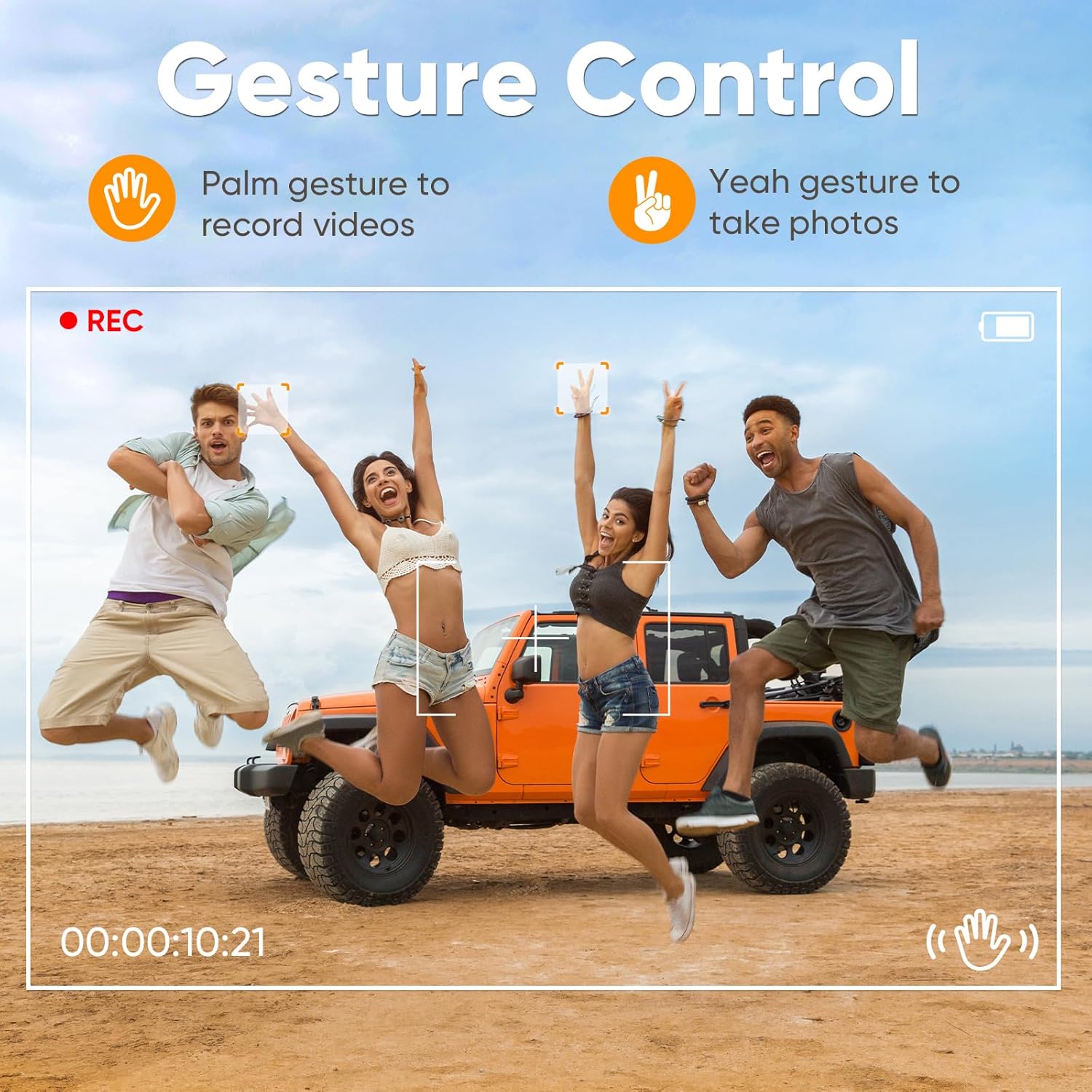
Image: Close-up of the Naseto WX0018 drone's 1080P HD FPV camera, highlighting its 90-degree adjustable lens and 110-degree field of view.
5. Maintenance
Regular maintenance ensures the longevity and optimal performance of your Naseto WX0018 drone.
- Cleaning: Use a soft, dry cloth to clean the drone body and camera lens. Avoid using liquids or solvents.
- Propeller Replacement: If a propeller is damaged, replace it with an extra propeller from the package. Use the provided screwdriver to remove the old propeller and install the new one, ensuring correct rotation direction (indicated by letters A or B on the propeller and motor).
- Battery Care: Do not store batteries fully charged or completely depleted for extended periods. Charge them to about 50-60% for long-term storage.
- Storage: Store the drone and its components in the provided storage bag in a cool, dry place, away from direct sunlight and extreme temperatures.
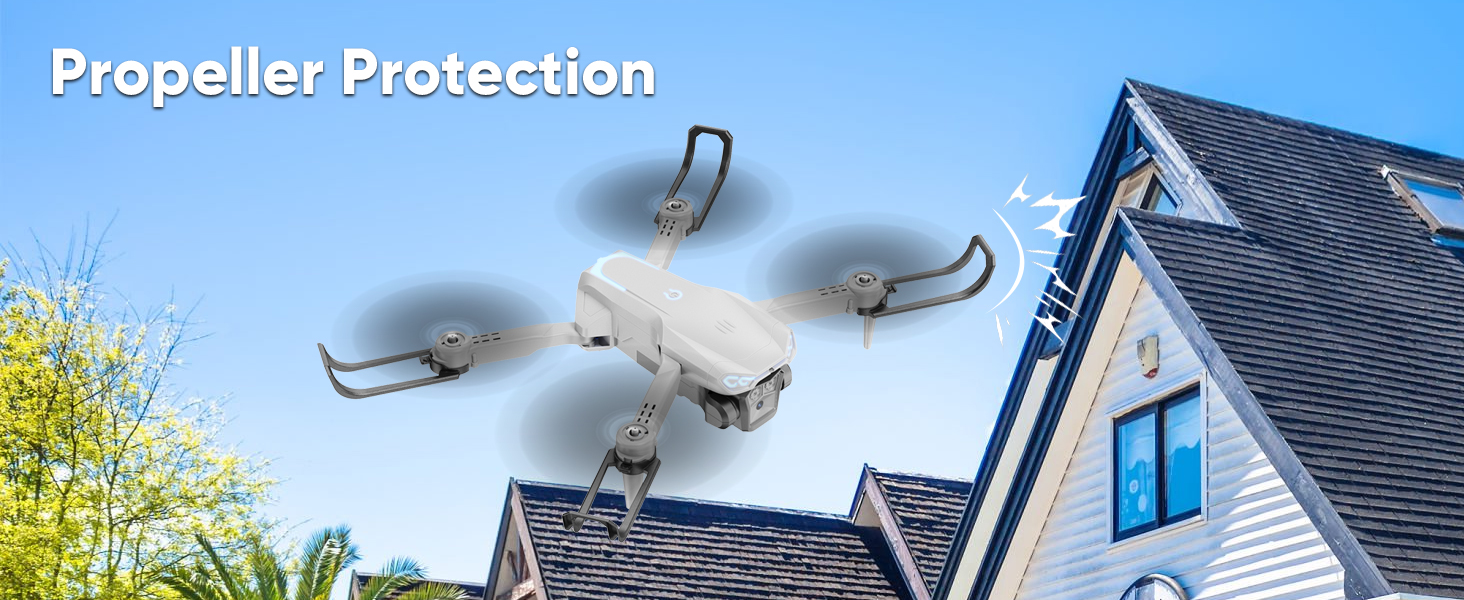
Image: The Naseto drone demonstrating its propeller protection feature, designed to prevent damage from collisions.
6. Troubleshooting
If you encounter issues with your Naseto WX0018 drone, refer to the following common problems and solutions:
| Problem | Possible Cause | Solution |
|---|---|---|
| Drone does not respond to remote control. | Not paired correctly; low battery in remote or drone. | Re-pair the drone and remote. Charge or replace batteries. |
| Drone drifts during flight. | Not calibrated; uneven surface during takeoff. | Perform gyro calibration on a flat surface. |
| Camera feed is unstable or disconnected. | Weak Wi-Fi signal; too far from drone. | Ensure strong Wi-Fi connection. Fly closer to the drone. Close and reopen the app. |
| Propellers are not spinning. | Obstruction; damaged motor; low battery. | Check for obstructions. Replace damaged propellers. Charge drone battery. |
| Drone crashes easily. | Beginner pilot; strong winds; damaged propellers. | Practice in low-speed mode. Avoid windy conditions. Replace damaged propellers. |
7. Specifications
Key technical specifications for the Naseto WX0018 drone:
- Brand: Naseto
- Model Name: WX0018
- Color: Grey
- Video Capture Resolution: 1080p
- Effective Still Resolution: 2.1 MP
- Connectivity Technology: Wi-Fi
- Skill Level: Beginner
- Item Weight: 230 Grams (8.1 ounces)
- Video Capture Format: MP4
- Control Type: Remote Control
- Material: Plastic
- Battery Cell Composition: Lithium Ion
- Batteries: 2 Nonstandard Battery batteries required (included)
- Video Output Resolution: 1920 pixels
- Optical Sensor Technology: CMOS
- Product Dimensions: 8.85"L x 6.95"W x 2.25"H
- Manufacturer: Naseto
8. Warranty and Support
Naseto products are designed for quality and performance. For specific warranty details, please refer to the warranty card included in your product packaging or contact Naseto customer support.
Customer Support:
If you require further assistance, have questions, or encounter issues not covered in this manual, please contact Naseto customer support through the official website or the contact information provided in your product documentation.
Please have your model number (WX0018) and purchase details ready when contacting support.