
1. Introduction
Thank you for choosing the SEJJ Spark 07 Wireless Headset. This headset is designed to provide clear audio and reliable connectivity for your work and communication needs. Featuring advanced Bluetooth technology and environmental noise-canceling (ENC) microphones, it ensures your voice is heard clearly in various environments. Please read this manual carefully to ensure proper use and optimal performance of your device.
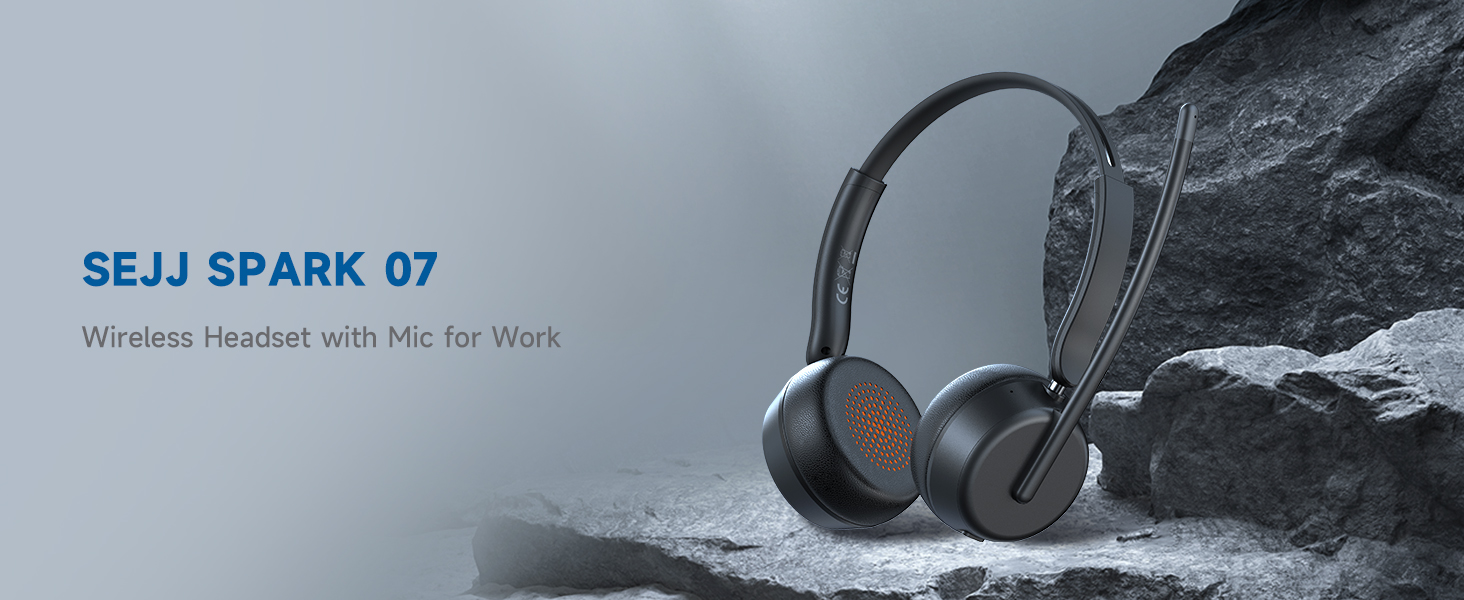
Image: The SEJJ Spark 07 Wireless Headset, showcasing its sleek design and microphone boom.
2. Safety Information
- Do not expose the headset to extreme temperatures or humidity.
- Avoid dropping or subjecting the headset to strong impacts.
- Do not disassemble or modify the headset. This may void the warranty and cause damage.
- Keep the headset away from water and liquids. The headset is waterproof, but prolonged submersion is not recommended.
- Use only the provided charging cable and power adapter (if included) to charge the headset.
- Prolonged listening at high volume levels may cause hearing damage. Adjust volume to a safe level.
3. Package Contents
Ensure all items are present in the package:
- SEJJ Spark 07 Wireless Headset
- USB-A to USB-C Charging Cable
- USB-A Dongle
- User Manual (this document)
4. Product Overview
4.1 Headset Components
The SEJJ Spark 07 headset features a lightweight design with comfortable over-ear earpieces and an adjustable microphone boom.
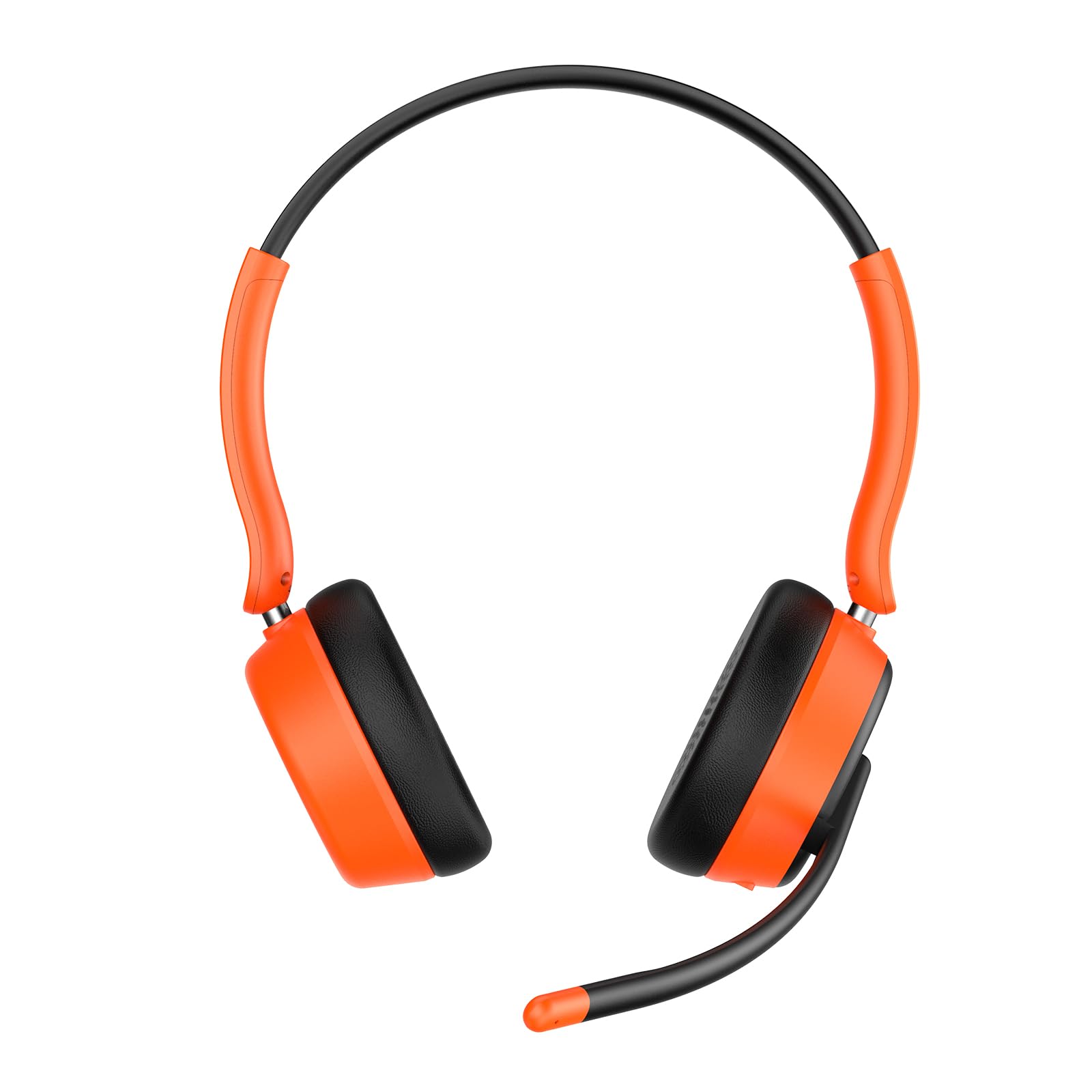
Image: Close-up of the SEJJ Spark 07 headset, highlighting the earpieces and flexible microphone arm.
4.2 Controls and Indicators
- Power Button: Press and hold to power on/off.
- Volume Up/Next Track: Short press for volume up, long press for next track.
- Volume Down/Previous Track: Short press for volume down, long press for previous track.
- Multi-function Button (MFB): Play/Pause, Answer/End Call.
- Mute Button: Mute/unmute microphone during calls.
- LED Indicator: Shows power status, pairing mode, and charging status.
- USB-C Charging Port: For charging the headset.
5. Setup
5.1 Charging the Headset
- Connect the USB-C end of the charging cable to the headset's charging port.
- Connect the USB-A end to a USB power adapter (not included) or a computer's USB port.
- The LED indicator will show charging status (e.g., red for charging, blue for fully charged). A full charge takes approximately 1.5 hours.
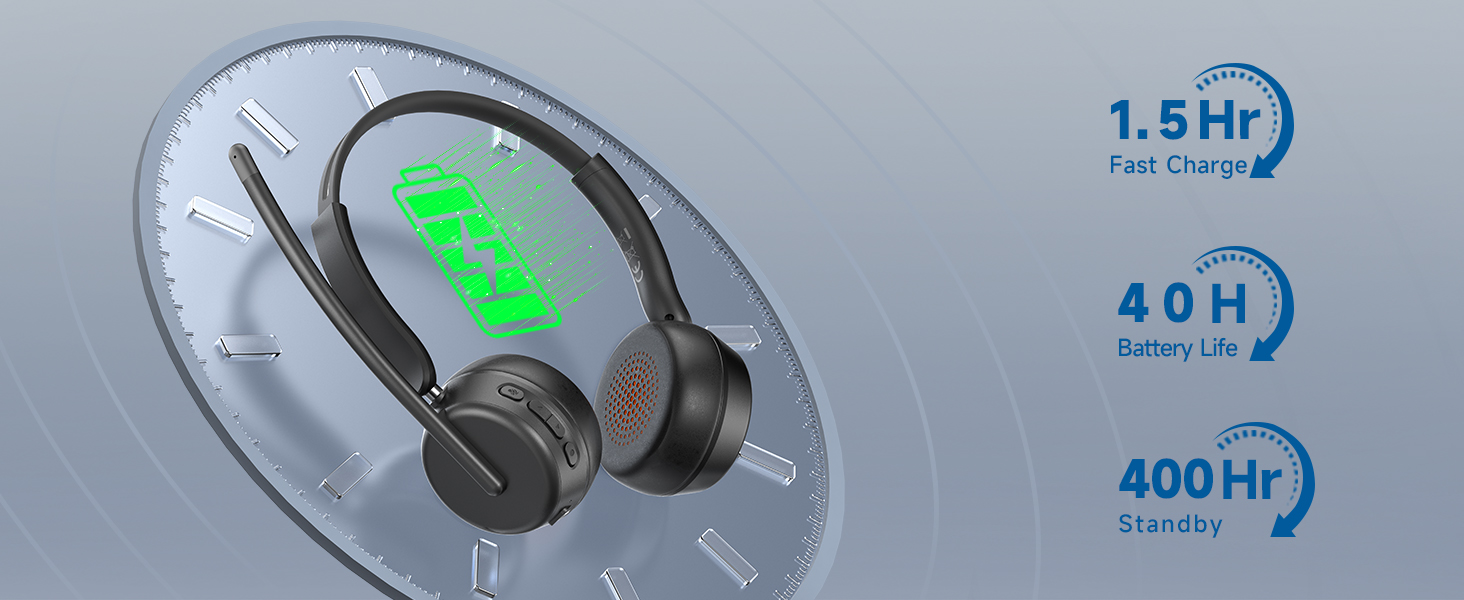
Image: Visual representation of headset charging time and battery life (40 hours play, 400 hours standby).
5.2 Connecting via Bluetooth
- Ensure the headset is charged and powered off.
- Press and hold the Power button until the LED indicator flashes blue and red alternately, indicating pairing mode.
- On your device (smartphone, tablet, computer), enable Bluetooth and search for "SEJJ Spark 07".
- Select "SEJJ Spark 07" from the list of available devices to connect.
- The LED indicator will turn solid blue when successfully paired.
5.3 Connecting via USB Dongle
The USB dongle provides a stable and quick connection for computers without Bluetooth or for enhanced compatibility.
- Plug the USB dongle into an available USB-A port on your computer.
- Power on the SEJJ Spark 07 headset. It will automatically attempt to connect to the dongle.
- The LED indicator on the headset will turn solid blue once connected to the dongle.
- On some operating systems, you may need to select "SEJJ Spark 07" as the audio input and output device in your sound settings.
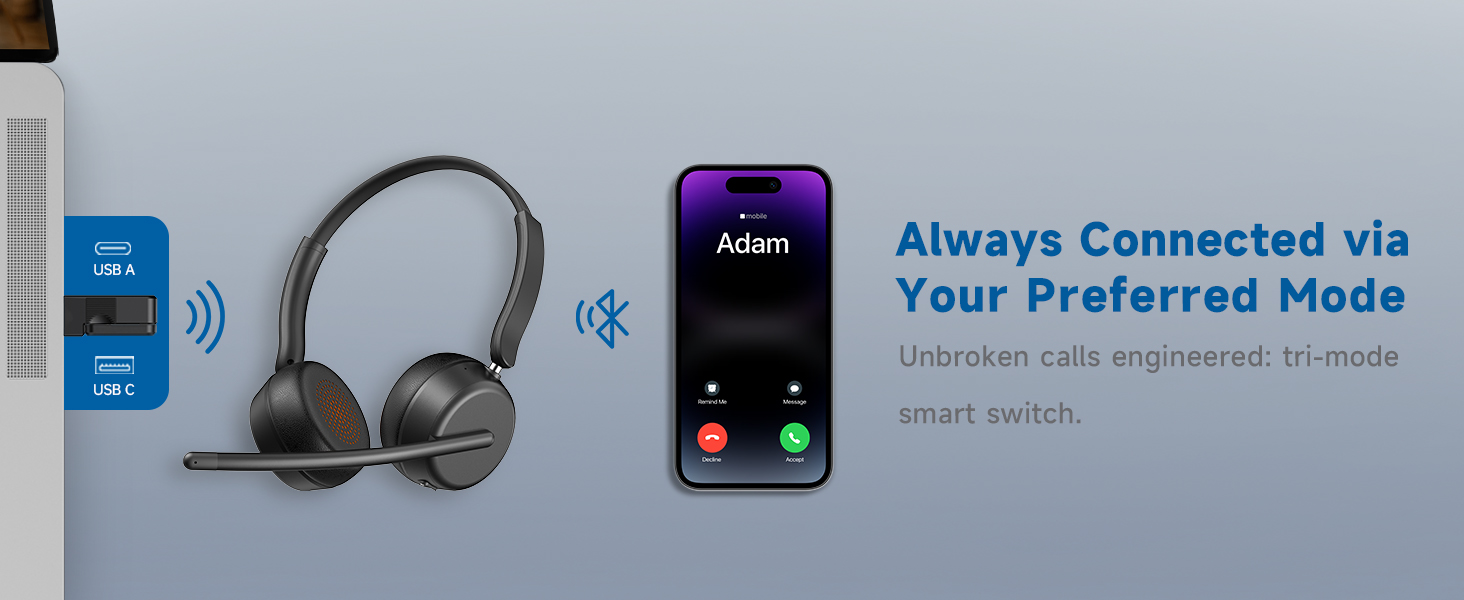
Image: Illustration of the headset's multi-mode connectivity options, including USB-A, USB-C, and Bluetooth.
6. Operating Instructions
6.1 Power On/Off
- Power On: Press and hold the Power button for 3 seconds until the LED indicator flashes blue.
- Power Off: Press and hold the Power button for 5 seconds until the LED indicator flashes red and then turns off.
6.2 Volume Control
- Volume Up: Short press the "Volume Up" button.
- Volume Down: Short press the "Volume Down" button.
6.3 Microphone Mute/Unmute
- During a call, short press the "Mute" button to mute or unmute the microphone.
- The microphone boom can be adjusted for optimal voice pickup.
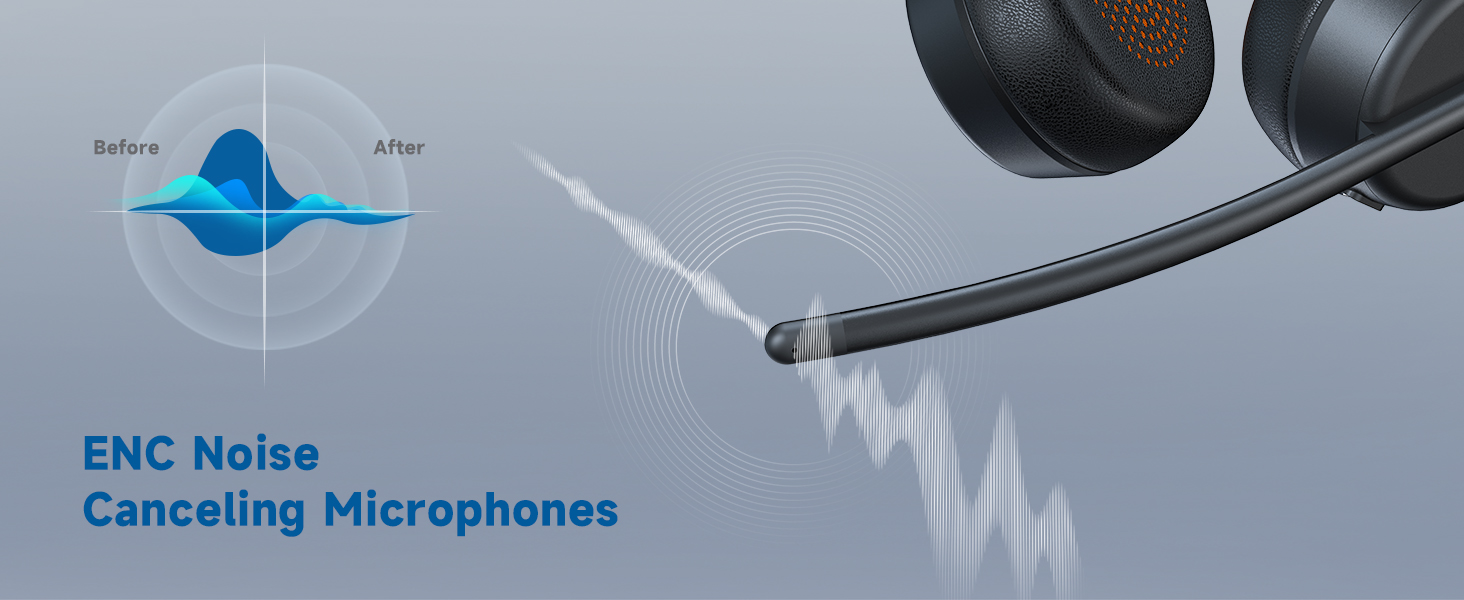
Image: Diagram showing how the ENC microphone reduces background noise for clearer communication.
6.4 Call Management
- Answer Call: Short press the MFB.
- End Call: Short press the MFB.
- Reject Call: Long press the MFB.
6.5 Music Playback
- Play/Pause: Short press the MFB.
- Next Track: Long press the "Volume Up" button.
- Previous Track: Long press the "Volume Down" button.
7. Maintenance
- Cleaning: Wipe the headset with a soft, dry cloth. Do not use harsh chemicals or abrasive materials.
- Storage: Store the headset in a cool, dry place away from direct sunlight and extreme temperatures.
- Battery Care: To prolong battery life, charge the headset regularly, even if not in frequent use. Avoid fully discharging the battery for extended periods.
8. Troubleshooting
| Problem | Possible Cause | Solution |
|---|---|---|
| Headset does not power on. | Low battery. | Charge the headset for at least 1.5 hours. |
| Cannot pair via Bluetooth. | Headset not in pairing mode; device Bluetooth off; too far from device. | Ensure headset is in pairing mode (flashing blue/red). Turn on device Bluetooth. Move headset closer to device (within 10 meters). |
| No sound or poor sound quality. | Volume too low; incorrect audio output selected; connection issue. | Adjust headset and device volume. Check device's sound settings to ensure "SEJJ Spark 07" is selected. Reconnect Bluetooth or re-insert USB dongle. |
| Microphone not working. | Microphone muted; incorrect audio input selected. | Press the Mute button to unmute. Check device's sound settings to ensure "SEJJ Spark 07" is selected as the input device. |
| Intermittent connection. | Interference; too far from device; low battery. | Move away from other wireless devices. Ensure headset is within range. Charge the headset. |
9. Specifications
| Feature | Detail |
|---|---|
| Model Name | Spark 07 |
| Connectivity Technology | Wireless (Bluetooth) |
| Wireless Communication Technology | Bluetooth 5.4 |
| Compatible Devices | Telephones, Laptops, Desktops, Gaming Consoles |
| Water Resistance Level | Waterproof |
| Control Method | Push Button |
| Battery Life | 40 Hours |
| Audio Driver Type | Dynamic Driver (40mm) |
| Earpiece Shape | Over-ear |
| Hardware Interface | Bluetooth, USB |
| Noise Control Features | Environmental Noise Cancellation (ENC) |
| Item Weight | 8.8 ounces |
| Manufacturer | SEJJ |
10. Warranty and Support
For warranty information and customer support, please refer to the warranty card included in your product packaging or visit the official SEJJ website. Keep your purchase receipt as proof of purchase for warranty claims.
For further assistance, you may contact SEJJ customer service through their website or the contact information provided in your product documentation.