
TELESIN CXCY-EU-P5-MCS-01-TSX
TELESIN Fun Shot Mastergrip Phone Camera Grip User Manual
Model: CXCY-EU-P5-MCS-01-TSX | Brand: TELESIN
Introduction
The TELESIN Fun Shot Mastergrip is a professional phone camera grip designed to transform your smartphone into a traditional camera, enhancing your mobile photography and videography experience. It features an ergonomic design, precise control system, and a built-in battery for extended use. This manual provides essential information for setting up, operating, and maintaining your Mastergrip.
What's in the Box
Please verify that all items are present upon unboxing:
- Mastergrip Shooting Grip x 1
- Phone Case x 1 (Exclusive for Samsung Galaxy S25 Ultra)
- Handle Strap x 1
- Filter Adapter Ring x 1

Image: All components included in the TELESIN Mastergrip package.
Setup
1. Attaching the Phone Case
Ensure your Samsung Galaxy S25 Ultra is securely placed within the exclusive phone case provided. This case is designed to perfectly fit your device and integrate with the Mastergrip.
2. Attaching the Mastergrip
The Mastergrip features a quick-lock slide rail system for easy attachment and detachment. Align the phone case with the grip's rail and slide it into place until it locks securely. A distinct click indicates proper attachment.

Image: Visual guide for attaching the phone case to the grip and installing optional filters.
3. Installing Optional Lens Filters (if applicable)
If you have compatible 67mm lens filters (sold separately), attach them to the threaded adapter ring on the phone case. Rotate the filter clockwise until it is firmly secured. This allows for enhanced photographic effects such as glare elimination or dynamic lighting control.

Image: The Mastergrip and phone case assembled, ready for use.
Operating Instructions
The Mastergrip provides intuitive controls for a seamless shooting experience.
1. Powering On/Off
Press and hold the power button (location not specified in input, assuming standard placement) for a few seconds to power on or off the grip. The built-in 300mAh battery ensures long-lasting performance.
2. Using the Shutter Button
The dual-stage shutter button functions like a traditional camera. Press halfway to focus, and press fully to capture a photo or start/stop video recording.
3. Zoom Control
Utilize the dedicated quick zoom slider to smoothly adjust your phone's zoom level, allowing for precise framing of your shots.
4. Mode Switching
The mode switch button allows for quick transitions between photo, video, and burst modes, adapting to your shooting needs instantly.

Image: Detailed view of the Mastergrip's control buttons.
5. Ergonomic Handling
The compact ergonomic finger hook design enhances grip, provides balance, and stability, making it comfortable for extended shooting sessions. The design allows for seamless transition between portrait and landscape orientations without removing your phone.
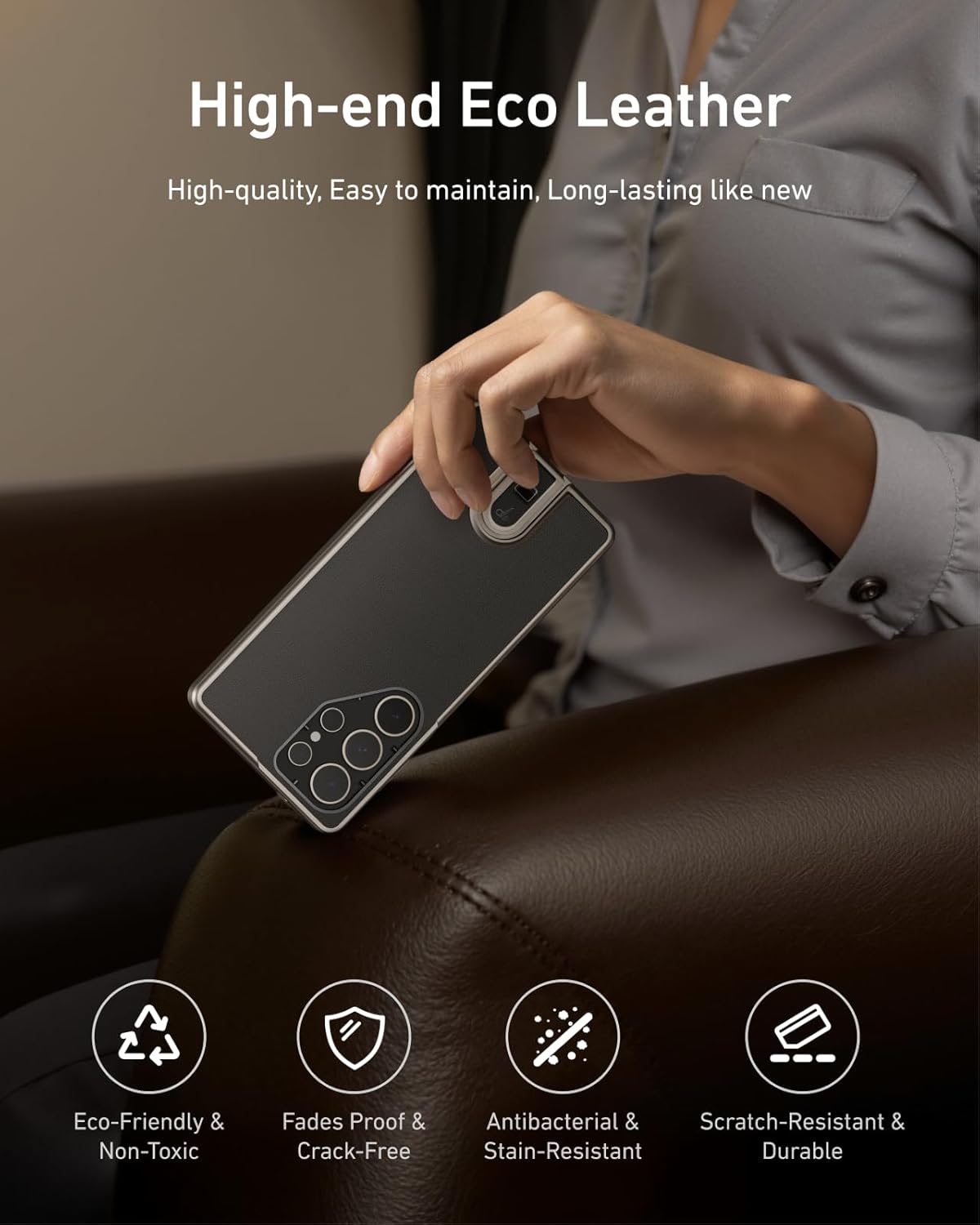
Image: User demonstrating the ergonomic grip of the Mastergrip.
6. External Accessories
The Mastergrip features a 1/4” tripod screw connector, allowing you to attach additional accessories such as tripods, microphones, or other photographic equipment for versatile usage.
7. Official Product Video
Video: An official demonstration of the TELESIN Mastergrip Phone Camera Grip for Galaxy S25 Ultra, showcasing its features and use cases.
Maintenance
1. Cleaning
Wipe the Mastergrip and phone case with a soft, dry cloth. For stubborn dirt, a slightly damp cloth can be used. Avoid harsh chemicals or abrasive materials that could damage the high-end environmentally friendly silicone leather or other components.

Image: Detail of the durable and eco-friendly silicone leather material.
2. Battery Care
The built-in 300mAh battery is designed for longevity. To maximize battery life, avoid fully discharging the grip frequently. Store the device in a cool, dry place when not in use for extended periods.
3. Storage
Store the Mastergrip and its accessories in a protective case or bag to prevent scratches and damage. Keep away from extreme temperatures and direct sunlight.
Troubleshooting
| Problem | Possible Cause | Solution |
|---|---|---|
| Grip not responding | Low battery or connection issue. | Charge the grip fully. Ensure the phone case is securely attached to the grip. |
| Buttons not functioning | Improper connection or software glitch. | Re-attach the phone case to the grip. Restart your phone. |
| Phone not fitting securely | Incorrect phone model or improper insertion. | Ensure you are using a Samsung Galaxy S25 Ultra. Verify the phone is correctly seated in the case. |
If the issue persists after attempting these solutions, please contact TELESIN customer support.
Specifications
| Feature | Detail |
|---|---|
| Model Number | CXCY-EU-P5-MCS-01-TSX |
| Compatible Devices | Samsung Galaxy S25 Ultra |
| Battery Capacity | 300mAh Lithium Polymer (included) |
| Connectivity | Wireless |
| Material | Acrylonitrile Butadiene Styrene (ABS), Silicone Leather |
| Item Weight | 10.6 ounces |
| Package Dimensions | 7.99 x 7.32 x 1.73 inches |
| Special Features | Ergonomic Design, Lightweight, 1/4" Tripod Screw Connector |
Warranty and Support
TELESIN products are manufactured to the highest quality standards. For warranty information and customer support, please refer to the official TELESIN website or contact your retailer. Keep your purchase receipt as proof of purchase.
For further assistance, visit the TELESIN Store on Amazon.
Related Documents - CXCY-EU-P5-MCS-01-TSX
 |
TELESIN P5-MCS-16-TIP iPhone Imaging Set - User Manual User manual for the TELESIN P5-MCS-16-TIP iPhone Imaging Set, providing instructions on setup, operation, button functions, charging, installation of accessories, technical specifications, warnings, and disclaimers. |
 |
TELESIN P5-MCS-13-TIP iPhone 17 Pro Max 影像套装说明书 TELESIN P5-MCS-13-TIP iPhone 17 Pro Max 影像套装全能版的用户手册,包含产品规格、生产标准和多语言说明。 |
 |
TELESIN Master Grip for iPhone 17 Pro / Pro Max - User Guide & Features Comprehensive product overview and user guide for the TELESIN Master Grip, a magnetic camera handle for iPhone 17 Pro and Pro Max. Features include mechanical shutter, zoom dial, 3200mAh battery, and Reef Color App integration. |
 |
TELESIN Fun Shot Magnetic Grip2 User Guide Comprehensive user guide for the TELESIN Fun Shot Magnetic Grip2 (model TPMP001-01), detailing its features, operation, connectivity, safety precautions, and product specifications. |
 |
TELESIN Fun Shot Magnetic Grip 2: Turn Your Phone into a Professional Camera Enhance your smartphone photography with the TELESIN Fun Shot Magnetic Grip 2. Features MagSafe compatibility, steady hand support, physical controls, and a detachable remote for professional-level shooting. |
 |
TELESIN Magnetic Selfie Ring Light RGB User Guide Official user guide for the TELESIN Magnetic Selfie Ring Light RGB. Learn about product features, installation, operation, specifications, and safety information for this versatile smartphone lighting accessory. |
Ask a question about this manual
Ask about setup, troubleshooting, compatibility, parts, safety, or missing instructions. Manuals+ will review the question and use this page’s manual context to help answer it.