
Introduction
This manual provides instructions for the SOVOTIKO 2-Pack Replacement Battery and Dual Port Charger. This product is designed to provide reliable power for compatible Ring devices, including Ring Video Doorbell 2/3/3Plus/4, Stick Up Cam Battery (2nd and 3rd Gen), Peephole Cam, and Spotlight Camera. Please read this manual thoroughly before use to ensure proper operation and safety.
Package Contents
Verify that all items listed below are included in your package:
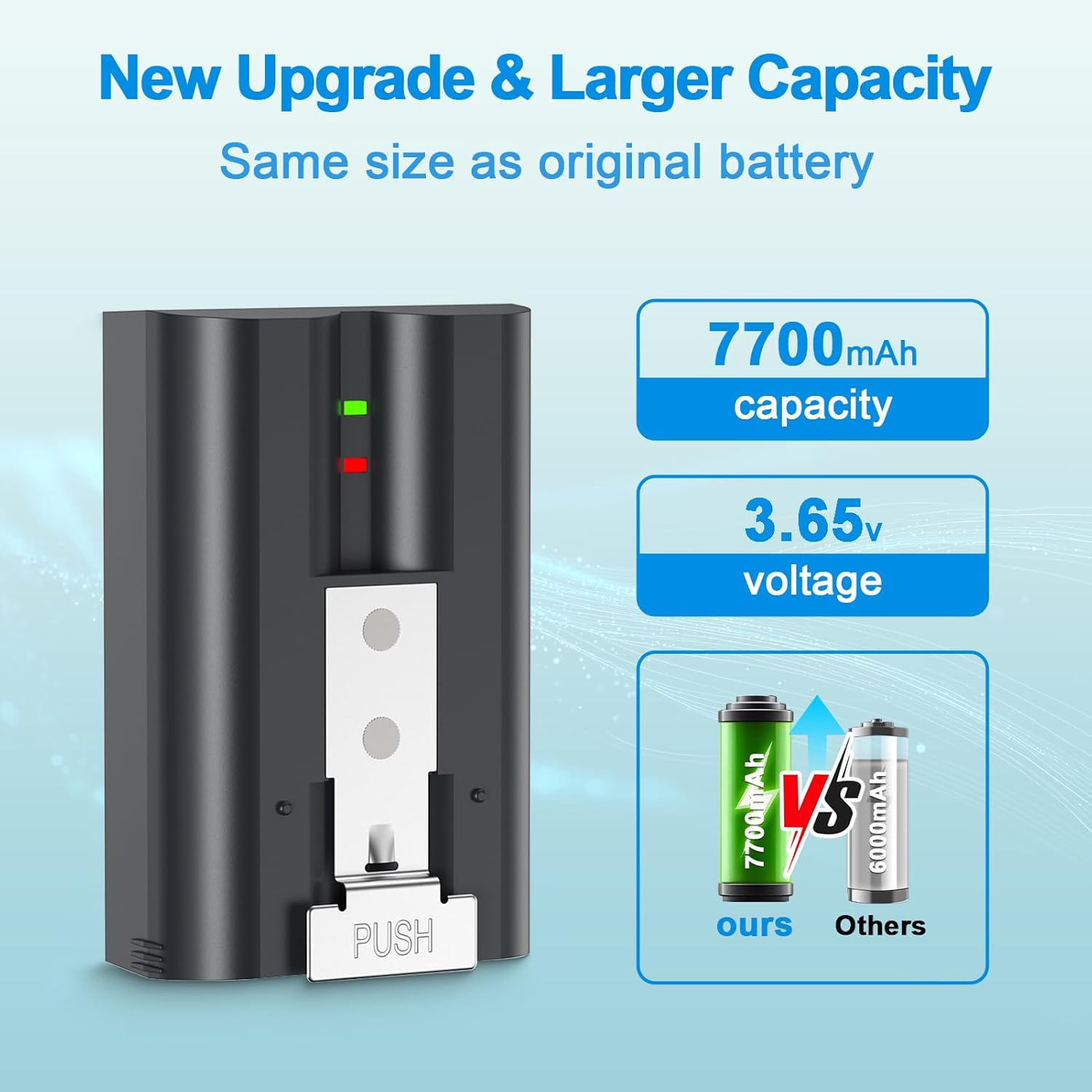
- 2 x SOVOTIKO Replacement Batteries (7200mAh, 3.65V Li-ion)
- 1 x Dual-Slot Charging Station
- 1 x USB-C Charging Cable

Specifications
| Feature | Detail |
|---|---|
| Brand | SOVOTIKO |
| Model | RV4 |
| Battery Type | Lithium Ion (Li-ion) |
| Battery Capacity | 7200mAh |
| Battery Voltage | 3.65V |
| Charger Ports | 2 (Dual-Slot) |
| Product Dimensions (Kit) | 7 x 4.4 x 2.5 cm |
| Product Weight (Kit) | 330 g |
| Compatibility | Ring Video Doorbell 2/3/3Plus/4, Ring Stick Up Cam Battery (2nd & 3rd Gen), Ring Peephole Cam, Ring Spotlight Camera |

Setup
Charging the Batteries
- Connect the provided USB-C charging cable to the dual-slot charging station.
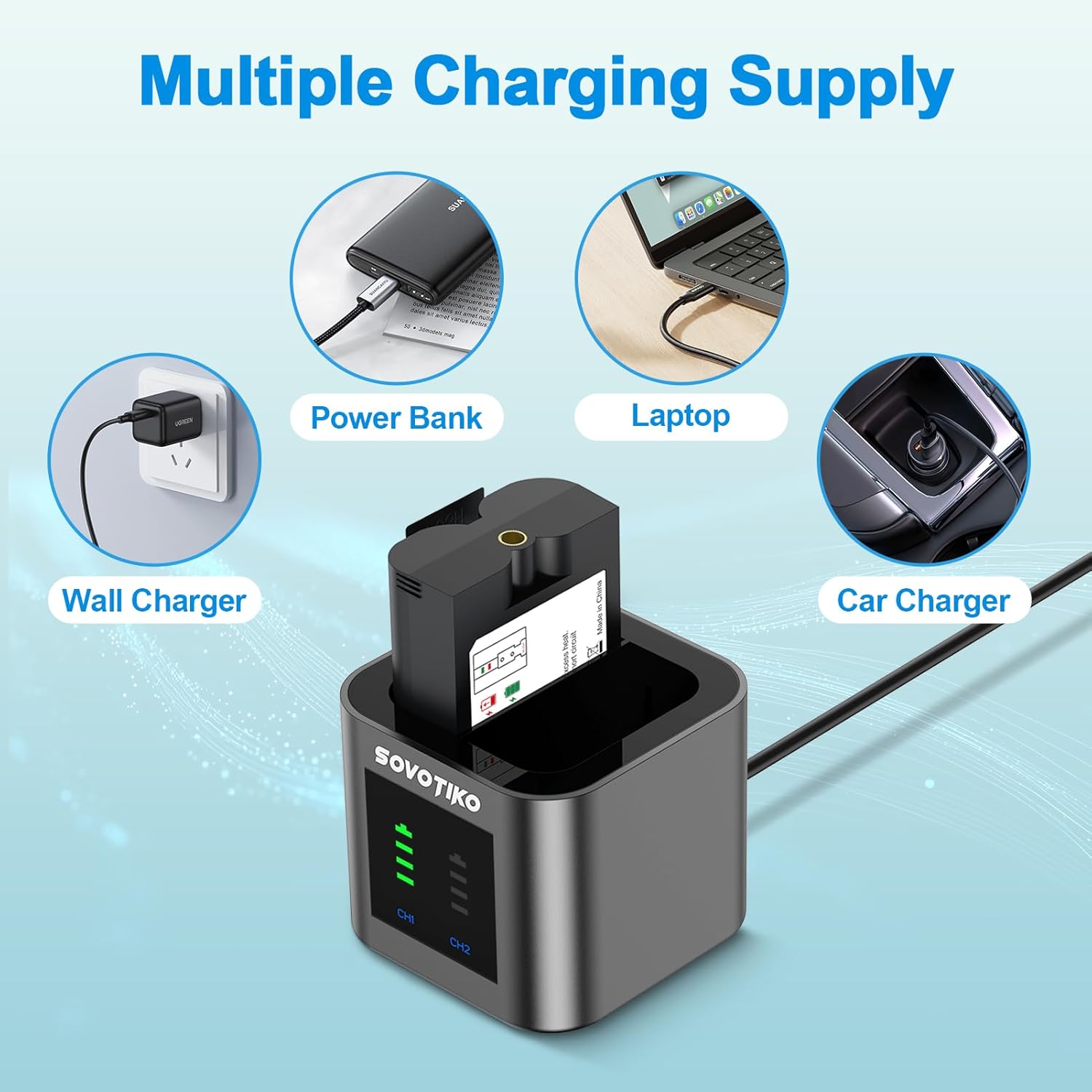
- Connect the other end of the USB-C cable to a compatible power source (e.g., wall charger, power bank, laptop, car charger).
- Insert one or two SOVOTIKO replacement batteries into the charging slots of the station. Ensure the batteries are correctly oriented.
- The LED indicators on the charging station will show the charging status. Typically, a blinking light indicates charging, and a solid light indicates a full charge.

Operating Instructions
Installing Batteries into Ring Devices
Follow these general steps to install the SOVOTIKO replacement battery into your compatible Ring device. Specific steps may vary slightly depending on your Ring device model.
- Open the Battery Cover: Locate the battery compartment on your Ring device. This usually involves unscrewing a security screw or pressing a release tab to open the cover.
- Remove Old Battery (if applicable): If replacing an existing battery, carefully remove it from the compartment.
- Insert New Battery: Insert the fully charged SOVOTIKO replacement battery into the compartment. Ensure it clicks into place and the contacts align correctly.
- Close the Cover: Replace the battery cover and secure it. If there was a security screw, fasten it.
- Verify Operation: Your Ring device should power on. Check the device's app or status indicator to confirm the battery is recognized and functioning.

Maintenance
- Regular Charging: For optimal performance, charge batteries regularly. Avoid completely draining the batteries before recharging.
- Storage: If storing batteries for an extended period, charge them to approximately 50-60% capacity and store them in a cool, dry place away from direct sunlight and extreme temperatures.
- Cleaning: Keep battery contacts and charger slots clean and free of dust or debris. Use a dry, soft cloth for cleaning.
- Safety: Do not expose batteries to water, fire, or extreme heat. Do not disassemble, puncture, or modify the batteries or charger.
Troubleshooting
- Battery not charging:
- Ensure the USB-C cable is securely connected to both the charger and the power source.
- Try a different USB-C cable or power adapter.
- Verify the power source is active and providing sufficient power.
- Check if the battery is correctly inserted into the charging slot.
- Clean the battery contacts and charger pins.
- Ring device not powering on with new battery:
- Ensure the battery is fully charged.
- Verify the battery is correctly inserted into the Ring device's compartment.
- Check for any physical damage to the battery or the device's battery contacts.
- Confirm your Ring device model is listed as compatible.
- Battery drains quickly:
- Ensure the battery is fully charged before use.
- Environmental factors (extreme cold/heat) can affect battery life.
- High usage of the Ring device (frequent motion detection, live view) will consume battery faster.
- If the issue persists, the battery may be nearing the end of its lifespan.
Warranty and Support
SOVOTIKO batteries and chargers are designed with multiple protection features including over-current, overcharge, overvoltage, overheat, and short-circuit protection to ensure safety and longevity.
For technical support or warranty inquiries, please contact SOVOTIKO customer service:
Email: sovotikous@163.com