
1. Introduction
Thank you for purchasing the RC ERA C138 Bell 206 RC Helicopter. This manual provides essential information for the safe operation, setup, maintenance, and troubleshooting of your new remote-controlled helicopter. Please read this manual thoroughly before operating the helicopter to ensure proper function and to prevent damage or injury. This product is recommended for users aged 15 and above.
2. Safety Information
Operating an RC helicopter requires caution and responsibility. Failure to operate this product safely may result in injury or property damage. Always adhere to the following safety guidelines:
- Age Recommendation: This product is suitable for users aged 15 years and older. Adult supervision is recommended for younger users.
- Operating Environment: Fly in open, clear areas away from people, animals, buildings, power lines, and water. Avoid flying indoors unless the space is sufficiently large and clear.
- Weather Conditions: Do not fly in strong winds, rain, or other adverse weather conditions.
- Pre-Flight Check: Always inspect the helicopter and remote controller for any damage before each flight. Ensure all parts are securely attached.
- Battery Safety: Use only the provided charger and battery. Do not overcharge or short-circuit the battery. Disconnect the battery when not in use.
- Propeller Safety: Keep hands, face, and loose clothing away from rotating propellers. The propellers can cause serious injury.
- Line of Sight: Always maintain visual line of sight with the helicopter during flight.
- Emergency Landing: In case of an emergency, immediately cut power to the motors and perform a controlled landing if possible.
- Low Voltage Alarm: Pay attention to the low-voltage alarm. Land the helicopter immediately when the alarm sounds to prevent loss of control.
3. Package Contents
Verify that all items listed below are included in your package:
- RC ERA C138 Bell 206 Helicopter x 1
- Remote Controller x 1
- User Manual x 1
- USB Charger x 1
- Main Propeller (Spare) x 2
- Tail Propeller (Spare) x 1
- 7.4V Lithium Battery x 1
- Screwdriver x 1
- Hexagonal Wrench x 1

Image: The RC ERA C138 Bell 206 helicopter, remote controller, battery, charger, and tools included in the package.
4. Product Overview
The RC ERA C138 Bell 206 is a 1/33 scale single-rotor RC helicopter featuring a 6-axis gyroscope for stable flight, altitude hold, and optical flow positioning. Its design allows for both beginner-friendly stability and advanced stunt capabilities.

Image: A detailed side view of the RC ERA C138 Bell 206 RC Helicopter, showcasing its camouflage design.
5. Setup
5.1 Battery Charging
The helicopter uses a 7.4V lithium battery. Before first use, fully charge the battery.
- Connect the provided USB charger to a suitable USB power source (e.g., computer USB port, USB wall adapter).
- Connect the helicopter battery to the USB charger.
- The charging indicator light on the charger will show the charging status (refer to charger instructions for specific light patterns).
- Charging time is approximately 50 minutes for a full charge. Do not leave the battery unattended during charging.
5.2 Battery Installation
Install the charged battery into the helicopter:
- Locate the battery compartment on the helicopter.
- Carefully insert the 7.4V lithium battery into the compartment.
- Connect the battery connector to the helicopter's power port. Ensure the connection is secure.
- Close the battery compartment cover.
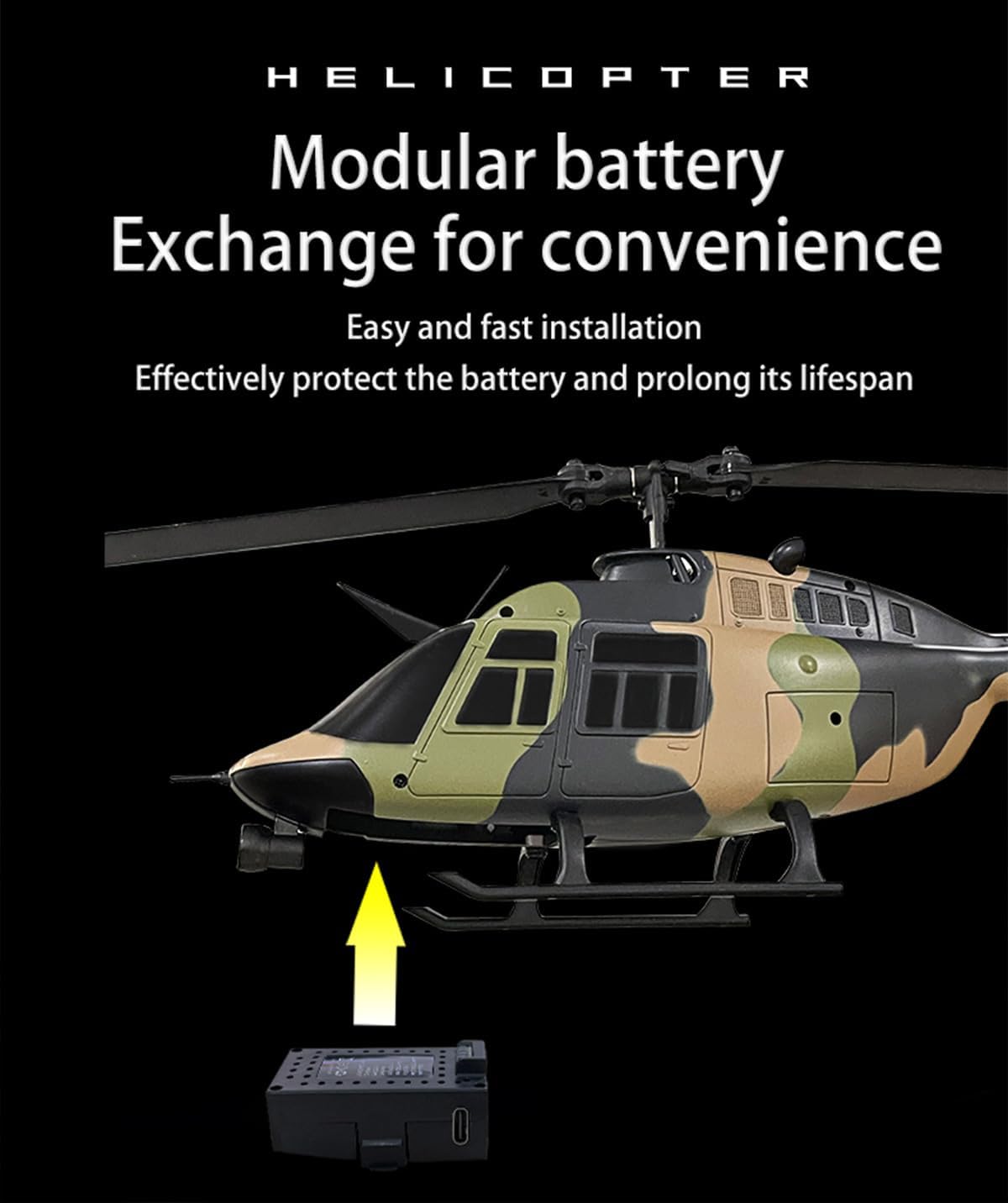
Image: Illustration demonstrating the easy and fast installation of the modular battery into the helicopter's compartment.
5.3 Remote Controller Setup
Install batteries into the remote controller (batteries for the remote controller are typically not included and need to be purchased separately).
- Open the battery compartment on the back of the remote controller.
- Insert the required number of AA batteries, observing correct polarity.
- Close the battery compartment.
5.4 Binding the Helicopter and Remote Controller
To establish communication between the helicopter and the remote controller:
- Ensure both the helicopter and the remote controller are powered off.
- Place the helicopter on a flat, level surface.
- Power on the helicopter first, then power on the remote controller.
- The indicator lights on both devices will flash, then become solid once binding is successful.
- If binding fails, power off both devices and repeat the process.
6. Operating Instructions
6.1 Pre-Flight Checks
Before each flight, perform the following checks:
- Ensure the helicopter battery is fully charged and securely installed.
- Verify the remote controller batteries are sufficient.
- Check for any visible damage to the helicopter, especially propellers and landing gear.
- Ensure the flight area is clear of obstacles and people.
6.2 Takeoff and Landing
The C138 features a one-key takeoff and landing function:
- One-Key Takeoff: After binding, place the helicopter on a flat surface. Press the one-key takeoff button on the remote controller. The helicopter will automatically ascend to a stable hovering height.
- One-Key Landing: During flight, press the one-key landing button. The helicopter will slowly descend and land automatically.
6.3 Flight Controls
The 6-channel remote controller allows for precise flight maneuvers:
- Throttle (Left Stick Up/Down): Controls the helicopter's altitude.
- Yaw (Left Stick Left/Right): Rotates the helicopter left or right on its vertical axis.
- Forward/Backward (Right Stick Up/Down): Moves the helicopter forward or backward.
- Left/Right Sideways Flight (Right Stick Left/Right): Moves the helicopter left or right horizontally.

Image: The RC ERA C138 helicopter performing multi-directional flight, indicating its maneuverability.
6.4 Special Features
- 6-Axis Gyroscope: Provides enhanced stability and smooth flight characteristics, making it easier for beginners to control.
- Altitude Hold (Barometer): The helicopter maintains a stable altitude automatically, allowing you to focus on directional control.
- Optical Flow Positioning: This technology assists in maintaining precise position, especially in indoor environments or when GPS is unavailable, contributing to more stable hovering.

Image: The RC ERA C138 helicopter illustrating its air pressure altitude flight and optical flow positioning capabilities for enhanced stability.
- Three-Speed Adjustment: Adjust the flight speed according to your skill level. This allows for a more controlled experience for beginners and a more dynamic flight for experienced pilots.
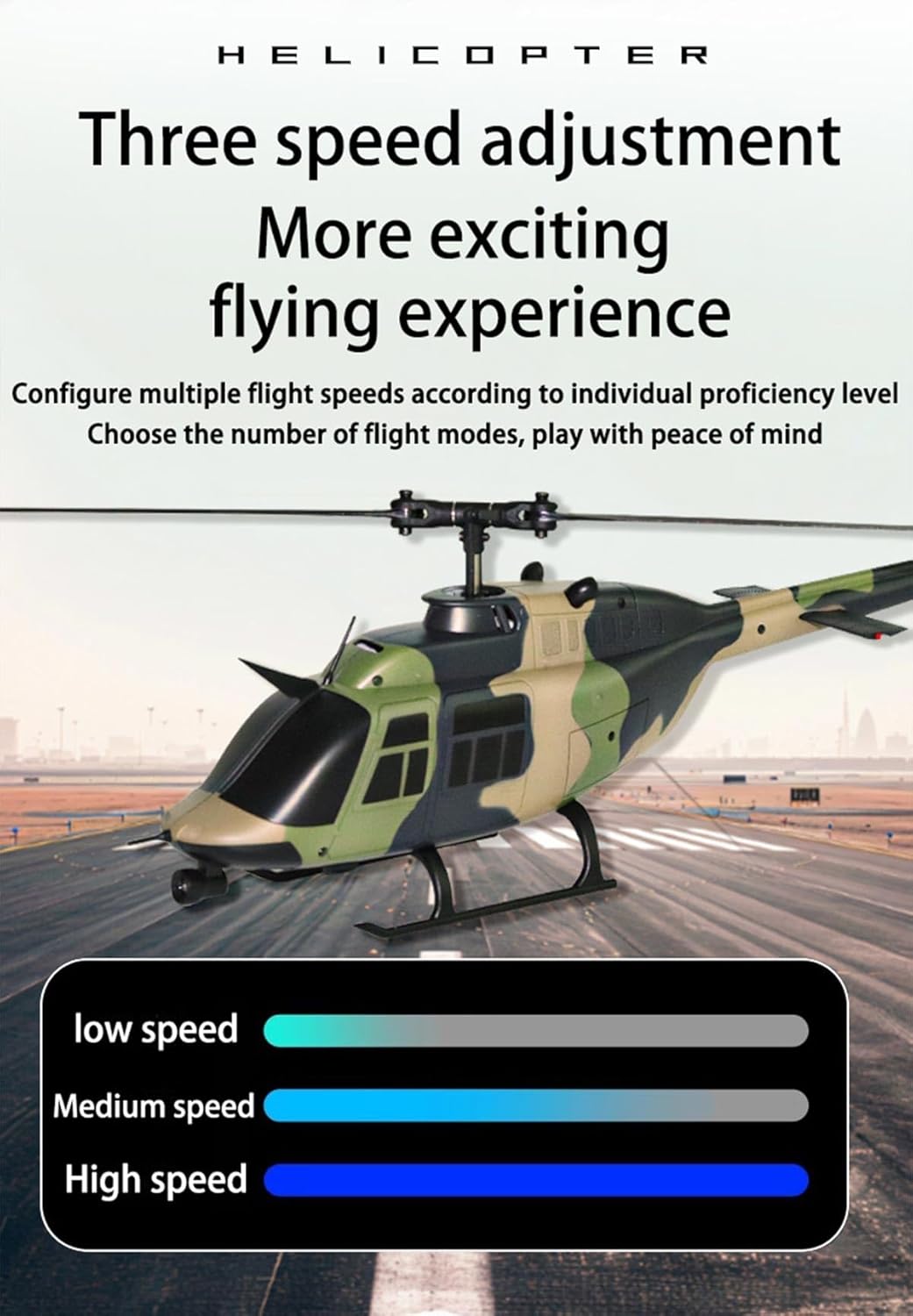
Image: The RC ERA C138 helicopter highlighting its three-speed adjustment feature for varied flying experiences.
- 6CH Stunt Capability: Execute professional maneuvers such as 360° rolls and directional path flying. The aileron-free design simplifies control while maintaining advanced functionality.
7. Maintenance
Regular maintenance ensures the longevity and optimal performance of your helicopter:
- Cleaning: After each flight, gently wipe the helicopter with a soft, dry cloth to remove dust and debris. Do not use water or chemical cleaners.
- Propeller Inspection: Regularly check the main and tail propellers for cracks, bends, or damage. Replace damaged propellers immediately using the provided spares and screwdriver.
- Motor and Gear Check: Ensure motors and gears are free from obstructions.
- Battery Storage: Store the battery in a cool, dry place away from direct sunlight and extreme temperatures. Do not store fully charged or fully discharged for extended periods.
- General Inspection: Periodically check all screws and connections to ensure they are tight and secure.
8. Troubleshooting
If you encounter issues with your RC ERA C138 helicopter, refer to the following common problems and solutions:
| Problem | Possible Cause | Solution |
|---|---|---|
| Helicopter does not respond to remote controller. | Not bound, low battery in controller/helicopter, out of range. | Re-bind the helicopter and controller. Charge/replace batteries. Ensure within control range (80-100 meters). |
| Helicopter cannot take off or flies weakly. | Low helicopter battery, damaged propellers, motor issue. | Fully charge helicopter battery. Check and replace damaged propellers. Contact support if motor issue suspected. |
| Helicopter drifts during hover. | Not calibrated, strong wind, uneven takeoff surface. | Ensure helicopter is placed on a flat surface for takeoff. Avoid flying in windy conditions. Refer to remote controller manual for trim adjustments if available. |
| Propellers spin but helicopter does not lift. | Propellers installed incorrectly, motor/gear damage. | Check propeller orientation (refer to assembly diagrams if available). Inspect gears for damage. |
| Short flight time. | Battery not fully charged, aging battery. | Ensure battery is fully charged (approx. 50 min for 11-13 min flight). Consider replacing the battery if it's old. |
9. Specifications
Detailed technical specifications for the RC ERA C138 Bell 206 RC Helicopter:
- Model Number: C138
- Product Name: BELL 206 6CH Single-propeller Flybarless Helicopter (Optical Flow Version)
- Material: PA/PC
- Rotor Diameter: 306mm
- Body Size: 306 x 79 x 101mm (12.05 x 3.11 x 3.98 inches)
- Weight (Helicopter only): 105g (0.23 lbs)
- Battery: 7.4V Lithium Battery
- Control Range: 80-100 meters
- Flight Time: 11-13 minutes
- Charging Time: 50 minutes
- Recommended Age: 15+ years
10. Warranty and Support
For warranty information or technical support, please refer to the purchase documentation or contact the seller directly. Keep your proof of purchase for any warranty claims.


