
1. Introduction
Thank you for choosing the NATPOW Portable LED Work Light. This device is designed to provide versatile and reliable illumination for a wide range of applications, including construction sites, garages, workshops, camping, and emergency situations. Its robust design and multiple features ensure optimal performance and convenience.
Please read this manual carefully before using the product to ensure proper operation, maintenance, and safety.
2. Safety Instructions
- Do not look directly into the LED light when it is on, as this may cause eye damage.
- Keep the device away from extreme temperatures, direct sunlight, and corrosive liquids.
- Ensure the charging port is dry before connecting the USB cable.
- Do not attempt to disassemble or modify the product. Repairs should only be performed by qualified personnel.
- Dispose of batteries properly. Do not dispose of batteries in fire or trash. Follow local regulations for battery recycling.
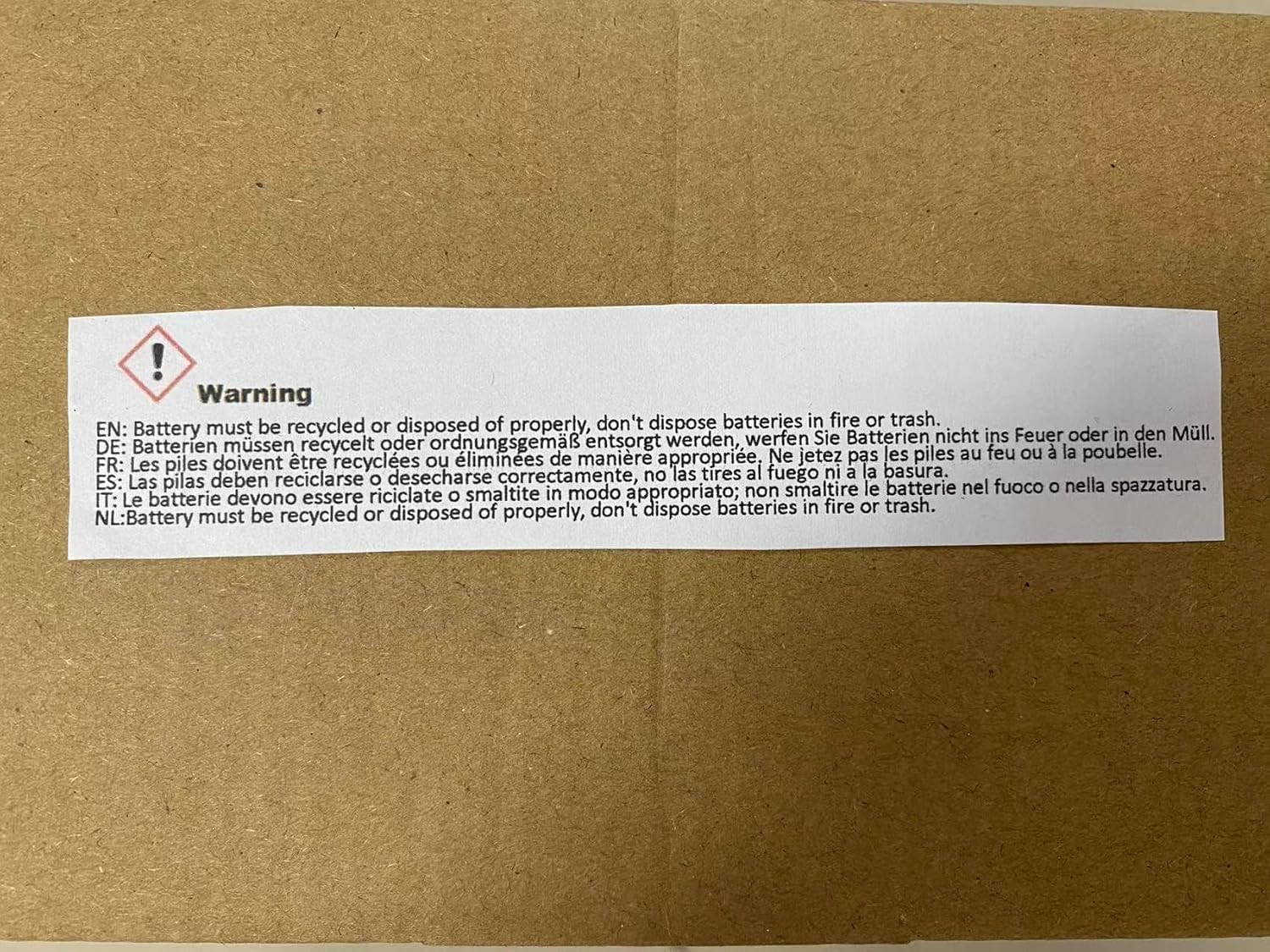
Image: Warning label indicating proper battery recycling and disposal.
3. Product Overview
The NATPOW Portable LED Work Light is equipped with advanced features for optimal performance and durability.
Key Features:
- Upgrade SMD LED Chip: Provides ultra-bright, uniform illumination.
- Magnet Attraction: Integrated magnets allow for easy attachment to metallic surfaces.
- Tripod Mounting Hole: Enables stable, hands-free operation with a standard tripod.
- 180° Rotatable Stand: Adjustable stand for directing light precisely where needed.
- IP65 Waterproof Rating: Ensures functionality even in rainy conditions.

Image: Detailed view of the work light highlighting its SMD LED chip, magnetic base, tripod mounting hole, and 180° rotatable stand.
4. Setup
The NATPOW Portable LED Work Light comes pre-assembled and ready for use. Before first use, ensure the battery is fully charged.
Physical Dimensions:

Image: Product dimensions: 4.9in (12.5cm) height, 6.5in (16.5cm) width, and 1.4in (3.5cm) thickness.
Initial Charging:
- Locate the USB charging port on the device.
- Connect the provided USB cable to the work light and to a compatible USB power source (e.g., wall adapter, computer USB port, car charger).
- The charging indicator light will show the charging status. Charge until the indicator shows a full charge.
5. Operating Instructions
The work light features a single power button to cycle through its various lighting modes.
Lighting Modes:
Press the power button repeatedly to cycle through the 5 available lighting modes:
- Low Brightness: (Approx. 50% intensity) Suitable for extended use or when less light is needed.
- Medium Brightness: (Approx. 75% intensity) A balanced mode for general tasks.
- High Brightness: (Approx. 100% intensity) Maximum illumination for demanding tasks.
- Red Brightness: Steady red light, useful for night vision preservation or as a warning signal.
- SOS Red Flashing: Flashing red light for emergency signaling.
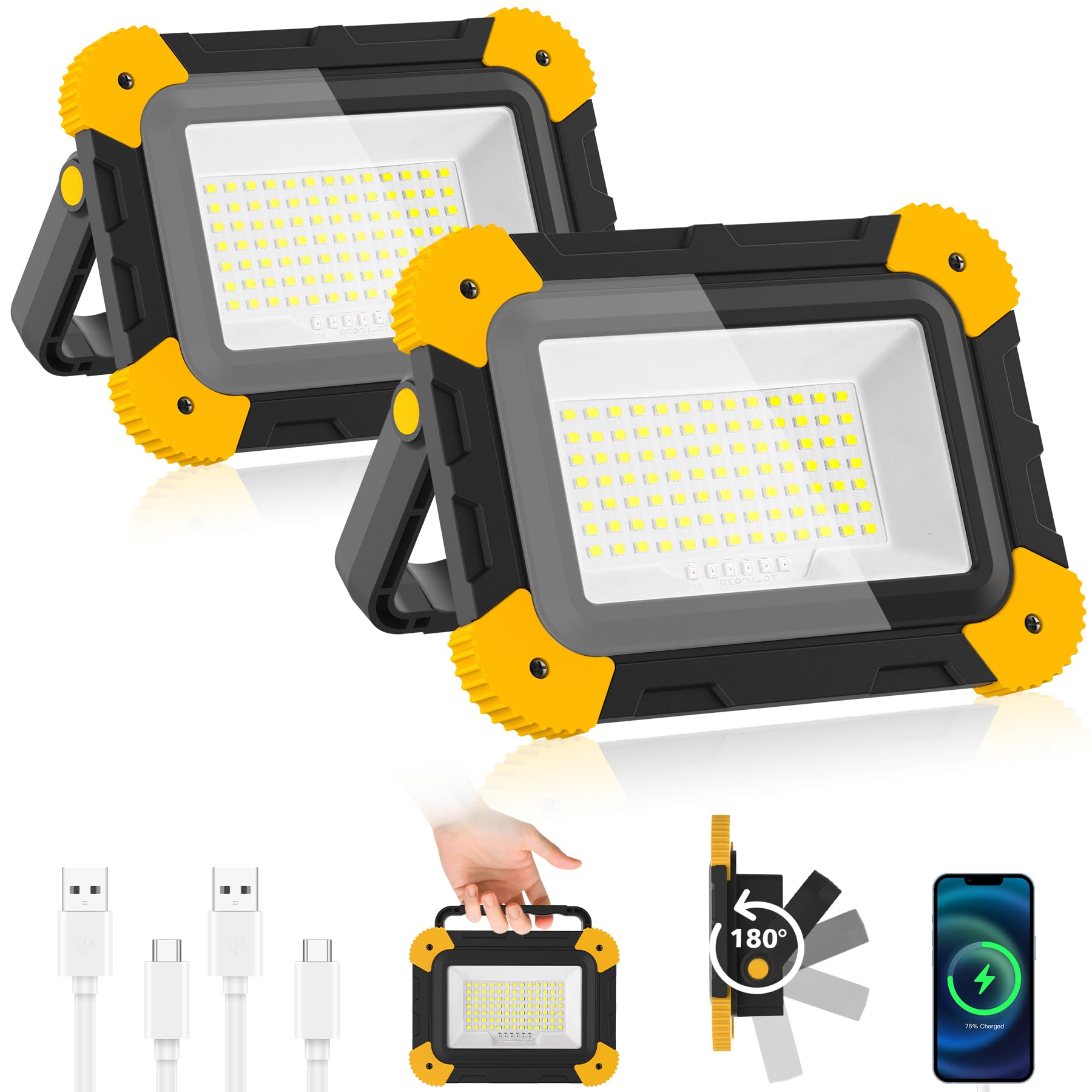
Image: Visual representation of the five distinct lighting modes.
6. Charging and Power Bank Function
The work light is equipped with a rechargeable battery and can also serve as a portable power bank.
Charging the Work Light:
Use the provided USB cable to connect the light's input port to any standard USB charger. The charging indicator will show progress.
Using as a Power Bank:
Connect your electronic device (e.g., smartphone, tablet) to the work light's output USB port using its charging cable. The work light will then act as a backup power source.

Image: The work light functioning as an emergency power bank, charging external devices.
7. Mounting Options
The NATPOW work light offers flexible mounting solutions for various environments:
- Freestanding: Use the integrated 180° rotatable stand to position the light on any flat surface.
- Magnetic Attachment: The strong magnets on the back allow for secure attachment to metal surfaces, providing hands-free lighting.
- Tripod Mounting: A standard tripod mounting hole is included for stable, elevated illumination.

Image: Various application scenarios demonstrating the work light's versatility, including tripod use and magnetic attachment.
8. Maintenance
To ensure the longevity and optimal performance of your NATPOW Portable LED Work Light, follow these maintenance guidelines:
- Cleaning: Wipe the device with a soft, damp cloth. Do not use abrasive cleaners or solvents.
- Storage: Store the work light in a cool, dry place when not in use. If storing for extended periods, charge the battery every 3-6 months to maintain battery health.
- Water Resistance: The device has an IP65 rating, meaning it is protected against dust and low-pressure water jets. While it can withstand rain, avoid submerging it in water.

Image: The work light demonstrating its IP65 waterproof capability in rainy conditions.
9. Troubleshooting
If you encounter any issues with your NATPOW Portable LED Work Light, refer to the following common problems and solutions:
| Problem | Possible Cause | Solution |
|---|---|---|
| Light does not turn on. | Battery is depleted. | Charge the work light fully using the USB cable. |
| Light flickers or is dim. | Low battery. | Recharge the work light. |
| Cannot charge external devices. | Work light battery is low or cable is faulty. | Ensure the work light is sufficiently charged. Try a different USB cable for the external device. |
| Water ingress despite IP65 rating. | Extreme water pressure or prolonged submersion. | IP65 protects against splashes and light rain, not submersion or high-pressure jets. Dry the unit thoroughly and discontinue use if damage is suspected. |
If the problem persists, please contact customer support.
10. Specifications
| Feature | Detail |
|---|---|
| Brand | NATPOW |
| Model Number | TS-F0220 |
| Product Dimensions (L x W x H) | 14 x 8.5 x 11 cm |
| Item Weight | 260 g |
| Number of Items | 2 (in a set) |
| Color Temperature | 6000 K |
| Bulb Type | Light Emitting Diode (LED) |
| Number of Bulbs | 1 (LED panel) |
| Power Source | Battery Powered |
| Battery Type | 2 A (included) |
| Installation Type | Freestanding |
| Features | 5 lighting modes (3 white light levels, 2 SOS red light modes) |
| Energy Label | A |
| Waterproof Rating | IP65 |
11. Warranty and Support
For warranty information and customer support, please refer to the product packaging or contact your retailer. Keep your purchase receipt as proof of purchase for any warranty claims.
For further assistance, please visit the NATPOW official website or contact their customer service department.