
Sparklingtrack ZQ09013
Sparklingtrack 200W LED Par Can Stage Light with Barn Doors
Model: ZQ09013
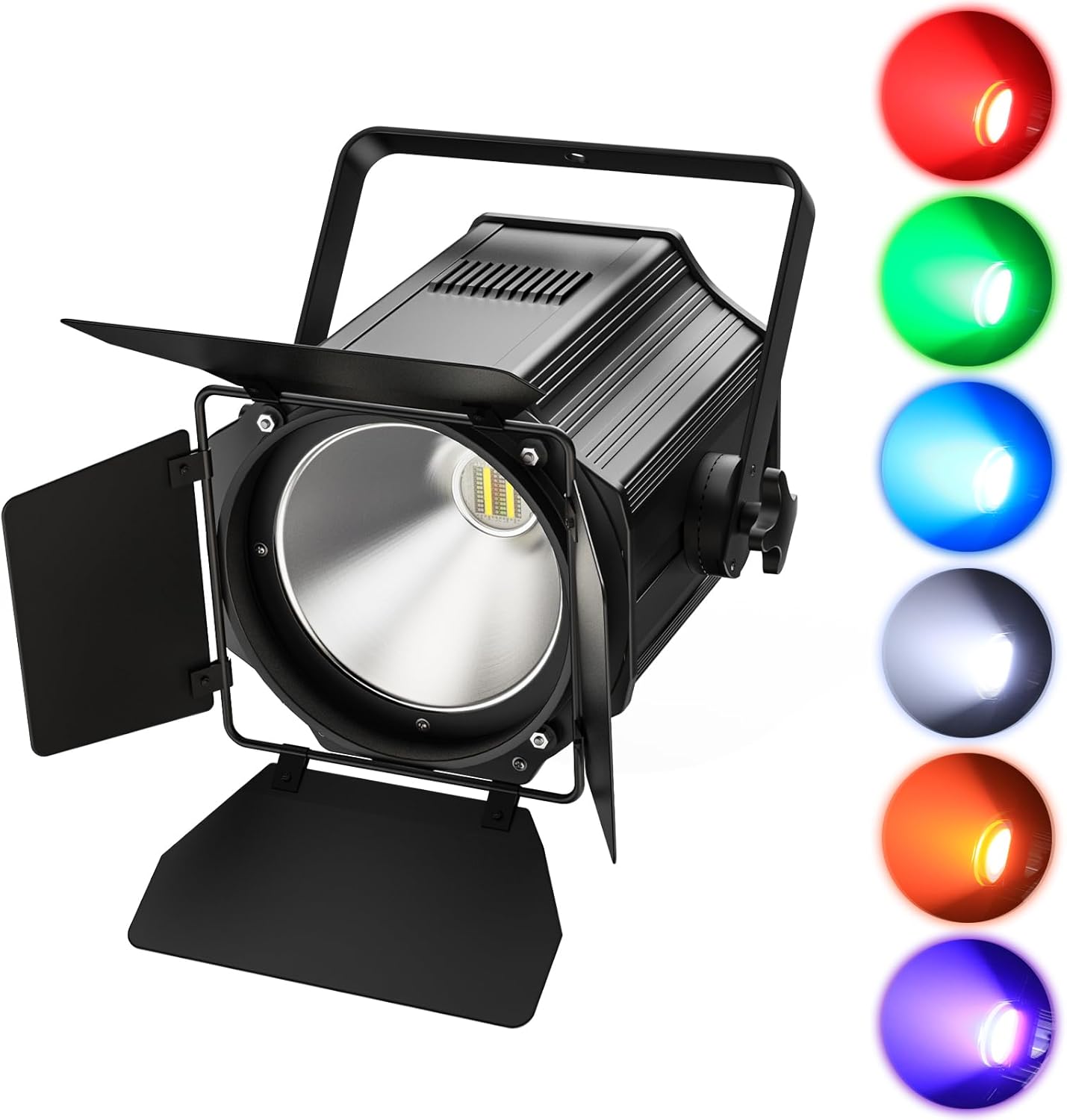
Image: Sparklingtrack 200W LED Par Can Stage Light with Barn Doors, showcasing its robust design and adjustable barn doors.
1. Introduction
This manual provides essential information for the safe and effective operation of your Sparklingtrack 200W LED Par Can Stage Light. This professional-grade lighting fixture features a 6-in-1 RGBWA+UV COB light source, offering a wide spectrum of colors and effects. It is designed for various applications, including stage performances, events, parties, and architectural lighting.
2. Safety Information
- Always connect the unit to a grounded power outlet.
- Ensure proper ventilation to prevent overheating. Do not block ventilation openings.
- Do not operate the unit in wet or damp conditions.
- Avoid direct eye exposure to the light source.
- Disconnect from power before cleaning or servicing.
- Handle with care; the unit contains sensitive electronic components.
3. Product Components
The package includes the following items:
- Stage Light with Barn Doors (x1)
- Power Cord (x1)
- Handle (x1)
- Knob Screws (x2)
- Instruction Manual (x1)
4. Setup
4.1 Physical Installation
The stage light can be mounted in various configurations:
- Floor Mount: Position the light on a stable, flat surface.
- Wall Mount: Securely attach the handle to a wall using appropriate hardware (not included).
- Truss Mount: Use a compatible clamp (not included) to attach the handle to a lighting truss.
The adjustable handle allows for precise positioning of the light beam. Loosen the knob screws on the sides of the handle to adjust the angle, then tighten them to secure the position.
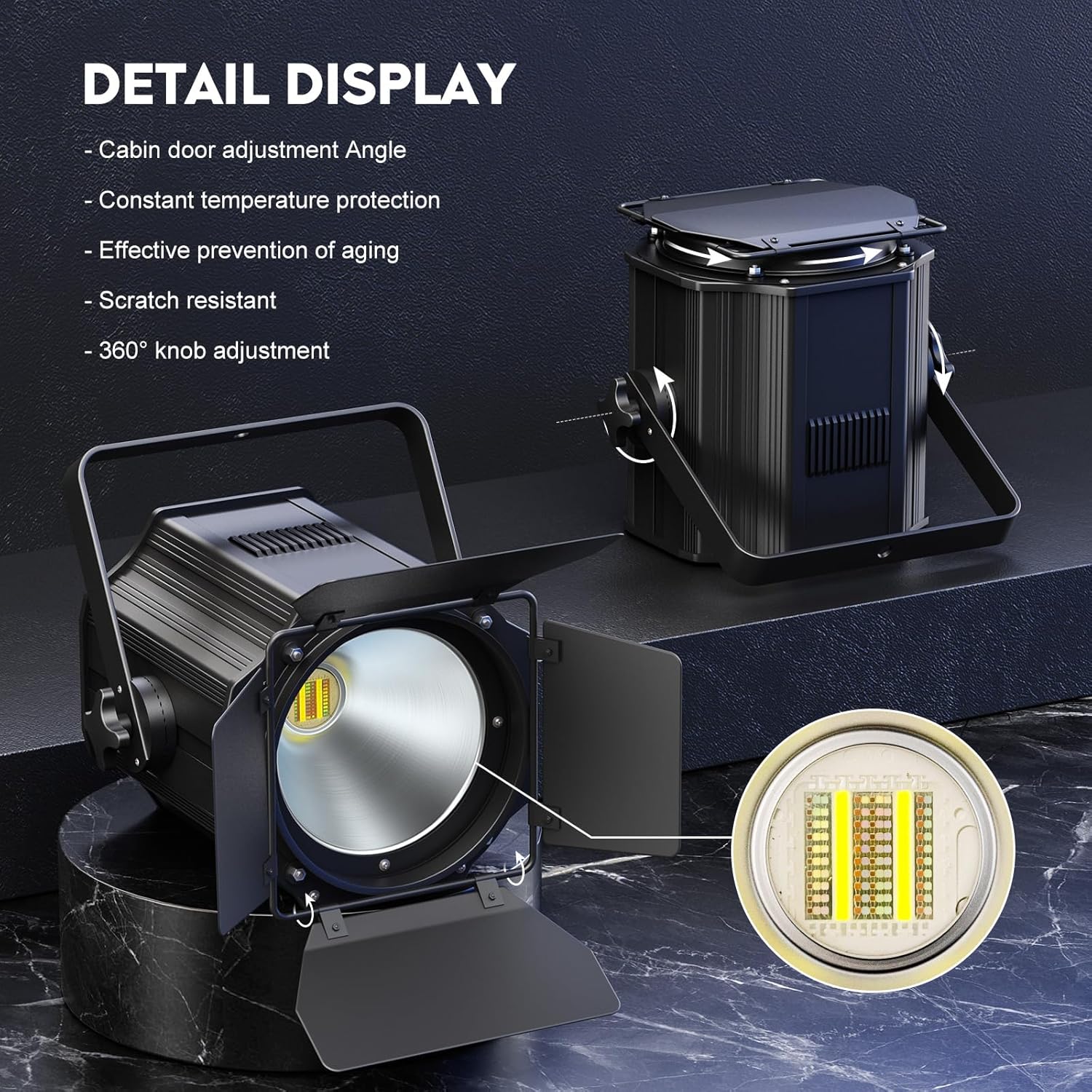
Image: Product dimensions and included components, illustrating the handle and barn doors.
4.2 Barn Doors Adjustment
The unique four-leaf barn doors can be adjusted 180 degrees to control the light projection. This allows for shaping the beam, blocking unwanted light spill, and directing light precisely where needed.
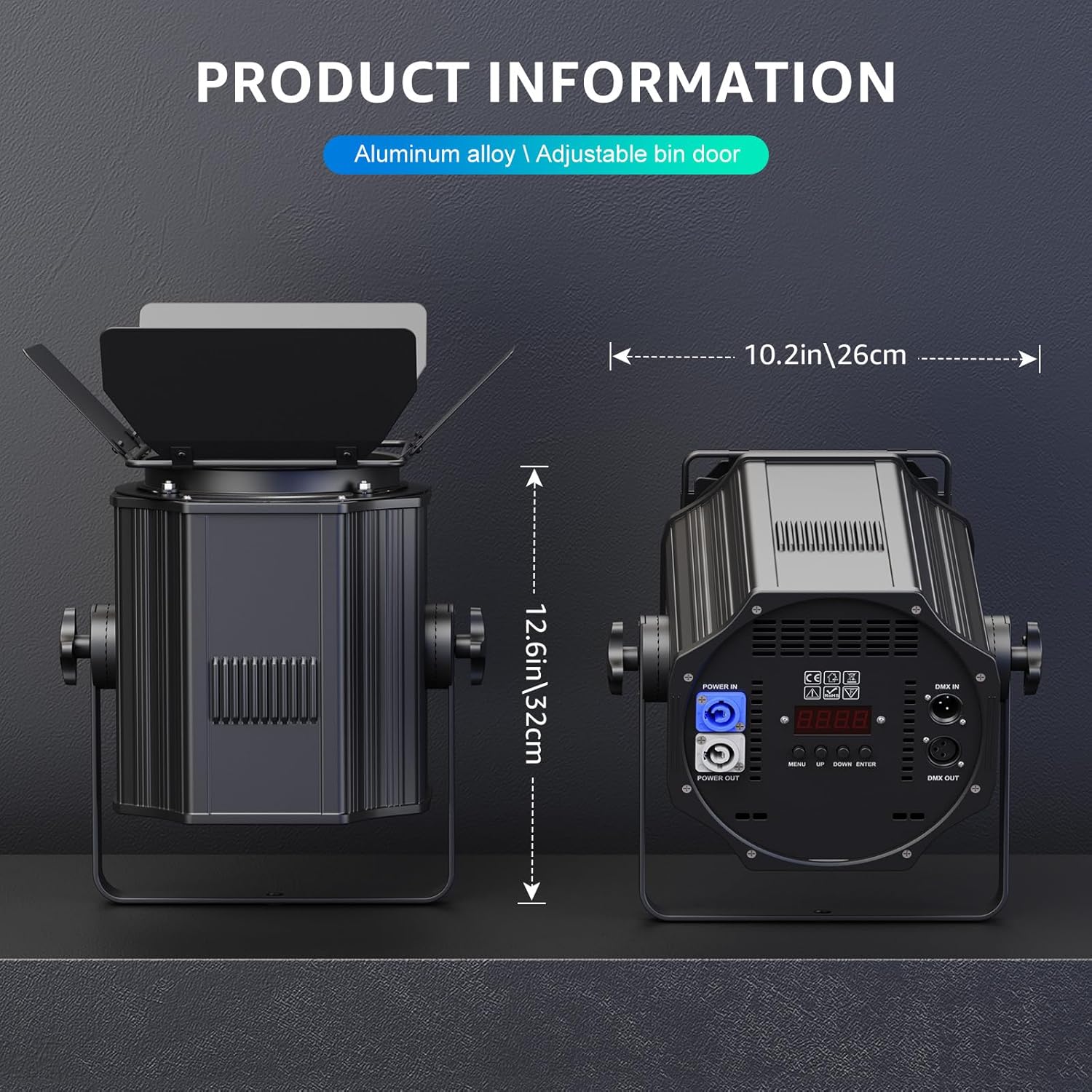
Image: Detailed view of the stage light, highlighting the knob, bracket, barn doors, and the RGBWA+UV light source.
4.3 Power and DMX Connections
Connect the provided power cord to the "POWER IN" port. The unit also features a "POWER OUT" port, allowing you to daisy-chain power to another compatible light fixture without needing a separate power source for each. For DMX control, connect your DMX controller to the "DMX IN" port and use the "DMX OUT" port to connect to other DMX-compatible devices.
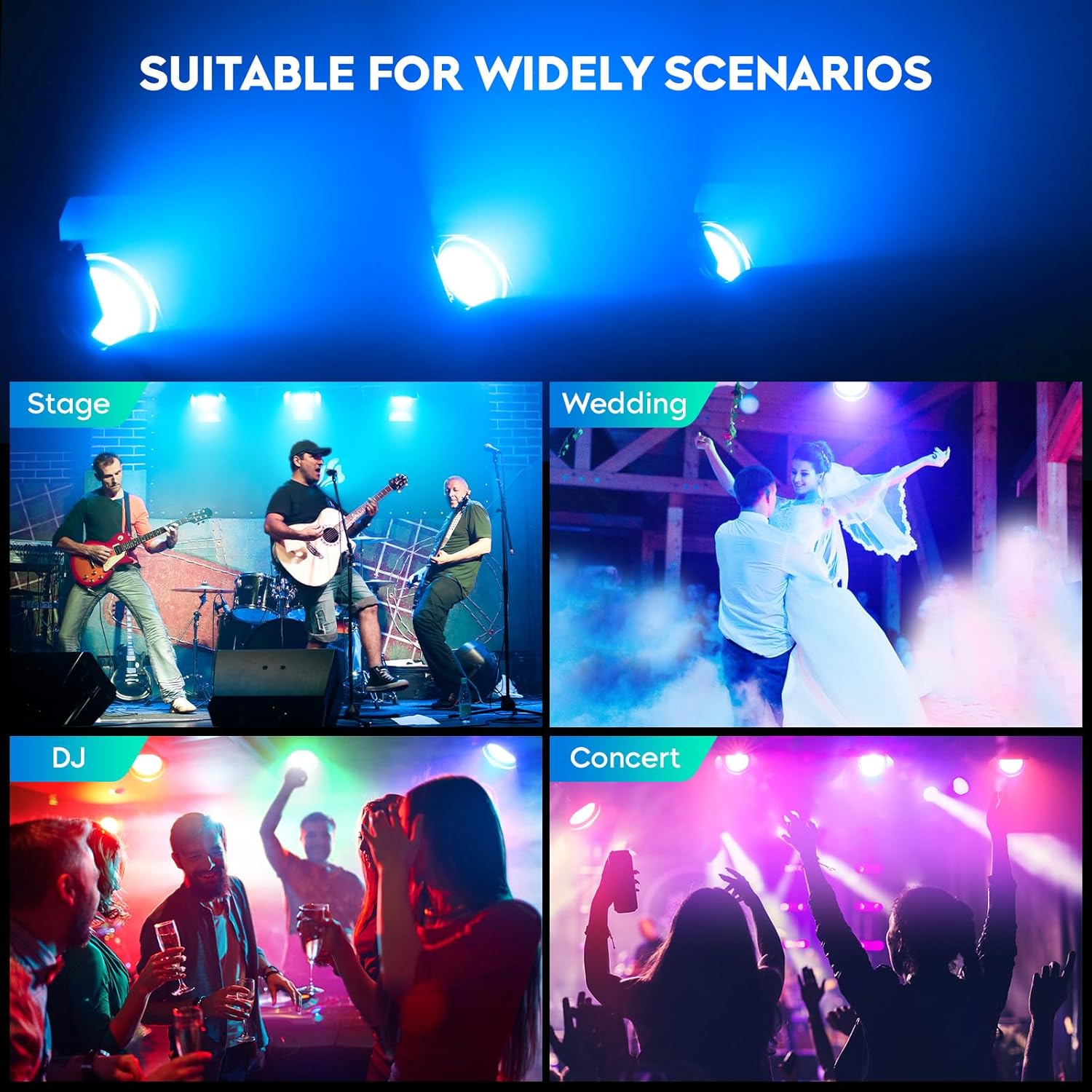
Image: Rear control panel of the stage light, showing Power In/Out, DMX In/Out, LED display, and control buttons.
5. Operating Instructions
The stage light offers multiple operating modes, controllable via the onboard LED display and buttons, or an external DMX controller.
5.1 Control Panel Overview
The rear panel features a 4-alphanumeric LED display and four control buttons: MENU, UP, DOWN, and ENTER. These buttons allow you to navigate through the various modes and settings.
5.2 Available Modes
- DMX Mode (6/10 Channel): Allows for professional control over color, dimming, strobe, and other effects using a DMX512 controller. Refer to the DMX channel chart in the full manual for detailed assignments.
- Master-Slave Mode: Connect multiple lights via DMX cables. Set one unit as the master, and others as slaves, to synchronize their operation.
- Sound Activated Mode: The light reacts to ambient sound, changing colors and patterns in sync with music or audio.
- Auto Mode: Pre-programmed light shows and color sequences run automatically.
- Strobe Mode: Creates a flashing light effect. Speed can often be adjusted.
- Fade Mode: Colors smoothly transition from one to another.
The 6-in-1 RGBWA+UV COB light source provides Red, Green, Blue, White, Amber, and Ultraviolet colors, which can be mixed to create a vast array of hues. The light supports 0-100% linear dimming for precise brightness control.
Video: Demonstration of the 200W COB LED Stage Light's RGBWA+UV color mixing capabilities and various operating modes, including auto, sound, and fade effects.

Image: Visual representation of the individual Red, Green, Blue, White, Amber, and UV light outputs, as well as mixed color effects.
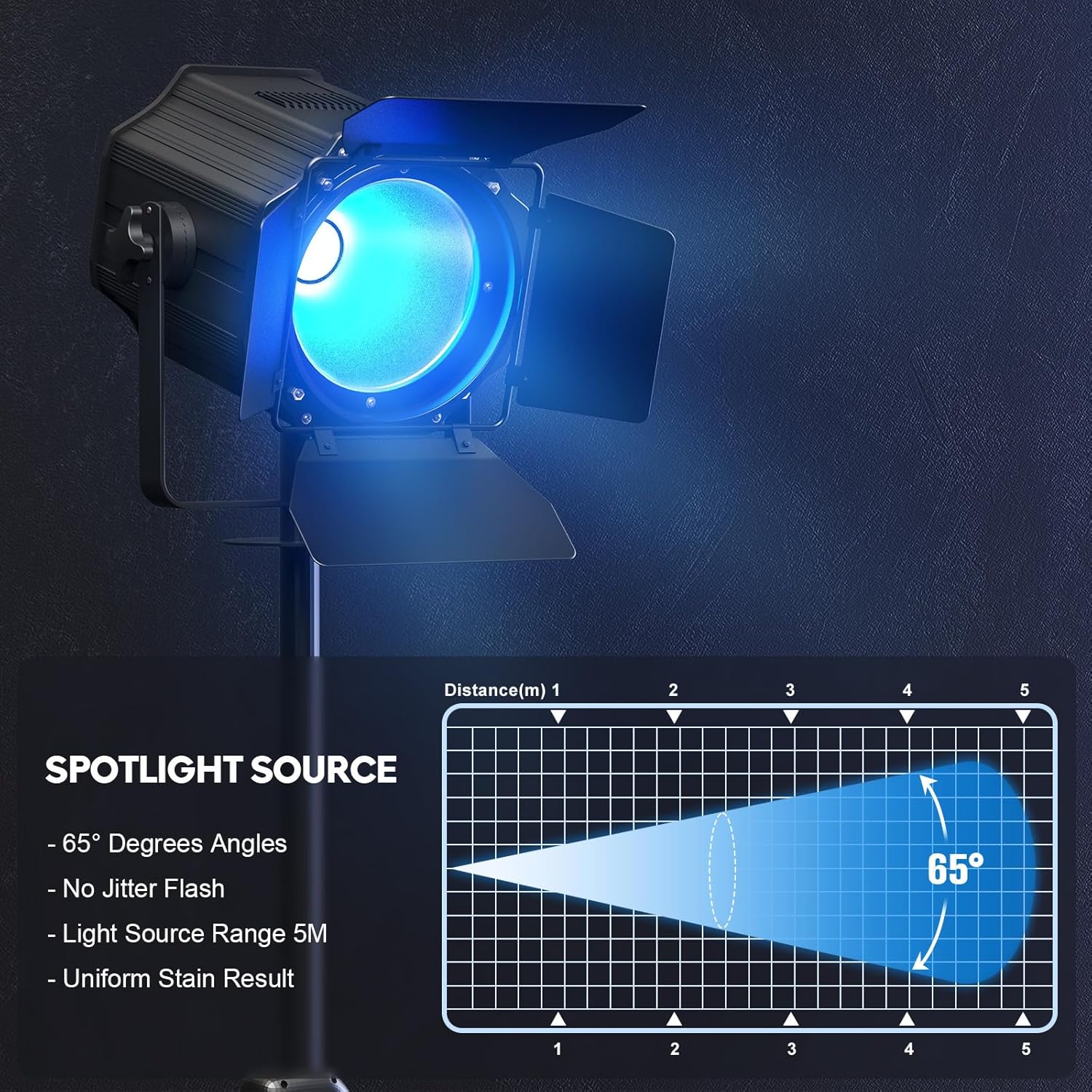
Image: Diagram illustrating the 65-degree beam angle and a maximum light source range of 5 meters (16.4 feet).
6. Maintenance
- Cleaning: Regularly clean the lens and exterior with a soft, dry cloth. Do not use abrasive cleaners or solvents.
- Ventilation: Ensure the ventilation grilles are free from dust and debris to maintain optimal cooling. The intelligent temperature control monitoring system helps prolong the service life of the lights.
- Inspection: Periodically check all cables and connections for signs of wear or damage.
7. Troubleshooting
| Problem | Possible Cause | Solution |
|---|---|---|
| No power | Power cable disconnected; outlet malfunction | Check power connections; test outlet with another device. |
| Light not responding to DMX | Incorrect DMX address; faulty DMX cable; DMX termination issue | Verify DMX address settings; check DMX cable integrity; ensure proper DMX termination. |
| Light not changing colors/modes | Incorrect mode selected; internal error | Cycle through modes using the control panel; power cycle the unit. |
| Overheating | Blocked ventilation; prolonged use in high ambient temperatures | Ensure clear airflow around the unit; allow for cooling periods. |
8. Specifications
| Feature | Detail |
|---|---|
| Model Number | ZQ09013 |
| Light Source Type | LED, COB (6-in-1 RGBWA+UV) |
| Wattage | 200 Watts |
| Brightness | 8000-10000 Lumen |
| Voltage | 110 Volts (AC) |
| Beam Angle | 65 Degrees |
| Material | Aluminum |
| Product Dimensions | 11.41"L x 11.41"W x 12"H |
| Item Weight | 11.75 pounds |
| Mounting Type | Floor Mount, Wall Mount, Truss Mount |
| Features | Dimmable, Barn Doors, Intelligent Temperature Control |
9. Warranty and Support
For warranty information and technical support, please refer to the contact details provided with your purchase or visit the official Sparklingtrack website. Keep your proof of purchase for any warranty claims.