
1. Introduction
Thank you for choosing the HOMEFITNESSCODE 3-in-1 Treadmill and Walking Pad. This manual provides essential information for the safe and efficient use, setup, operation, and maintenance of your new fitness equipment. Please read this manual thoroughly before initial use and retain it for future reference.
This versatile device is designed for walking, jogging, and running, offering a 7% manual incline for varied workout intensities. Its compact, foldable design makes it suitable for both home and office environments.
2. Safety Instructions
To ensure your safety and prolong the life of your treadmill, please adhere to the following safety guidelines:
- Read all instructions in this manual before operating the treadmill.
- Place the treadmill on a flat, stable surface with adequate clearance around it.
- Ensure the power cord is not pinched or damaged. Connect to a grounded outlet.
- Do not allow children or pets near the treadmill while it is in operation.
- The maximum user weight capacity is 130 kg (286 lbs). Do not exceed this limit.
- Wear appropriate athletic footwear and clothing during use.
- If you experience pain, dizziness, or shortness of breath, stop exercising immediately.
- Always hold the handrails (if applicable) when starting or stopping the treadmill.
- Unplug the treadmill from the power source when not in use or before cleaning/maintenance.
3. Package Contents
Verify that all components are present in the package:
- Power Cord
- Remote Control
- Lubricant (Silicone Oil)
- User Manual
- Tool Kit
4. Product Features
The HOMEFITNESSCODE Treadmill offers a range of features designed for an effective and comfortable workout:
- 3-in-1 Functionality: Use as a walking pad (1-6 km/h), treadmill (1-8 km/h), or with a 7% incline for varied intensity.
- Adjustable 7% Incline: Manually adjust the incline to increase calorie burn and reduce joint impact.
- Clear LED Display & Dual Control: Monitor speed, time, distance, and calories via the LED screen. Control via remote or touch screen.
- Powerful and Quiet Motor: Equipped with a 2.5 HP motor for stable performance, operating at less than 55 dB. Supports up to 130 kg.
- Comfortable Running Surface: A 100x40 cm running belt with 7 anti-slip layers and shock absorption protects your knees.
- Foldable, Compact & No Assembly: Ready to use out of the box. Folds easily for storage under furniture, weighing only 19 kg.
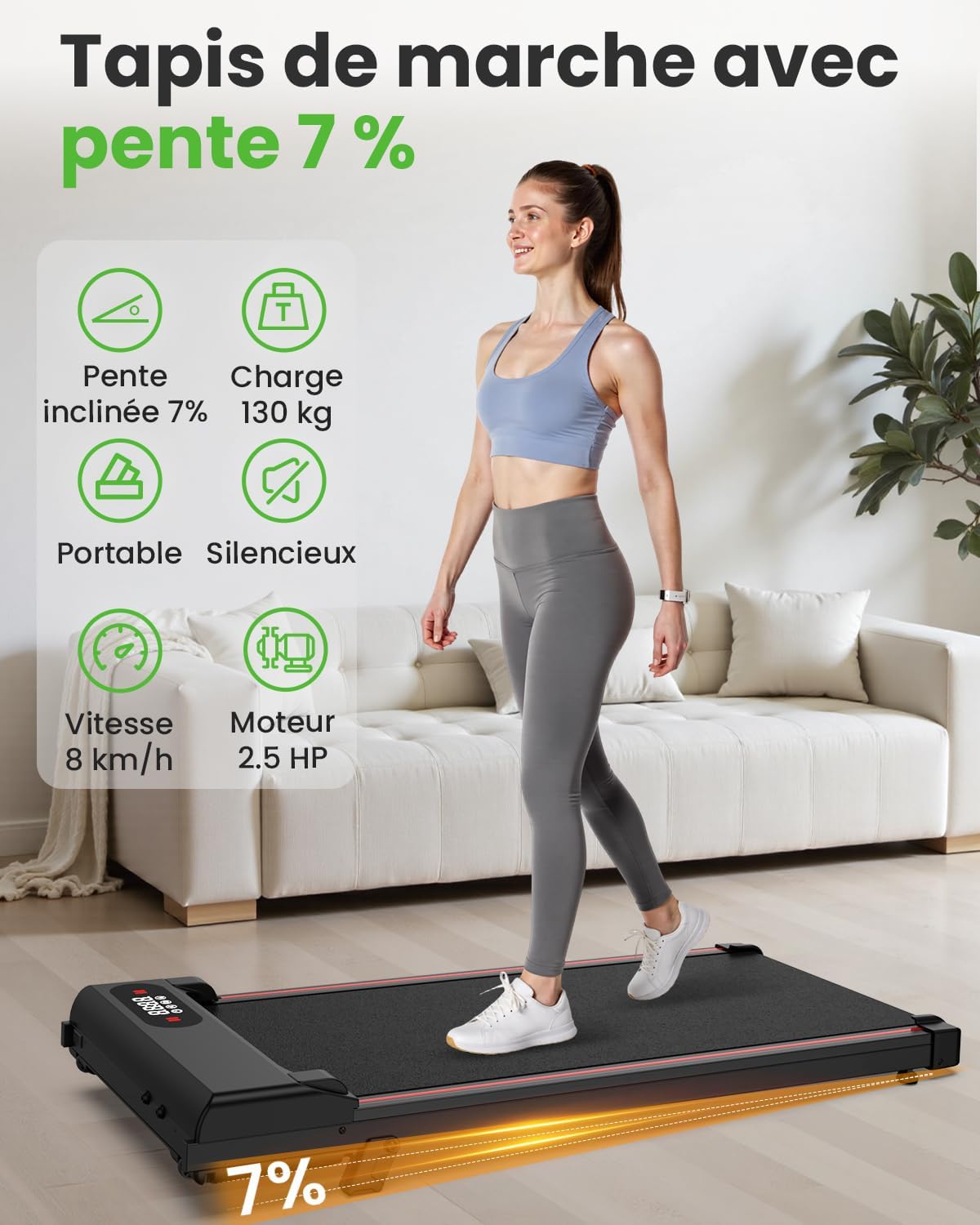
Image 4.1: Overview of key features including 7% incline, 130kg load capacity, portability, silent operation, 8 km/h speed, and 2.5 HP motor.
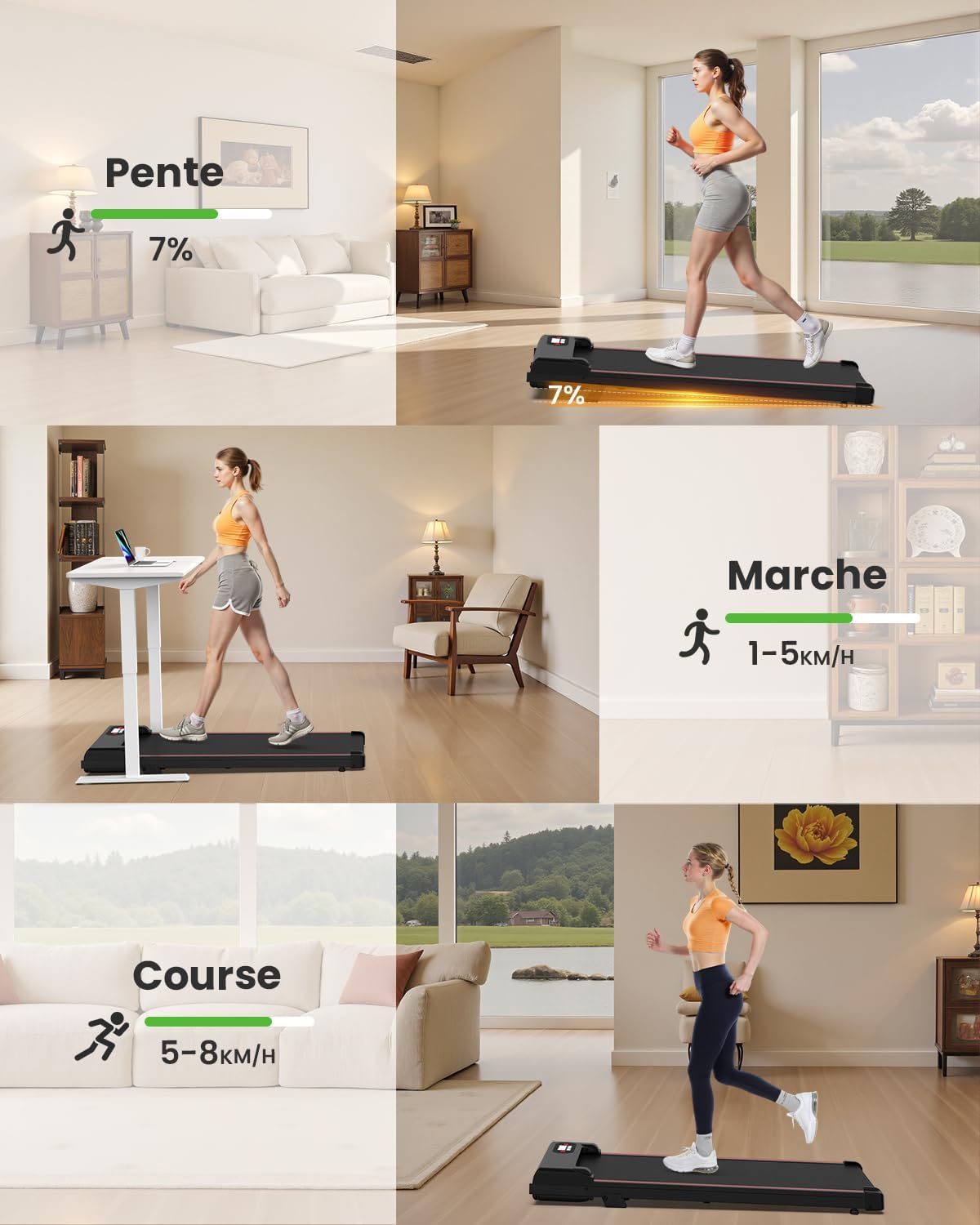
Image 4.2: Illustration of the treadmill's three usage modes: incline mode (7%), walking mode (1-5 km/h), and running mode (5-8 km/h).
5. Setup
Your HOMEFITNESSCODE Treadmill requires minimal setup:
- Unpacking: Carefully remove the treadmill and all components from the packaging.
- Positioning: Place the treadmill on a firm, level surface. Ensure there is at least 0.6 meters (2 feet) of clear space on all sides and 2 meters (6.5 feet) behind the treadmill for safety.
- Unfolding (if applicable): If the treadmill is in a folded position, gently unfold it until it locks into place.
- Power Connection: Plug the power cord into the treadmill's power input and then into a standard grounded electrical outlet.
- Incline Adjustment: The 7% incline is manually adjustable. To engage the incline, lift the rear of the treadmill and secure the support mechanism. To disengage, reverse the process.

Image 5.1: A user walking on the HOMEFITNESSCODE treadmill, demonstrating its compact design suitable for home or office use, including under a standing desk.
6. Operating Instructions
Familiarize yourself with the controls and functions before starting your workout.
6.1. Power On/Off
- Connect the power cord.
- Press the power button on the treadmill or remote control to turn the unit on. The LED display will illuminate.
- To turn off, press the power button again or unplug the unit.
6.2. Using the LED Display and Remote Control
The LED display shows real-time workout data. The remote control provides convenient access to functions.
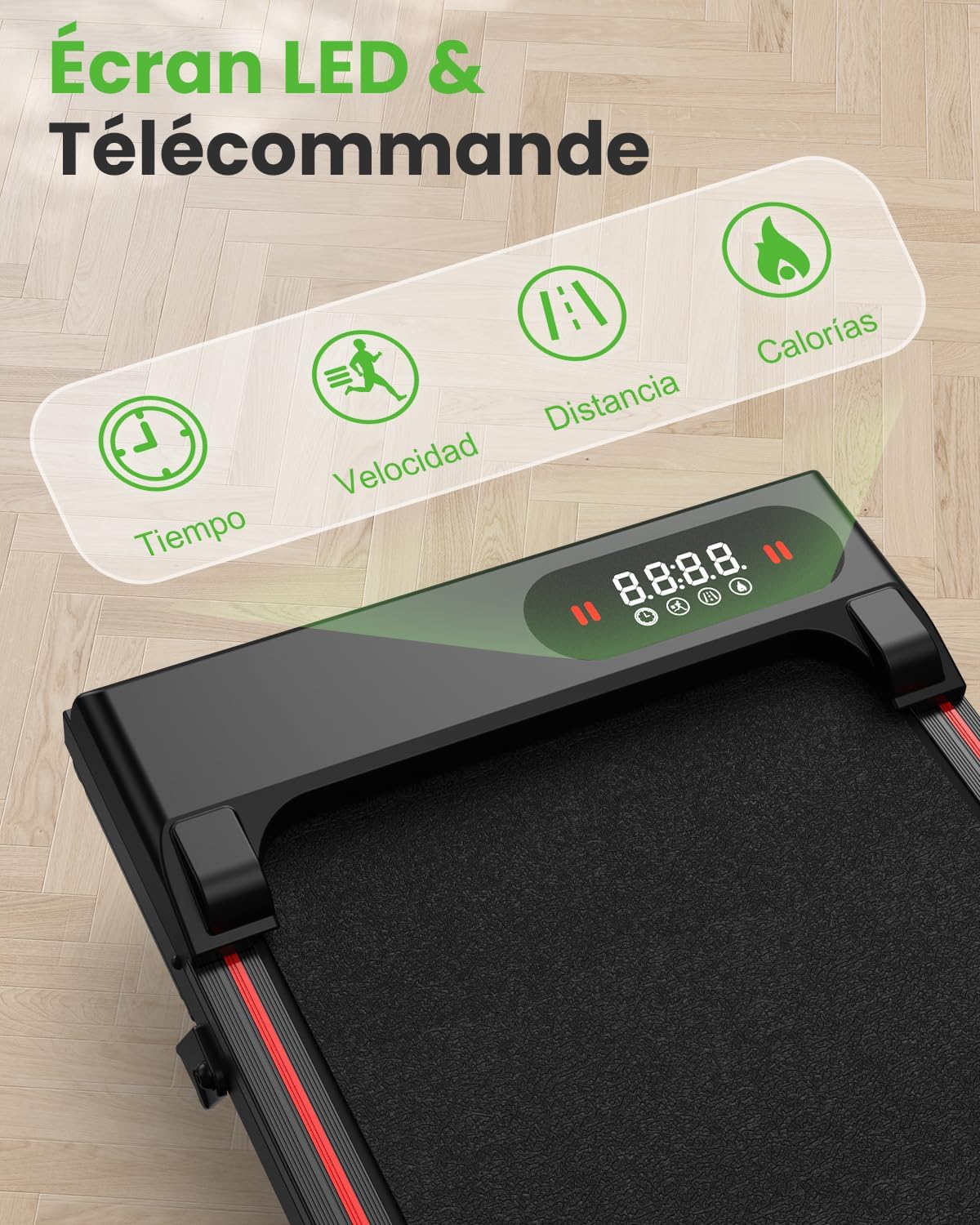
Image 6.1: Close-up of the treadmill's LED display showing workout metrics and the remote control for easy operation.
- Start/Stop: Press the 'Start' button on the remote or touch screen to begin your workout. Press 'Stop' or 'Pause' to end or temporarily halt.
- Speed Adjustment: Use the '+' and '-' buttons on the remote or touch screen to increase or decrease speed.
- Mode Selection: The treadmill offers 4 automatic programs. Refer to the display for program indicators and select using the mode button.
- Data Display: The LED screen cycles through Time, Speed, Distance, and Calories burned.
6.3. Incline Function
The treadmill features a manual 7% incline. To activate or deactivate the incline, carefully lift the rear of the treadmill and adjust the support mechanism as desired. Ensure it is securely locked in place before use.

Image 6.2: A user running on the treadmill with the 7% manual incline engaged, illustrating increased calorie expenditure compared to a flat surface.
7. Maintenance
Regular maintenance ensures optimal performance and longevity of your treadmill.
7.1. Cleaning
- Always unplug the treadmill before cleaning.
- Wipe down the display and exterior surfaces with a soft, damp cloth. Avoid abrasive cleaners.
- Periodically vacuum around and under the treadmill to prevent dust buildup.
7.2. Lubrication
The running belt requires periodic lubrication with the provided silicone oil to reduce friction and wear.
- Unplug the treadmill.
- Loosen the rear roller bolts slightly to allow access under the belt.
- Apply a small amount of silicone oil evenly under the center of the running belt.
- Tighten the roller bolts.
- Plug in the treadmill and run it at a low speed (e.g., 1 km/h) for 5 minutes to distribute the lubricant.
Lubricate every 3-6 months, depending on usage frequency.
7.3. Belt Adjustment
If the running belt slips or drifts to one side, it may need adjustment. Refer to the detailed instructions in the included user manual for specific belt tensioning and centering procedures using the tool kit.
8. Troubleshooting
If you encounter issues with your treadmill, try the following solutions:
- Treadmill does not power on: Check if the power cord is securely plugged into both the treadmill and the wall outlet. Ensure the power switch is in the 'ON' position.
- Belt stops or slips: The running belt may require lubrication or tension adjustment. Refer to Section 7.2 and 7.3.
- Unusual noise: Ensure all bolts are tightened. Lubricate the running belt. If the noise persists, contact customer support.
- Display not working correctly: Ensure all connections are secure. Try restarting the treadmill.
For issues not covered here, please contact customer support.
9. Specifications
| Feature | Specification |
|---|---|
| Brand | HOMEFITNESSCODE |
| Model | B0FJ1RJ2CM |
| Color | Black |
| Product Dimensions (L x W x H) | 112 x 53 x 12 cm (44.1 x 20.9 x 4.7 inches) |
| Material | Acrylonitrile Butadiene Styrene (ABS) |
| Motor Power | 2.5 Kilowatt (2.5 HP) |
| Maximum Speed | 8 km/h (5 mph) |
| Maximum Incline Percentage | 7% (Manual) |
| Maximum User Weight | 130 kg (286 lbs) |
| Number of Programs | 4 |
| Display Metrics | Time, Distance, Speed, Calories |
| Special Features | Shock Absorber, Wheels, Compact Design, Manual Incline |
| Power Source | Corded Electric |

Image 9.1: Comparison of available treadmill sizes, showing the 85cm and 90cm belt widths.
10. Warranty and Support
Your HOMEFITNESSCODE Treadmill comes with a warranty. For specific warranty terms and conditions, please refer to the documentation included with your purchase or contact our customer service.
Our dedicated support team is available to assist you with any questions or concerns. For reliable and fast assistance, please contact us directly. We are committed to providing quick exchanges or refunds in case of any issues.
