
1. Introduction
This manual provides essential information for the safe and efficient operation of your aiwa CR-10D CD Radio Player. Please read this manual thoroughly before using the product and retain it for future reference.
2. Safety Information
WARNING:
If safety warnings are displayed on the product packaging, please follow their contents during use. Failure to do so may result in injury or damage to the product.
- Do not expose the unit to rain or moisture to prevent fire or electric shock.
- Do not block ventilation openings. Ensure adequate space around the unit for proper airflow.
- Do not place the unit near heat sources such as radiators, heat registers, stoves, or other apparatus (including amplifiers) that produce heat.
- Use only attachments/accessories specified by the manufacturer.
- Unplug this apparatus during lightning storms or when unused for long periods.
3. Product Overview
The aiwa CR-10D is a compact CD radio player designed for versatile audio playback. It features a CD player and an integrated radio tuner.
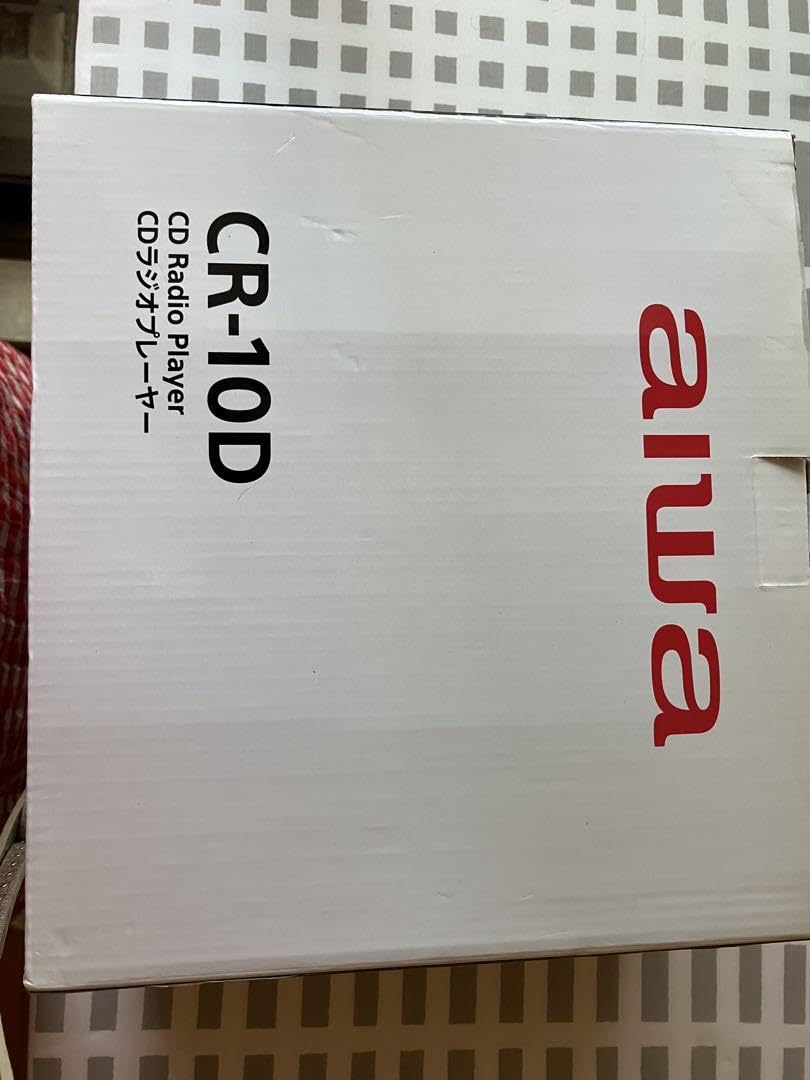
Image showing the front panel of the aiwa CR-10D CD Radio Player, featuring the CD tray, display, and control buttons.
4. Setup
- Unpacking: Carefully remove the unit and all accessories from the packaging. Retain the packaging for future transport or storage.
- Power Connection: Connect the AC power cord to the unit's power input and then to a standard wall outlet. Ensure the voltage matches your local power supply.
- Antenna Setup: Extend the telescopic FM antenna for optimal radio reception. For AM reception, rotate the unit for the best signal.
- Placement: Place the unit on a stable, flat surface away from direct sunlight, heat sources, and excessive dust or moisture.
5. Operating Instructions
5.1 Power On/Off
- Press the POWER button to turn the unit on or off.
5.2 CD Playback
- Open the CD compartment door.
- Place a CD with the label side facing up.
- Close the CD compartment door. The unit will read the disc.
- Press the PLAY/PAUSE button to start playback.
- Use the SKIP buttons (◀◀ / ▶▶) to navigate between tracks.
- Press the STOP button to stop playback.
5.3 Radio Operation
- Press the FUNCTION/MODE button to select FM or AM radio mode.
- Use the TUNING knob or buttons to tune to your desired station.
- Adjust the antenna for optimal reception.
5.4 Volume Control
- Rotate the VOLUME knob or press the VOLUME +/- buttons to adjust the sound level.
6. Maintenance
6.1 Cleaning the Unit
- Always unplug the unit from the power outlet before cleaning.
- Use a soft, dry cloth to wipe the exterior surfaces.
- Do not use abrasive cleaners, waxes, or solvents as they may damage the finish.
6.2 CD Lens Care
- Avoid touching the CD lens inside the compartment.
- If the lens requires cleaning, use a specialized CD lens cleaner disc.
7. Troubleshooting
| Problem | Possible Cause | Solution |
|---|---|---|
| No power | Power cord not connected; Power outlet not active | Ensure power cord is securely plugged in; Try a different outlet |
| CD does not play | CD inserted incorrectly; CD is dirty or scratched; Unit in wrong mode | Insert CD with label side up; Clean or replace CD; Select CD mode |
| Poor radio reception | Antenna not extended; Weak signal | Fully extend FM antenna; Rotate unit for AM reception; Try repositioning the unit |
| No sound | Volume too low; Mute function active | Increase volume; Check if mute is active (if applicable) |
8. Specifications
- Model: CR-10D
- Brand (as listed): GENERIC
- Included Components: Main Unit
- ASIN: B0FF384F6W
- Power Source: AC (details not provided, refer to unit label)
- Supported Media: Audio CD
- Tuner: FM/AM Radio
9. Warranty and Support
Information regarding specific warranty terms and customer support contacts is not available in the provided product details. Please refer to the product packaging or contact your retailer for warranty information and support services.


