
Introduction
Thank you for choosing the Kinetijy G-Tide Gtide V1 Tablet Case. This manual provides essential information for the proper setup, use, and maintenance of your new tablet case. Designed specifically for the G-Tide Gtide V1 tablet, this folio cover offers comprehensive protection and versatile viewing options.
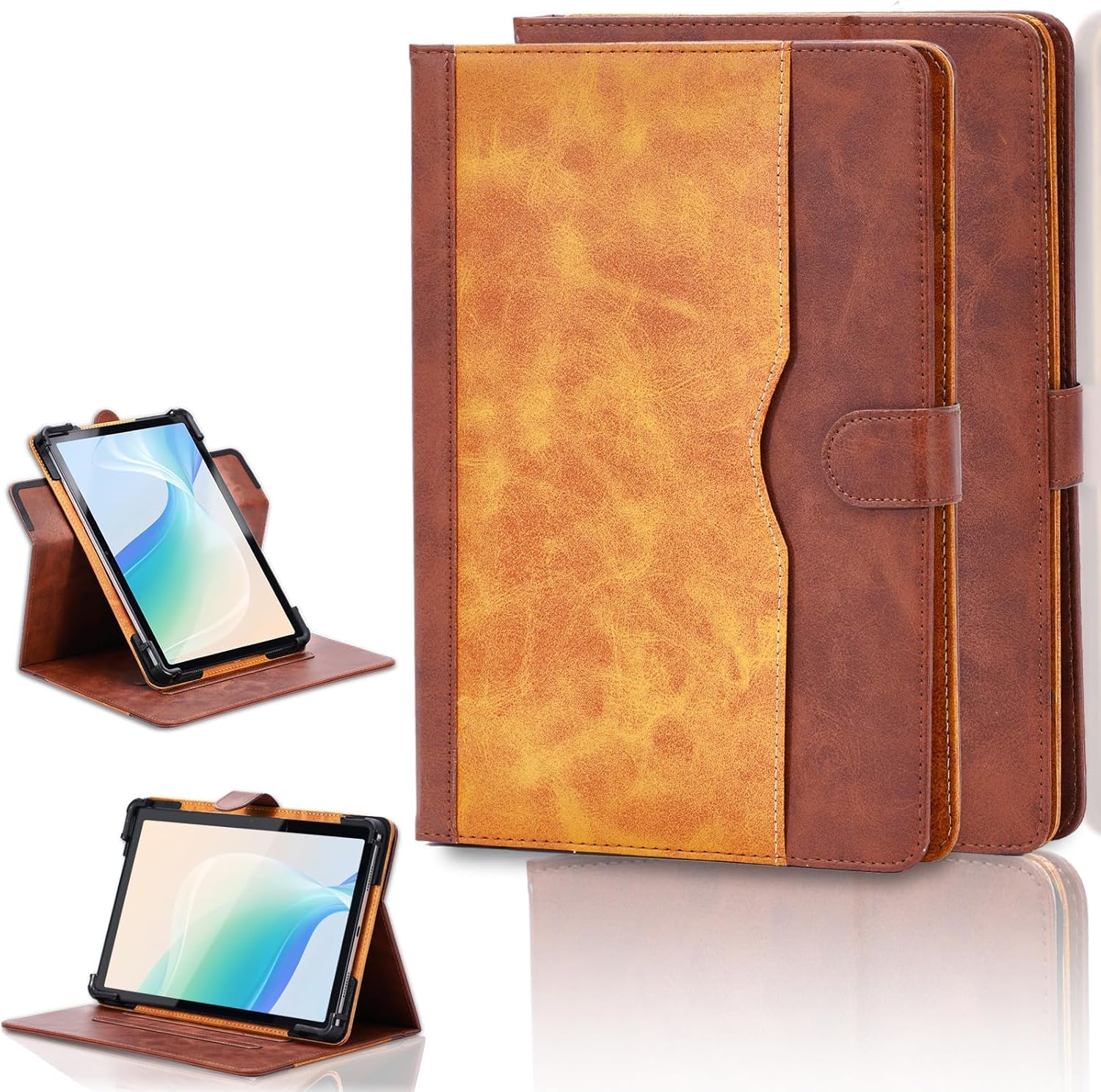
Image: The Kinetijy G-Tide Gtide V1 Tablet Case in brown, displayed both in its closed state and open with a tablet positioned in its integrated stand.
Package Contents
- 1 x Kinetijy G-Tide Gtide V1 Tablet Case (Brown)
Setup: Installing Your Tablet
- Prepare the Case: Open the folio cover completely.
- Insert Tablet: Carefully align your G-Tide Gtide V1 tablet with the protective frame inside the case. Ensure all corners and edges of the tablet fit securely into the designated holders.
- Secure the Tablet: Gently press the tablet into the frame until it is firmly seated. Verify that all ports, buttons, and the camera lens are accessible through the case's cutouts.
- Close the Cover: Close the folio cover and secure it with the magnetic strap.

Image: A G-Tide Gtide V1 tablet is shown securely fitted into the brown Kinetijy folio case, with a clear view of the tablet's side profile and accessible ports.
Operating Instructions
Using the 360-Degree Rotating Stand
The case features a 360-degree rotating mechanism, allowing for both portrait and landscape viewing orientations. To adjust the viewing angle:
- Open the Stand: Fold the front cover back to form a triangular stand.
- Rotate Tablet: Gently rotate the tablet within its frame to switch between portrait and landscape modes.
- Adjust Angle: Utilize the anti-slip strips on the inside of the cover to set your desired viewing angle. The strips provide stability for various positions.
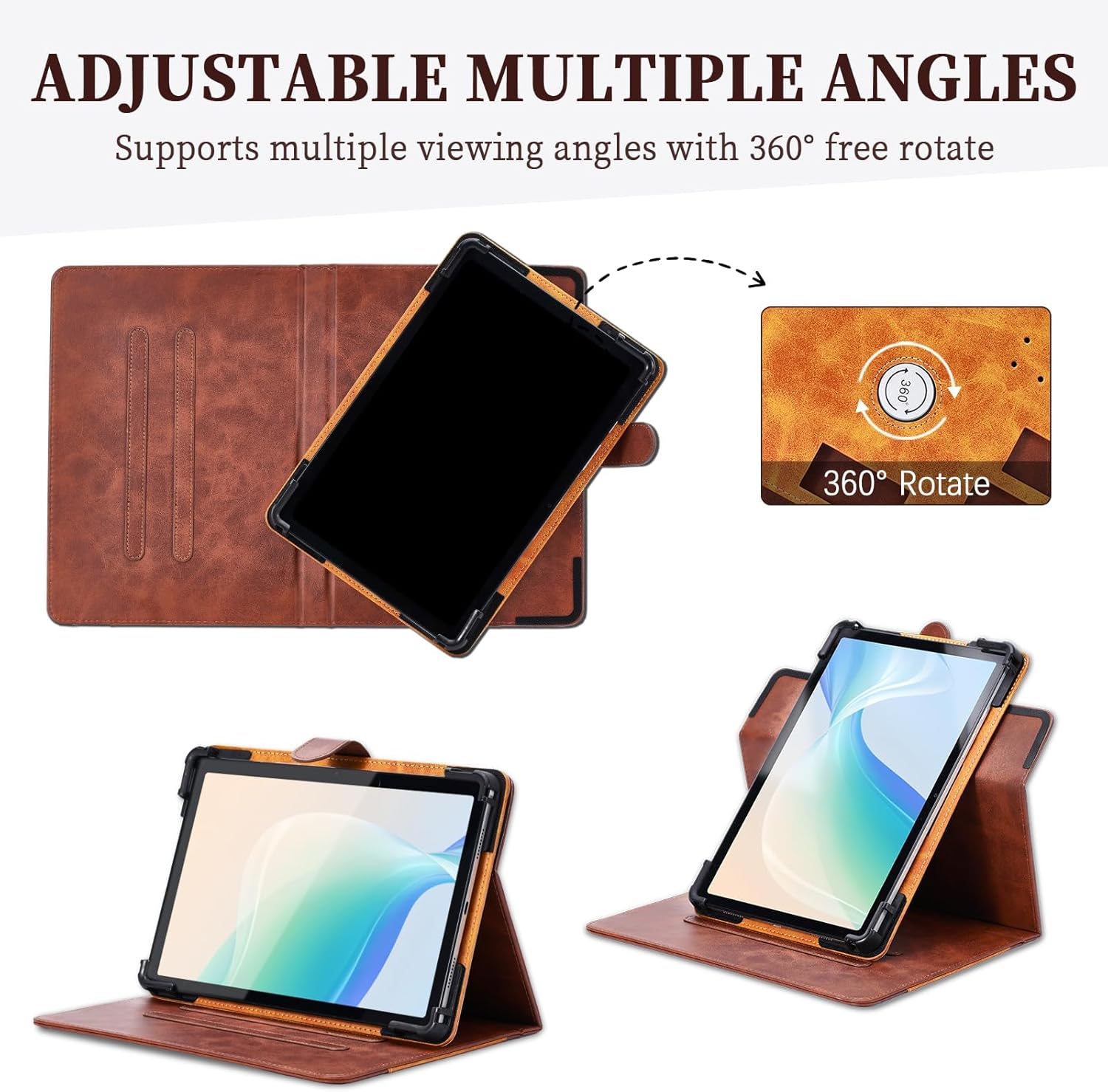
Image: An illustration demonstrating the 360-degree rotation feature of the tablet case, allowing for flexible viewing in both portrait and landscape orientations.
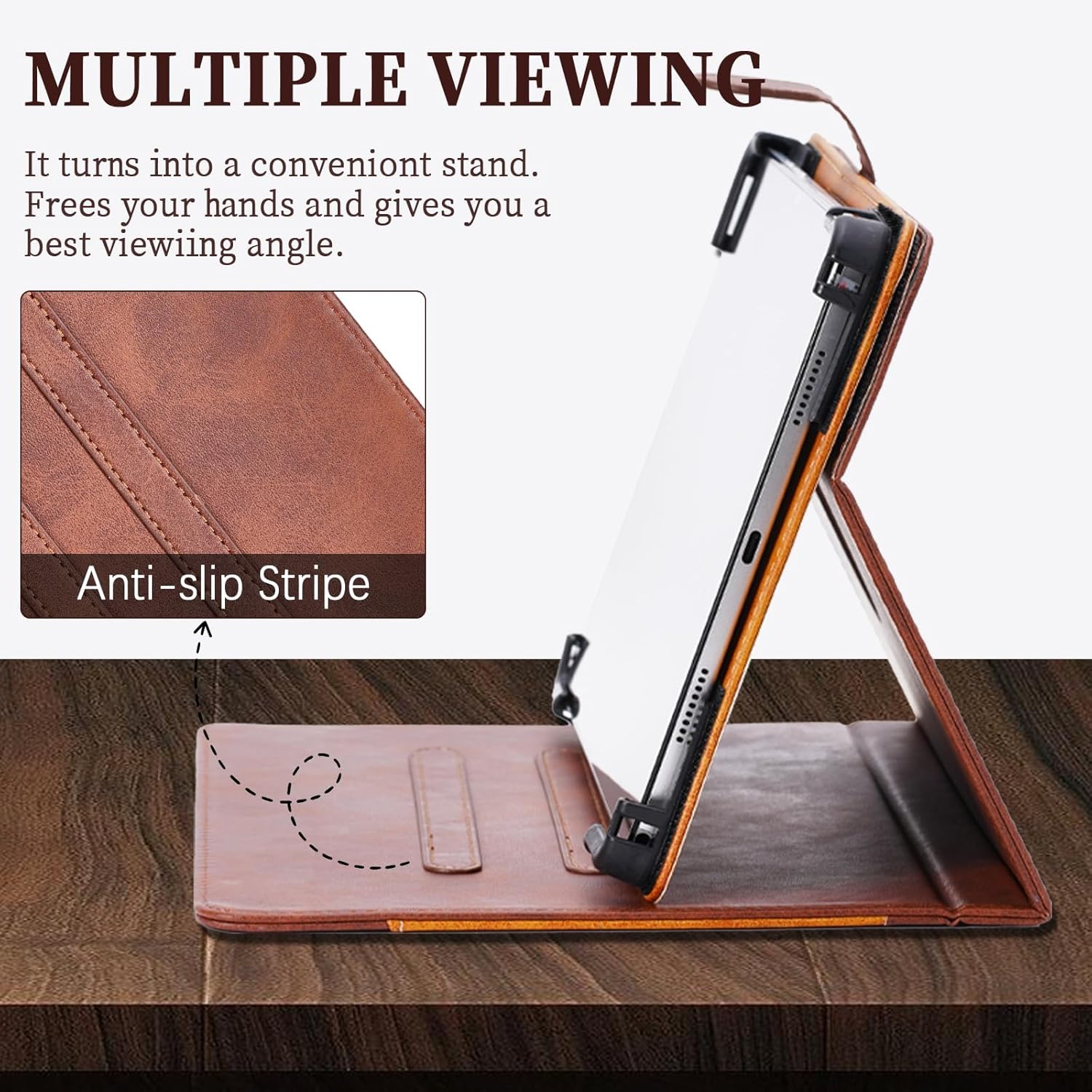
Image: The tablet case is shown in a standing position, with a close-up view of the anti-slip strip designed to provide stable support for various viewing angles.
Accessing Camera and Ports
The case is designed with precise cutouts to ensure full access to your tablet's camera, charging port, headphone jack, and buttons without needing to remove the tablet from the case.

Image: The tablet case displays multiple pre-cut camera openings, indicating its compatibility with tablets that have different camera positions.
Using the Storage Pocket
A convenient storage pocket is integrated into the front cover, suitable for carrying small items such as cards, documents, or cash.

Image: The tablet case is shown with its integrated storage pocket open, revealing cash and cards stored inside, demonstrating its utility.
Key Features
- All-Over Protection: The case provides comprehensive protection for all sides and corners of your tablet, safeguarding it against drops and impacts.
- Precise Cutouts: Enjoy full access to all device ports, speakers, and buttons without removing the case.
- Slim & Lightweight Design: Maintains the tablet's sleek profile while offering robust protection.

Image: Detailed views of the tablet case showcasing its reinforced corners for drop protection, precise cutouts for device ports, and overall slim and lightweight construction.
Maintenance and Care
- Cleaning: Wipe the exterior of the case with a soft, damp cloth. Avoid using harsh chemicals or abrasive cleaners, as these may damage the PU leather material.
- Storage: Store the case in a cool, dry place away from direct sunlight and extreme temperatures when not in use.
- Protection: While the case offers robust protection, avoid dropping the tablet from significant heights or exposing it to sharp objects.
Troubleshooting
- Tablet Does Not Fit: Ensure your tablet is specifically the G-Tide Gtide V1 model. This case is custom-designed for this particular tablet.
- Stand Instability: Make sure the anti-slip strips are clean and free of debris. Adjust the angle carefully to find a stable position.
- Camera Obstruction: Verify that the tablet is correctly seated within the case, aligning with the camera cutouts.
Specifications
| Brand | Kinetijy |
| Compatible Device | G-Tide Gtide V1 Tablet |
| Material | Premium Durable Synthetic PU Leather |
| Color | Brown |
| Special Features | 360-Degree Rotation, Multi-Viewing Angles, Anti-Slip Strip, Storage Pocket, Thickened Anti-Drop Corner Protector |
| Product Dimensions | 0.39 x 0.39 x 0.39 inches (Approximate, as per product data) |
| Item Weight | 2.46 ounces |
Warranty and Support
For warranty information or technical support, please refer to the retailer's return policy or contact the manufacturer directly. Keep your purchase receipt for any warranty claims.