
1. Introduction
This manual provides essential information for the safe and efficient operation, assembly, maintenance, and troubleshooting of your ZEGJAW 12-Inch 20V Cordless Electric Snow Shovel. Please read this manual thoroughly before initial use and retain it for future reference.
2. Important Safety Information
Always adhere to the following safety guidelines to prevent injury or damage:
- Keep hands away from moving parts.
- Wear appropriate protective gear, including eye protection and sturdy footwear.
- Be cautious near power lines and other potential hazards.
- Use proper lifting techniques to avoid injury when handling the unit.
- Ensure the battery is fully charged before use.
- Do not operate the snow shovel in heavy rain or extremely wet conditions.
3. Package Contents
Verify that all items are present in the package:
- 1 x ZEGJAW Cordless Snow Shovel
- 1 x 20V 4.0Ah Lithium-Ion Battery
- 1 x Fast Charger
- 1 x Pair of Gloves
- 1 x Dust Cover
- 1 x User Manual (this document)

4. Setup and Assembly
Follow these steps to assemble your snow shovel:
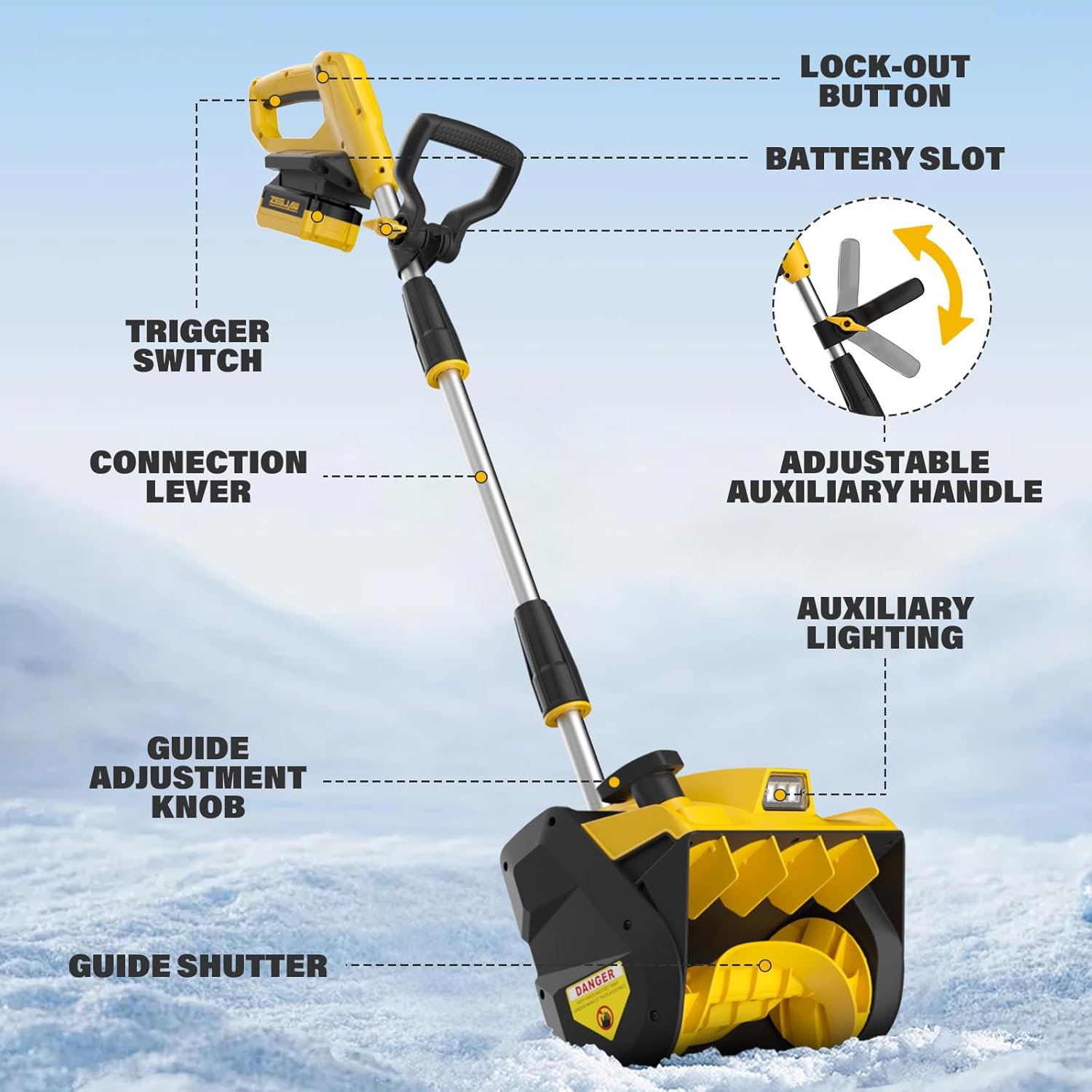
- Attach the Main Handle: Connect the upper handle section to the main shaft. Ensure the connection lever is securely fastened.
- Install the Auxiliary Handle: Slide the adjustable auxiliary handle onto the main shaft. Position it at a comfortable height and tighten the adjustment knob.
- Insert the Battery: Align the 20V 4.0Ah battery with the battery slot on the main handle and slide it in until it clicks securely into place.
For a visual guide on assembly and initial setup, please refer to the demonstration video below:
5. Operating Instructions
To operate your ZEGJAW Cordless Electric Snow Shovel:
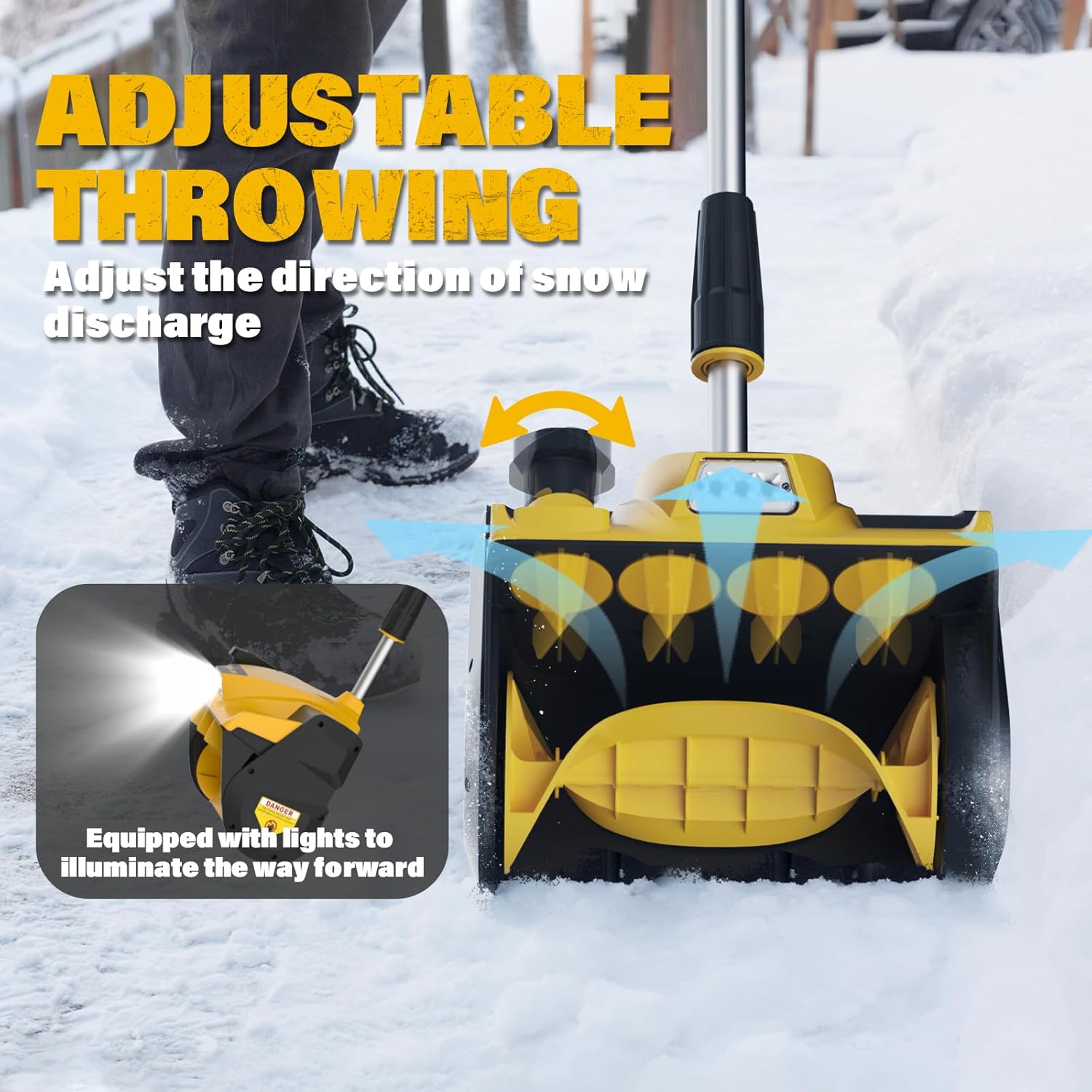
- Starting the Unit: Press and hold the safety lock-out button (located on the handle), then squeeze the trigger switch. The LED light will illuminate automatically.
- Adjusting Snow Throwing Direction: Use the guide adjustment knob to change the angle of the guide shutter, directing the snow discharge to your desired side.
- Adjusting Handle Height: The auxiliary handle can be adjusted along the main shaft to suit your height and comfort.
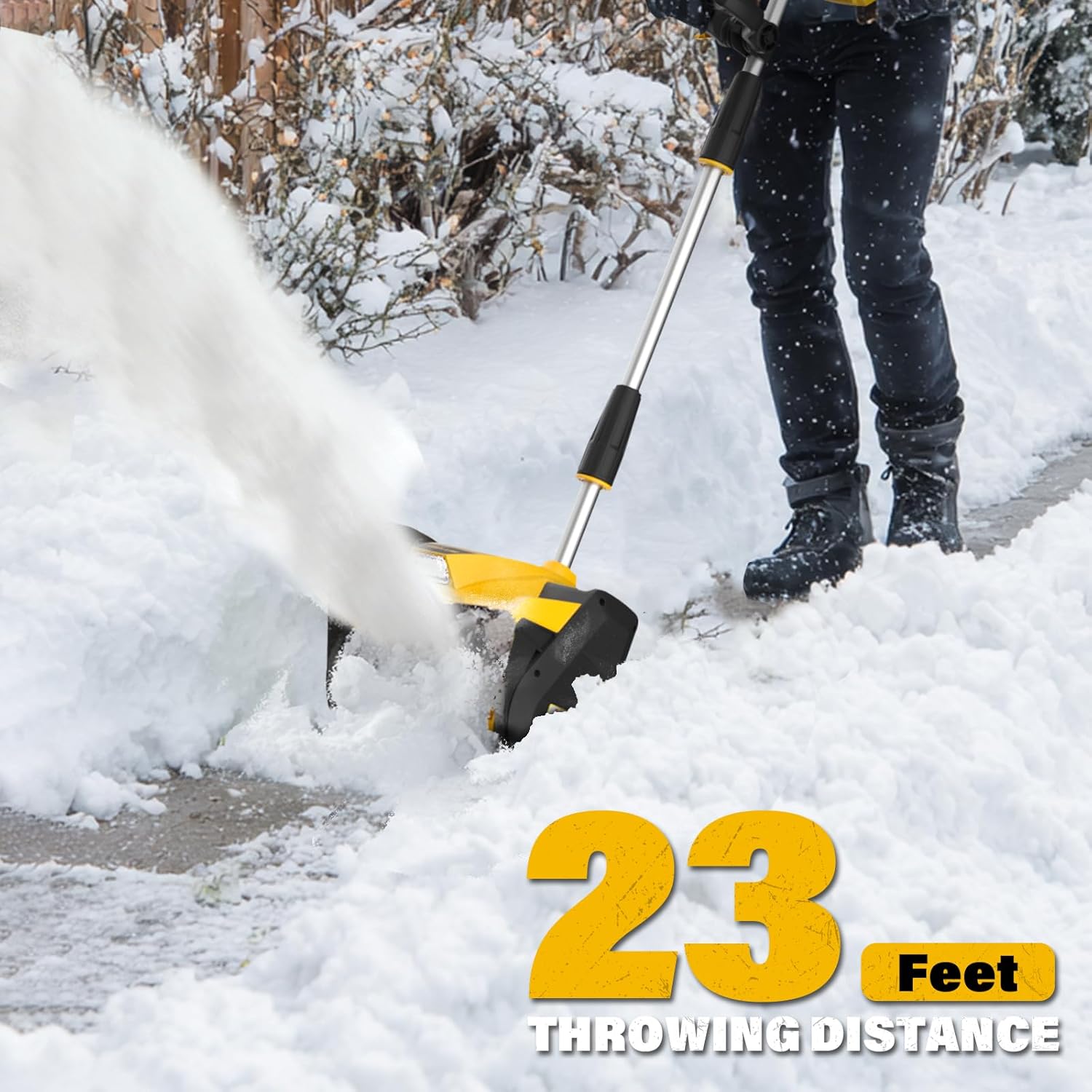
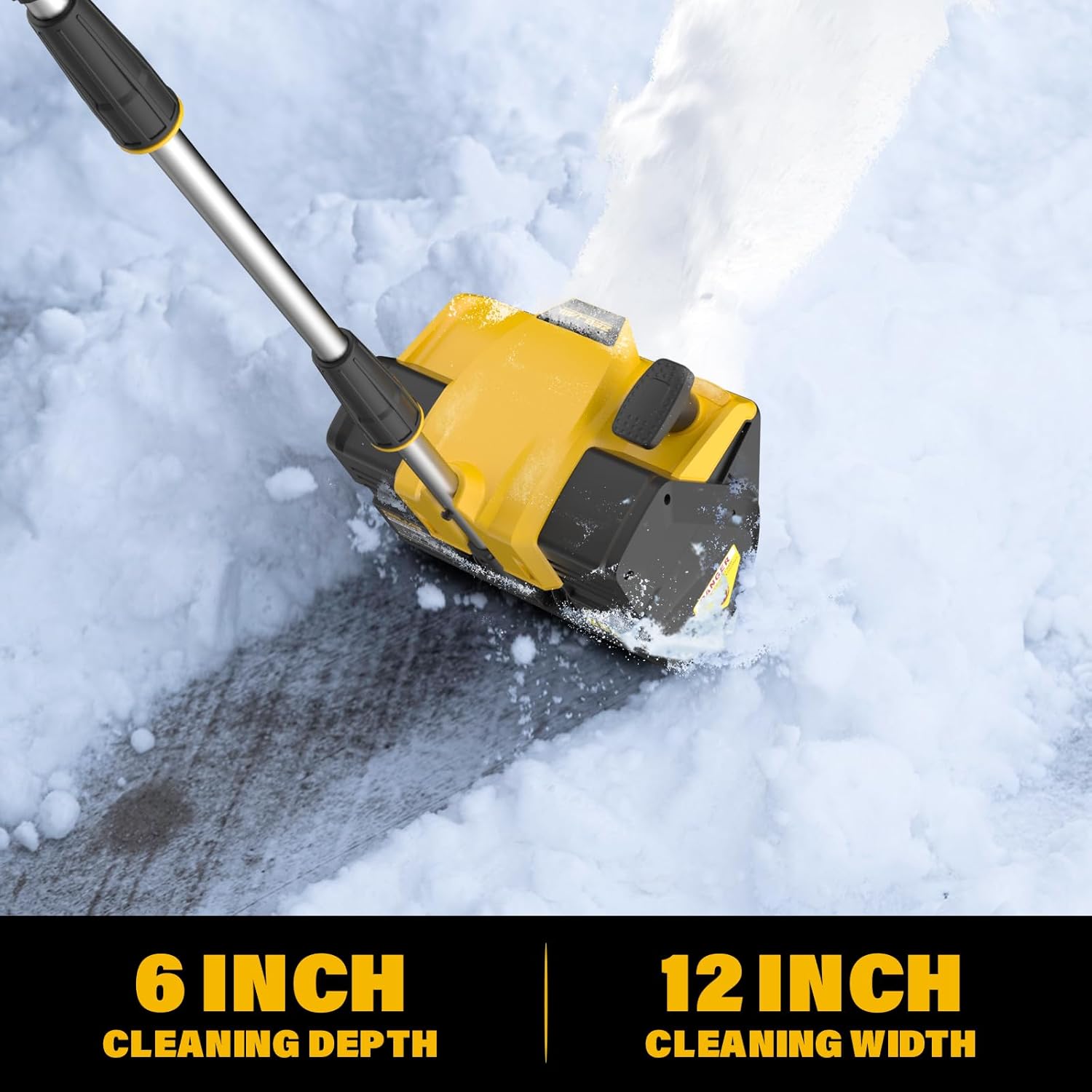
- Clearing Snow: Push the shovel forward into the snow. The 12-inch clearing width and 6-inch clearing depth allow for efficient snow removal. The unit can throw snow up to 23 feet.
- Stopping the Unit: Release the trigger switch.
6. Maintenance
Regular maintenance ensures optimal performance and longevity of your snow shovel:
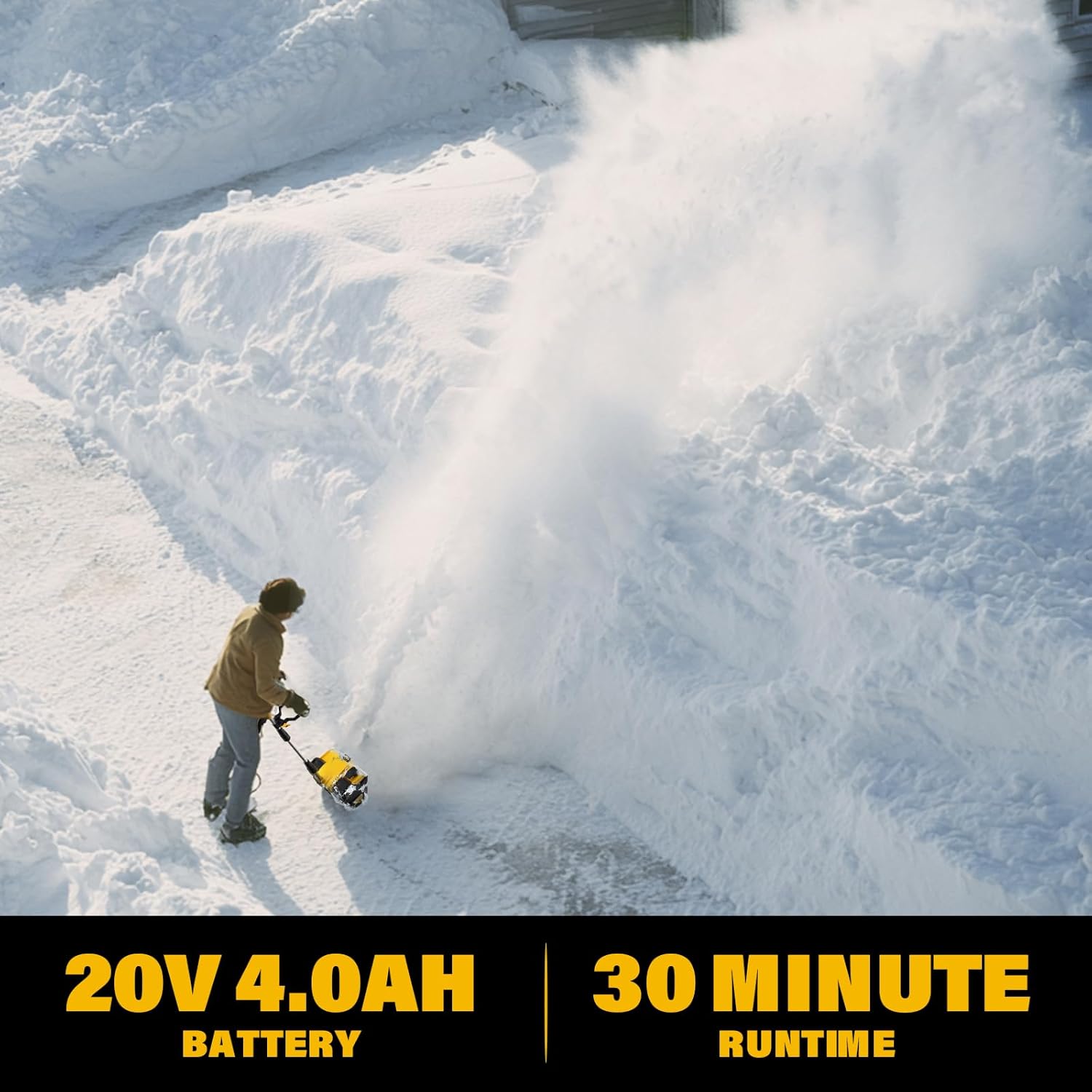
- Battery Charging: Use the provided fast charger to recharge the 20V 4.0Ah Lithium-Ion battery. A full charge provides approximately 30 minutes of runtime.
- Cleaning: After each use, remove any snow, ice, or debris from the auger and housing. Ensure the unit is dry before storage.
- Storage: When not in use, store the snow shovel in a dry, protected area. Use the included dust cover to protect it from dust and moisture.
- Inspection: Periodically inspect the unit for any signs of wear or damage to the auger, housing, or electrical components.
7. Troubleshooting
If you encounter issues with your snow shovel, refer to the following common solutions:
- Unit does not start: Ensure the battery is fully charged and properly inserted. Verify that the safety lock-out button is pressed before engaging the trigger.
- Reduced performance: Check for any obstructions (e.g., ice, debris) in the auger or discharge chute. Ensure the battery is adequately charged.
- Snow not throwing effectively: Adjust the directional plate to ensure it is not blocked and is set to the desired angle.
If problems persist, contact customer support for assistance.
8. Specifications
| Feature | Specification |
|---|---|
| Brand | ZEGJAW |
| Model Number | ZJ-WR-SS12 |
| Power Source | 20V 4.0Ah Lithium Ion Battery |
| Clearing Width | 12 inches |
| Clearing Depth | 6 inches |
| Snow Throwing Distance | Up to 23 feet |
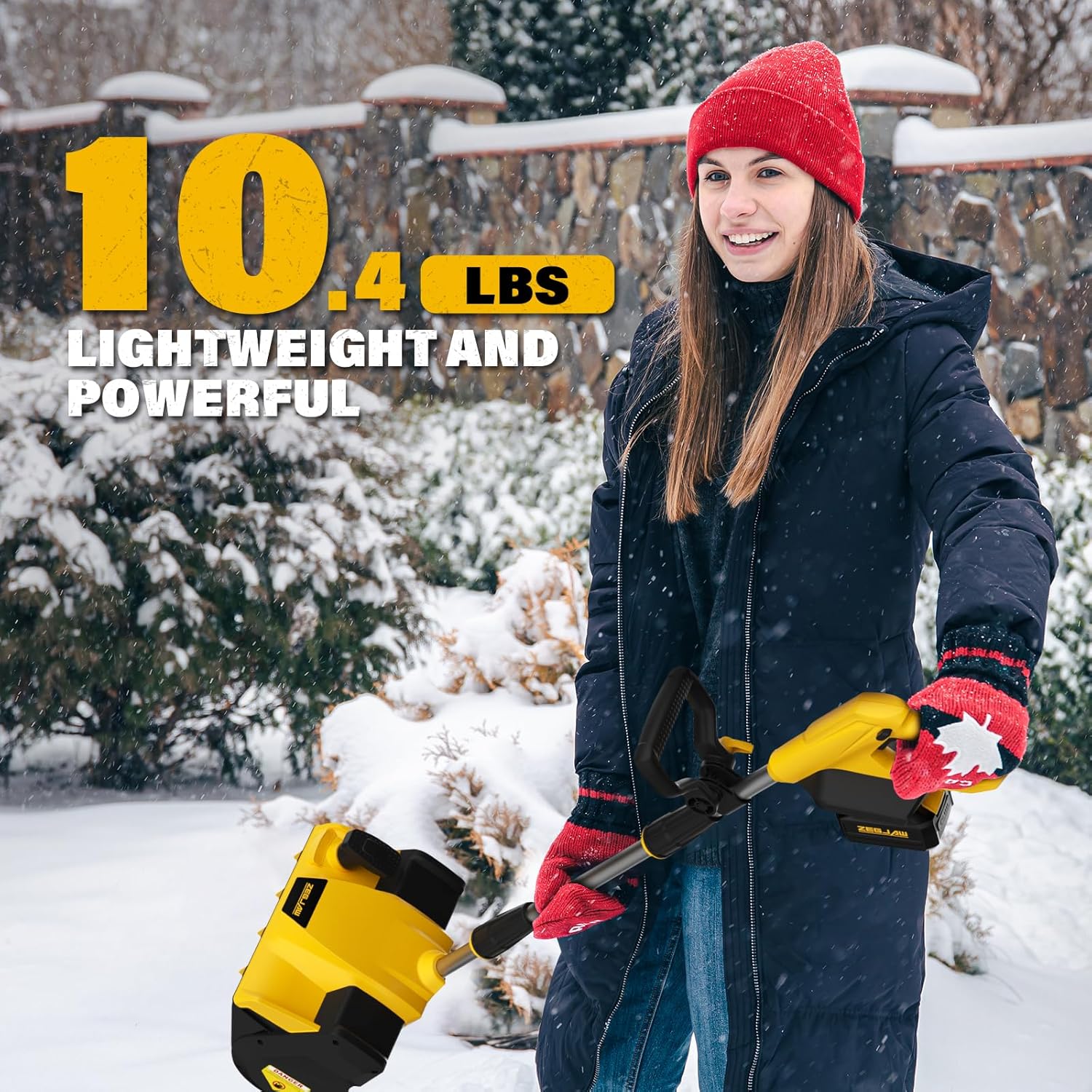
| Item Weight | 10.4 pounds |
| Product Dimensions | 19.8 x 12.6 x 10.6 inches |
| Handle Material | Acrylonitrile Butadiene Styrene (ABS) |
| Blade Material | Alloy Steel |
| Special Features | LED Light, Adjustable Front Handle, Directional Plate |
9. Warranty and Support
ZEGJAW is committed to customer satisfaction. We provide twelve months of after-sales service for this product. For any inquiries, technical support, or warranty claims, please contact our customer service team through the retailer where the product was purchased.