
PPBP YYK-Q65
PPBP YYK-Q65 AI Translation Earbuds
User Manual
Product Overview
The PPBP YYK-Q65 AI Translation Earbuds are designed to provide real-time language translation, music playback, and call management. Featuring an open-ear design, Bluetooth 5.4 connectivity, and a long-lasting battery, these earbuds are suitable for travel, business, and learning.

Image: The PPBP YYK-Q65 AI Translation Earbuds shown with their charging case.
What's in the Box
- PPBP YYK-Q65 AI Translation Earbuds (Left and Right)
- Charging Case
- USB-C Charging Cable
- User Manual (this document)
Specifications
| Feature | Detail |
|---|---|
| Model | YYK-Q65 |
| Connectivity Technology | Wireless (Bluetooth 5.4) |
| Ear Placement | Open Ear |
| Battery Life (Earbuds) | Up to 10 Hours (Single Charge) |
| Total Playtime (with Charging Case) | Up to 60 Hours |
| Charging Time (Case) | 1.5 Hours (approx.) |
| Translation Languages | 182 (via companion app) |
| Noise Control | Advanced Noise Cancellation |
| Control Method | Touch |
| Water Resistance Level | Waterproof |
| Material | Silicone |
| Item Weight | 3.52 ounces |
Setup
1. Charging the Earbuds and Case
Before first use, fully charge the earbuds and the charging case. Connect the USB-C charging cable to the port on the back of the case and to a power source. The LED display on the case will show the battery percentage of the case and the charging status of each earbud.

Image: The charging case displays the battery level of the case and individual earbuds.
2. Wearing the Earbuds
The YYK-Q65 earbuds feature an open-ear design with an ear hook for a secure and comfortable fit. Follow these steps for proper wearing:
- Take out the earbuds from the charging case.
- Hang the end of the ear hook on your ear bone.
- Turn the earbuds and slide them behind your ear.
- Adjust the ear hook for a secure and comfortable fit.

Image: A visual guide demonstrating the four steps to correctly wear the open-ear earbuds.
3. Bluetooth Pairing
The earbuds will automatically enter pairing mode when removed from the charging case. On your smartphone or other Bluetooth-enabled device, search for "YYK-Q65" in the Bluetooth settings and select it to connect. A voice prompt will confirm successful pairing.
4. Companion App Installation
To utilize the AI translation features, download the dedicated companion app on your iOS or Android device. Search for the app name (not explicitly provided, but implied by "Download APP On iOS /Android" in image) in your device's app store. Follow the in-app instructions to connect your earbuds.

Image: The earbuds facilitate communication across language barriers, supporting numerous languages.
Operating Instructions
Basic Earbud Controls (MFB Key)
- Pause/Play: Double-click the MFB key.
- Previous Track: Hold down the L-side MFB key for 1 second.
- Next Track: Hold down the R-side MFB key for 1 second.
- Volume Up: Triple-hit the L-side MFB key.
- Volume Down: Press the R-side MFB key three times.
- Answering a Call: Double-click the MFB key.
- Hang Up: Double-click the MFB key.
- Call Rejection: Hold down the MFB key for 1 second.
- Cancel the Call: Double-click the MFB key.
- Call Siri (without song playing): Triple-tap the left or right MFB key.
- Cancel Siri (when song is not playing): Double-click the left or right MFB key.
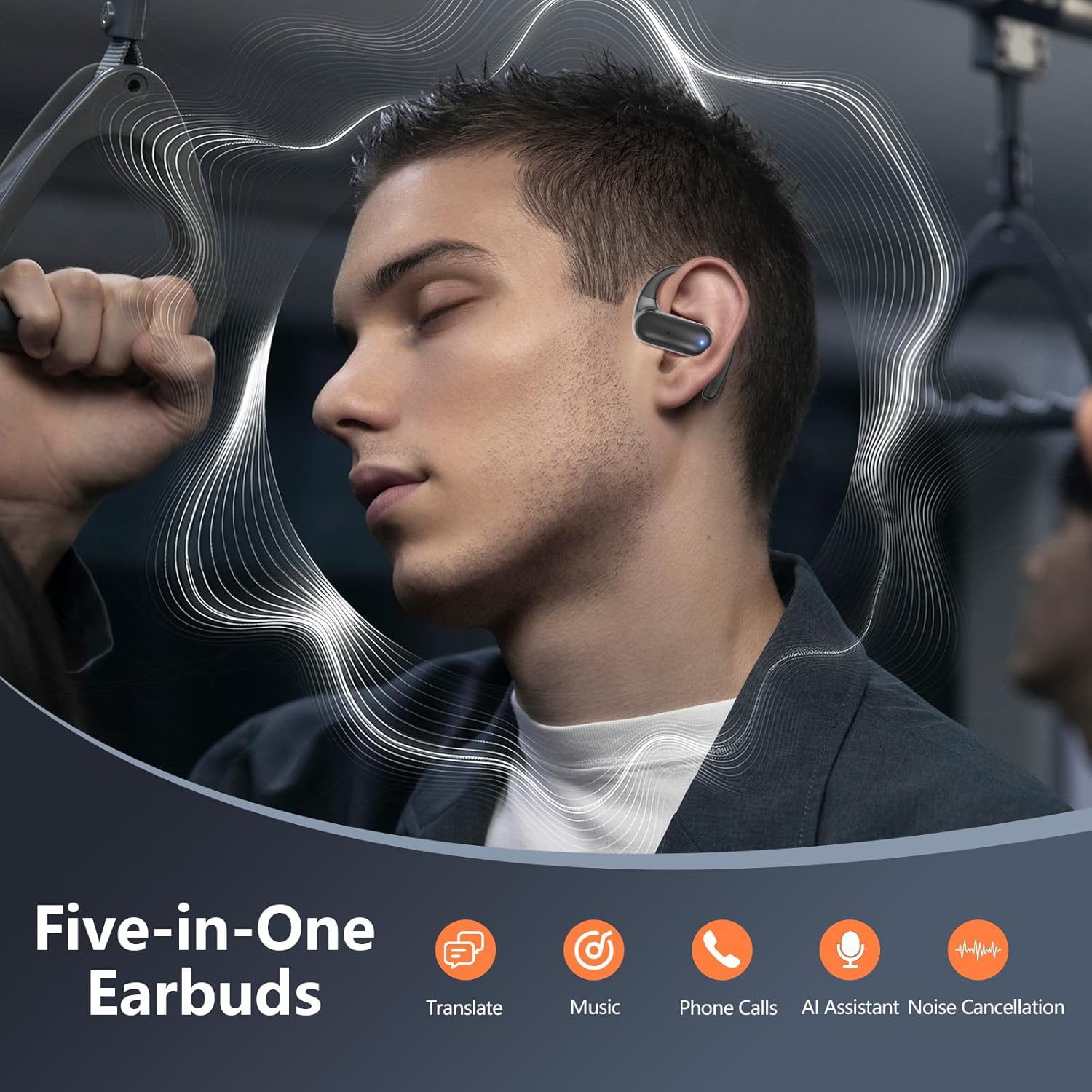
Image: Diagram illustrating the location of the Multi-Function Button (MFB) and microphone hole on the earbuds.
AI Translation Features (via Companion App)
The companion app unlocks the full potential of the AI translation earbuds, offering various modes for different communication needs.
Translation Modes:
- Simultaneous Interpretation: Translate conversations in real-time. One person speaks, and the translation is played through the other person's earbud or phone.
- Dual Ear Mode: Designed for two people to converse, each wearing an earbud. One earbud translates to one language, the other to a different language, enabling seamless two-way communication.
- Face-to-Face Mode: Ideal for direct conversations, where the app on your phone acts as a central translator.
- Audio and Video Call Mode: Translate during calls, allowing for clearer communication across languages.
- Conference Assistant Mode: Supports translation in group settings, useful for meetings or presentations.
- Free Talk Mode: For casual conversations while traveling, allowing both parties to wear an earphone and converse freely.
- Earbuds + Phone Mode: One person uses the earbuds, the other uses the phone for real-time translated conversations.
- AI Chat Mode: Powered by advanced AI, this mode allows you to ask questions and receive translated answers.
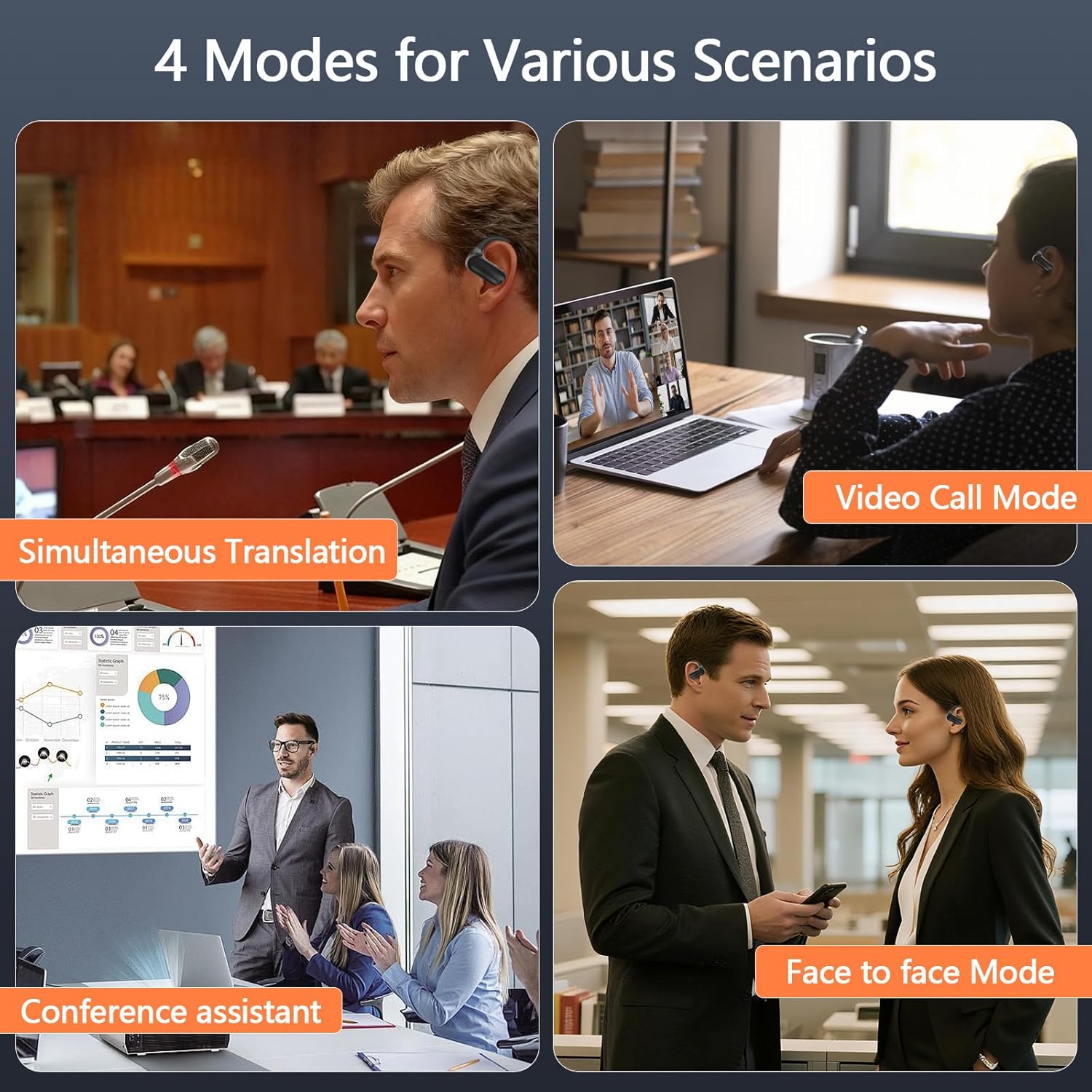
Image: The earbuds support four distinct modes for various communication scenarios.

Image: The earbuds are versatile for international travel, business, learning, video calls, and fitness.
Photo Translate:
This feature allows you to take a photo of text in a foreign language, and the app will translate it into your desired language, displaying the translated text directly over the image on your screen. This is particularly useful for menus, signs, or documents.
Maintenance
- Cleaning: Regularly clean the earbuds and charging case with a soft, dry cloth. Avoid using harsh chemicals or abrasive materials.
- Storage: Store the earbuds in their charging case when not in use to protect them and keep them charged.
- Water Resistance: The earbuds are waterproof. However, avoid prolonged submersion in water. Ensure they are dry before placing them back in the charging case.
Troubleshooting
- No Power: Ensure the charging case and earbuds are fully charged.
- Pairing Issues: Make sure Bluetooth is enabled on your device and the earbuds are in pairing mode. Try unpairing and re-pairing the earbuds.
- Translation Inaccuracy: Ensure a clear speaking environment and speak clearly into the microphone. Check your selected source and target languages in the app.
- App Connectivity: Verify that the earbuds are connected via Bluetooth to your phone and the app is open and running.
Warranty and Support
For warranty information and customer support, please refer to the documentation included with your product or contact PPBP customer service directly. The manufacturer is PPBP.
Ask a question about this manual
Ask about setup, troubleshooting, compatibility, parts, safety, or missing instructions. Manuals+ will review the question and use this page’s manual context to help answer it.