
Naseto WX0015
Naseto GPS Drone Model WX0015 Instruction Manual
Your guide to safe and effective drone operation.
1. Introduction
Thank you for choosing the Naseto GPS Drone Model WX0015. This manual provides essential information for the safe operation, setup, and maintenance of your drone. Please read it thoroughly before first use and retain it for future reference.
1.1 Safety Guidelines
- Always operate the drone in open areas, away from people, animals, buildings, and obstacles.
- Maintain a safe distance from high-voltage lines, communication towers, and other electromagnetic interference sources.
- Do not fly in strong winds, rain, snow, or fog.
- Ensure batteries are fully charged and securely installed before each flight.
- Adhere to all local regulations and laws regarding drone operation.
2. Package Contents
Verify that all items listed below are present in your package:
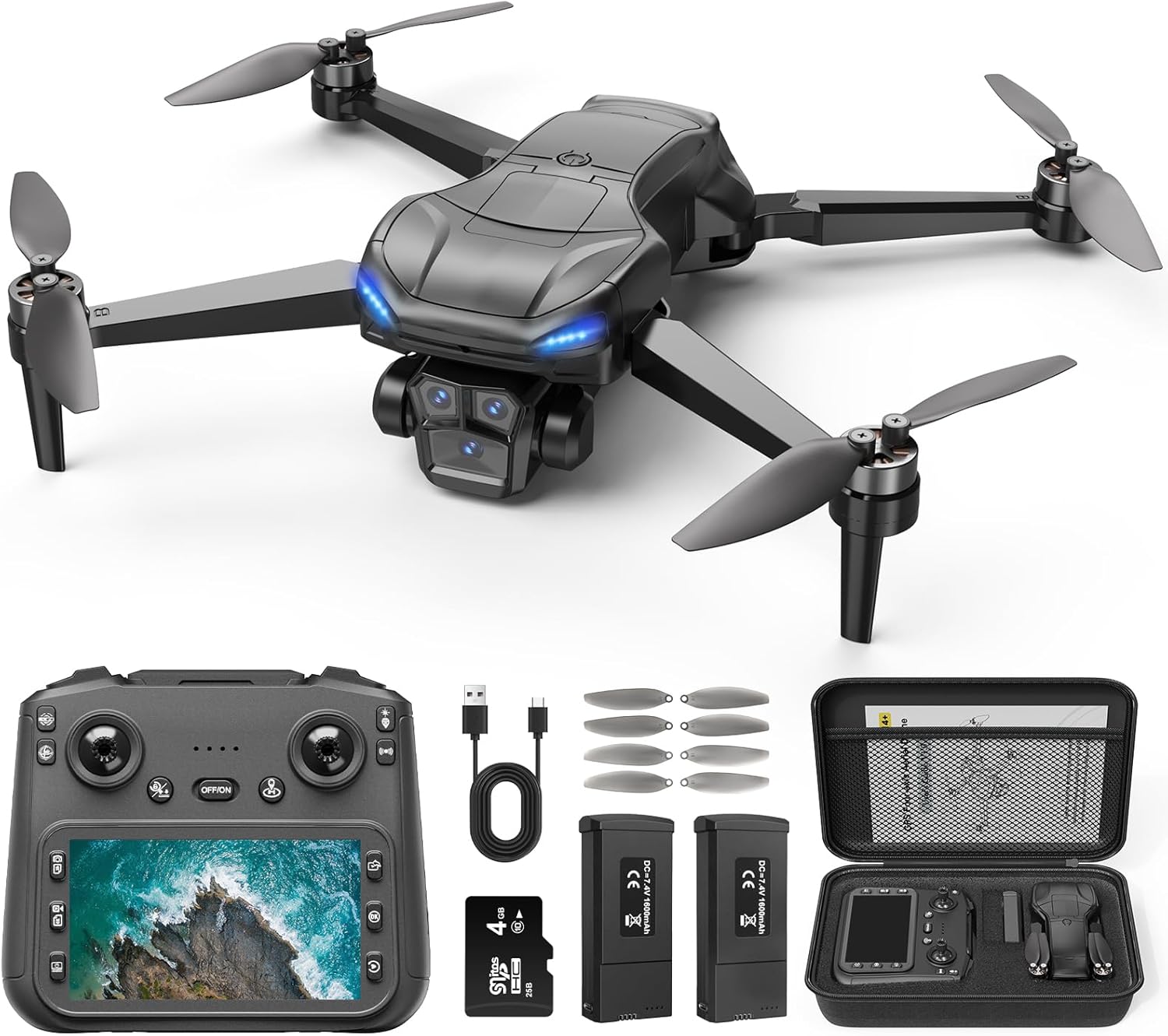
Image: The Naseto GPS Drone, remote controller, two batteries, spare propellers, USB charging cable, screwdriver, SD card, and a storage bag.
- Naseto GPS Drone (Model WX0015)
- Remote Controller with 4.5-inch LCD Screen
- Rechargeable Drone Batteries (x2)
- Spare Propellers (x4)
- USB Charging Cable
- Screwdriver
- SD Card (4GB)
- Storage Bag
- Instruction Manual (this document)
3. Components Overview
3.1 Drone

Image: A detailed view of the Naseto GPS Drone, highlighting its 4K UHD camera with 90-degree adjustable tilt and 110-degree field of view.
The Naseto GPS Drone features a compact, foldable design for portability. Key components include:
- 4K UHD Camera: Equipped with a 110° wide-angle lens and 90° tilt adjustment for high-resolution aerial photography and videography.
- Brushless Motors: Provide efficient, powerful, and quiet flight performance with enhanced wind resistance and durability.
- GPS Module: Enables precise positioning, stable hovering, and intelligent flight functions like Auto Return.
- LED Lights: Indicate drone status and aid in orientation during flight.
- Battery Compartment: Houses the modular flight battery.
3.2 Remote Controller

Image: The Naseto remote controller, featuring a 4.5-inch LCD screen for real-time video feed, control sticks, and various function buttons.
The remote controller provides intuitive control over the drone and its camera. It features:
- 4.5-inch LCD Screen: Displays real-time 5G FPV video feed directly from the drone's camera, eliminating the need for a smartphone.
- Control Sticks: For directional flight and altitude control.
- Function Buttons: Dedicated buttons for one-key take-off/landing, auto return, photo/video capture, and speed adjustment.
- SD Card Slot: For direct recording of footage onto the included SD card.
- Type-C Charging Port: For recharging the controller's internal battery.
4. Setup
4.1 Battery Charging
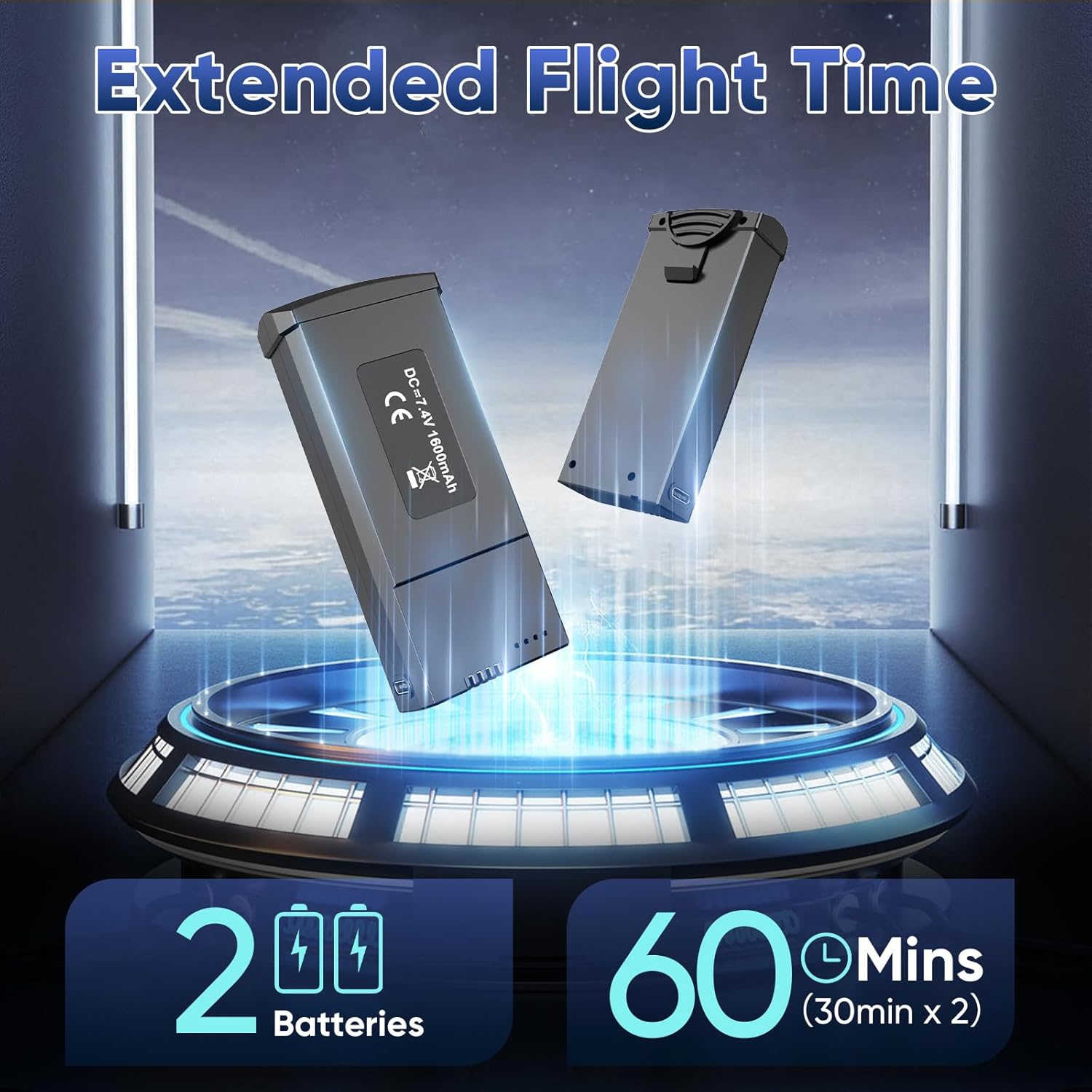
Image: Two modular drone batteries, each providing approximately 30 minutes of flight time, for a total of 60 minutes with both.
- Connect the drone battery to the USB charging cable.
- Plug the USB cable into a 5V/2A USB power adapter (not included).
- The battery indicator lights will show charging status. Charging typically takes 2-3 hours per battery.
- Charge the remote controller using its Type-C port and the provided USB cable.
Each 1800 mAh modular battery provides approximately 30 minutes of flight time, totaling up to 60 minutes with both included batteries.
4.2 Propeller Installation
Ensure propellers are correctly installed on the corresponding motor shafts. Match the 'A' and 'B' markings on the propellers with the 'A' and 'B' markings on the drone's motor arms. Use the provided screwdriver to secure them.
4.3 Pre-Flight Checks
- Ensure drone arms are fully unfolded and locked.
- Insert a charged battery into the drone until it clicks into place.
- Power on the drone, then the remote controller.
- Wait for the drone and controller to pair (indicated by stable LED lights).
- Perform compass calibration as instructed by the drone's LED indicators or app.
- Ensure GPS signal is acquired before outdoor flight (indicated by solid green GPS icon on controller screen).
5. Operating Instructions
5.1 Basic Flight Controls
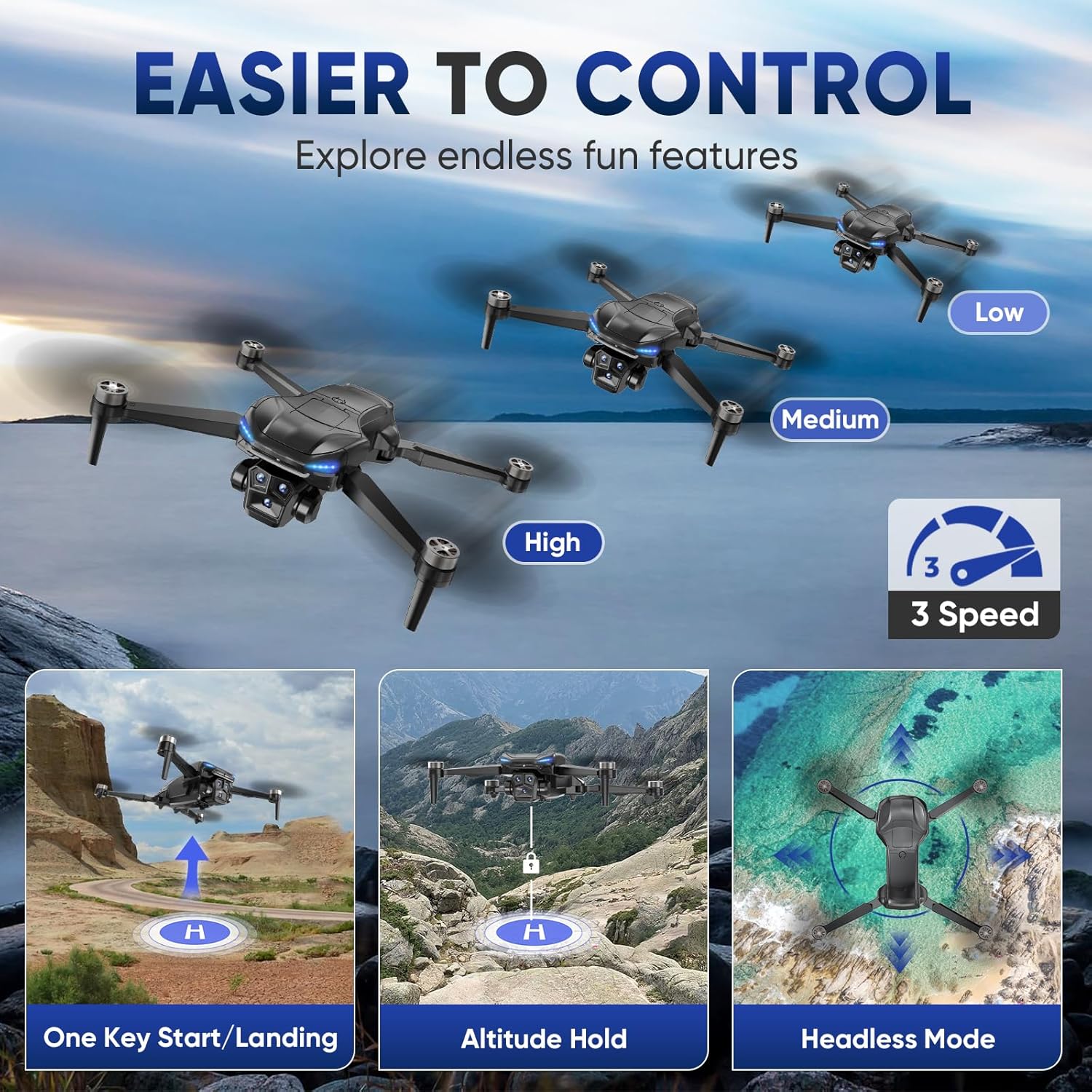
Image: Visual representation of the drone's easy-to-control features, including one-key take-off/landing, altitude hold, and headless mode, with three adjustable speed settings.
- One-Key Take-off/Landing: Press the dedicated button on the controller to automatically launch or land the drone.
- Altitude Hold: The drone maintains a stable altitude automatically, allowing easier control of horizontal movement.
- Headless Mode: In this mode, the drone's orientation is relative to the pilot, simplifying flight control regardless of the drone's front direction.
- Speed Adjustment: Use the speed button to switch between Low, Medium, and High-speed modes.
5.2 GPS Intelligent Flight Modes
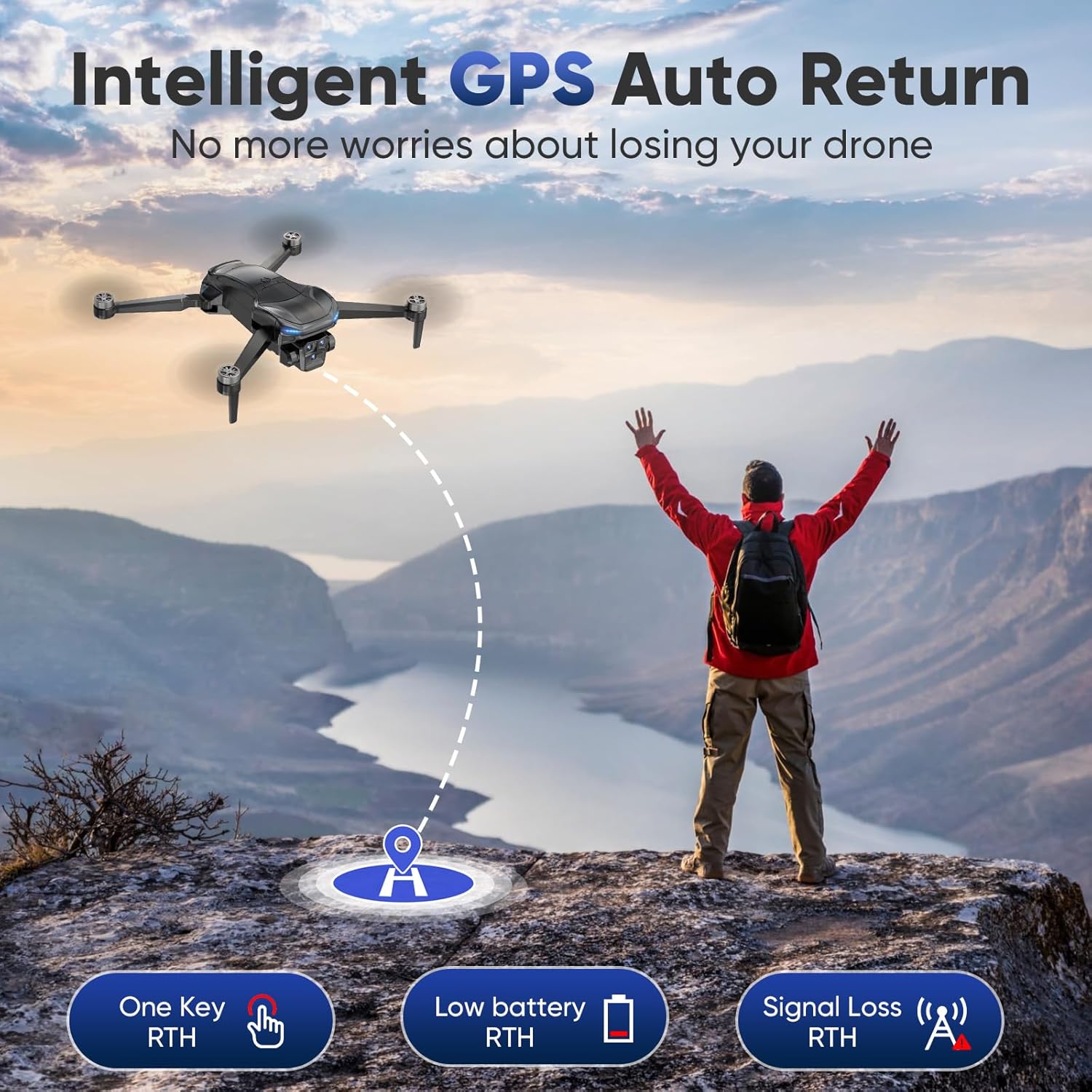
Image: A drone automatically returning to its take-off point, illustrating the Intelligent GPS Auto Return function activated by one key, low battery, or signal loss.
The Naseto GPS Drone offers advanced flight modes for enhanced safety and creative possibilities:
- Auto Return (RTH): The drone will automatically return to its take-off point under three conditions:
- One Key RTH: Manually activated by pressing the RTH button.
- Low Battery RTH: Automatically triggered when the drone's battery is critically low.
- Signal Loss RTH: Initiated if the connection between the drone and controller is lost.
- Follow Me: The drone will automatically follow the remote controller, capturing footage as you move (requires smartphone app operation).
- Point of Interest: The drone will circle around a designated point, maintaining a set distance and altitude (requires smartphone app operation).
- Tap Fly: Tap points on the map in the smartphone app, and the drone will fly along the specified path (requires smartphone app operation).
5.3 Camera Operation
The integrated 4K UHD camera allows for high-quality image and video capture.
- Photo/Video Capture: Use the dedicated buttons on the remote controller to take photos or start/stop video recording.
- 5G FPV Live View: The 4.5-inch LCD screen on the controller provides a real-time, high-definition view from the drone's camera.
- SD Card Recording: All photos and videos are saved directly to the included SD card in the controller.
- Gesture Selfie: Perform specific hand gestures in front of the camera to trigger photo or video capture (requires smartphone app operation).
6. Maintenance
6.1 Cleaning and Storage
- Wipe the drone and controller with a soft, dry cloth after each use.
- Avoid using solvents or harsh chemicals.
- Store the drone and accessories in the provided storage bag in a cool, dry place, away from direct sunlight.
- Remove batteries from the drone and controller if storing for extended periods.
6.2 Propeller Replacement
If a propeller is damaged, replace it immediately with a spare propeller from the package. Ensure the correct 'A' or 'B' propeller is used for the corresponding motor. Use the provided screwdriver for removal and installation.
7. Troubleshooting
| Problem | Possible Cause | Solution |
|---|---|---|
| Drone does not power on. | Battery not charged or incorrectly installed. | Ensure battery is fully charged and inserted correctly. |
| No FPV video on controller screen. | Poor signal, drone/controller not paired, or camera issue. | Ensure drone and controller are paired. Fly within range. Check for obstructions. |
| Drone drifts during flight. | Improper calibration or strong wind. | Perform compass and gyroscope calibration. Avoid flying in strong winds. |
| Auto Return (RTH) not working. | Insufficient GPS signal or RTH point not set. | Ensure strong GPS signal (at least 7-8 satellites). RTH point is usually the take-off location. |
| Propellers not spinning. | Motors locked, low battery, or propeller obstruction. | Check for obstructions. Ensure battery is charged. Try motor unlock sequence (refer to quick start guide). |
8. Specifications

Image: The Naseto GPS Drone in both folded and unfolded states, displaying its compact dimensions and weight under 249g.
| Feature | Detail |
|---|---|
| Brand | Naseto |
| Model Number | WX0015 |
| Color | Black |
| Connectivity Technology | Wi-Fi (5G FPV) |
| Drone Weight | 220 Grams (7.8 ounces) |
| Product Dimensions (Unfolded) | 12.28"L x 8.27"W x 3.15"H |
| Battery Type | Lithium Ion (1800 mAh) |
| Flight Time | Up to 30 minutes per battery (60 minutes total with 2 batteries) |
| Camera Resolution | 4K UHD |
| Camera Features | 110° Wide-angle, 90° Tilt Angle |
| Controller Screen | 4.5-inch HD LCD |
| Motor Type | Brushless |
| GPS Features | Auto Return (Signal Loss, Low Battery, One Key), Follow Me, Point of Interest, Tap Fly |
9. Warranty and Support
For warranty information or technical support, please refer to the contact details provided with your purchase documentation or visit the official Naseto website. Keep your purchase receipt as proof of purchase.
If you encounter any issues not covered in this manual, please contact Naseto customer service for assistance.
Ask a question about this manual
Ask about setup, troubleshooting, compatibility, parts, safety, or missing instructions. Manuals+ will review the question and use this page’s manual context to help answer it.