
1. Introduction
Thank you for choosing the YILANS JM4 Pro 50000mAh Portable Charger. This device is designed to provide reliable and efficient power for your electronic devices on the go. Featuring a high-capacity battery, multiple output ports, and built-in charging cables, it offers a versatile charging solution. Please read this manual thoroughly before use to ensure proper operation and to maximize the lifespan of your product.

Image: The YILANS JM4 Pro portable charger, showcasing its sleek design, built-in cables, and digital LED display.
2. Safety Information
To prevent injury or damage to your device, please observe the following safety precautions:
- Do not expose the power bank to extreme temperatures (above 60°C/140°F or below 0°C/32°F), direct sunlight, or fire.
- Do not immerse the power bank in water or other liquids.
- Avoid dropping, hitting, or disassembling the device.
- Keep out of reach of children.
- Use only certified charging cables and adapters.
- If the power bank swells, emits an odor, or becomes excessively hot, discontinue use immediately.
- Dispose of the power bank according to local regulations for electronic waste.

Image: Visual representation of the power bank's built-in safety features, including overvoltage, overcurrent, overload, overheating, and short-circuit protection.
3. Package Contents
Please check the package for the following items:
- 1 x YILANS JM4 Pro 50000mAh Portable Charger
- 1 x USB Charging Cable (for recharging the power bank)
- 1 x User Manual
4. Product Overview
The YILANS JM4 Pro features a comprehensive design for maximum utility:
- Built-in Cables: Includes Type-C, iOS (Lightning), Micro USB, and USB-A cables for direct device charging.
- Output Ports: Two USB-A output ports (OUT1, OUT2) and one USB-C output port (IN/OUT3).
- Input Ports: One USB-C input port (IN/OUT3) and one USB-A input cable (built-in) for recharging the power bank.
- LED Digital Display: Shows the remaining battery percentage.

Image: A detailed view of the YILANS JM4 Pro portable charger, highlighting its integrated charging cables (USB-A, USB-C, Micro USB, iOS) and the digital battery percentage display.

Image: A close-up of the power bank's side, illustrating the two USB-A output ports (OUT1, OUT2) and the multi-functional USB-C port (IN/OUT3), along with the built-in USB-A input cable.

Image: A visual demonstrating the compact and portable nature of the YILANS power bank, highlighting how it eliminates the need for multiple tangled cables.
5. Setup
Upon receiving your YILANS JM4 Pro, it is recommended to fully charge and discharge the device to activate the LED screen display and calibrate the battery for optimal performance.
- Initial Activation: Drain the power bank completely by using it to charge your devices until it runs out of power (0%).
- Full Recharge: Fully recharge the power bank to 100%.
Important: During the activation process, do not power off or unplug the adapter, as this may lead to an inaccurate LED display.

Image: A visual guide demonstrating the recommended initial activation process for the power bank, involving a full discharge followed by a full recharge.
6. Operating Instructions
6.1 Recharging the Power Bank
You can recharge the YILANS JM4 Pro using either the built-in USB-A input cable or the USB-C input port.
- Using Built-in USB-A Cable: Connect the built-in USB-A cable to a USB wall adapter or a computer's USB port.
- Using USB-C Port: Connect a USB-C cable to the IN/OUT3 port and then to a USB-C wall adapter.
The LED digital display will show the charging progress. When fully charged, it will display "100%".
Image: The power bank connected to a wall adapter via its USB-C port and also showing the built-in USB-A cable for input, demonstrating recharging options.
6.2 Charging External Devices
The power bank supports charging up to 6 devices simultaneously.
- Using Built-in Cables: Select the appropriate built-in cable (Type-C, iOS, Micro USB) and connect it directly to your device. The power bank will automatically begin charging.
- Using USB-A Output Ports: Connect your device's charging cable to one of the USB-A output ports (OUT1 or OUT2) on the power bank.
- Using USB-C Output Port: Connect your device's USB-C charging cable to the IN/OUT3 port on the power bank.
The LED display will show the remaining battery percentage during charging. The power bank features 22.5W PD (Power Delivery) and QC (Quick Charge) 3.0/4.0 technologies for fast charging compatible devices.

Image: The YILANS JM4 Pro power bank connected to and simultaneously charging six different electronic devices, including smartphones and a smartwatch, demonstrating its multi-device charging capability.

Image: A graphic illustrating the fast charging capability of the YILANS power bank, showing it can charge an iPhone 15 up to 60% in 30 minutes, significantly faster than other chargers.

Image: A compatibility chart displaying various smartphone brands (iPhone, Samsung, Huawei, Xiaomi, Google Pixel) and their respective fast charging protocols (SCP 22.5W, QC3.0 18W, PPS 22W, PD3.0 20W) supported by the power bank.
6.3 LED Digital Display
The integrated LED screen provides real-time information about the power bank's battery status. The percentage displayed indicates the remaining charge. When charging, the numbers will flash, and when fully charged, it will show a steady "100%".
7. Maintenance
- Clean the power bank with a soft, dry cloth. Do not use abrasive cleaners or solvents.
- Store the power bank in a cool, dry place away from direct sunlight and moisture.
- If not used for extended periods, recharge the power bank at least once every three months to maintain battery health.
8. Troubleshooting
| Problem | Possible Cause | Solution |
|---|---|---|
| Power bank does not charge. | Charging cable or adapter is faulty; power bank is not properly connected. | Ensure all connections are secure. Try a different charging cable or wall adapter. |
| Device is not charging from the power bank. | Power bank battery is depleted; incorrect cable used; device is incompatible. | Recharge the power bank. Ensure the correct built-in cable or external cable is used. Verify device compatibility. |
| LED display shows inaccurate percentage. | Initial activation not completed or interrupted. | Perform a full discharge (to 0%) and then a full recharge (to 100%) without interruption to recalibrate the display. |
| Slow charging. | Cable or adapter does not support fast charging; multiple devices charging simultaneously. | Use a fast-charging compatible cable and adapter. Charging multiple devices may reduce individual charging speeds. |
9. Specifications
| Model | JM4 Pro |
| Battery Capacity | 50000 Milliamp Hours (mAh) |
| Input (USB-C) | 22.5W PD (Power Delivery) |
| Output (USB-C) | 22.5W PD (Power Delivery) |
| Output (USB-A) | QC3.0/4.0 (Quick Charge) |
| Built-in Cables | USB-A (input), Type-C (output), iOS (output), Micro USB (output) |
| Dimensions | 11.81 x 5.91 x 9.84 inches |
| Item Weight | 1.14 pounds (517g) |
| Special Features | Built-in cables, Digital Display, Extra-large capacity, Fast Charging, Multiple safety protections |
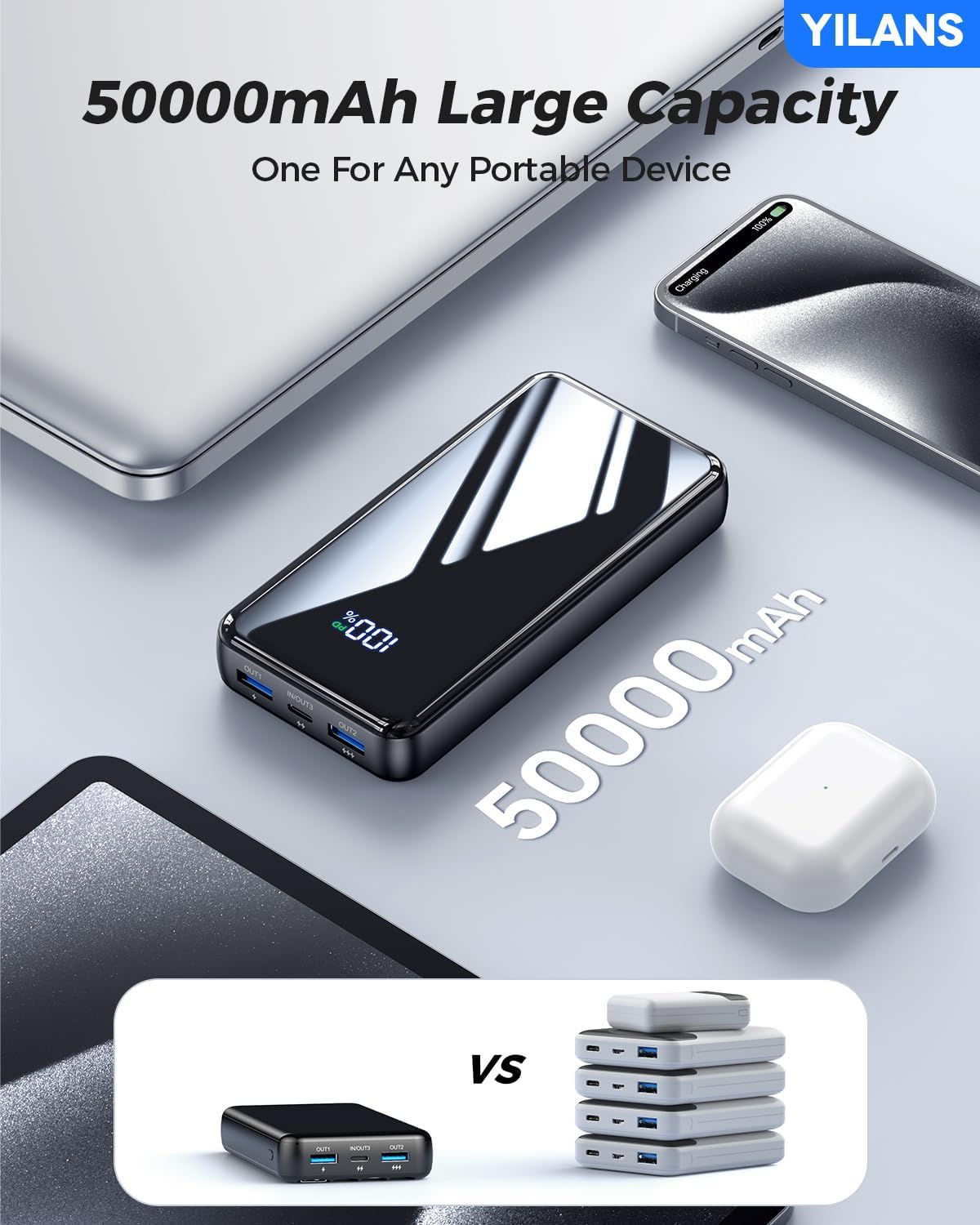
Image: A visual comparison highlighting the substantial 50000mAh capacity of the YILANS power bank, indicating it can replace multiple smaller power banks.
10. Warranty and Support
YILANS is committed to providing high-quality products and customer satisfaction. For any inquiries or support needs, please contact our customer service team.
- Return Service: 365 Days Return Service.
- Customer Support: 7*24h Return Service.
- For faster assistance, please refer to your purchase platform's support channels.

Image: Customer service representatives ready to assist, emphasizing YILANS' commitment to customer care and support.
11. Compliance and Certifications
The YILANS JM4 Pro Portable Charger complies with relevant safety and quality standards. It has received certifications including UL, DOE, CE, and meets the Federal Communications Commission's requirements for the safety performance of electronic products.

Image: A display of various certification documents (SGS, CE, FDA Compliance) alongside a trophy, signifying the product's adherence to quality and safety standards.